

Your Browsing History

Meet Your Seller

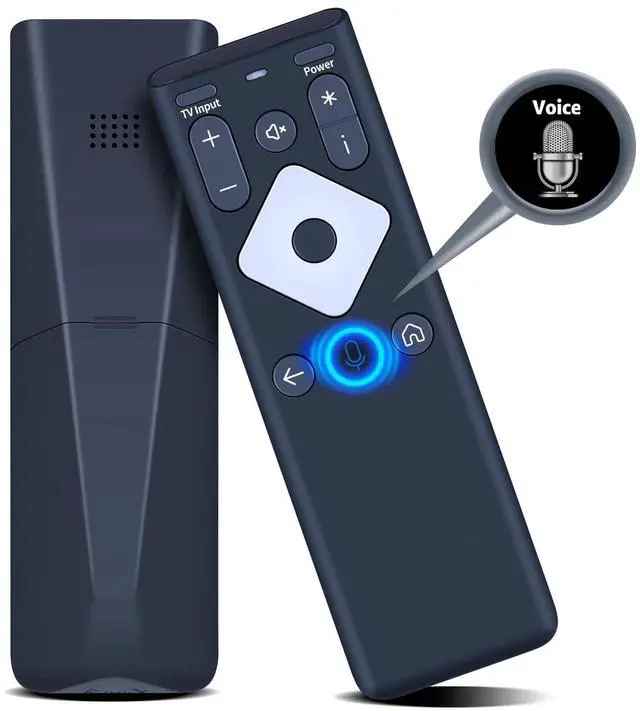
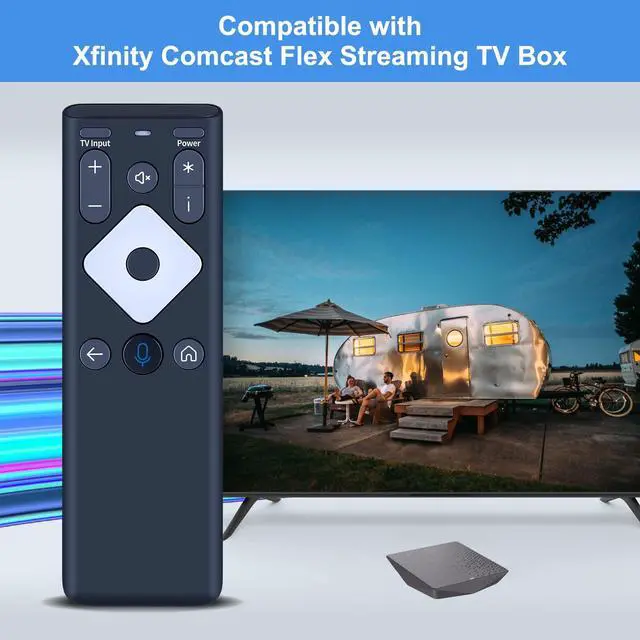


Replacement Voice XR16 for Xfinity Comcast Remote Control, for Flex Streaming TV Box
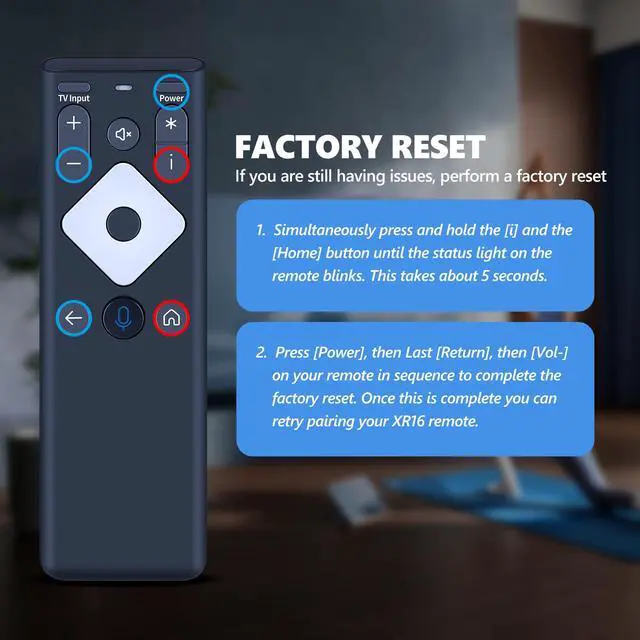
- Compatibility: New replacement voice XR16 for Xfinity Comcast flex streaming TV box remote control, for Flex Streaming Device Only. Intelligent Voice: Long press to complete pairing before using the voice function. The XR16 voice remote includes voice buttons that let you use the voice function to locate your program or start an application, making your operation easier. Pair Your TV Box: Point the remote at your TV Box and press the Voice button once. Follow the on-screen instructions to pair your remote for voice control. Once your remote is paired, follow the on-screen directions to configure power, volume, and input control for your TV. If you need to pair your TV or audio device, please refer to the product description. Factory Reset: Simultaneously press and hold the [i] and the [Home] button until the status light on the remote blinks. This takes about 5 seconds. Press [Power], then Last [Return], then [Vol-] on your remote in sequence to complete the factory reset. Once this is done, you can retry pairing your XR16 remote. If your TV model is not on the compatible list, please inform us before ordering so we can verify it for you
+
+
Overview
Specs
Reviews

Any questions? Our AI mode will help you find out quickly.
Try me now
Compatibility: New replacement voice XR16 for Xfinity Comcast flex streaming TV box remote control, for Flex Streaming Device Only.
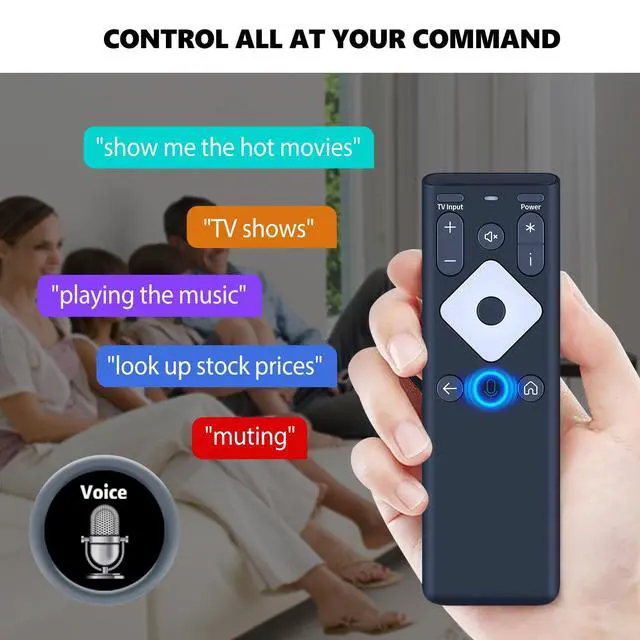
Intelligent Voice: Long press to complete pairing before using the voice function. The XR16 voice remote includes voice buttons that let you use the voice function to locate your program or start an application, making your operation easier.
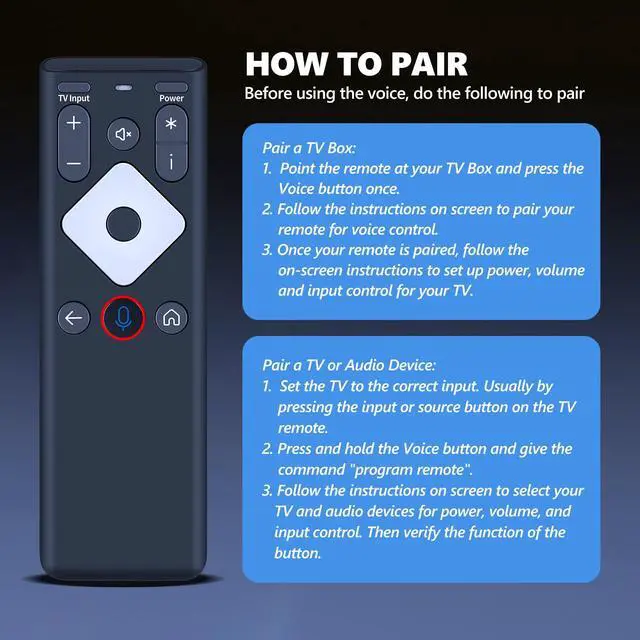
Pair Your TV Box: Point the remote at your TV Box and press the Voice button once. Follow the on-screen instructions to pair your remote for voice control. Once your remote is paired, follow the on-screen directions to configure power, volume, and input control for your TV. If you need to pair your TV or audio device, please refer to the product description.
Factory Reset: Simultaneously press and hold the [i] and the [Home] button until the status light on the remote blinks. This takes about 5 seconds. Press [Power], then Last [Return], then [Vol-] on your remote in sequence to complete the factory reset. Once this is done, you can retry pairing your XR16 remote. If your TV model is not on the compatible list, please inform us before ordering so we can verify it for you
Intelligent Voice: Long press to complete pairing before using the voice function. The XR16 voice remote includes voice buttons that let you use the voice function to locate your program or start an application, making your operation easier.
Pair Your TV Box: Point the remote at your TV Box and press the Voice button once. Follow the on-screen instructions to pair your remote for voice control. Once your remote is paired, follow the on-screen directions to configure power, volume, and input control for your TV. If you need to pair your TV or audio device, please refer to the product description.
Factory Reset: Simultaneously press and hold the [i] and the [Home] button until the status light on the remote blinks. This takes about 5 seconds. Press [Power], then Last [Return], then [Vol-] on your remote in sequence to complete the factory reset. Once this is done, you can retry pairing your XR16 remote. If your TV model is not on the compatible list, please inform us before ordering so we can verify it for you
Warranty & Returns
Warranty, Returns, And Additional Information
Warranty
- Please contact the Seller directly for warranty information. Warranty information may also be found on the Manufacturer's website.
- CONTACT
Return Policies
- Return for refund within: 30 days
- Return for replacement within: 30 days
- This item is covered by Brightflag Electronics Return Policy
Manufacturer Contact Info
- For a directory of all our manufacturers, please click below.
- Manufacturers Directory
LOADING...