Out of stock
  • $65.99
  • Free 30-day Returns
Price alert
Shop it at NeweggBusiness.

Meet Your Seller

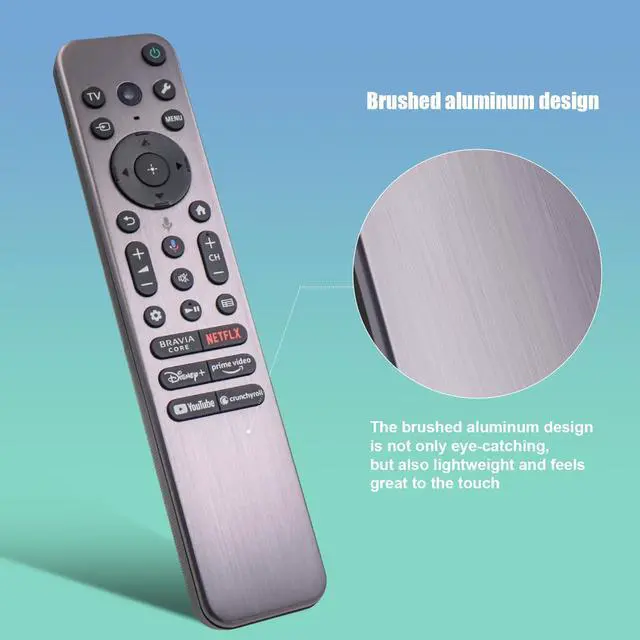
RMF-TX910U Voice Remote Replacement for Most Sony 2023 2024 Bravia TVs, Includes Voice, Backlight, Beep Locator Function and Metal Case, Compatible with Sony a80l a95l XR-55A95L, XR-65A95L, 77A95L

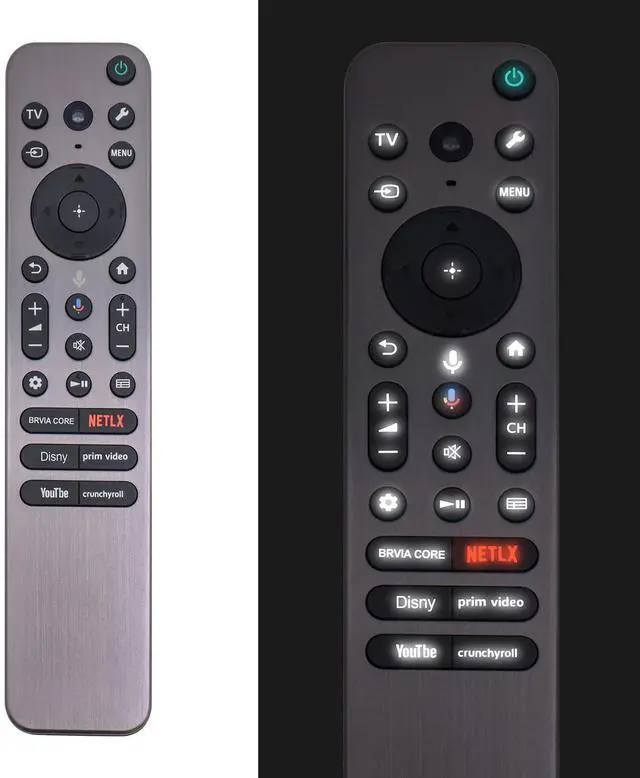
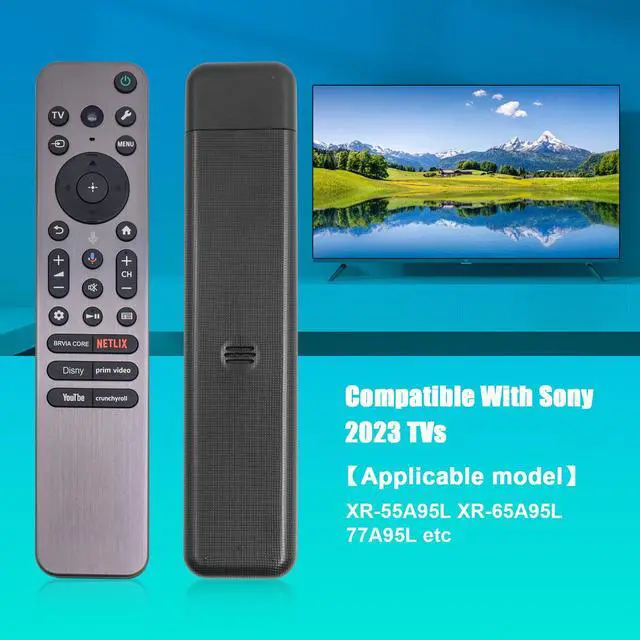
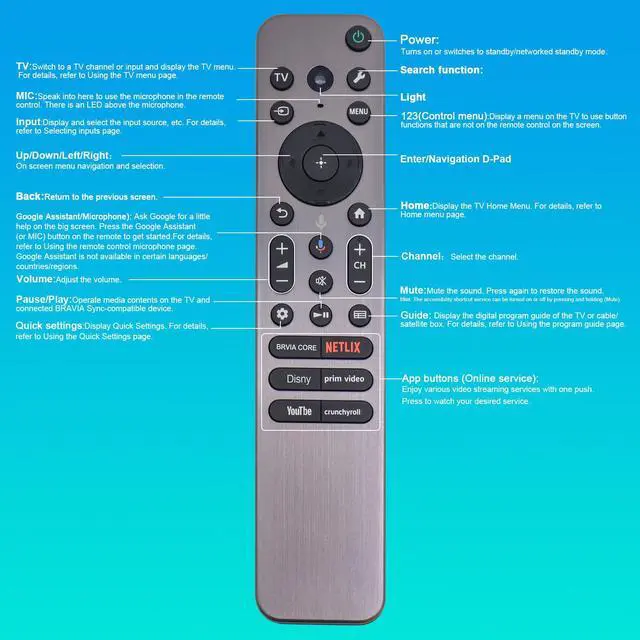
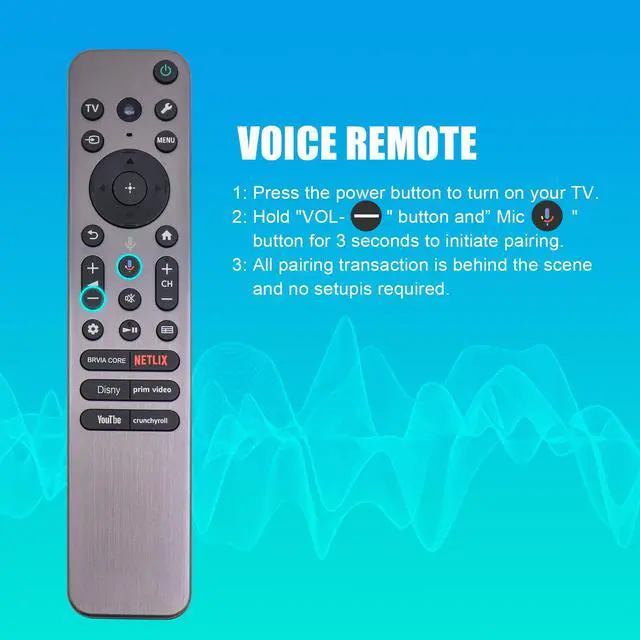
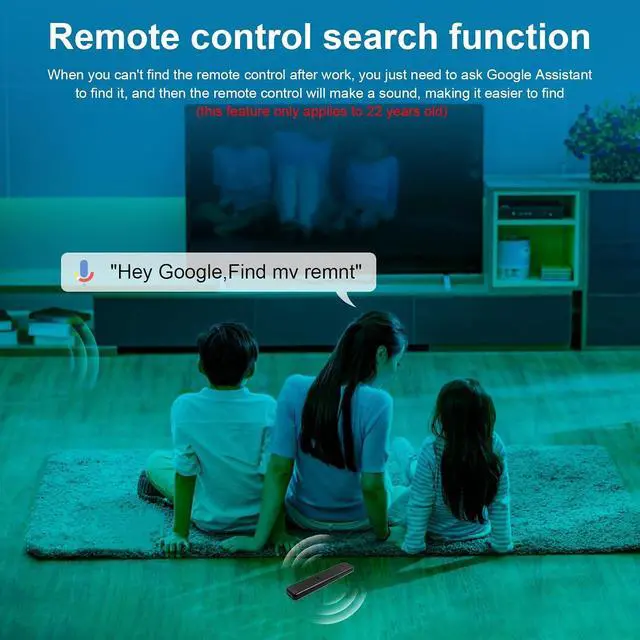
  • New Remote RMF-TX910U TV Remote Control is a premium remote designed specifically for most Sony 2023 TVs, including models such as XR-55A95L, XR-65A95L and 77A95L. This is a powerful remote control that contains voice functionality, backlighting, Beep Location Function, metal casing and apps. Enables you to operate your TV through voice commands. If the lights are dimmed, all you have to do is pick up the remote control or press the remote control button and the remote control button will light up. If you can't find the remote control, you can locate it by using the beep locator function of the remote control. It also includes hot keys for popular streaming services like "Netflix" "PrimeVideo" and "YouTube", providing convenient access to your favorite channels. Before using the remote, make sure to pair it with your TV by installing a new battery and pressing and holding the [VOL(-)] key and [Google Assistant] key for 2 seconds to initiate the pairing process

+
+
Overview
Specs
Reviews
avatar

Any questions? Our AI mode will help you find out quickly.

New Remote RMF-TX910U TV Remote Control is a premium remote designed specifically for most Sony 2023 TVs, including models such as XR-55A95L, XR-65A95L and 77A95L. This is a powerful remote control that contains voice functionality, backlighting, Beep Location Function, metal casing and apps. Enables you to operate your TV through voice commands. If the lights are dimmed, all you have to do is pick up the remote control or press the remote control button and the remote control button will light up. If you can't find the remote control, you can locate it by using the beep locator function of the remote control.

It also includes hot keys for popular streaming services like "Netflix" "PrimeVideo" and "YouTube", providing convenient access to your favorite channels. Before using the remote, make sure to pair it with your TV by installing a new battery and pressing and holding the [VOL(-)] key and [Google Assistant] key for 2 seconds to initiate the pairing process

Warranty & Returns

Warranty, Returns, And Additional Information

Warranty

  • Please contact the Seller directly for warranty information. Warranty information may also be found on the Manufacturer's website.
  • CONTACT

Return Policies

Manufacturer Contact Info

LOADING...