

Your Browsing History

Meet Your Seller


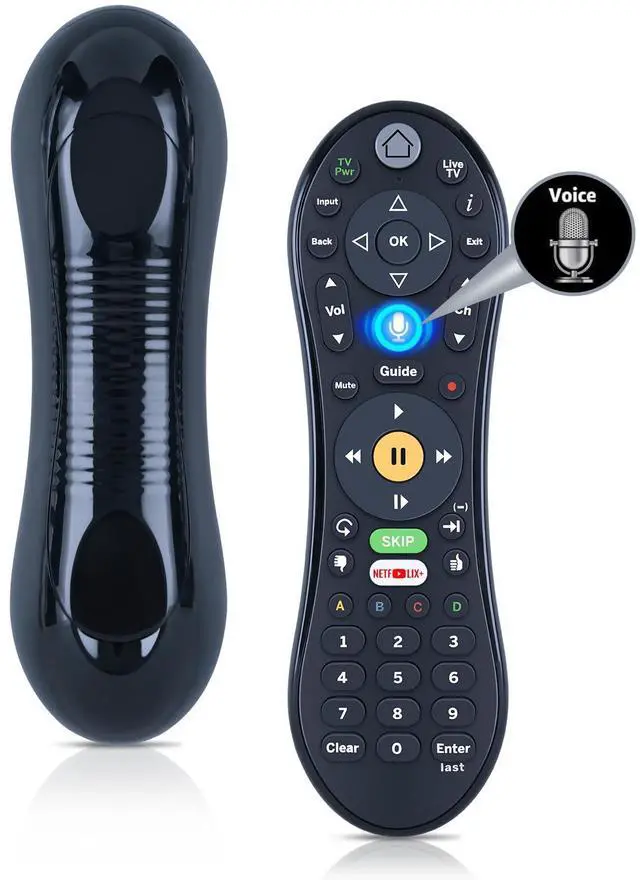
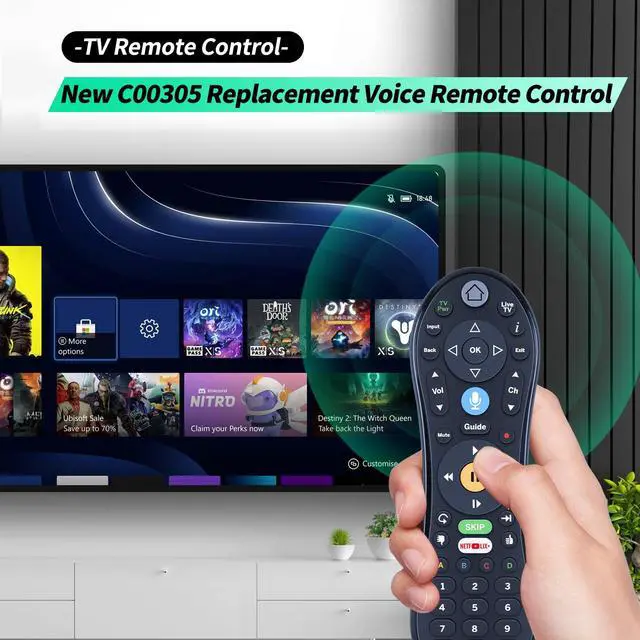
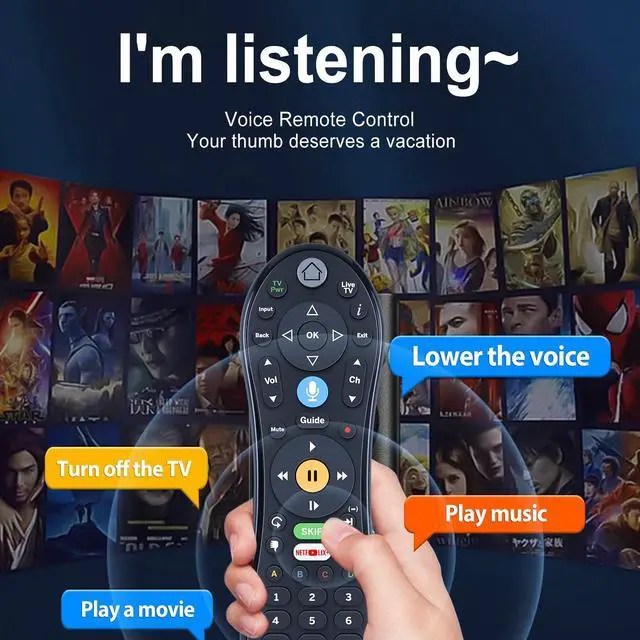
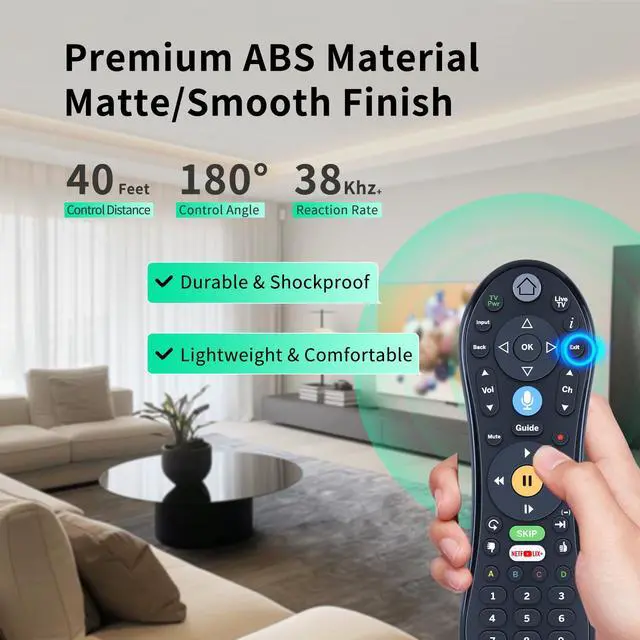
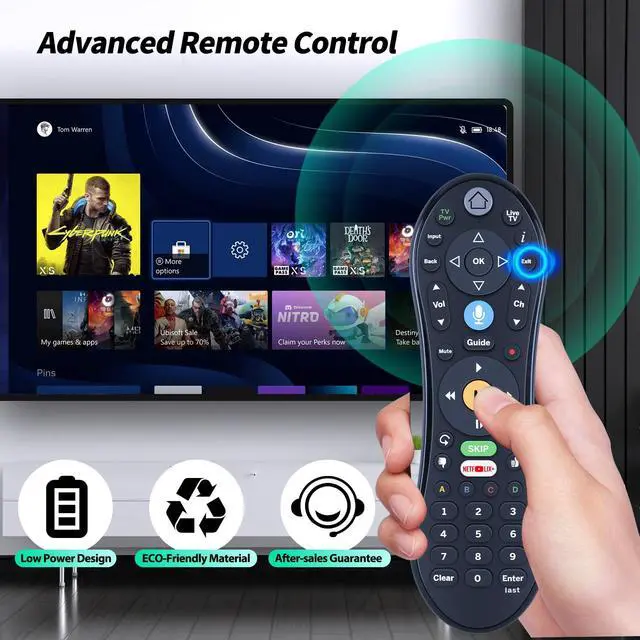
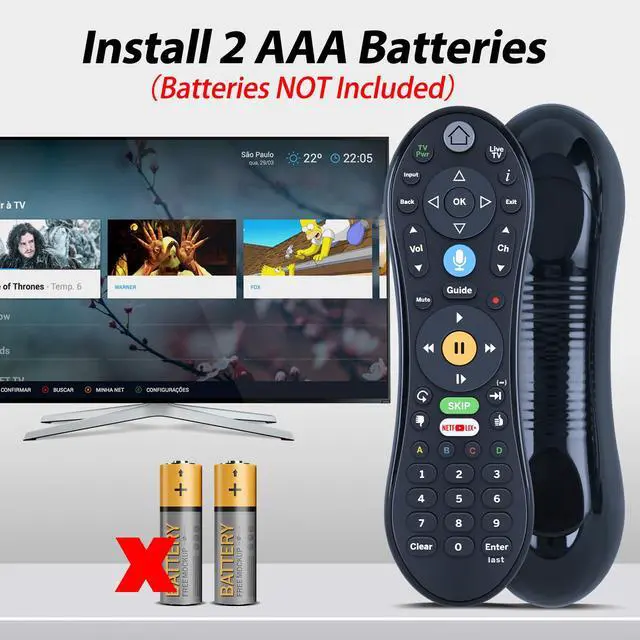


New C00305 Replacement Voice Remote Control for Tivo Edge, Bolt, Roamio Plus and Pro, for TiVo Mini VOX, for TiVo LUX Remote
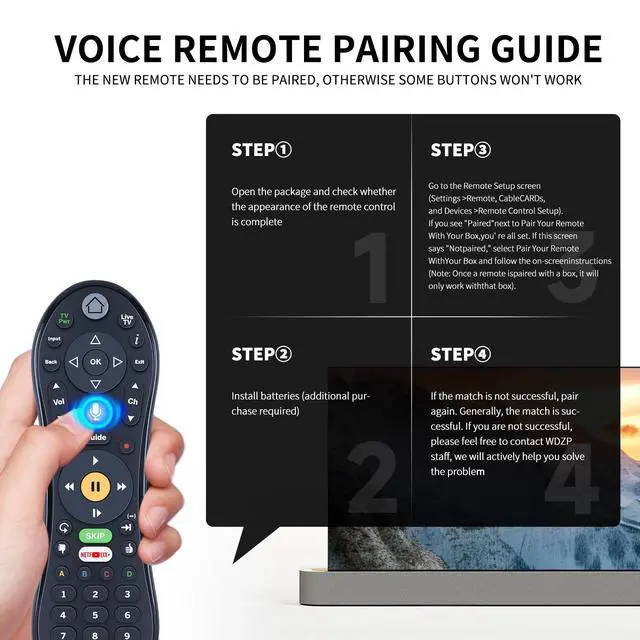
- CompatibilityNew C00305 Replacement Voice Remote Control for Tivo Edge, Bolt, Roamio Plus and Pro, for TiVo Mini VOX, for TiVo LUX Remote. NoteThe remote must be paired with your box in order to use the voice feature, and it will pair automatically with your box when you use it. You'll know it's paired successfully if the activity light at the top of the remote flashes yellow with each button press. If the light flashes red with each button press, you can pair the remote manually by choosing Menu from the Home screen, then choosing Settings > Remote, CableCARD, & Devices > Remote Control Setup > Pair Your Remote with Your Box. If you're not sure if your remote is paired, go to the Remote Setup screen (Settings > Remote, CableCARDs, and Devices > Remote Control Setup). If you see "Paired" next to Pair Your Remote With Your Box, you're all set. If this screen says "Not paired," select Pair Your Remote With Your Box and follow the on-screen instructions (Note: Once a remote is paired with a box, it will only work with that box). Package Included1 x Voice remote control & Instruction Manual*1 (Batteries are not included)
+
+
Overview
Specs
Reviews

Any questions? Our AI mode will help you find out quickly.
Try me now
CompatibilityNew C00305 Replacement Voice Remote Control for Tivo Edge, Bolt, Roamio Plus and Pro, for TiVo Mini VOX, for TiVo LUX Remote. NoteThe remote must be paired with your box in order to use the voice feature, and it will pair automatically with your box when you use it. You'll know it's paired successfully if the activity light at the top of the remote flashes yellow with each button press. If the light flashes red with each button press, you can pair the remote manually by choosing Menu from the Home screen, then choosing Settings > Remote, CableCARD, & Devices > Remote Control Setup > Pair Your Remote with Your Box.
If you're not sure if your remote is paired, go to the Remote Setup screen (Settings > Remote, CableCARDs, and Devices > Remote Control Setup). If you see "Paired" next to Pair Your Remote With Your Box, you're all set. If this screen says "Not paired, " select Pair Your Remote With Your Box and follow the on-screen instructions (Note: Once a remote is paired with a box, it will only work with that box). Package Included1 x Voice remote control & Instruction Manual*1 (Batteries are not included)
If you're not sure if your remote is paired, go to the Remote Setup screen (Settings > Remote, CableCARDs, and Devices > Remote Control Setup). If you see "Paired" next to Pair Your Remote With Your Box, you're all set. If this screen says "Not paired, " select Pair Your Remote With Your Box and follow the on-screen instructions (Note: Once a remote is paired with a box, it will only work with that box). Package Included1 x Voice remote control & Instruction Manual*1 (Batteries are not included)
Warranty & Returns
Warranty, Returns, And Additional Information
Warranty
- Please contact the Seller directly for warranty information. Warranty information may also be found on the Manufacturer's website.
- CONTACT
Return Policies
- Return for refund within: 30 days
- Return for replacement within: 30 days
- This item is covered by Brightflag Electronics Return Policy
Manufacturer Contact Info
- For a directory of all our manufacturers, please click below.
- Manufacturers Directory
LOADING...