

Your Browsing History

Meet Your Seller

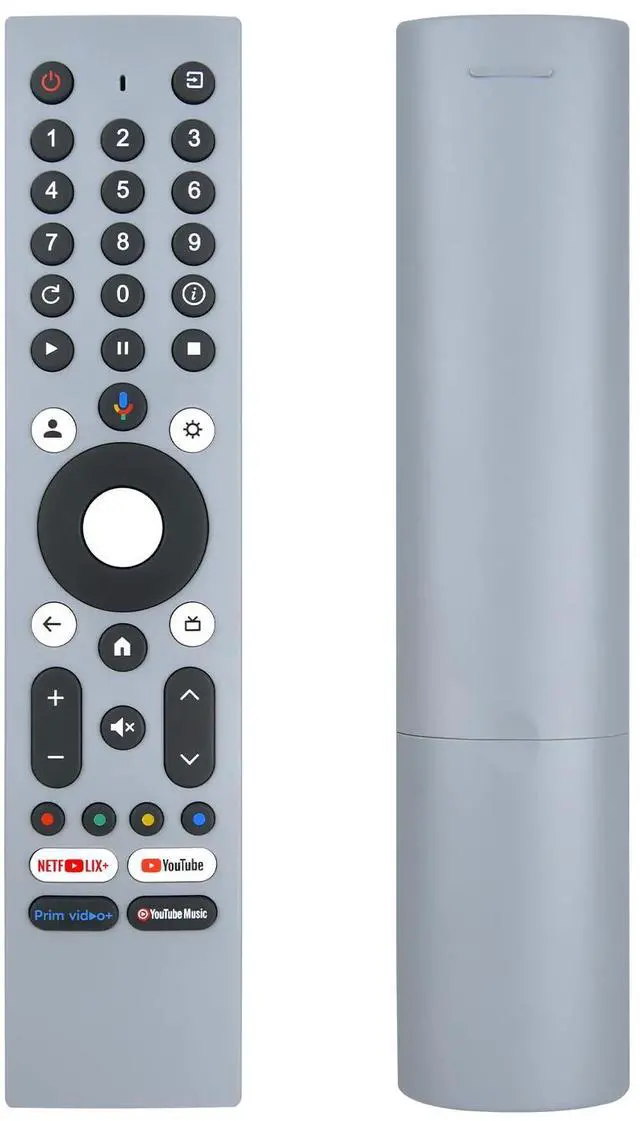
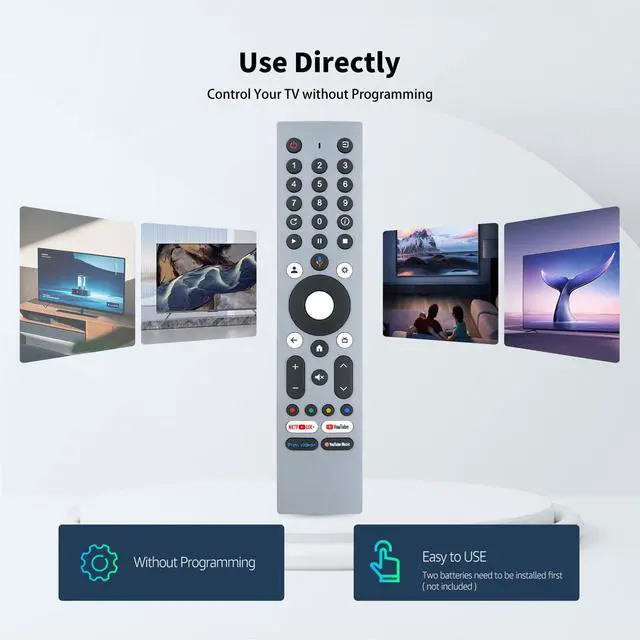
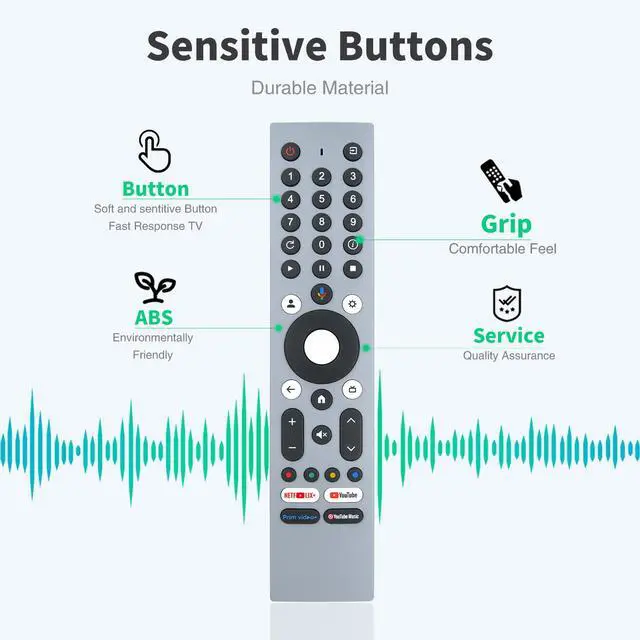
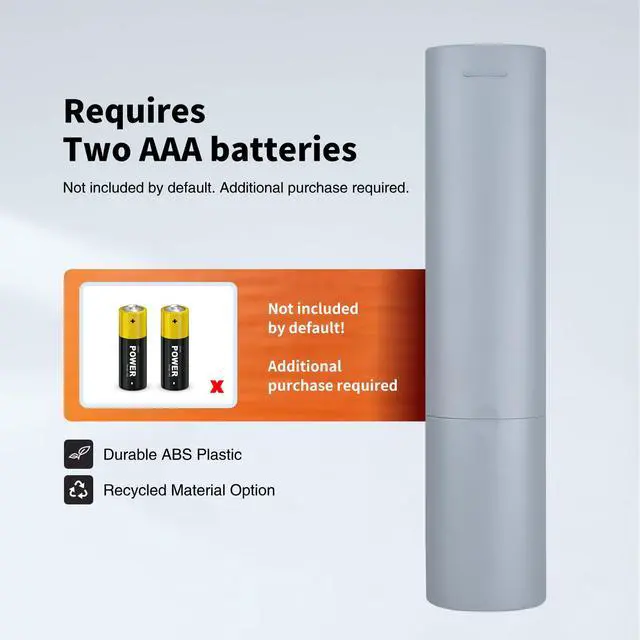


Replacement Voice Remote for RM-C3293 JVC Smart LED LCD 4K HDTV TV | Voice Control,Easy pairing,Responsive control,Shortcut keys,Ergonomic design
Limited time offer, ends 09/30 By Brightflag Electronics
- This remote is specifically designed to replicate every command of your factory remote, including the essential Voice Control feature. Instantly regain full control over your TVs power, volume, input selection, smart menu navigation, and voice-activated search without any compromise. Pairing a New Remote Method: 1. Press the "POWER" key to turn on the TV; 2. Press and hold the "Last/back" key and "Settings" key together for 3-5 seconds; the indicator light flashes and enters pairing status; after successful pairing, the indicator light goes out. Connecting a New Remote with a Paired Remote: 1. Press the HOME key, then select SETTING - Remotes & accessories. 2. Select Add accessory, then press the OK key to confirm pairing. 3. Press and hold the "Last/back" key and "Settings" key together for 3-5 seconds; the indicator light flashes and enters pairing status; after successful pairing, the indicator light goes out. Reliable, High-Performance Operation: Experience responsive and dependable performance that matches the quality of your original remote. Built with durable components, it ensures stable signal transmission for instant command execution, so your Voice Control commands and every button press are registered quickly and accurately. This high-performance remote is crafted for daily, reliable use, restoring a seamless control experience to your entertainment setup
+
+
Overview
Specs
Reviews

Any questions? Our AI mode will help you find out quickly.
Try me now
This remote is specifically designed to replicate every command of your factory remote, including the essential Voice Control feature. Instantly regain full control over your TVs power, volume, input selection, smart menu navigation, and voice-activated search without any compromise. Pairing a New
Remote Method: 1. Press the "POWER" key to turn on the TV; 2. Press and hold the "Last/back" key and "Settings" key together for 3-5 seconds; the indicator light flashes and enters pairing status; after successful pairing, the indicator light goes out. Connecting a New Remote with a
Paired Remote: 1. Press the HOME key, then select SETTING - Remotes & accessories. 2. Select Add accessory, then press the OK key to confirm pairing. 3. Press and hold the "Last/back" key and "Settings" key together for 3-5 seconds; the indicator light flashes and enters pairing status; after successful pairing, the indicator light goes out.
Reliable,
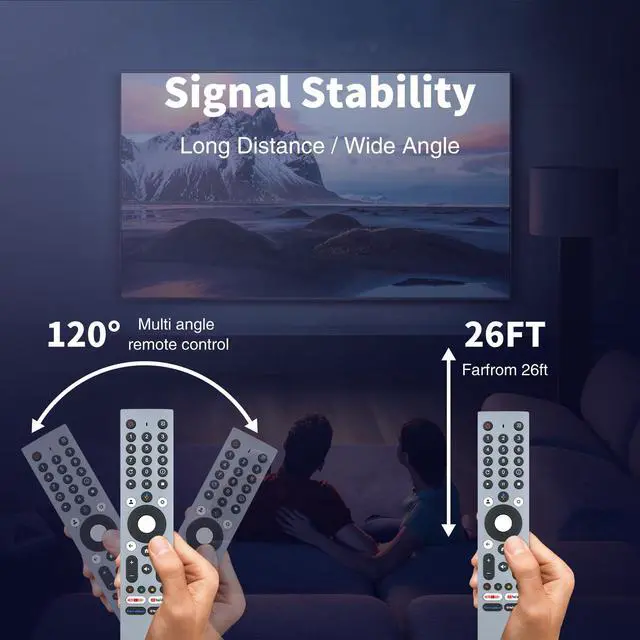
High-Performance Operation: Experience responsive and dependable performance that matches the quality of your original remote. Built with durable components, it ensures stable signal transmission for instant command execution, so your Voice Control commands and every button press are registered quickly and accurately. This high-performance remote is crafted for daily, reliable use, restoring a seamless control experience to your entertainment setup
Remote Method: 1. Press the "POWER" key to turn on the TV; 2. Press and hold the "Last/back" key and "Settings" key together for 3-5 seconds; the indicator light flashes and enters pairing status; after successful pairing, the indicator light goes out. Connecting a New Remote with a
Paired Remote: 1. Press the HOME key, then select SETTING - Remotes & accessories. 2. Select Add accessory, then press the OK key to confirm pairing. 3. Press and hold the "Last/back" key and "Settings" key together for 3-5 seconds; the indicator light flashes and enters pairing status; after successful pairing, the indicator light goes out.
Reliable,
High-Performance Operation: Experience responsive and dependable performance that matches the quality of your original remote. Built with durable components, it ensures stable signal transmission for instant command execution, so your Voice Control commands and every button press are registered quickly and accurately. This high-performance remote is crafted for daily, reliable use, restoring a seamless control experience to your entertainment setup
Warranty & Returns
Warranty, Returns, And Additional Information
Warranty
- Please contact the Seller directly for warranty information. Warranty information may also be found on the Manufacturer's website.
- CONTACT
Return Policies
- Return for refund within: 30 days
- Return for replacement within: 30 days
- This item is covered by Brightflag Electronics Return Policy
Manufacturer Contact Info
- For a directory of all our manufacturers, please click below.
- Manufacturers Directory
LOADING...