

Your Browsing History

Meet Your Seller


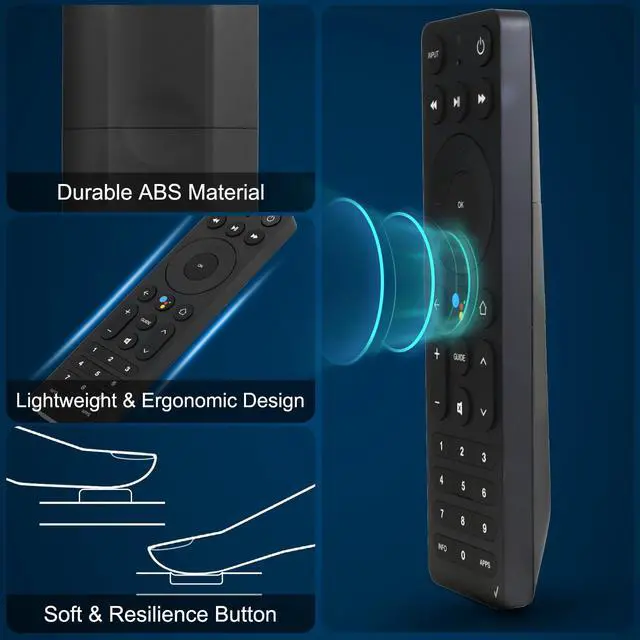


ASK-STI6220 Voice Remote Control Compatible with Verizon Stream TV, Remote Fit for Verizon Stream TV Soundbar Pro Remote Control
Limited time offer, ends 09/07 By Brightflag Electronics
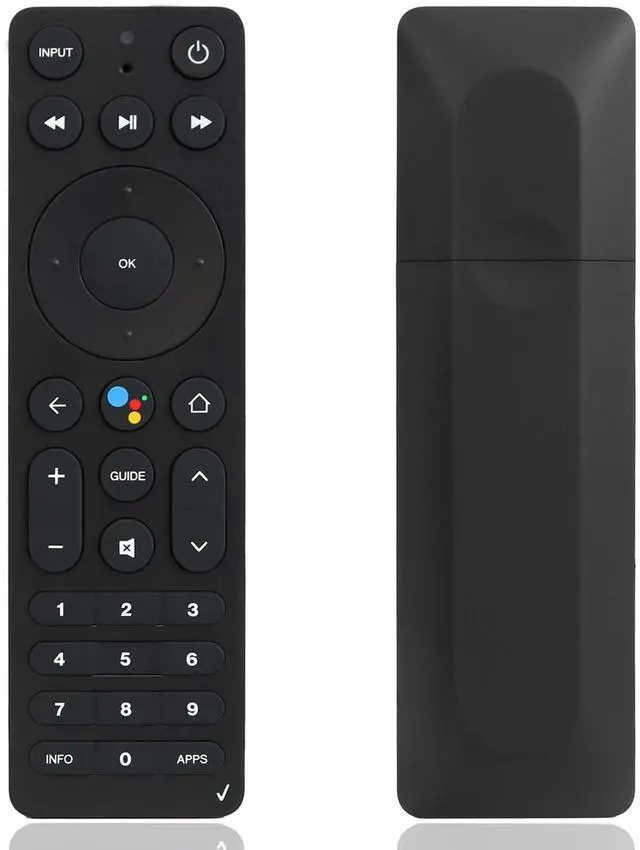
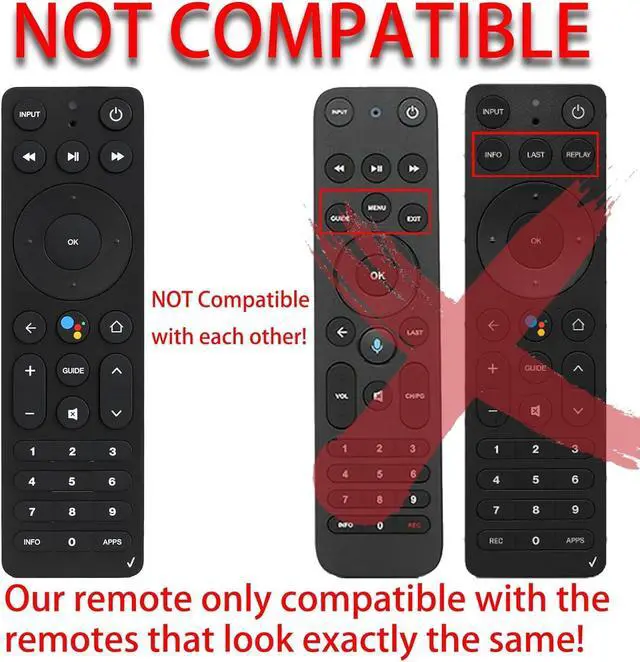
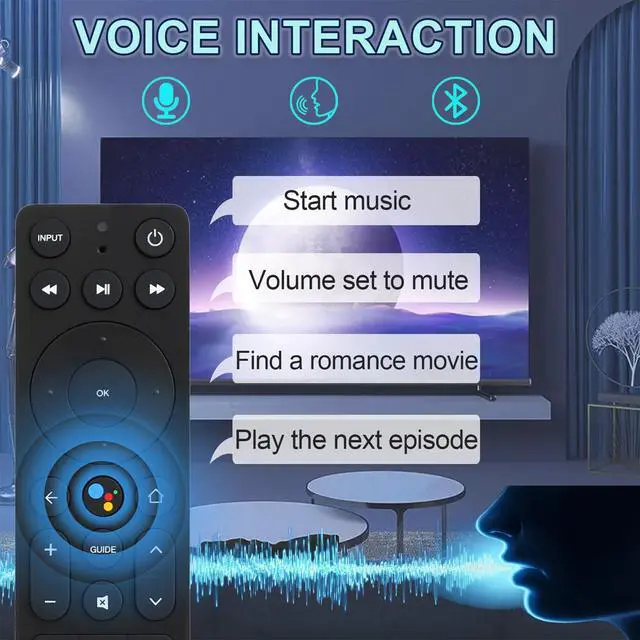
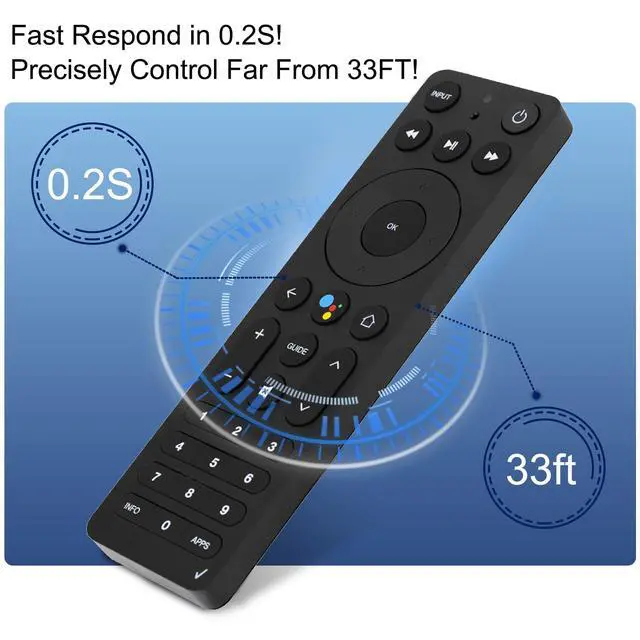
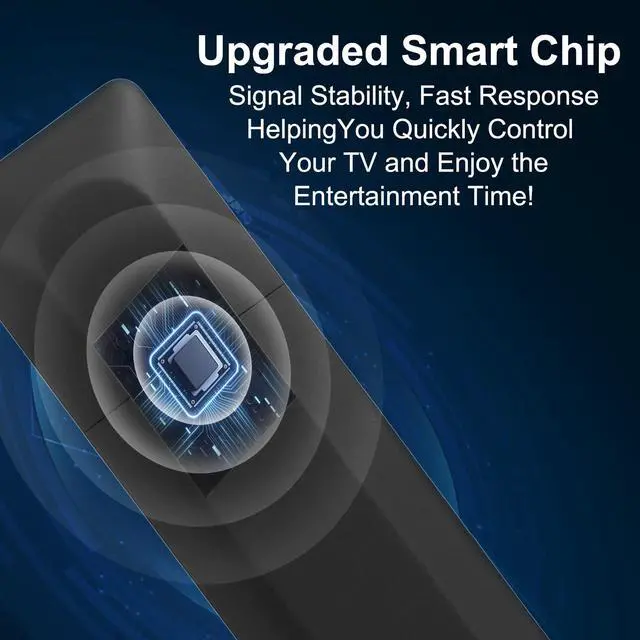
- CompatibilityThis ASK-STI6220 remote control is precisely matched for Verizon Stream TV, Stream TV Soundbar, and Stream TV Soundbar Pro, exclusively for Verizon brand devices. Use InstructionsThe ASK-STI6220 voice remote control for Verizon TV features an intelligent, upgraded chip and functions straight out of the box. Simply insert two new AAA batteries, and it perfectly replaces your original remote control. If the remote control fails to operate after removing the insulating sheet, try replacing the battery, then press the "Return" and "APPs" buttons simultaneously to program it. Alternatively, press the "OK" and "HOME" buttons together to program. Pairing from Home screen: From the Stream TV Home screen, select the Settings menu in the upper-right corner. Scroll to the right to choose "View more", then select Remote & Accessories. Select "Add accessory". Press and hold the "Play/Pause" and "0" buttons on the remote control at the same time for 6 seconds. Release the buttons to enter pairing mode. Stable SignalThe ASK-STI6220 remote control for Verizon TV features an intelligent upgraded chip; all commands can be triggered in 0.2 seconds. Offers a longer transmission range. Enjoy entertainment time with your family and friends quickly. Quick ResponseThe precise control range of 10 meters/32 feet supports over 120,000 clicks on all buttons. Package list: 1 x remote control for Verizon Stream TV box
+
+
Overview
Specs
Reviews

Any questions? Our AI mode will help you find out quickly.
Try me now
CompatibilityThis ASK-STI6220 remote control is precisely matched for Verizon Stream TV, Stream TV Soundbar, and Stream TV Soundbar Pro, exclusively for Verizon brand devices. Use InstructionsThe ASK-STI6220 voice remote control for Verizon TV features an intelligent, upgraded chip and functions straight out of the box. Simply insert two new AAA batteries, and it perfectly replaces your original remote control. If the remote control fails to operate after removing the insulating sheet, try replacing the battery, then press the "Return" and "APPs" buttons simultaneously to program it. Alternatively, press the "OK" and "HOME" buttons together to program.
Pairing from
Home screen: From the Stream TV Home screen, select the Settings menu in the upper-right corner. Scroll to the right to choose "View more", then select Remote & Accessories. Select "Add accessory". Press and hold the "Play/Pause" and "0" buttons on the remote control at the same time for 6 seconds. Release the buttons to enter pairing mode. Stable SignalThe ASK-STI6220 remote control for Verizon TV features an intelligent upgraded chip; all commands can be triggered in 0.2 seconds. Offers a longer transmission range. Enjoy entertainment time with your family and friends quickly. Quick ResponseThe precise control range of 10 meters/32 feet supports over 120, 000 clicks on all buttons.
Package list: 1 x remote control for Verizon Stream TV box
Pairing from
Home screen: From the Stream TV Home screen, select the Settings menu in the upper-right corner. Scroll to the right to choose "View more", then select Remote & Accessories. Select "Add accessory". Press and hold the "Play/Pause" and "0" buttons on the remote control at the same time for 6 seconds. Release the buttons to enter pairing mode. Stable SignalThe ASK-STI6220 remote control for Verizon TV features an intelligent upgraded chip; all commands can be triggered in 0.2 seconds. Offers a longer transmission range. Enjoy entertainment time with your family and friends quickly. Quick ResponseThe precise control range of 10 meters/32 feet supports over 120, 000 clicks on all buttons.
Package list: 1 x remote control for Verizon Stream TV box
Warranty & Returns
Warranty, Returns, And Additional Information
Warranty
- Please contact the Seller directly for warranty information. Warranty information may also be found on the Manufacturer's website.
- CONTACT
Return Policies
- Return for refund within: 30 days
- Return for replacement within: 30 days
- This item is covered by Brightflag Electronics Return Policy
Manufacturer Contact Info
- For a directory of all our manufacturers, please click below.
- Manufacturers Directory
LOADING...