

Your Browsing History

Meet Your Seller


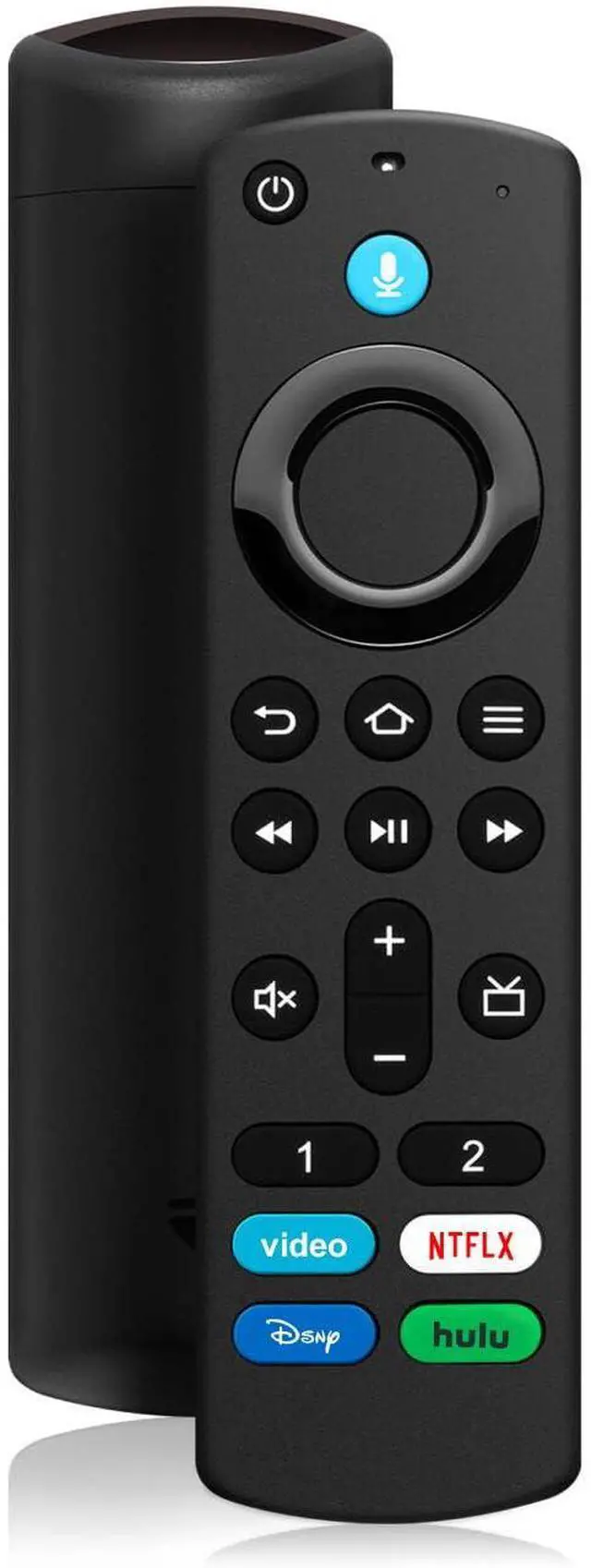


Spare Voice Remote for Fire Replacement for 4K/4K MAX Stick (2nd/3rd Gen) | Cube, Lite, HD with Power, Volume Buttons, Voice Search for Living Room, Bedroom, Office
Limited time offer, ends 09/07 By Yihe Global Store
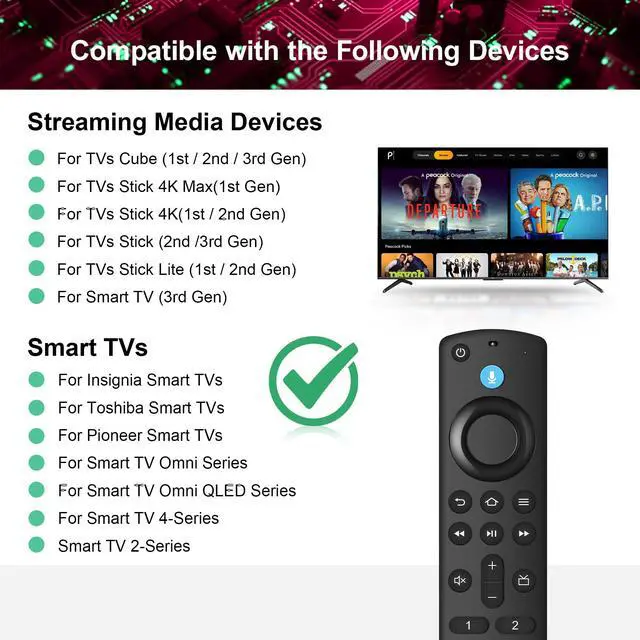
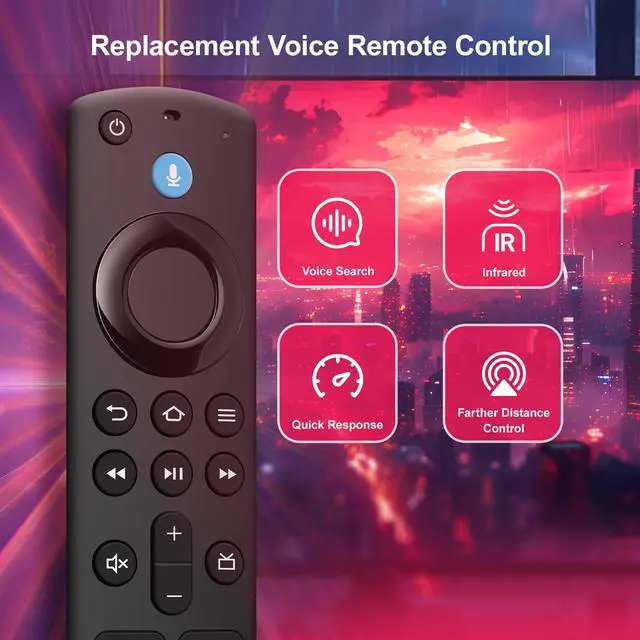
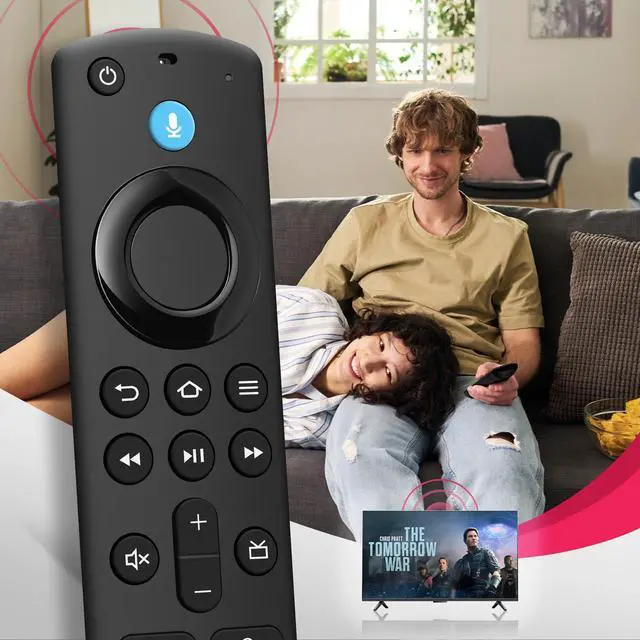
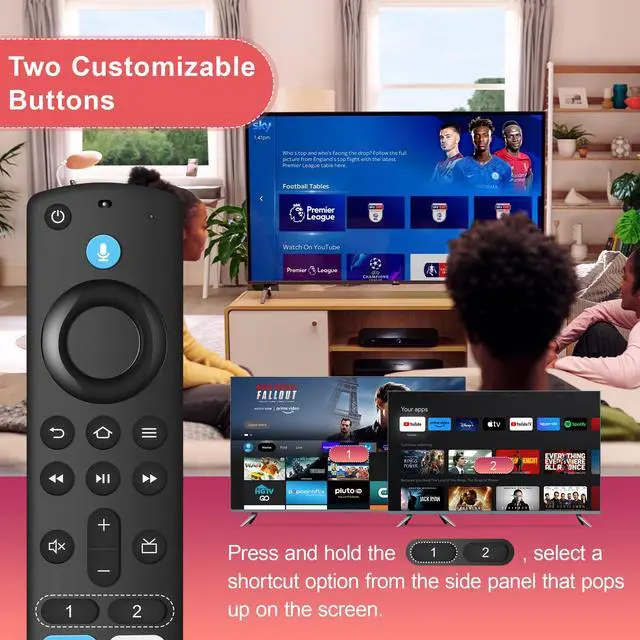
- Compatibility: Works with Smart TV HD, Stick 4K Max (1st & 2nd Gen), Stick 4K (1st & 2nd Gen), Stick 4K Plus, Stick 4K Select, Stick 2nd/3rd Gen, Stick Lite, Stick HD, Cube 1st3rd Gen, Smart TV 3rd Gen, plus for Insignia/Toshiba/Pioneer. One remote replaces your lost one. What You CANNOT Use It On Important: Not compatible with Smart TV 1st & 2nd Gen, Smart TV Stick 1st Gen, or Smart TV Edition smart TVs. Double-check your TV before ordering. Voice Commands & 4 Apps Ready & 2 Yours to Set: Press the voice button and say any movie title, actor name, or even "action movies from 2024." Instantly see results. Great for late-night browsing when you don't want to type. Four preset buttons launch instantly, while two customizable keys let you assign your own favorite apps or functions total control with zero menu diving. Pairing in 60 Seconds: Insert 2 AAA batteries, hold the Home button for 10 seconds, and wait up to 60 seconds. The LED blinks, then pairing is done. If it fails, unplug your TV for 30 seconds. 100,000 Presses: Each soft-rubber dome button is tested for over 100,000 keystrokes. The ergonomic shape fits your hand comfortably, preventing hand fatigue during long movie nights
+
+
Overview
Specs
Reviews

Any questions? Our AI mode will help you find out quickly.
Try me now
Compatibility: Works with Smart TV HD, Stick 4K Max (1st & 2nd Gen), Stick 4K (1st & 2nd Gen), Stick 4K Plus, Stick 4K Select, Stick 2nd/3rd Gen, Stick Lite, Stick HD, Cube 1st3rd Gen, Smart TV 3rd Gen, plus for Insignia/Toshiba/Pioneer. One remote replaces your lost one. What You CANNOT Use It On Important: Not compatible with Smart TV 1st & 2nd Gen, Smart TV Stick 1st Gen, or Smart TV Edition smart TVs. Double-check your TV before ordering. Voice Commands & 4 Apps Ready & 2 Yours to
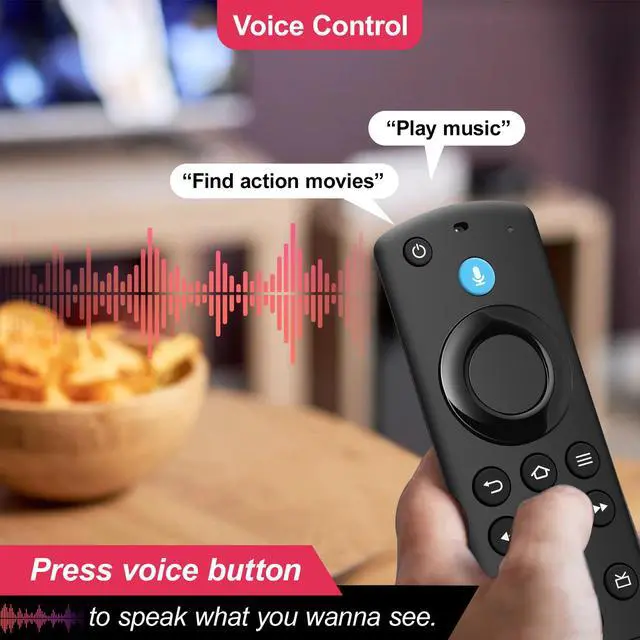
Set: Press the voice button and say any movie title, actor name, or even "action movies from 2024. " Instantly see results. Great for late-night browsing when you don't want to type. Four preset buttons launch instantly, while two customizable keys let you assign your own favorite apps or functions total control with zero menu diving.
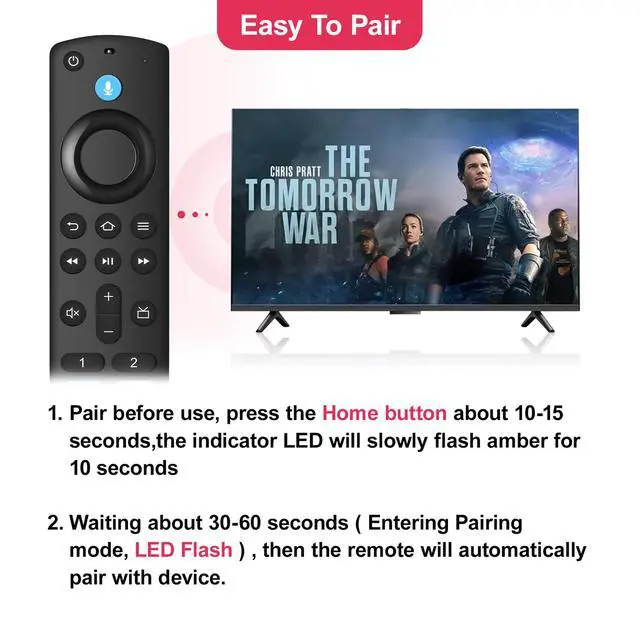
Pairing in 60 Seconds: Insert 2 AAA batteries, hold the Home button for 10 seconds, and wait up to 60 seconds. The LED blinks, then pairing is done. If it fails, unplug your TV for 30 seconds.
100,
000 Presses: Each soft-rubber dome button is tested for over 100, 000 keystrokes. The ergonomic shape fits your hand comfortably, preventing hand fatigue during long movie nights
Set: Press the voice button and say any movie title, actor name, or even "action movies from 2024. " Instantly see results. Great for late-night browsing when you don't want to type. Four preset buttons launch instantly, while two customizable keys let you assign your own favorite apps or functions total control with zero menu diving.
Pairing in 60 Seconds: Insert 2 AAA batteries, hold the Home button for 10 seconds, and wait up to 60 seconds. The LED blinks, then pairing is done. If it fails, unplug your TV for 30 seconds.
100,
000 Presses: Each soft-rubber dome button is tested for over 100, 000 keystrokes. The ergonomic shape fits your hand comfortably, preventing hand fatigue during long movie nights
Warranty & Returns
Warranty, Returns, And Additional Information
Warranty
- Please contact the Seller directly for warranty information. Warranty information may also be found on the Manufacturer's website.
- CONTACT
Return Policies
- Return for refund within: 30 days
- Return for replacement within: 30 days
- This item is covered by Yihe Global Store Return Policy
Manufacturer Contact Info
- For a directory of all our manufacturers, please click below.
- Manufacturers Directory
LOADING...