Your Browsing History
Meet Your Seller
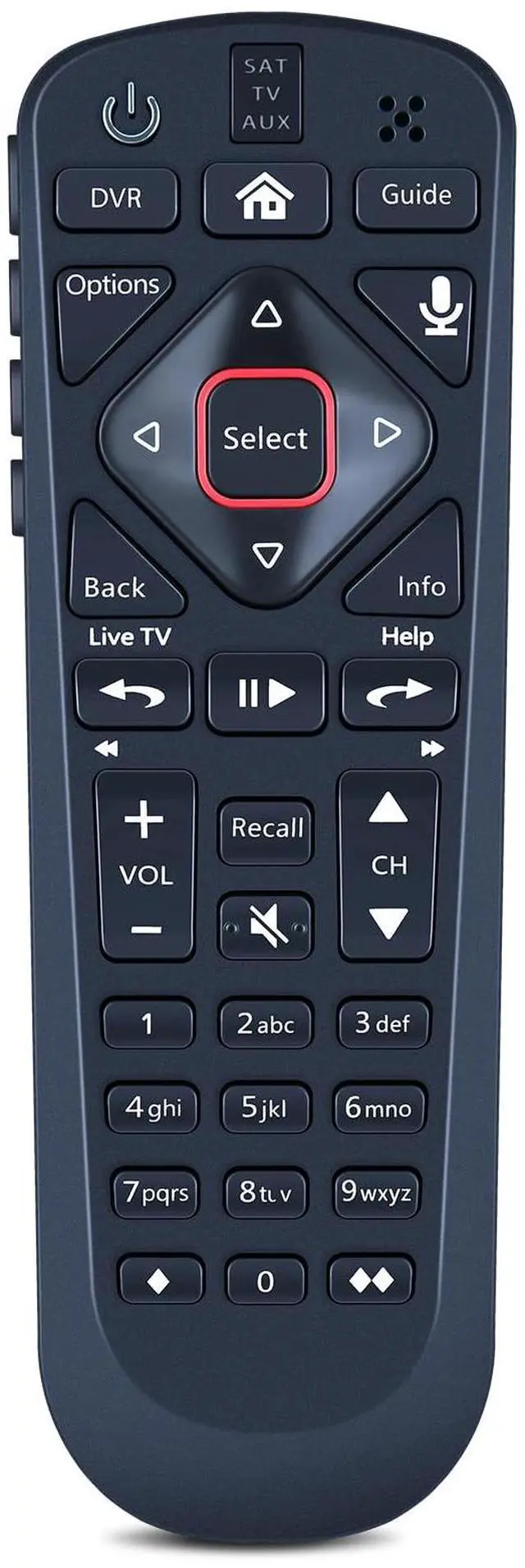
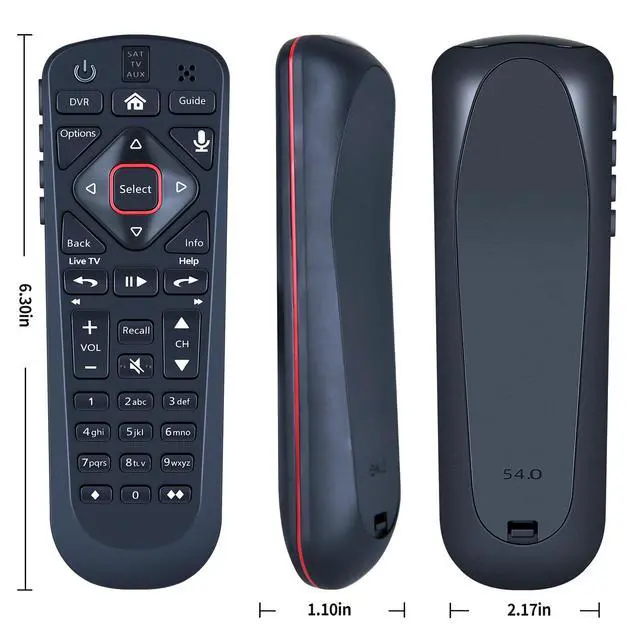
Voice Remote Replacement for Dish Net54.0 for The Hopper | Voice Control, Easy Pairing, Stable Signal, Fast Response
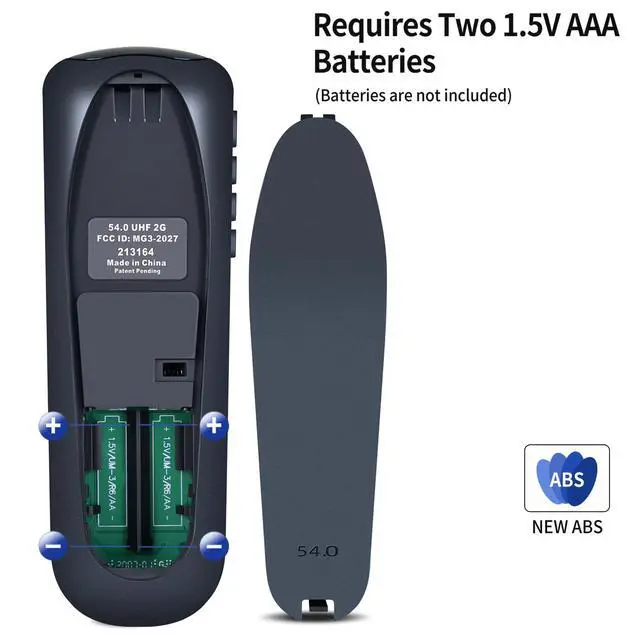
- Compatible Modelsfor Dish Network 54.0 for The Hopper How to Pair1) Press the [Home] button twice. 2) Select Settings, then Remote Control. 3) Select TV, and then TV Pairing Wizard. 5) Follow the prompts. 6) You can also pair your remote with an Auxiliary Device, such as a player or stereo High PerformanceEngineered with next-gen smart chip, this remote delivers instant button response and reliable 8m/26ft range coverage. Package Contains1x Remote Control (2xAA batteries are not included)
+
+
Overview
Specs
Reviews
Any questions? Our AI mode will help you find out quickly.
Try me now
Compatible Modelsfor Dish Network 54.0 for The Hopper How to Pair1) Press the [Home] button twice. 2) Select Settings, then Remote Control. 3) Select TV, and then TV Pairing Wizard. 5) Follow the prompts. 6) You can also pair your remote with an Auxiliary Device, such as a player or stereo High PerformanceEngineered with next-gen smart chip, this remote delivers instant button response and reliable 8m/26ft range coverage. Package Contains1x Remote Control (2xAA batteries are not included)
Warranty & Returns
Warranty, Returns, And Additional Information
Warranty
- Please contact the Seller directly for warranty information. Warranty information may also be found on the Manufacturer's website.
- CONTACT
Return Policies
- Return for refund within: 30 days
- Return for replacement within: 30 days
- This item is covered by Yihe Global Store Return Policy
Manufacturer Contact Info
- For a directory of all our manufacturers, please click below.
- Manufacturers Directory
LOADING...