

Your Browsing History
- Free 30-day Returns
$164.24

Meet Your Seller

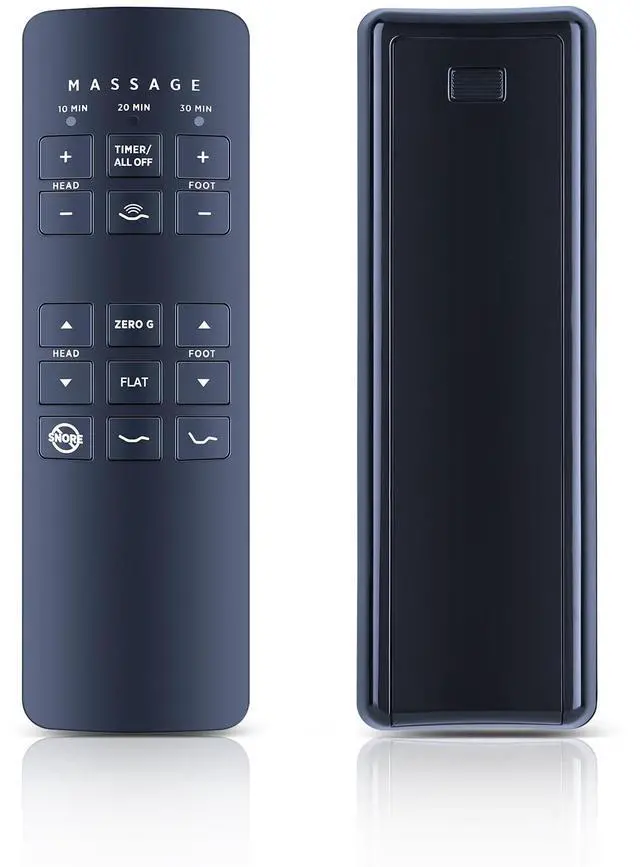


Replace Remote for Beautyrest SmartMotion 3.0 Adjustable Bed Base RF258C | JLDK.28.01.02
Limited time offer, ends 10/14 By Yihe Global Store
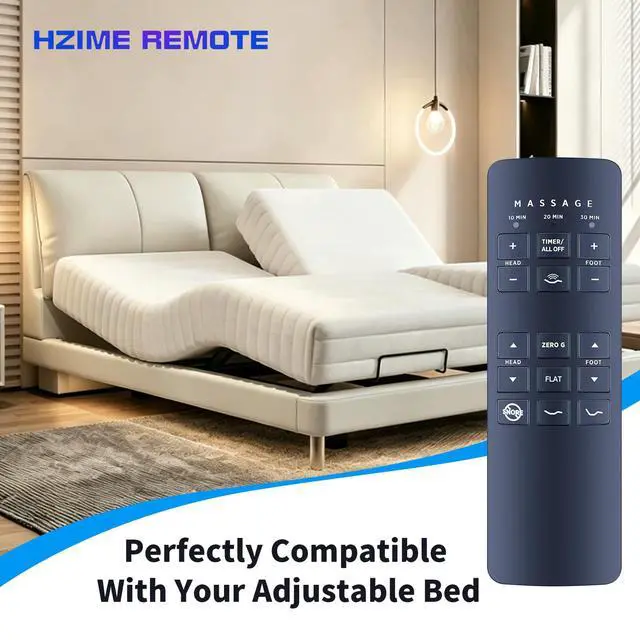
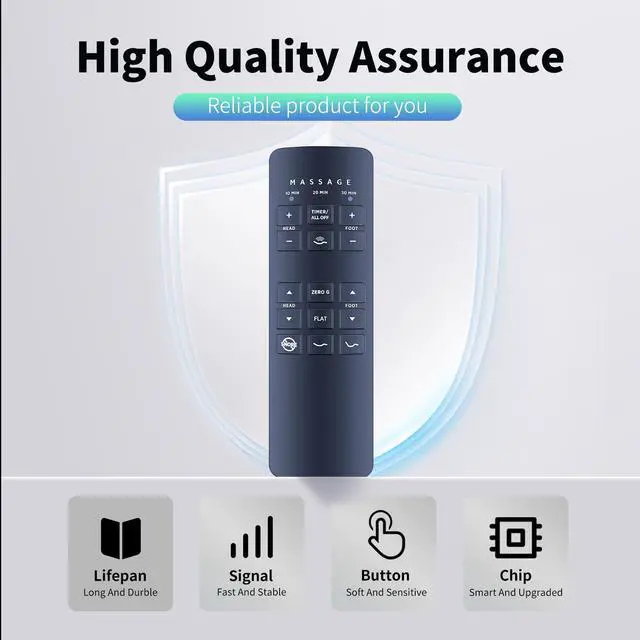
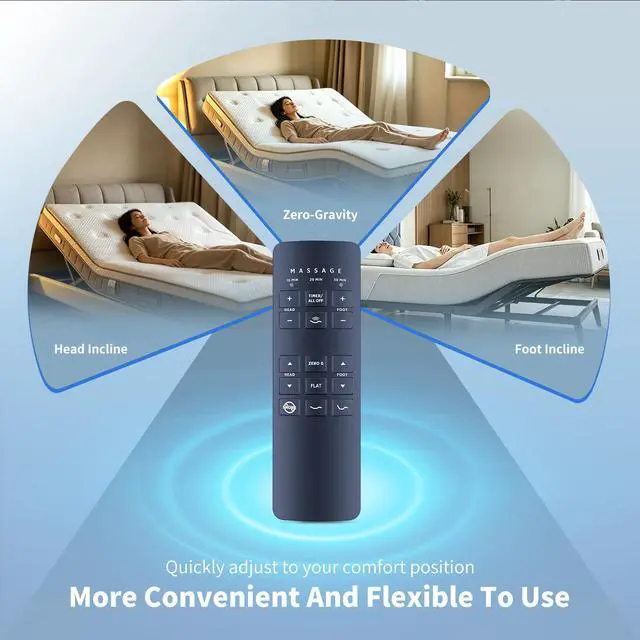
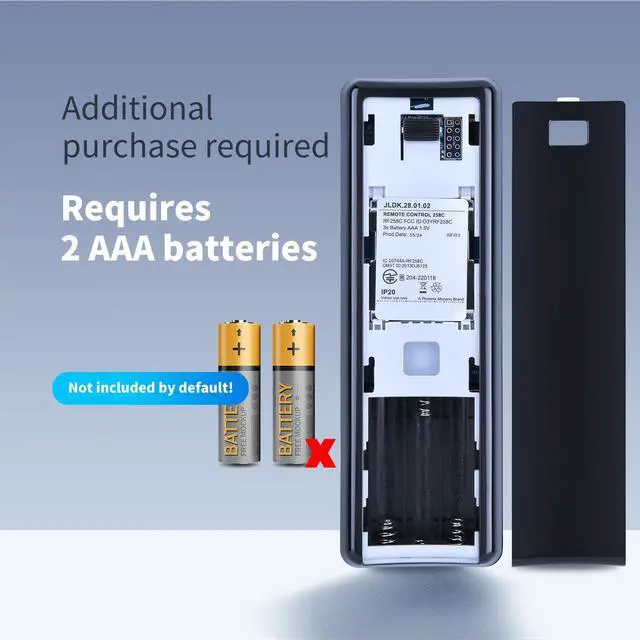
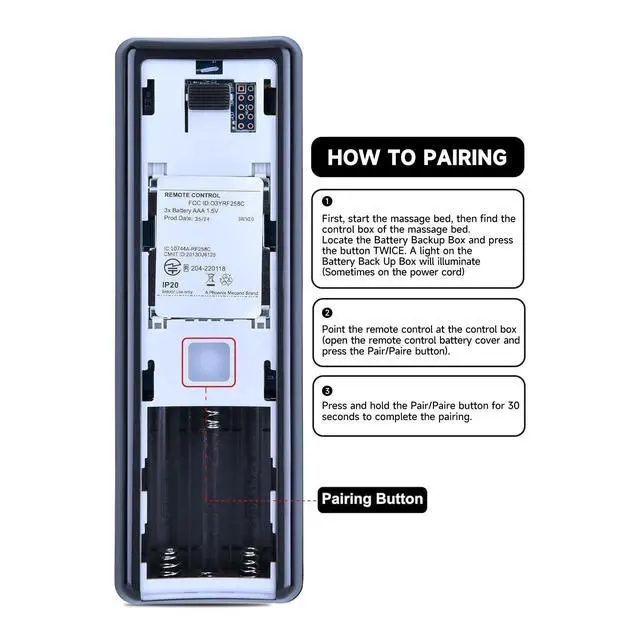
- Perfect CompatibilityReplacement Remote Control For Adjustable Bed Base RF258C JLDK.28.01.02 Premium QualityWith infrared 3.0 technology and refined craftsmanship, the remote control signal remains strong and reacts quickly to your every movement while it feels comfortable to hold and touch. Its control distance reaches 32 feet and an angle of more than 120 degrees, delivering a pleasant user experience. Easy To PairStart the massage bed, then locate the control box of the massage bed. Find the Battery Backup Box and press the button TWICE. A light on the Battery Backup Box will turn on (sometimes on the power cord). Aim the remote control at the control box (open the remote control battery cover and press the Pair/Paire button). Press and hold the Pair/Paire button for 30 seconds to finish the pairing. PackageNew Replacement Remote Control ×1 (Batteries are Not Included)
+
+
Overview
Reviews

Any questions? Our AI mode will help you find out quickly.
Try me now
Perfect CompatibilityReplacement Remote Control For Adjustable Bed Base RF258C JLDK. 28.01. 02 Premium QualityWith infrared 3.0 technology and refined craftsmanship, the remote control signal remains strong and reacts quickly to your every movement while it feels comfortable to hold and touch. Its control distance reaches 32 feet and an angle of more than 120 degrees, delivering a pleasant user experience. Easy To PairStart the massage bed, then locate the control box of the massage bed. Find the Battery Backup Box and press the button TWICE. A light on the Battery Backup Box will turn on (sometimes on the power cord).
Aim the remote control at the control box (open the remote control battery cover and press the Pair/Paire button). Press and hold the Pair/Paire button for 30 seconds to finish the pairing. PackageNew Replacement Remote Control ×1 (Batteries are Not Included)
Aim the remote control at the control box (open the remote control battery cover and press the Pair/Paire button). Press and hold the Pair/Paire button for 30 seconds to finish the pairing. PackageNew Replacement Remote Control ×1 (Batteries are Not Included)
Warranty & Returns
Warranty, Returns, And Additional Information
Warranty
- Please contact the Seller directly for warranty information. Warranty information may also be found on the Manufacturer's website.
- CONTACT
Return Policies
- Return for refund within: 30 days
- Return for replacement within: 30 days
- This item is covered by Yihe Global Store Return Policy
Manufacturer Contact Info
- For a directory of all our manufacturers, please click below.
- Manufacturers Directory
LOADING...