• $25.49
  • Free 30-day Returns
  • Price alert
    Shop it at NeweggBusiness.

    Meet Your Seller

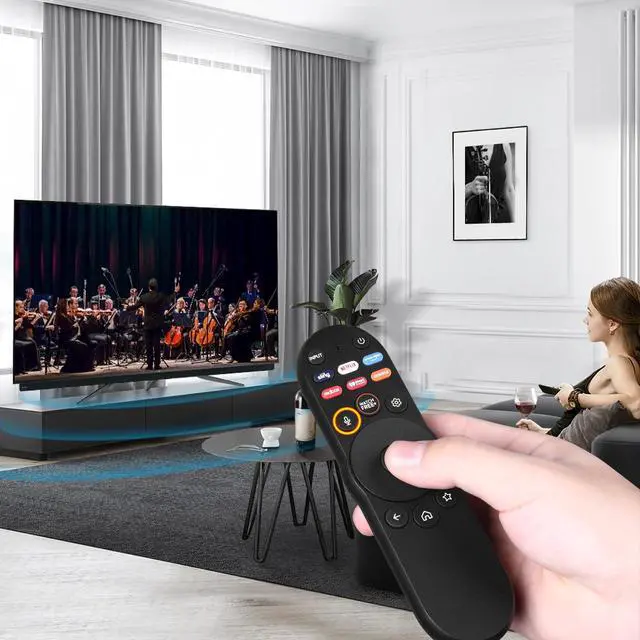
    XRT270 Voice Remote Control Compatible with VIZIO Smart-TV-Remote, Replacement Fit for VIZIO Smart-Cast D/P/M/V-Series 4K Quantum QLED Pro Smart TVs

    Limited time offer, ends 09/07 By Yihe Global Store

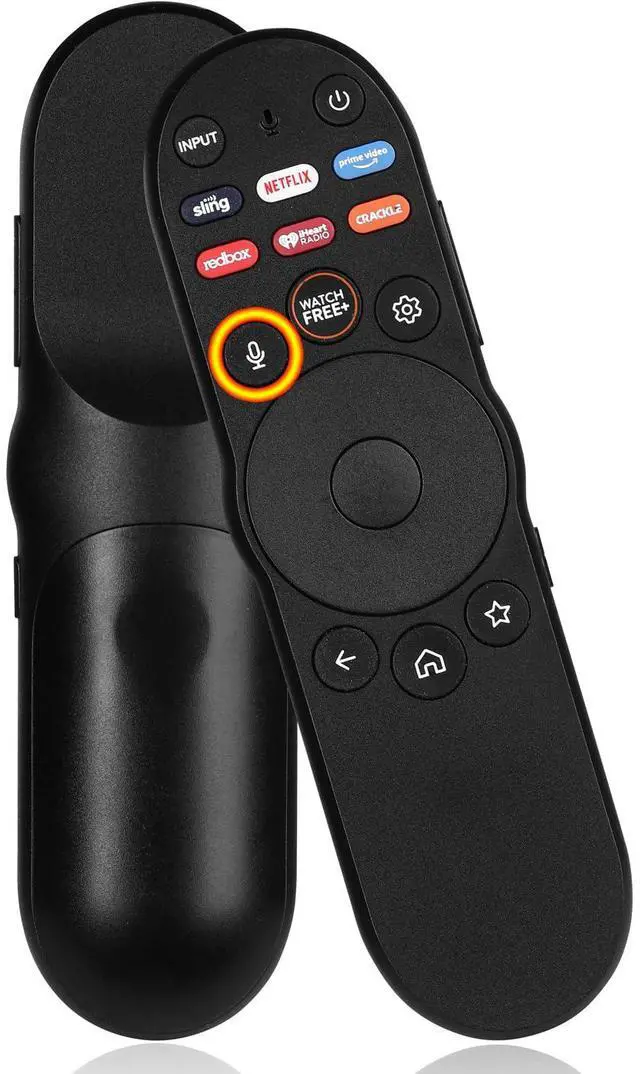
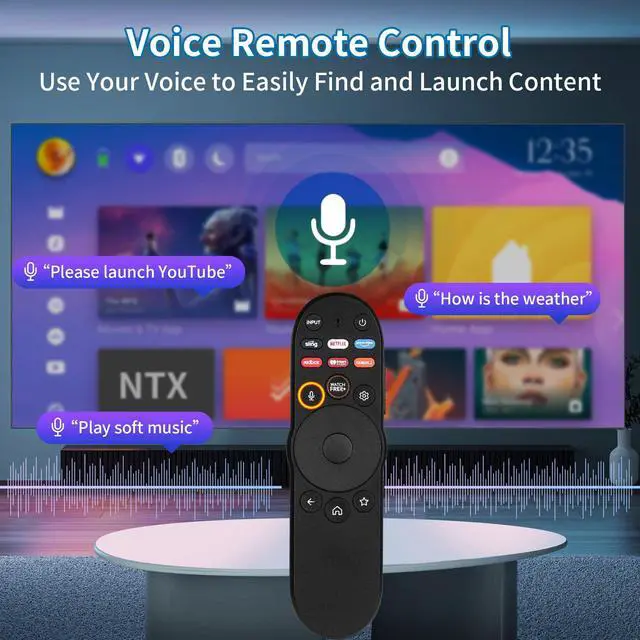
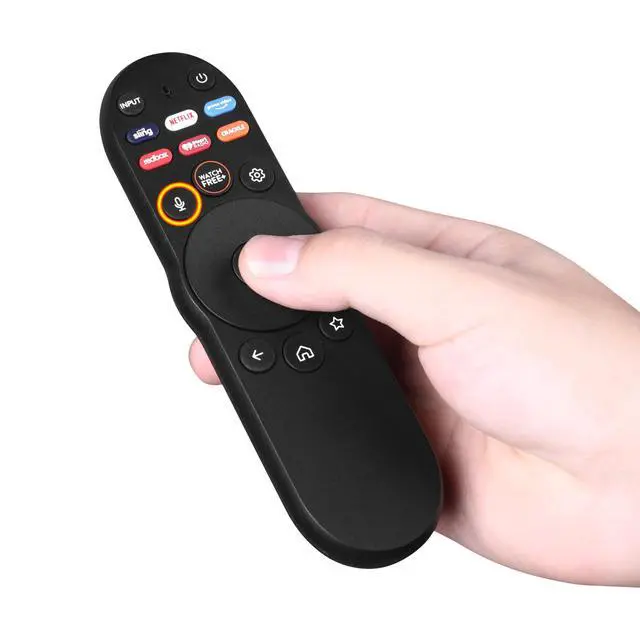
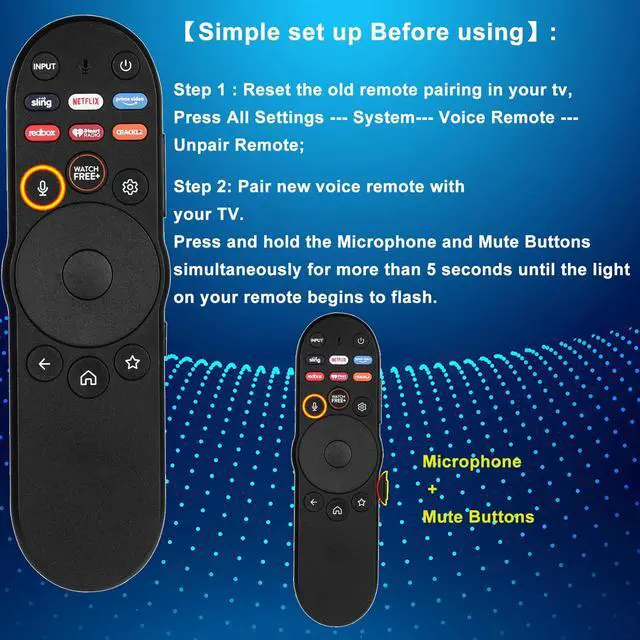
    • Broad CompatibilityThe XRT270 Voice TV Remote Control is built exclusively for VIZIO voice-enabled Smart TVs, covering D-Series, M-Series, P-Series, V-Series, FHD 4K, Quantum, and Quantum Pro Smart-Cast models. This XRT270 voice smart-TV remote for Vizio TV features 7 dedicated shortcut keys, letting you jump directly to apps like Netflix/Prime Video/Sling/Redbox/iHeart Radioand morewith a single press. Hi-Q High QualityStable Performance: Strongest Signal, Fastest Response in No More Than 0.2 Second. Tested to Support Over 150,000 Clicks. Soft-Touch, Anti-Dust Buttons. Please confirm that your TV model supports voice control before pairing. Simple Setup Before Using Voice Search: Step 1: Clear the old remote pairing on your TVgo to All Settings --- System--- Voice Remote --- Unpair Remote; Step 2: Pair the new voice remote with your TV. Press and hold the Microphone and Mute Buttons together for more than 5 seconds until the light on the remote starts flashing

    +
    +
    Overview
    Specs
    Reviews
    avatar

    Any questions? Our AI mode will help you find out quickly.

    Broad CompatibilityThe XRT270 Voice TV Remote Control is built exclusively for VIZIO voice-enabled Smart TVs, covering D-Series, M-Series, P-Series, V-Series, FHD 4K, Quantum, and Quantum Pro Smart-Cast models. This XRT270 voice smart-TV remote for Vizio TV features 7 dedicated shortcut keys, letting you jump directly to apps like Netflix/Prime Video/Sling/Redbox/iHeart Radioand morewith a single press.
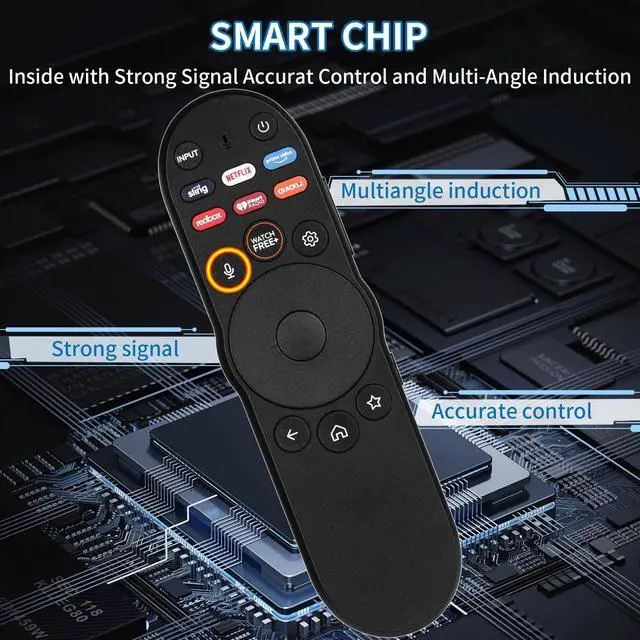
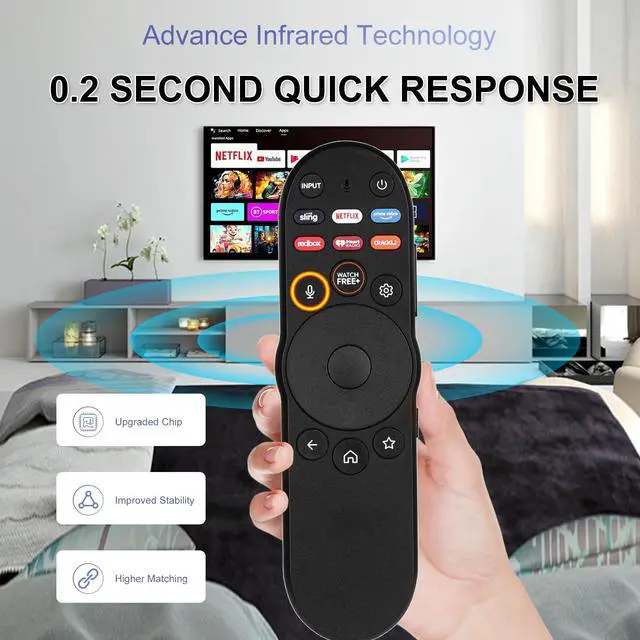
    Hi-Q High QualityStable Performance: Strongest Signal, Fastest Response in No More Than 0.2 Second. Tested to Support Over 150, 000 Clicks. Soft-Touch, Anti-Dust Buttons. Please confirm that your TV model supports voice control before pairing. Simple Setup Before Using Voice Search: Step
    1: Clear the old remote pairing on your TVgo to All Settings --- System--- Voice Remote --- Unpair Remote;
    Step 2: Pair the new voice remote with your TV. Press and hold the Microphone and Mute Buttons together for more than 5 seconds until the light on the remote starts flashing

    Warranty & Returns

    Warranty, Returns, And Additional Information

    Warranty

    • Please contact the Seller directly for warranty information. Warranty information may also be found on the Manufacturer's website.
    • CONTACT

    Return Policies

    Manufacturer Contact Info

    LOADING...