Your Browsing History
Meet Your Seller
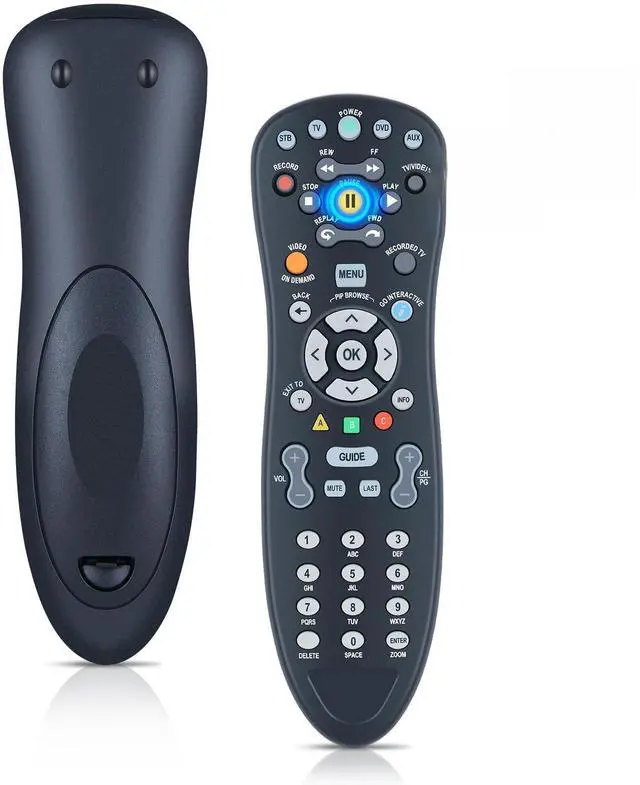
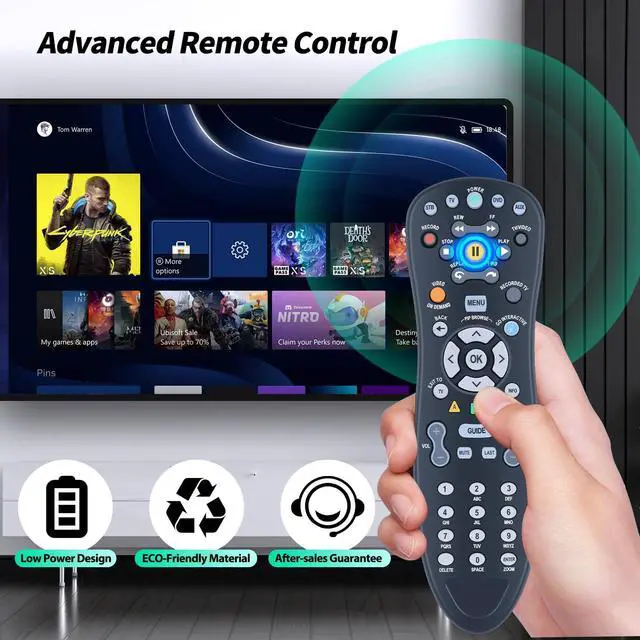
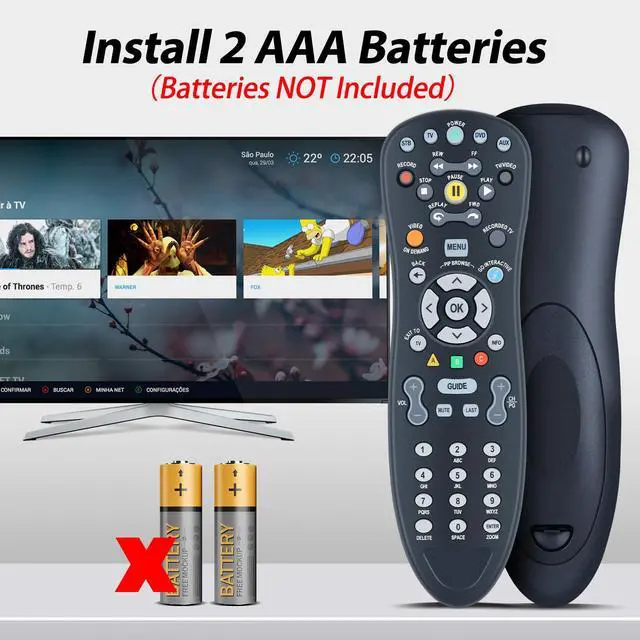
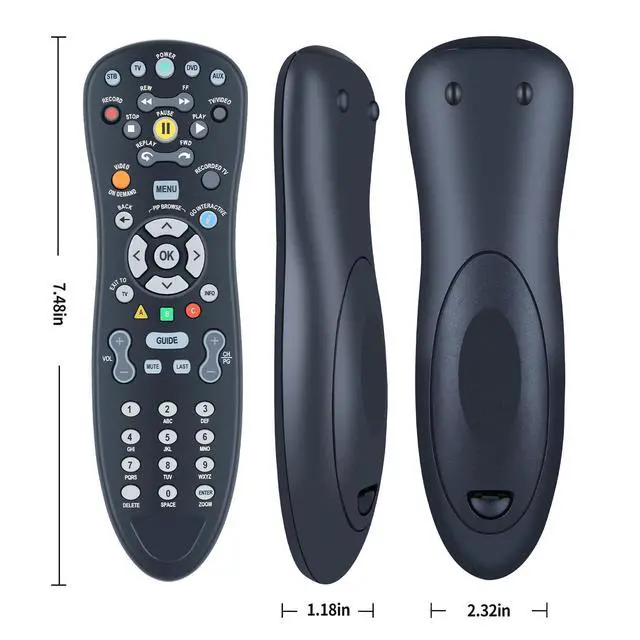
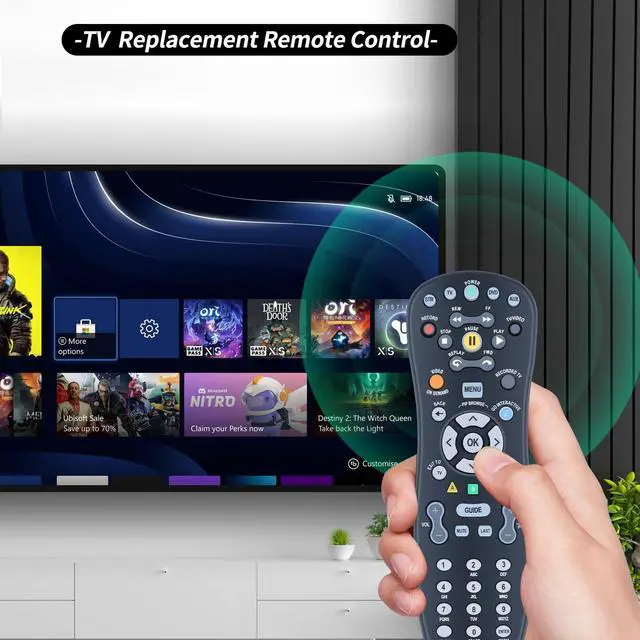
New Replacement Remote Control for U-Verse S10-S1 S10-S2 S10-S3 S10-S4 Digital TV DVR Uverse Receiver Cable Box C1-517609733288 CYB UG-R31111 TV Compatible
Limited time offer, ends 09/07 By Yihe Global Store
- New Replacement Remote Control for U-Verse S10-S1, U-Verse S10-S2, U-Verse S10-S3, U-Verse S10-S4, Digital TV DVR, Uverse Receiver, Cable Box, C1-517609733288, CYB UG-R31111, TV Compatible Easy Pairing 1. Press and Hold SETUP: Locate the SETUP button. Press and hold it until the LED light on the remote blinks twice. 2. Select Device Type: Press the desired device key (e.g., TV, DVD, AUX) that you to program. 3. Program Device: Point the remote at your device. Press and hold the OK button until your device turns off. This indicates successful programming. ABS Material This smart remote is constructed from high quality ABS material to enhance its durability. This replacement remote weighs only 0.10kg (0.22lb.), and is resistant to wear and built to last
+
+
Overview
Specs
Reviews
Any questions? Our AI mode will help you find out quickly.
Try me now
New Replacement Remote Control for U-Verse S10-S1, U-Verse S10-S2, U-Verse S10-S3, U-Verse S10-S4, Digital TV DVR, Uverse Receiver, Cable Box, C1-517609733288, CYB UG-R31111, TV Compatible Easy Pairing 1.
Press and Hold SETUP: Locate the SETUP button. Press and hold it until the LED light on the remote blinks twice. 2.
Select Device Type: Press the desired device key (e. g., TV, DVD, AUX) that you to program. 3.
Program Device: Point the remote at your device. Press and hold the OK button until your device turns off. This indicates successful programming. ABS Material This smart remote is constructed from high quality ABS material to enhance its durability. This replacement remote weighs only 0.10 kg ( 0.22 lb. ), and is resistant to wear and built to last

Press and Hold SETUP: Locate the SETUP button. Press and hold it until the LED light on the remote blinks twice. 2.
Select Device Type: Press the desired device key (e. g., TV, DVD, AUX) that you to program. 3.
Program Device: Point the remote at your device. Press and hold the OK button until your device turns off. This indicates successful programming. ABS Material This smart remote is constructed from high quality ABS material to enhance its durability. This replacement remote weighs only 0.10 kg ( 0.22 lb. ), and is resistant to wear and built to last
Warranty & Returns
Warranty, Returns, And Additional Information
Warranty
- Please contact the Seller directly for warranty information. Warranty information may also be found on the Manufacturer's website.
- CONTACT
Return Policies
- Return for refund within: 30 days
- Return for replacement within: 30 days
- This item is covered by Yihe Global Store Return Policy
Manufacturer Contact Info
- For a directory of all our manufacturers, please click below.
- Manufacturers Directory
LOADING...