

Your Browsing History
- Free 30-day Returns
$17.99

Meet Your Seller

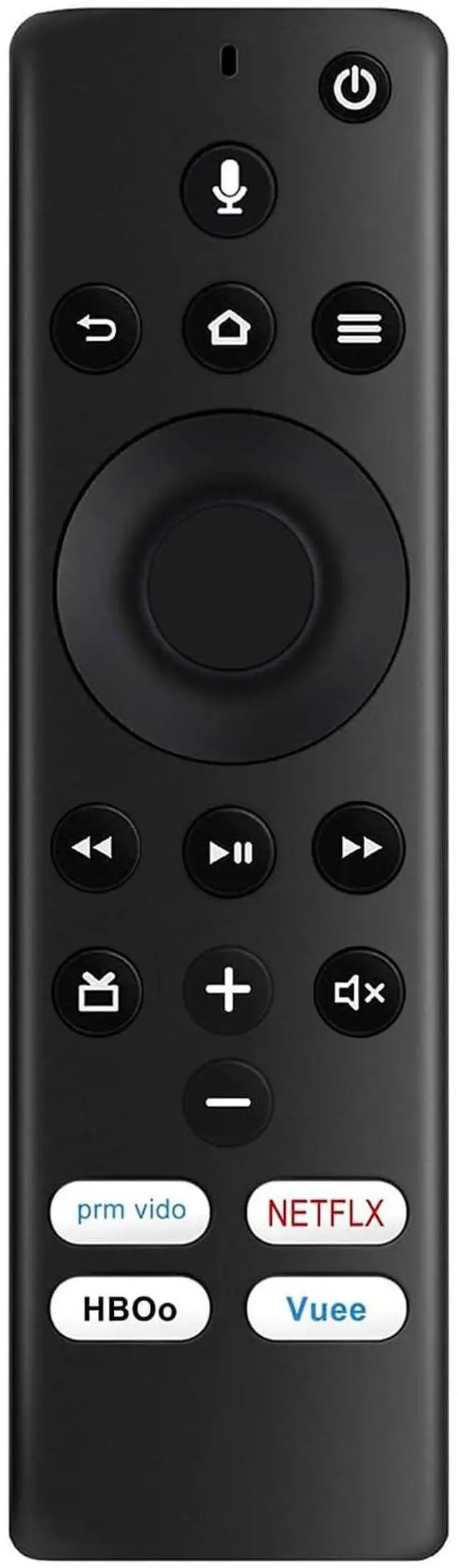
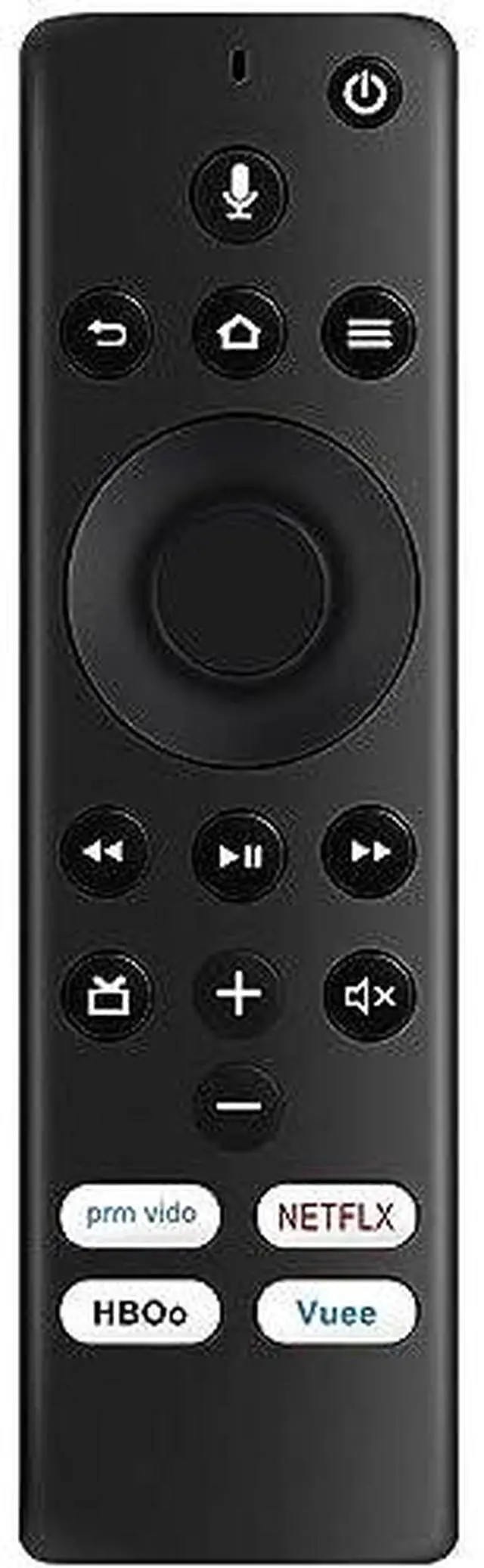


NS-RCFNA-19 Voice Remote Replaced for Insignia TV Edition NS-24DF310NA19 | NS-50DF710NA19 NS-24DF311SE21 NS-43DF710NA19 NS-58DF620NA20 NS-32DF310NA19 NS-50DF711SE21 NS-55DF710NA19 NS-55DF710NA19
Limited time offer, ends 10/01 By Yihe Global Store
- New NS-RCFNA-19 Replacement Voice Remote Control Compatible with Insignia Smart HD LED TV Insignia TV Edition. (with 4 shortcut buttons) Works with the following Insignia TV Edition TV models: NS-24DF310NA19, NS-50DF710NA19, NS-24DF311SE21, NS-43DF710NA19, NS-58DF620NA20, NS-32DF310NA19, NS-50DF711SE21, NS-55DF710NA19, NS-55DF710NA19, NS-39DF510NA19, NS24DF310NA19, NS50DF710NA19, NS24DF311SE21, NS43DF710NA19, NS58DF620NA20, NS32DF310NA19, NS50DF711SE21, NS55DF710NA19, NS55DF710NA19, NS39DF510NA19 Use your voice to control live TV playback, launch apps, search for content, control smart home devices and more. Pairing the remote: Press and hold the Home button for about 30 seconds, then release. Wait about 60 seconds (entering pairing mode), and the remote should automatically pair with your TV. The TV will display "Pairing success." Note: If the remote control does not control the TV, make sure the CEC control feature is turned on. On the Home menu, select Settings, then select Display & Sounds. Select HDMI CEC Device Control and change the setting to On
+
+
Overview
Specs
Reviews

Any questions? Our AI mode will help you find out quickly.
Try me now
New NS-RCFNA-19 Replacement Voice Remote Control Compatible with Insignia Smart HD LED TV Insignia TV Edition. (with 4 shortcut buttons) Works with the following Insignia TV
Edition TV models: NS-24DF310NA19, NS-50DF710NA19, NS-24DF311SE21, NS-43DF710NA19, NS-58DF620NA20, NS-32DF310NA19, NS-50DF711SE21, NS-55DF710NA19, NS-55DF710NA19, NS-39DF510NA19, NS24DF310NA19, NS50DF710NA19, NS24DF311SE21, NS43DF710NA19, NS58DF620NA20, NS32DF310NA19, NS50DF711SE21, NS55DF710NA19, NS55DF710NA19, NS39DF510NA19 Use your voice to control live TV playback, launch apps, search for content, control smart home devices and more.
Pairing the remote: Press and hold the Home button for about 30 seconds, then release. Wait about 60 seconds (entering pairing mode), and the remote should automatically pair with your TV. The TV will display "Pairing success.
" Note: If the remote control does not control the TV, make sure the CEC control feature is turned on. On the Home menu, select Settings, then select Display & Sounds. Select HDMI CEC Device Control and change the setting to On
Edition TV models: NS-24DF310NA19, NS-50DF710NA19, NS-24DF311SE21, NS-43DF710NA19, NS-58DF620NA20, NS-32DF310NA19, NS-50DF711SE21, NS-55DF710NA19, NS-55DF710NA19, NS-39DF510NA19, NS24DF310NA19, NS50DF710NA19, NS24DF311SE21, NS43DF710NA19, NS58DF620NA20, NS32DF310NA19, NS50DF711SE21, NS55DF710NA19, NS55DF710NA19, NS39DF510NA19 Use your voice to control live TV playback, launch apps, search for content, control smart home devices and more.
Pairing the remote: Press and hold the Home button for about 30 seconds, then release. Wait about 60 seconds (entering pairing mode), and the remote should automatically pair with your TV. The TV will display "Pairing success.
" Note: If the remote control does not control the TV, make sure the CEC control feature is turned on. On the Home menu, select Settings, then select Display & Sounds. Select HDMI CEC Device Control and change the setting to On
Warranty & Returns
Warranty, Returns, And Additional Information
Warranty
- Please contact the Seller directly for warranty information. Warranty information may also be found on the Manufacturer's website.
- CONTACT
Return Policies
- Return for refund within: 30 days
- Return for replacement within: 30 days
- This item is covered by Yihe Global Store Return Policy
Manufacturer Contact Info
- For a directory of all our manufacturers, please click below.
- Manufacturers Directory
LOADING...