Out of stock
  • $87.99
  • Free 30-day Returns
Price alert
Shop it at NeweggBusiness.

Meet Your Seller

Replacement Remote Control for Lucid L300, for Bed Tech Bedtech BT2000, for Milemont Richmat HJH13D Adjustable Bed, for AMBEE21 CastleBeds (Not BT Version)

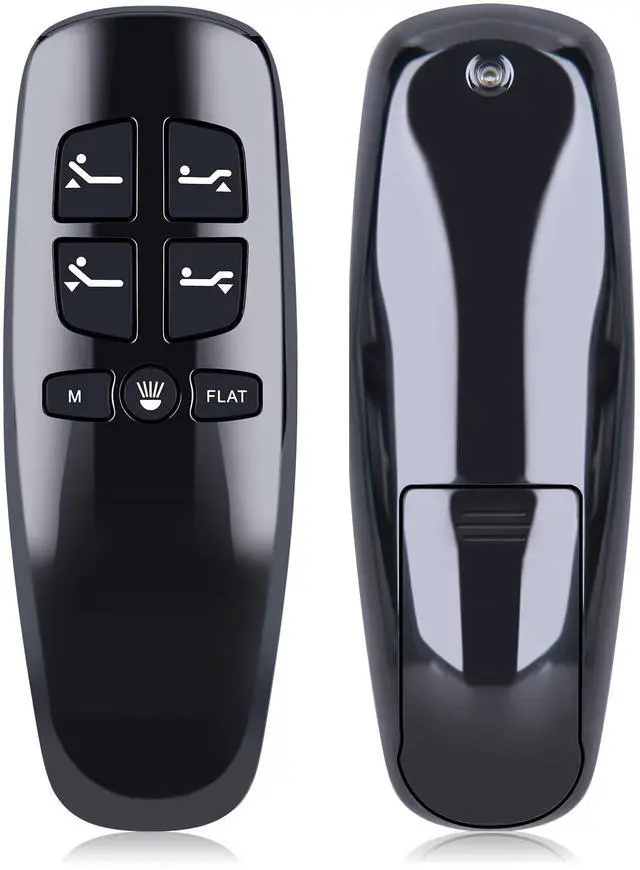
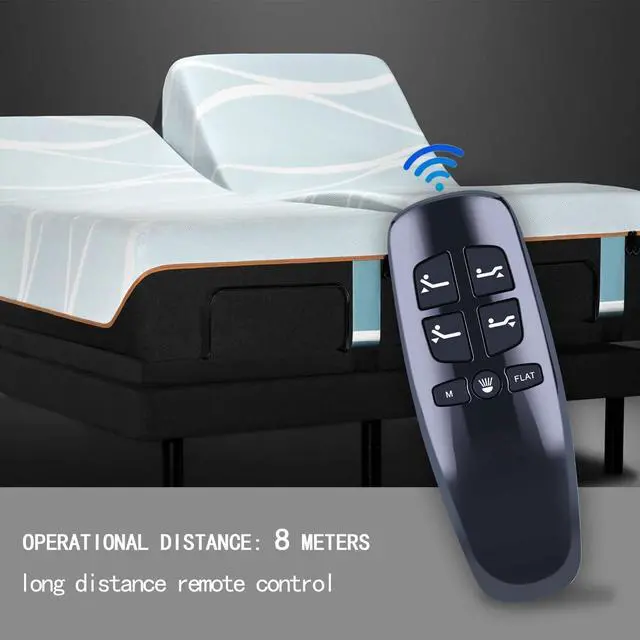
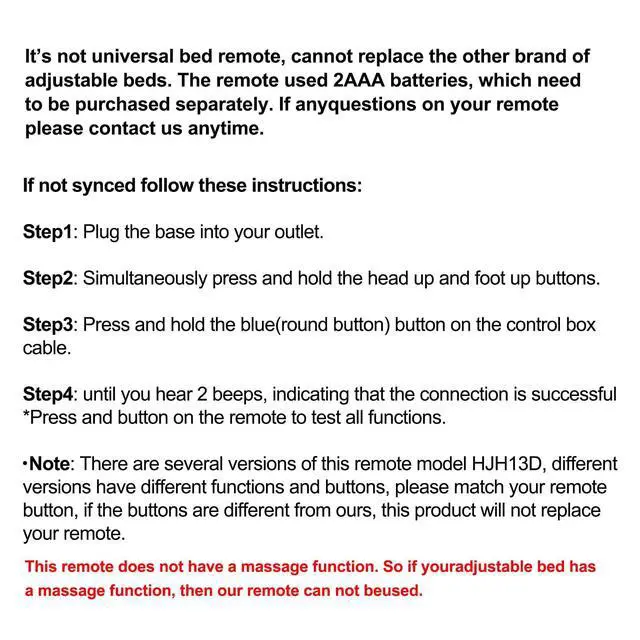
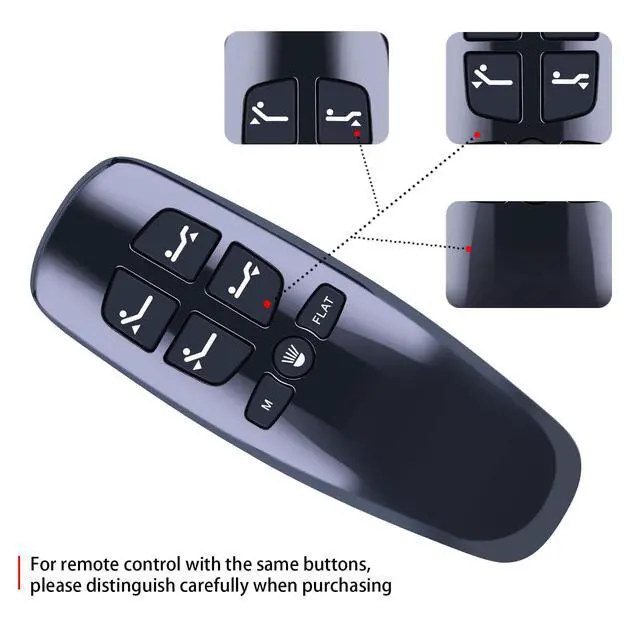
  • This remote is designed exclusively for use with Milemont and Lucid 300 Adjustable Beds. It will not function with adjustable beds from other brands, including BeautyRest or Classic Brands Adjustable Bed. This remote lacks a massage function; therefore, if your adjustable bed includes a massage feature, this remote cannot be used with it. This remote model HJH13D comes in several versions; please ensure it matches your remote control buttons. If the buttons differ from ours, this product will not serve as a replacement for your remote. Pairing Instructions: 1. Confirm the batteries are in good working condition. Swap in fresh ones when necessary. 2. Connect the power cord to a power source. Verify that the source/outlet is receiving power. 3. Press and hold [Head Up] and [Foot Up] at the same time, then press and hold the blue button on the control box cable for roughly 3 seconds

+
+
Overview
Specs
Reviews
avatar

Any questions? Our AI mode will help you find out quickly.

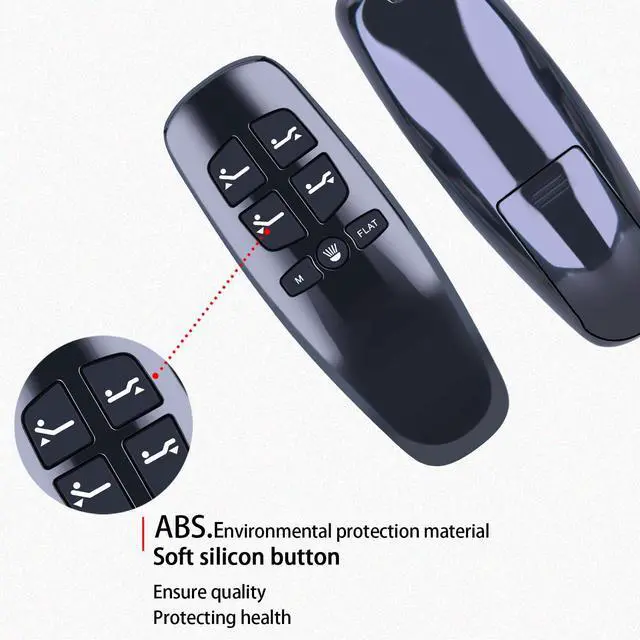
This remote is designed exclusively for use with Milemont and Lucid 300 Adjustable Beds. It will not function with adjustable beds from other brands, including BeautyRest or Classic Brands Adjustable Bed. This remote lacks a massage function; therefore, if your adjustable bed includes a massage feature, this remote cannot be used with it. This remote model HJH13D comes in several versions; please ensure it matches your remote control buttons. If the buttons differ from ours, this product will not serve as a replacement for your remote.
Pairing Instructions: 1. Confirm the batteries are in good working condition. Swap in fresh ones when necessary. 2. Connect the power cord to a power source. Verify that the source/outlet is receiving power. 3. Press and hold [Head Up] and [Foot Up] at the same time, then press and hold the blue button on the control box cable for roughly 3 seconds

Warranty & Returns

Warranty, Returns, And Additional Information

Warranty

  • Please contact the Seller directly for warranty information. Warranty information may also be found on the Manufacturer's website.
  • CONTACT

Return Policies

Manufacturer Contact Info

LOADING...