Your Browsing History
Meet Your Seller
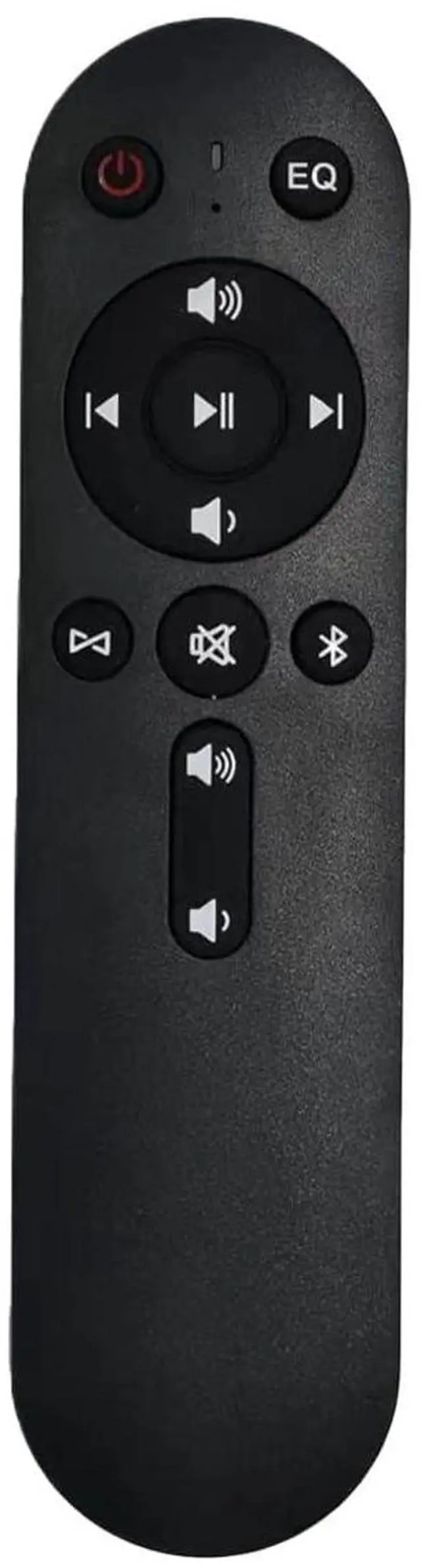
Remote Control for MZ-658 / MZ-621 / MZ-632 Wall-Mounted Bluetooth Speakers, One-Button Mute, Power On/Off, Volume & Bluetooth Control
Limited time offer, ends 09/07 By Yihe Global Store
- No Setup Needed: Ready to use straight out of the box no programming required. Just insert 2 x AA batteries (not included) and enjoy instant control. Compatible with MZ-658, MZ-621 and MZ-632 speakers. Control from a Distance: Long-range performance up to 8 meters (26 feet). Perfect for adjusting volume or power when the speaker is mounted high on a wall. Main Speaker Control Only: Please note that only the power button and Bluetooth button work on the secondary speaker. To use all remote functions including volume control please point the remote at the main speaker (blue light). Switch Main / Secondary mode: Press the Bluetooth Pairing button on the remote to switch a speaker to a main speaker (blue light). Press the Speaker Sync button on the remote to switch a speaker to a secondary speaker (red light)

+
+
Overview
Specs
Reviews
Any questions? Our AI mode will help you find out quickly.
Try me now
No Setup Needed: Ready to use straight out of the box no programming required. Just insert 2 x AA batteries (not included) and enjoy instant control. Compatible with MZ-658, MZ-621 and MZ-632 speakers.
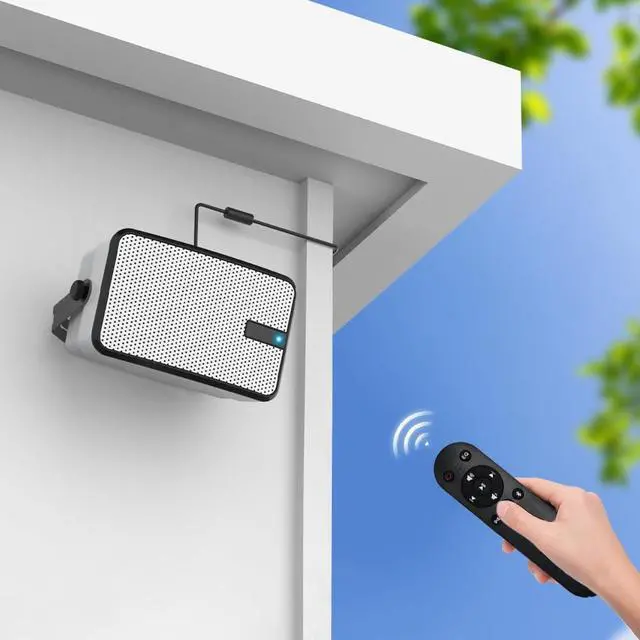
Control from a Distance: Long-range performance up to 8 meters (26 feet). Perfect for adjusting volume or power when the speaker is mounted high on a wall.
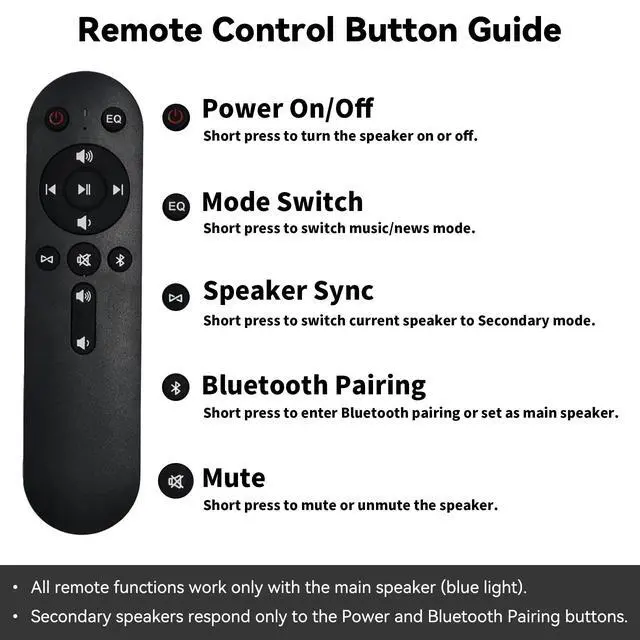
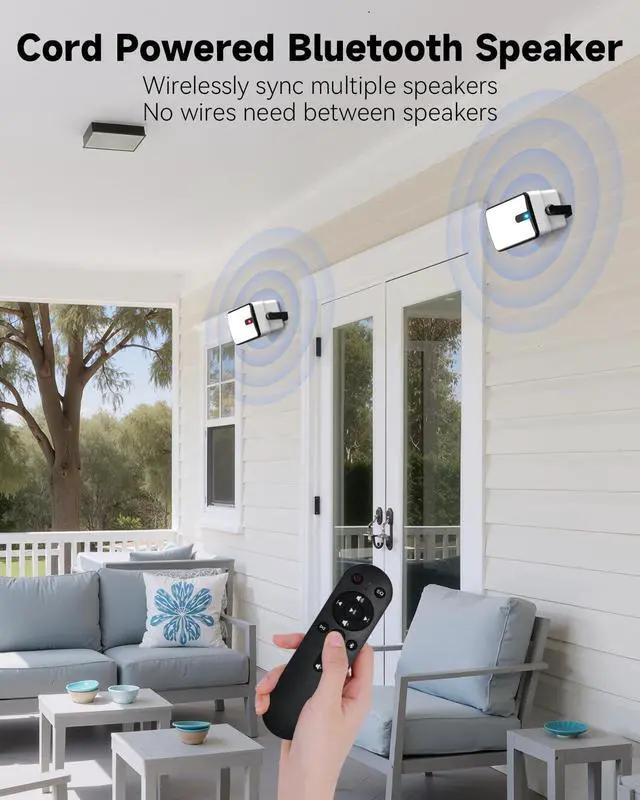
Main Speaker Control Only: Please note that only the power button and Bluetooth button work on the secondary speaker. To use all remote functions including volume control please point the remote at the main speaker (blue light). Switch Main /
Secondary mode: Press the Bluetooth Pairing button on the remote to switch a speaker to a main speaker (blue light). Press the Speaker Sync button on the remote to switch a speaker to a secondary speaker (red light)
Control from a Distance: Long-range performance up to 8 meters (26 feet). Perfect for adjusting volume or power when the speaker is mounted high on a wall.
Main Speaker Control Only: Please note that only the power button and Bluetooth button work on the secondary speaker. To use all remote functions including volume control please point the remote at the main speaker (blue light). Switch Main /
Secondary mode: Press the Bluetooth Pairing button on the remote to switch a speaker to a main speaker (blue light). Press the Speaker Sync button on the remote to switch a speaker to a secondary speaker (red light)
Warranty & Returns
Warranty, Returns, And Additional Information
Warranty
- Please contact the Seller directly for warranty information. Warranty information may also be found on the Manufacturer's website.
- CONTACT
Return Policies
- Return for refund within: 30 days
- Return for replacement within: 30 days
- This item is covered by Yihe Global Store Return Policy
Manufacturer Contact Info
- For a directory of all our manufacturers, please click below.
- Manufacturers Directory
LOADING...