• $25.49
  • Free 30-day Returns
  • Price alert
    Shop it at NeweggBusiness.

    Meet Your Seller

    Remote forTOPUTURE/Acezoe/AdvanceUp TP3/TD03-ET-165/S30-XD Treadmill | Easy pairing,Responsive control,for OLYMSOLD Riksion Orealla S20-XD & S20 P20

    Limited time offer, ends 10/28 By Yihe Global Store

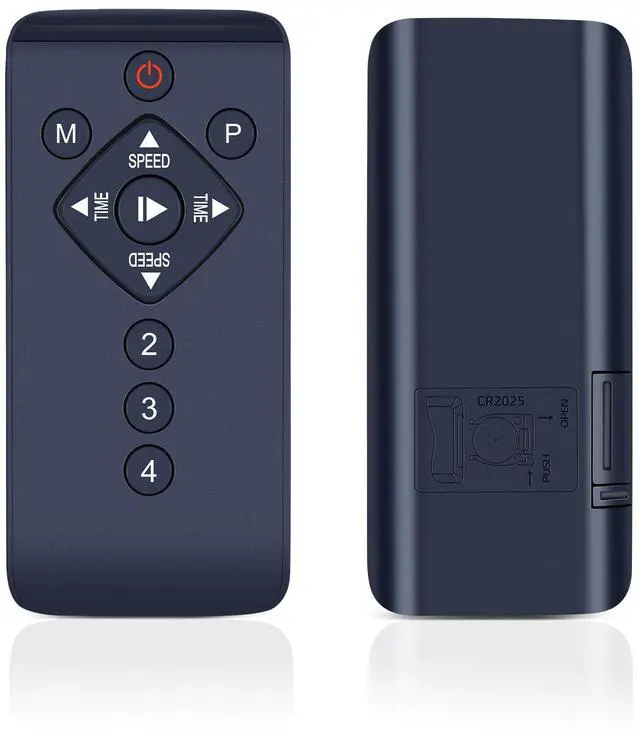
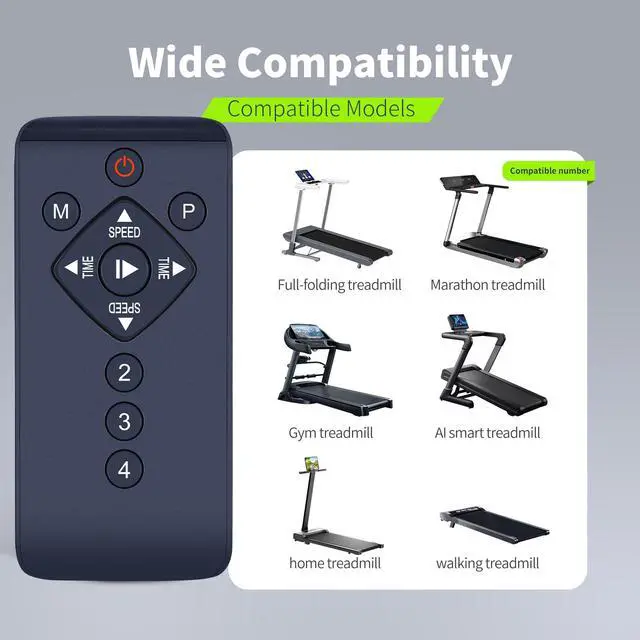
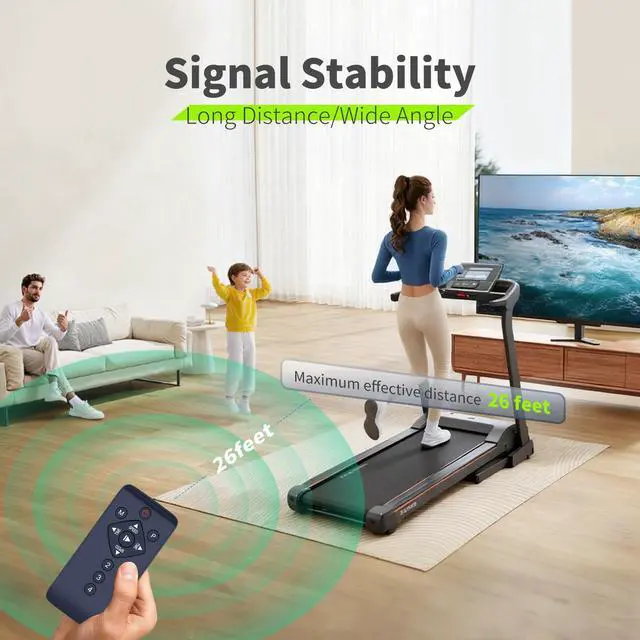
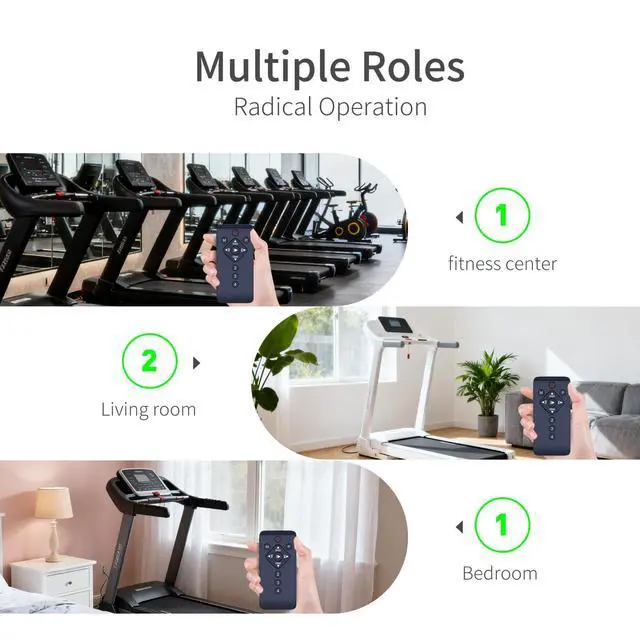
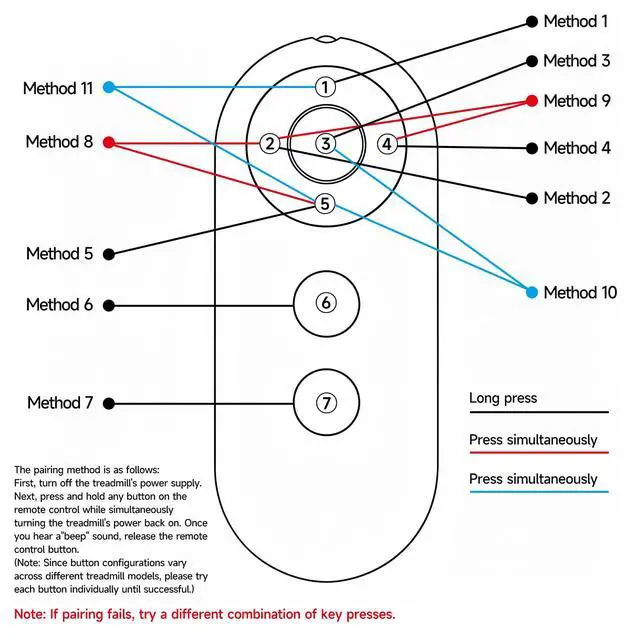
    • Universal Treadmill Compatibility. This premium Remote Control for Walking Pad Treadmill works seamlessly with multiple models including: TD03-ET-165, S30-XD, S20-XD, S20, P20, TP3 Walking Pads. Enjoy complete wireless control over speed, mode, and other functions across compatible treadmills. How to set up Method 1: Insert a suitable battery. Reconnect the power, turn on the device and wait 10 seconds. Press and hold the power/+/- button on the remote control (this may vary depending on the device; please try each one individually). It will emit a long beep, indicating a successful connection. Experience crisp responsiveness and stable signal transmission with this durable remote. How to set up Method 2: Insert batteries. Press and hold the power button/+/- sign (this may vary depending on the device; please try each one individually). Turn on the treadmill's power switch. It will emit a long beep, indicating a successful connection. Strong signal transmission up to 15 feet. Durable construction. Ergonomic design for comfortable grip. Precise speed adjustment buttons. Ensuring smooth control during all your walking workouts. Intuitive User-Friendly Design. Featuring clearly labeled buttons and a simple interface, this remote makes treadmill operation effortless: Large buttons for easy speed changes. Dedicated mode selection. Start/stop function. Perfect for home office workouts or apartment fitness routines

    +
    +
    Overview
    Specs
    Reviews

    Any questions? Ask CelesteSM will help you find out quickly.

    Universal Treadmill Compatibility. This premium Remote Control for Walking Pad Treadmill works seamlessly with multiple models including: TD03-ET-165, S30-XD, S20-XD, S20, P20, TP3 Walking Pads. Enjoy complete wireless control over speed, mode, and other functions across compatible treadmills. How to set up
    Method 1: Insert a suitable battery. Reconnect the power, turn on the device and wait 10 seconds. Press and hold the power/+/- button on the remote control (this may vary depending on the device; please try each one individually). It will emit a long beep, indicating a successful connection. Experience crisp responsiveness and stable signal transmission with this durable remote. How to set up
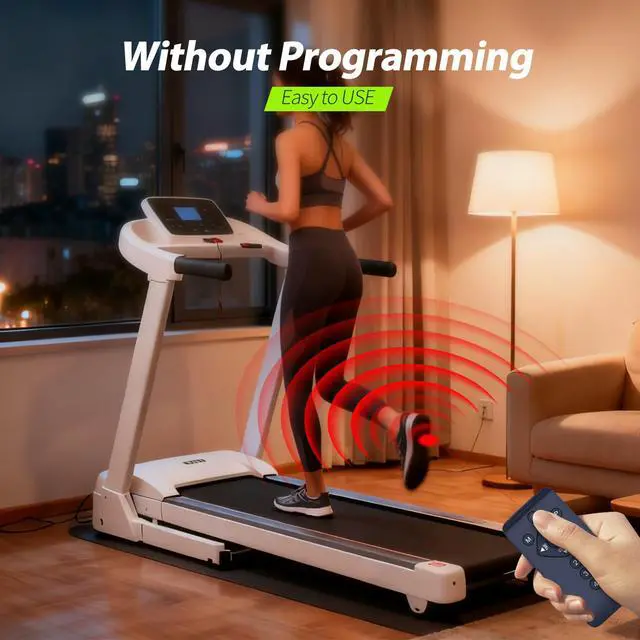
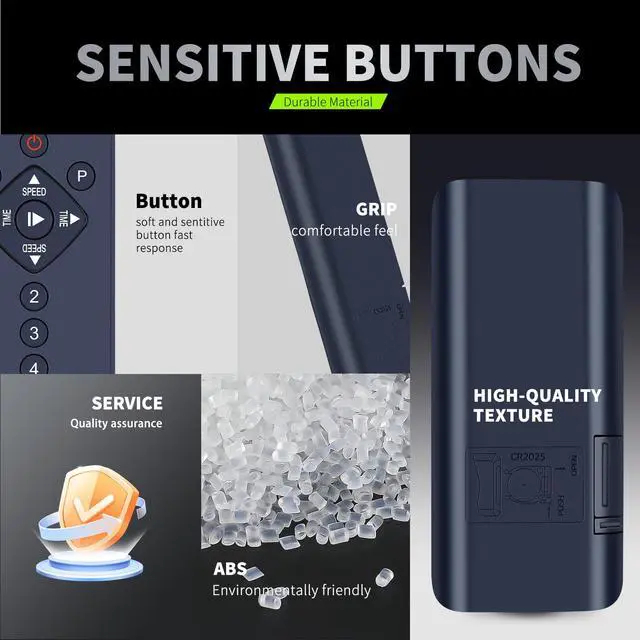
    Method 2: Insert batteries. Press and hold the power button/+/- sign (this may vary depending on the device; please try each one individually). Turn on the treadmill's power switch. It will emit a long beep, indicating a successful connection. Strong signal transmission up to 15 feet. Durable construction. Ergonomic design for comfortable grip. Precise speed adjustment buttons. Ensuring smooth control during all your walking workouts. Intuitive User-Friendly Design. Featuring clearly labeled buttons and a simple interface, this remote makes treadmill operation effortless: Large buttons for easy speed changes. Dedicated mode selection. Start/stop function. Perfect for home office workouts or apartment fitness routines

    Warranty & Returns

    Warranty, Returns, And Additional Information

    Warranty

    • Please contact the Seller directly for warranty information. Warranty information may also be found on the Manufacturer's website.
    • CONTACT

    Return Policies

    Manufacturer Contact Info

    LOADING...