• $25.49
  • Free 30-day Returns
  • Price alert
    Shop it at NeweggBusiness.

    Meet Your Seller

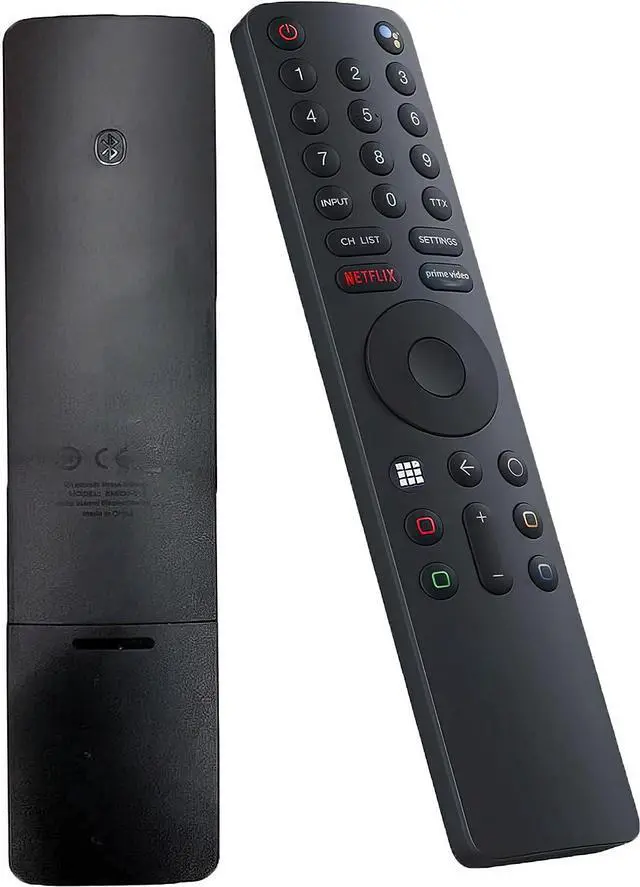
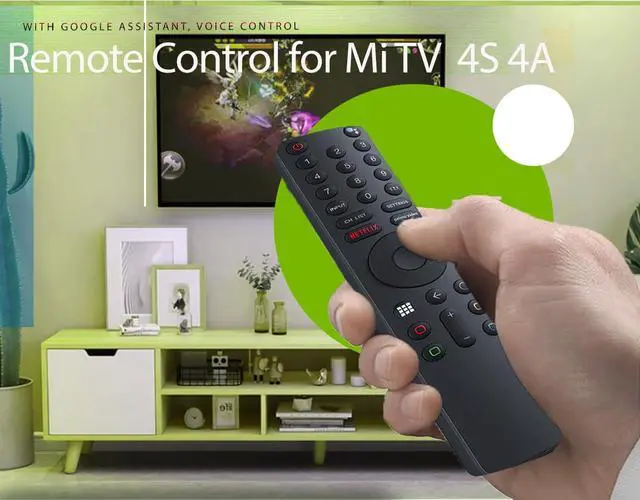
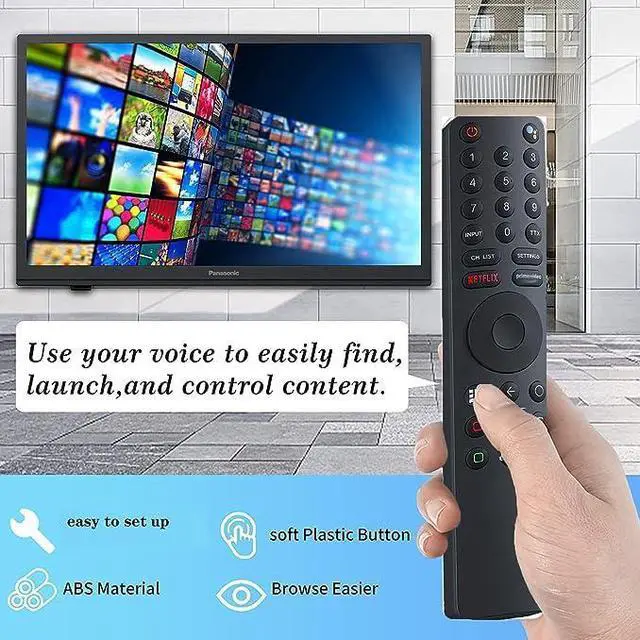
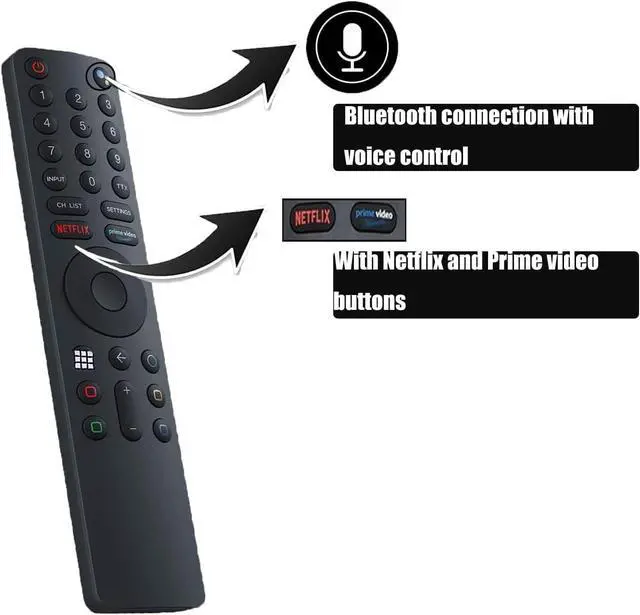
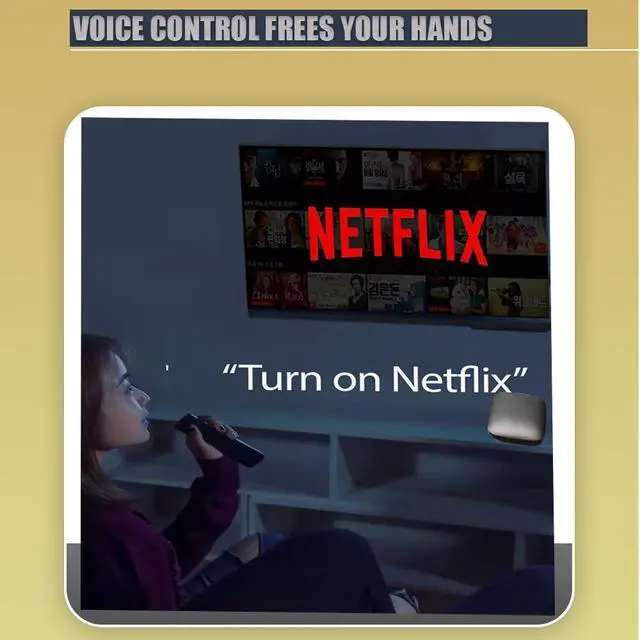
    Universal Remote Control for Xiaomi Mi TV 4S 4A Smart TV, Replacement Remote Control for Xiaomi Mi 4S 4A Smart TV with Bluetooth and Voice Control

    Limited time offer, ends 09/07 By Yihe Global Store

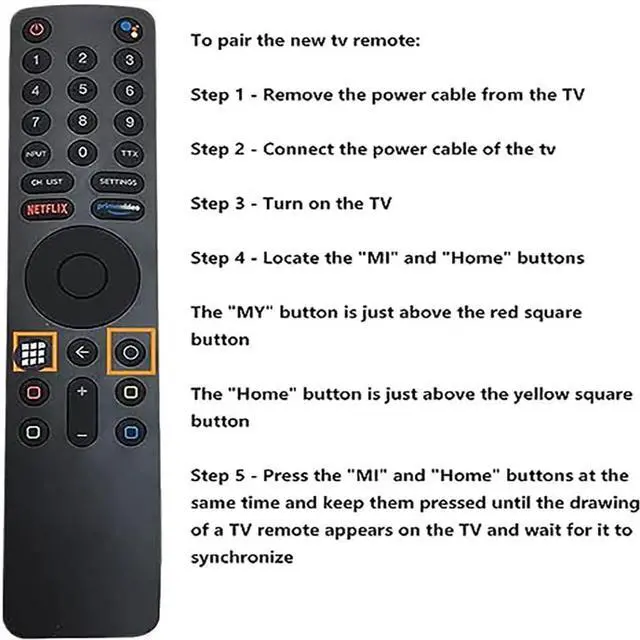
    • To pair the new TV remote: Step 1 - Unplug the power cable from the TV. Step 2 - Reconnect the power cable of the TV. Step 3 - Switch on the TV. Step 4 - Find the "MI" and "Home" buttons. The "MI" button is located just above the red square button. The "Home" button is located just above the yellow square button. Step 5 - Press the "MI" and "Home" buttons simultaneously and hold them until the image of a TV remote appears on the screen, then wait for it to sync. This Bluetooth voice remote control replacement works with Google Voice Assistant and is designed for use with MI TV P1, Q1, 4S, 4A, Q1E, Mi Box S / 4X. It serves as a replacement remote for Xiaomi Mi 4S and 4A Smart TVs, featuring Bluetooth and voice control functionality

    +
    +
    Overview
    Specs
    Reviews
    avatar

    Any questions? Our AI mode will help you find out quickly.

    To pair the new
    TV remote: Step 1 - Unplug the power cable from the TV. Step 2 - Reconnect the power cable of the TV. Step 3 - Switch on the TV. Step 4 - Find the "MI" and "Home" buttons. The "MI" button is located just above the red square button. The "Home" button is located just above the yellow square button. Step 5 - Press the "MI" and "Home" buttons simultaneously and hold them until the image of a TV remote appears on the screen, then wait for it to sync. This Bluetooth voice remote control replacement works with Google Voice Assistant and is designed for use with MI TV P1, Q1, 4S, 4A, Q1E, Mi Box S / 4X. It serves as a replacement remote for Xiaomi Mi 4S and 4A Smart TVs, featuring Bluetooth and voice control functionality

    Warranty & Returns

    Warranty, Returns, And Additional Information

    Warranty

    • Please contact the Seller directly for warranty information. Warranty information may also be found on the Manufacturer's website.
    • CONTACT

    Return Policies

    Manufacturer Contact Info

    LOADING...