• $40.49
  • Free 30-day Returns
  • Price alert
    Shop it at NeweggBusiness.

    Meet Your Seller

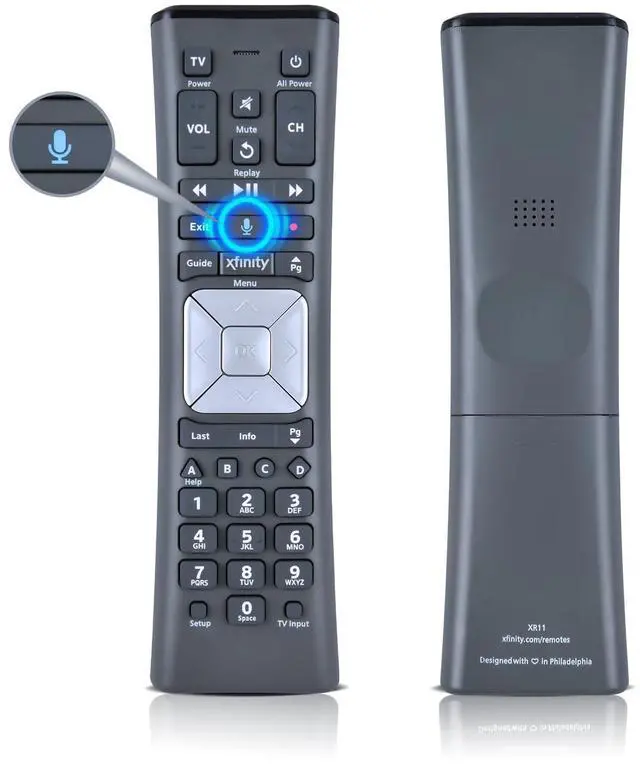
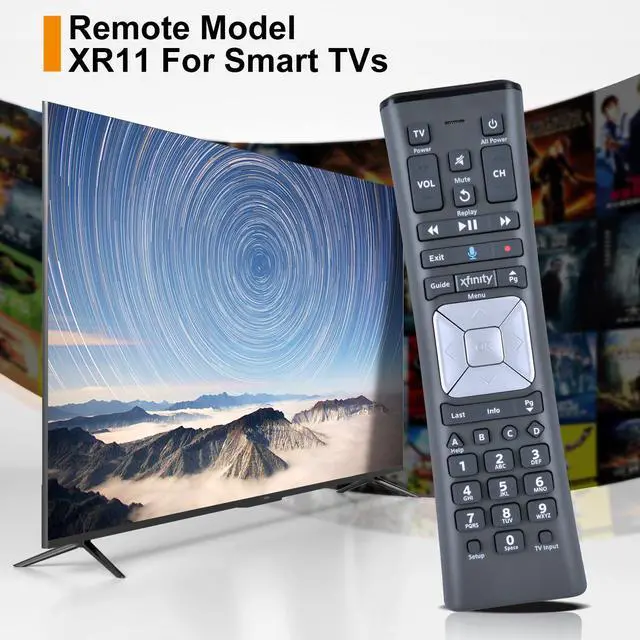
    Replace XR11 Voice Remote Control for XFinity Comcast Activated Cable TV

    Limited time offer, ends 09/07 By Yihe Global Store

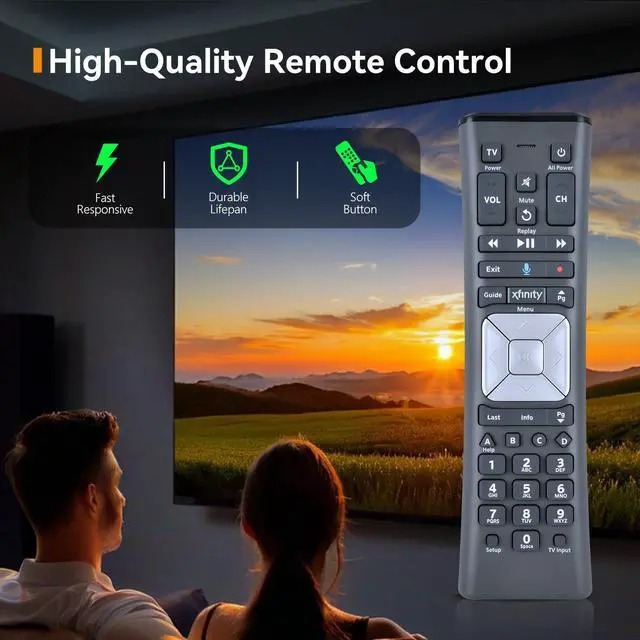
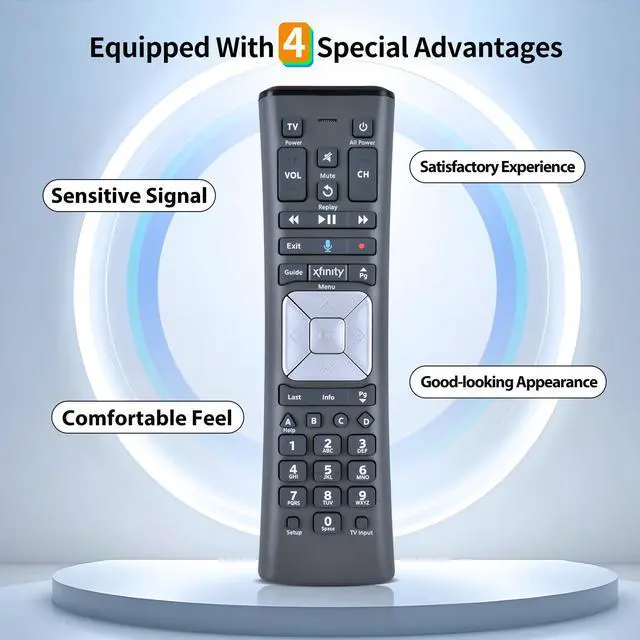
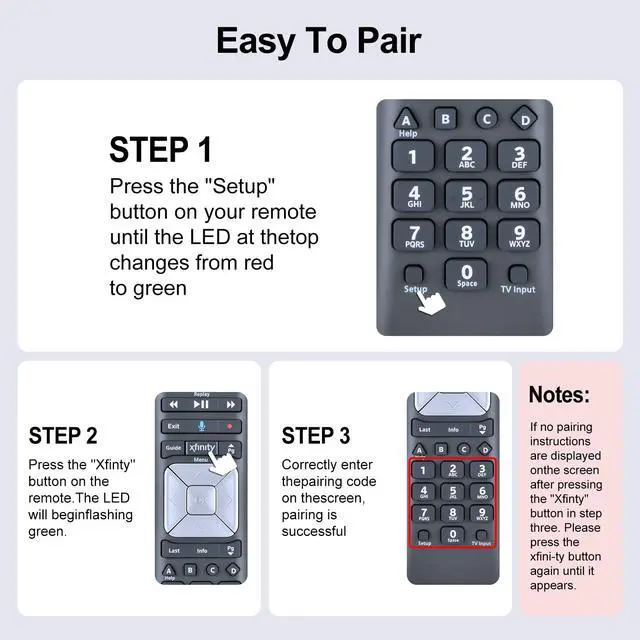
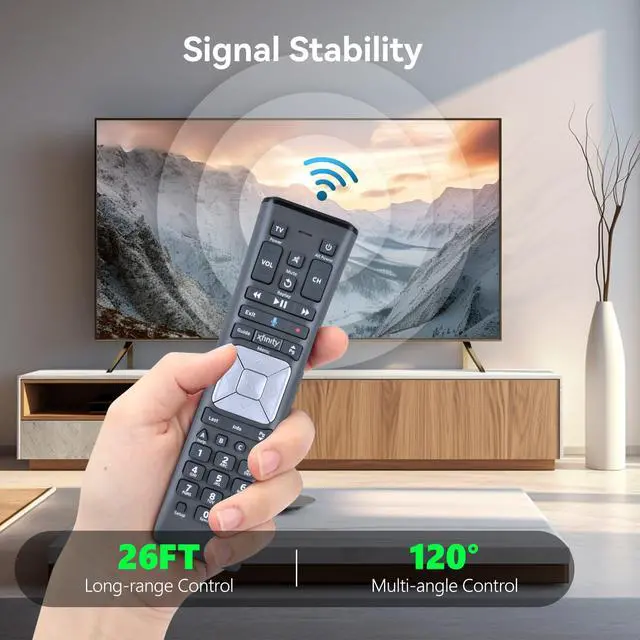
    • Perfect CompatibilityXR11 Voice Remote Control Fit For Premium Activated Cable TV With Backlit Premium QualityUsing advanced infrared 3.0 technology and finer craftsmanship, this high-quality remote control can perfectly match your air conditioner, its signal stays strong, responds quickly, and feels comfortable to hold and touch, offering a pleasant user experience Easy To PairPress the "Setup" button on your remote until the LED light changes from red to green, then press the "Xfinty", the LED will flash green. Then enter the pairing code on the screen correctly, pairing will be successful. Use the digit keys on the remote, enter the code shown in the Code Finder on this web page. Test the remote to confirm that it controls your TV Power and Volume functions as expected. If it does not, try again using the next code listed 1, Turn on your TV, Press and hold Setup until the light at the top of the remote changes from red to green. 2, Enter 9-9-1. The light should flash green twice, Keep pressing CH ^ until the TV turns off. 3, Once the TV turns off, press Setup to lock in the code. 4, Press the TV power button on the remote. If the TV turns on, you're all set! Package includedNew Replacement Remote Control *1 (Batteries are Not Included)

    +
    +
    Overview
    Specs
    Reviews
    avatar

    Any questions? Our AI mode will help you find out quickly.

    Perfect CompatibilityXR11 Voice Remote Control Fit For Premium Activated Cable TV With Backlit Premium QualityUsing advanced infrared 3.0 technology and finer craftsmanship, this high-quality remote control can perfectly match your air conditioner, its signal stays strong, responds quickly, and feels comfortable to hold and touch, offering a pleasant user experience Easy To PairPress the "Setup" button on your remote until the LED light changes from red to green, then press the "Xfinty", the LED will flash green. Then enter the pairing code on the screen correctly, pairing will be successful.

    Use the digit keys on the remote, enter the code shown in the Code Finder on this web page. Test the remote to confirm that it controls your TV Power and Volume functions as expected. If it does not, try again using the next code listed 1, Turn on your TV, Press and hold Setup until the light at the top of the remote changes from red to green. 2, Enter 9-9-1. The light should flash green twice, Keep pressing CH ^ until the TV turns off. 3, Once the TV turns off, press Setup to lock in the code.

    4, Press the TV power button on the remote. If the TV turns on, you're all set! Package includedNew Replacement Remote Control *1 (Batteries are Not Included)

    Warranty & Returns

    Warranty, Returns, And Additional Information

    Warranty

    • Please contact the Seller directly for warranty information. Warranty information may also be found on the Manufacturer's website.
    • CONTACT

    Return Policies

    Manufacturer Contact Info

    LOADING...