Out of stock
  • $39.99
  • Free 30-day Returns
Price alert
Shop it at NeweggBusiness.

Meet Your Seller

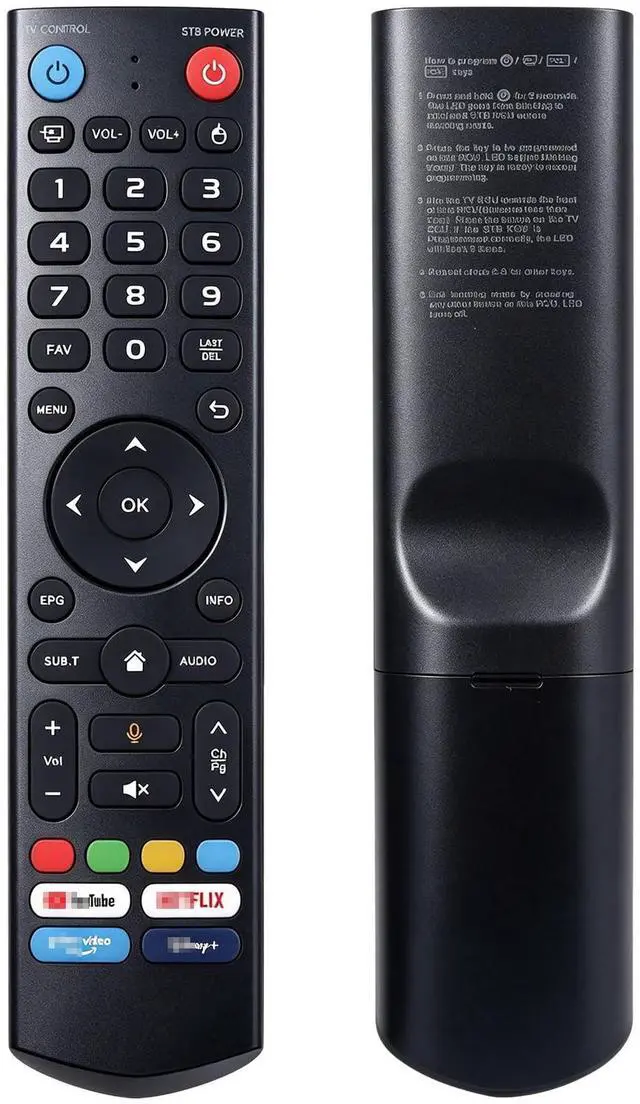
New Replacement V3 Pro Voice Remote Control, Compatible with vSeeBox V5, V3, V2, V1 Pro, V3 Plus, V1 Max, Elite, Max Models

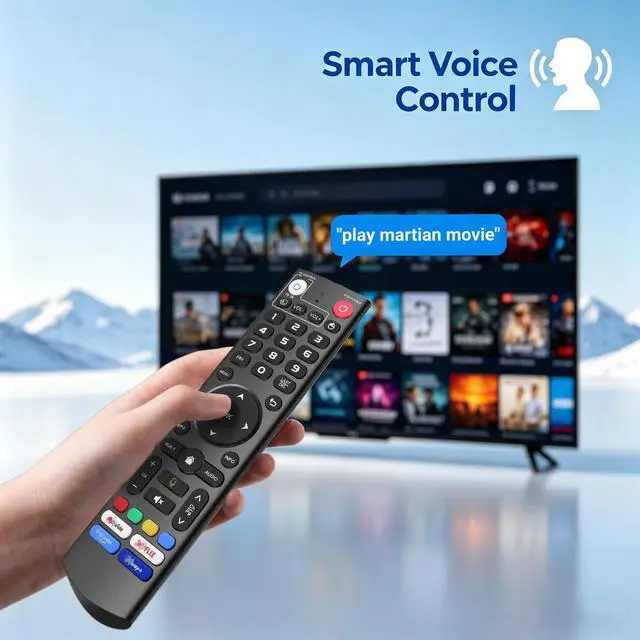
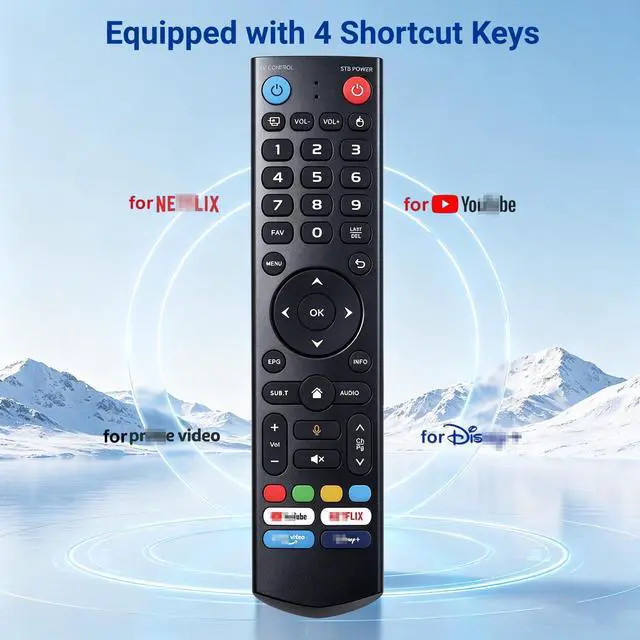
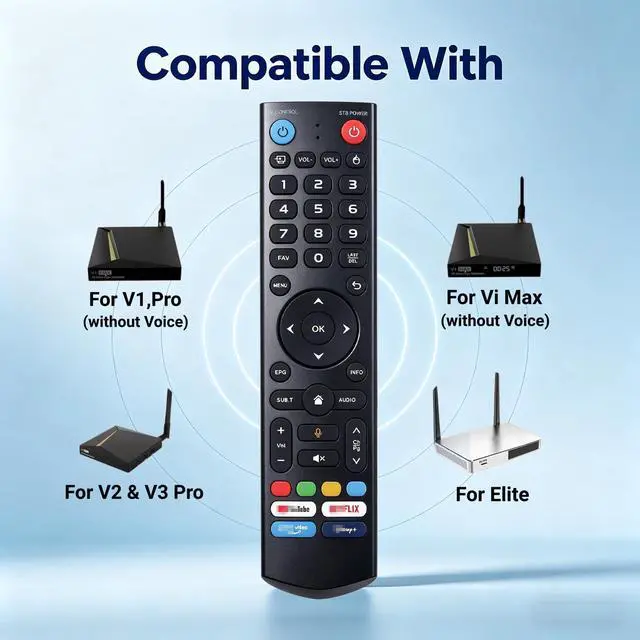
  • Compatible Model List for V3 Pro Voice Remote This V3 Pro voice remote is compatible with every vSeeBox device, including V5 Pro, V1, V1 Pro, V2, V2 Pro, V3 Pro, V3 Plus, V1 Max, Elite, and Max. Smart Voice Search Equipped with a microphone key, this V3 Pro voice remote lets you search content by voice, adjust volume, switch input sources, and play music. Just use voice commands to control your TV, fine-tune volume levels, or enjoy your favorite music. Note: Voice commands are not supported on V1 Max, V1 Pro, and V2 Pro. Instant Streaming Shortcut Buttons This remote includes dedicated hotkeys for YouTube, Netflix, Prime Video, and Disney+. Press one button to go directly to your preferred streaming services. Skip tedious menu navigation and enjoy smooth entertainment right at your fingertips. Two Switchable Operation Modes: V3 & V2 This V3 Pro voice remote offers dual V3 and V2 operation modes. Switch modes by pressing and holding the 5 key for more than 10 seconds. V3 mode is designed for V3 Pro devices, while V2 mode works seamlessly with V1 Pro, V2 Pro, Max, and Elite. It operates in V3 mode as the default setting. For V1 Pro, V2 Pro, Max, or Elite users, simply press and hold the number 5 button for over 10 seconds to activate V2 mode. Quick Pairing Setup Simultaneously press and hold the OK and Vol- buttons on the V3 Pro voice remote for over 5 seconds to begin pairing. Release both buttons when the LED blinks rapidly. The light will turn off immediately if
+
+
Overview
Specs
Reviews
avatar

Any questions? Our AI mode will help you find out quickly.

Compatible Model List for V3 Pro Voice Remote This V3 Pro voice remote is compatible with every vSeeBox device, including V5 Pro, V1, V1 Pro, V2, V2 Pro, V3 Pro, V3 Plus, V1 Max, Elite, and Max. Smart Voice Search Equipped with a microphone key, this V3 Pro voice remote lets you search content by voice, adjust volume, switch input sources, and play music. Just use voice commands to control your TV, fine-tune volume levels, or enjoy your favorite music.
Note: Voice commands are not supported on V1 Max, V1 Pro, and V2 Pro. Instant Streaming Shortcut Buttons This remote includes dedicated hotkeys for YouTube, Netflix, Prime Video, and Disney+. Press one button to go directly to your preferred streaming services. Skip tedious menu navigation and enjoy smooth entertainment right at your fingertips.
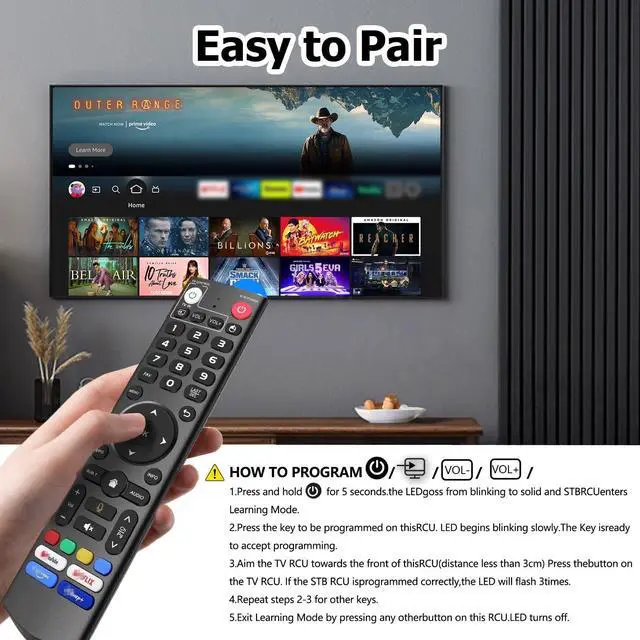
Two Switchable Operation Modes: V3 & V2 This V3 Pro voice remote offers dual V3 and V2 operation modes. Switch modes by pressing and holding the 5 key for more than 10 seconds. V3 mode is designed for V3 Pro devices, while V2 mode works seamlessly with V1 Pro, V2 Pro, Max, and Elite. It operates in V3 mode as the default setting. For V1 Pro, V2 Pro, Max, or Elite users, simply press and hold the number 5 button for over 10 seconds to activate V2 mode. Quick Pairing Setup Simultaneously press and hold the OK and Vol- buttons on the V3 Pro voice remote for over 5 seconds to begin pairing. Release both buttons when the LED blinks rapidly. The light will turn off immediately if pairing is successful. If no connection is established within 30 seconds, the LED turns off and the remote exits pairing mode automatically. You need to remove the old remote record in Bluetooth settings, then pair the remote again

Warranty & Returns

Warranty, Returns, And Additional Information

Warranty

  • Please contact the Seller directly for warranty information. Warranty information may also be found on the Manufacturer's website.
  • CONTACT

Return Policies

Manufacturer Contact Info

LOADING...