Your Browsing History
Meet Your Seller
Voice Magic Remote Control for LG TV, Universal Remote Control for LG TV Nanocell Webos UHD OLED LED LCD HD Smart TVs with Pointer and Voice Function
Limited time offer, ends 09/07 By Yihe Global Store
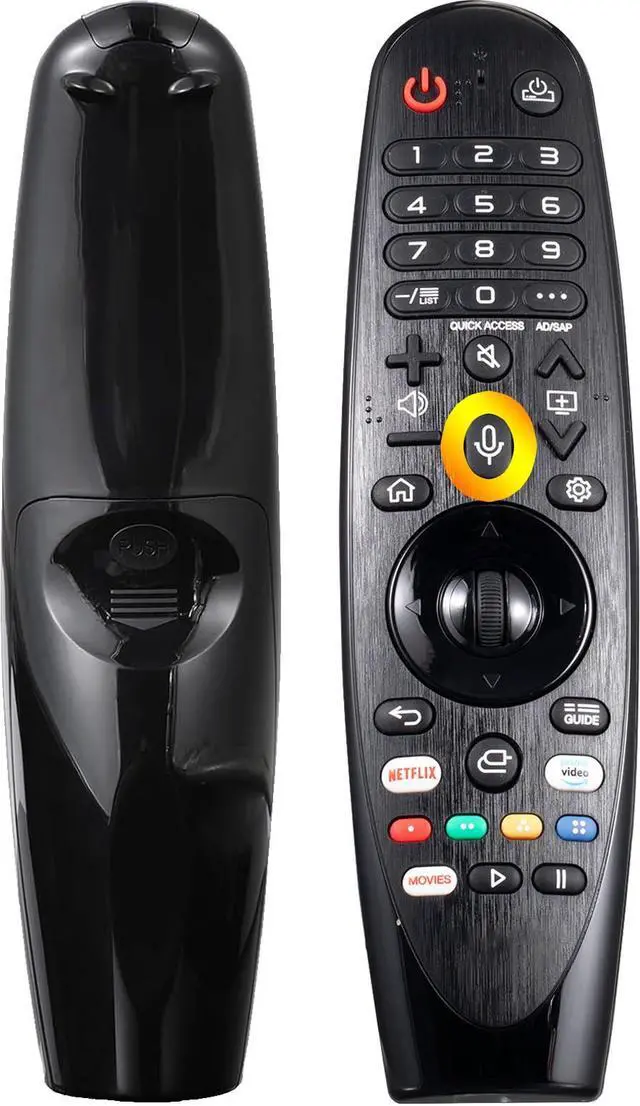
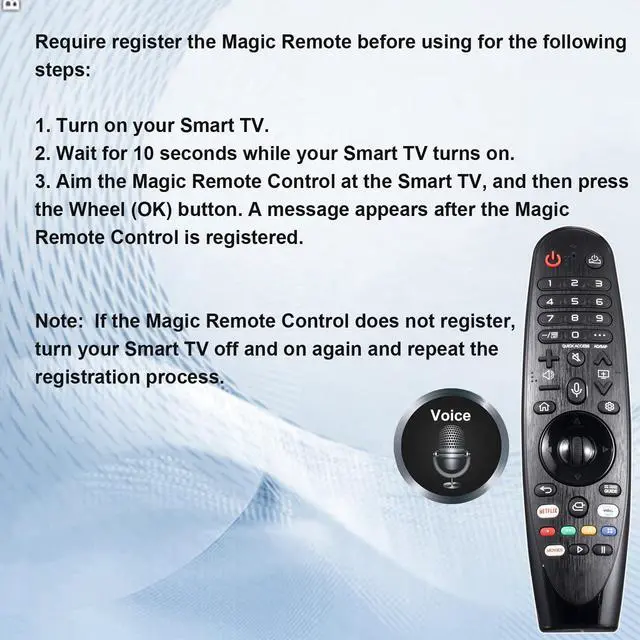
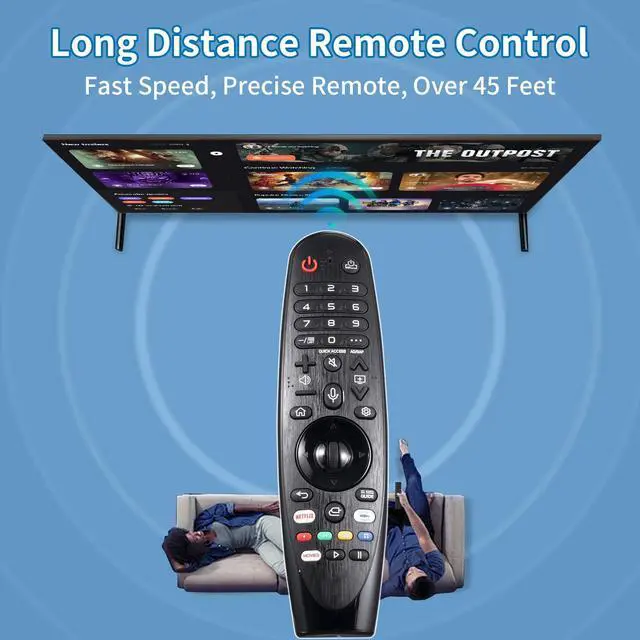
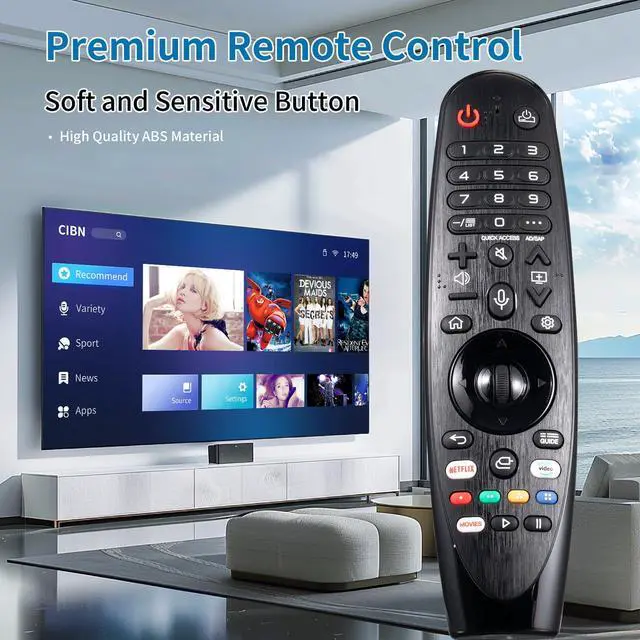
- Compatible with LG Remote Control ModelsThis remote can serve as a replacement for LG Smart TV MR20GA MR19BA MR21 MR22 MR23 MR24 GA GN GC MR18BA MR650A and AKB75855501 magic remote. Please note that this remote is not compatible with AKB75095307 AN-MR500 AKB73615306. Compatible with LG Smart TVCompatible with LG OLED UHD NanoCell 4K 8K Webos Smart TV Models: ZX, WX, GX, CX, BX, W9, E9, C9, B9, NANO99, NANO97, NANO95, NANO91, NANO90, NANO86, NANO81, NANO80, SM99, SM95, SM90, SM86, SM81, UN85, UN81, UN80 UN74, UN73, UN71, UM80, UM75, UM73, UM71, UM6970 series. Register the Magic Remote before UsingAim the Magic Remote Control at the Smart TV, and then press the Wheel (OK) button. A message appears after the Magic Remote Control is registered. Note: If the Magic Remote Control does not register, turn your Smart TV off and on again and repeat the registration process. How to deregister (unpair) the Magic RemoteIf the Magic Remote Control does not register successfully, you can reset the remote control by these two steps: 1. Press and hold the (HOME) and (BACK) buttons at the same time for five seconds, to unpair the Magic Remote with your TV. 2. Press and hold the (GUIDE) button for more than 5 seconds to disconnect and re-register the Magic Remote at the same time. Transmission RangeSupports over 12m/40ft transmission distance. Requires 2* AA batteries (not included)

+
+
Overview
Specs
Reviews
Any questions? Our AI mode will help you find out quickly.
Try me now
Compatible with LG Remote Control ModelsThis remote can serve as a replacement for LG Smart TV MR20GA MR19BA MR21 MR22 MR23 MR24 GA GN GC MR18BA MR650A and AKB75855501 magic remote. Please note that this remote is not compatible with AKB75095307 AN-MR500 AKB73615306. Compatible with LG Smart TVCompatible with LG OLED UHD NanoCell 4K 8K
Webos Smart TV Models: ZX, WX, GX, CX, BX, W9, E9, C9, B9, NANO99, NANO97, NANO95, NANO91, NANO90, NANO86, NANO81, NANO80, SM99, SM95, SM90, SM86, SM81, UN85, UN81, UN80 UN74, UN73, UN71, UM80, UM75, UM73, UM71, UM6970 series. Register the Magic Remote before UsingAim the Magic Remote Control at the Smart TV, and then press the Wheel (OK) button. A message appears after the Magic Remote Control is registered.
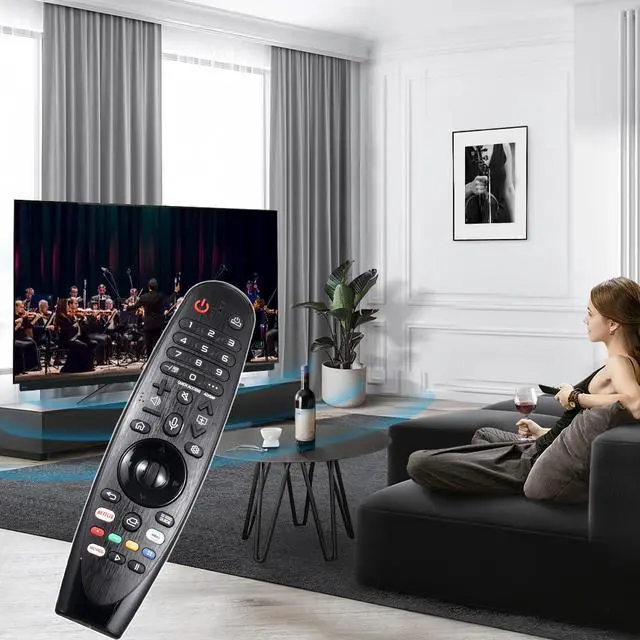
Note: If the Magic Remote Control does not register, turn your Smart TV off and on again and repeat the registration process. How to deregister (unpair) the Magic RemoteIf the Magic Remote Control does not register successfully, you can reset the remote control by these two steps: 1. Press and hold the (HOME) and (BACK) buttons at the same time for five seconds, to unpair the Magic Remote with your TV. 2. Press and hold the (GUIDE) button for more than 5 seconds to disconnect and re-register the Magic Remote at the same time. Transmission RangeSupports over 12m/40ft transmission distance. Requires 2* AA batteries (not included)
Webos Smart TV Models: ZX, WX, GX, CX, BX, W9, E9, C9, B9, NANO99, NANO97, NANO95, NANO91, NANO90, NANO86, NANO81, NANO80, SM99, SM95, SM90, SM86, SM81, UN85, UN81, UN80 UN74, UN73, UN71, UM80, UM75, UM73, UM71, UM6970 series. Register the Magic Remote before UsingAim the Magic Remote Control at the Smart TV, and then press the Wheel (OK) button. A message appears after the Magic Remote Control is registered.
Note: If the Magic Remote Control does not register, turn your Smart TV off and on again and repeat the registration process. How to deregister (unpair) the Magic RemoteIf the Magic Remote Control does not register successfully, you can reset the remote control by these two steps: 1. Press and hold the (HOME) and (BACK) buttons at the same time for five seconds, to unpair the Magic Remote with your TV. 2. Press and hold the (GUIDE) button for more than 5 seconds to disconnect and re-register the Magic Remote at the same time. Transmission RangeSupports over 12m/40ft transmission distance. Requires 2* AA batteries (not included)
Warranty & Returns
Warranty, Returns, And Additional Information
Warranty
- Please contact the Seller directly for warranty information. Warranty information may also be found on the Manufacturer's website.
- CONTACT
Return Policies
- Return for refund within: 30 days
- Return for replacement within: 30 days
- This item is covered by Yihe Global Store Return Policy
Manufacturer Contact Info
- For a directory of all our manufacturers, please click below.
- Manufacturers Directory
LOADING...