Out of stock
  • $39.99
  • Free 30-day Returns
Price alert
Shop it at NeweggBusiness.

Meet Your Seller

V2 Pro Voice Remote Control Replacement Compatible for vSeeBox V1 / V2 / Elite/Max, Replacement for OctaStream Elite Max Latest Technology Android TV Box 2023

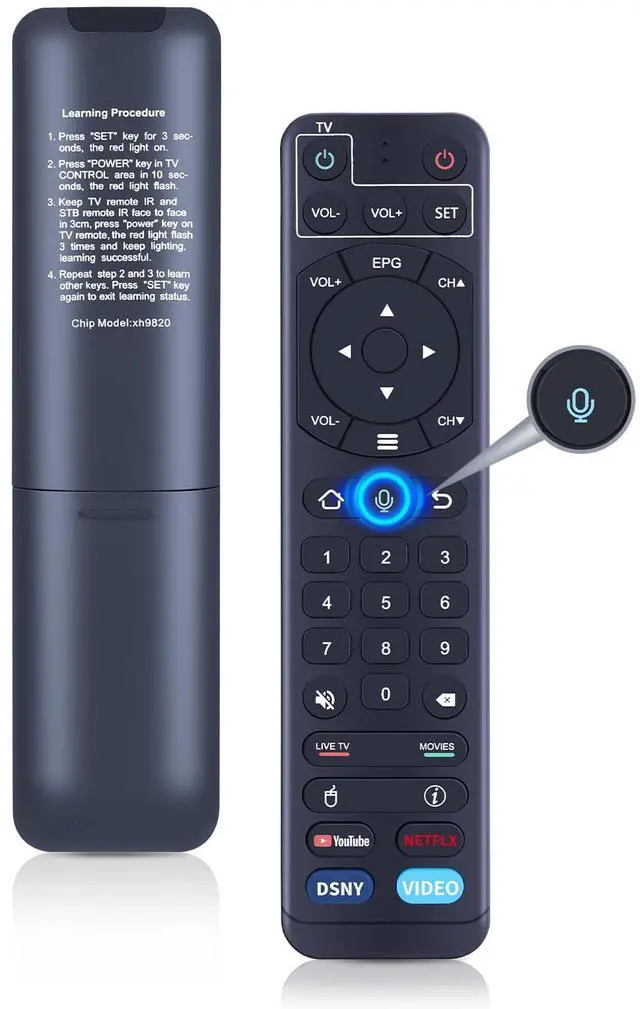
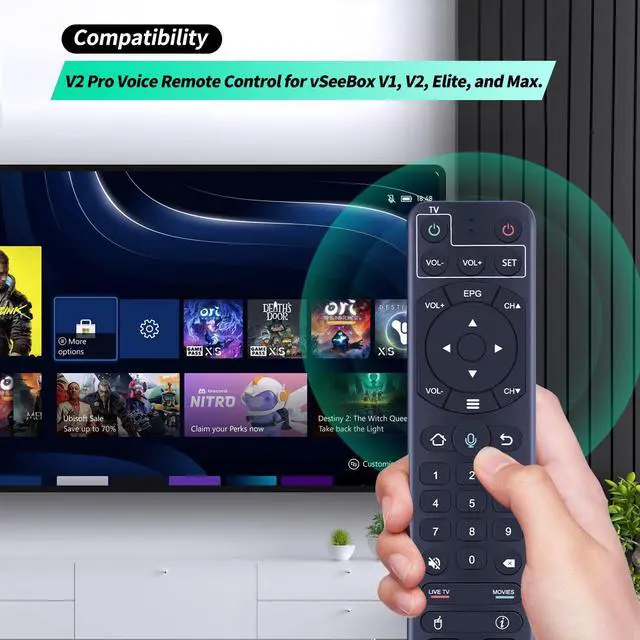
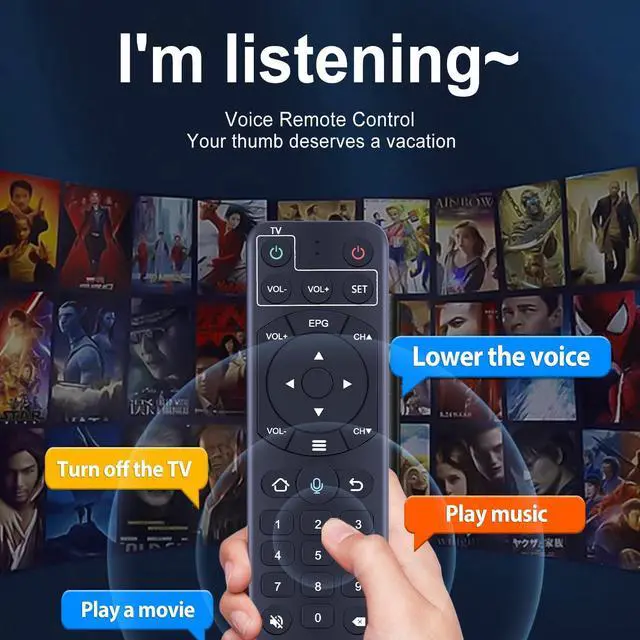
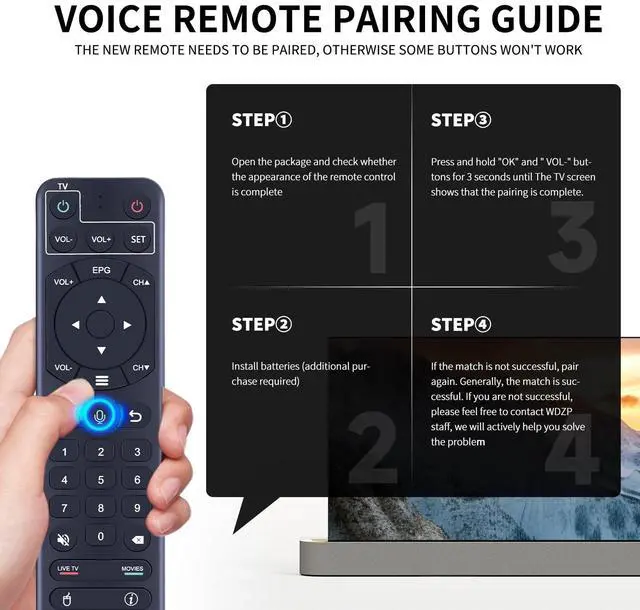
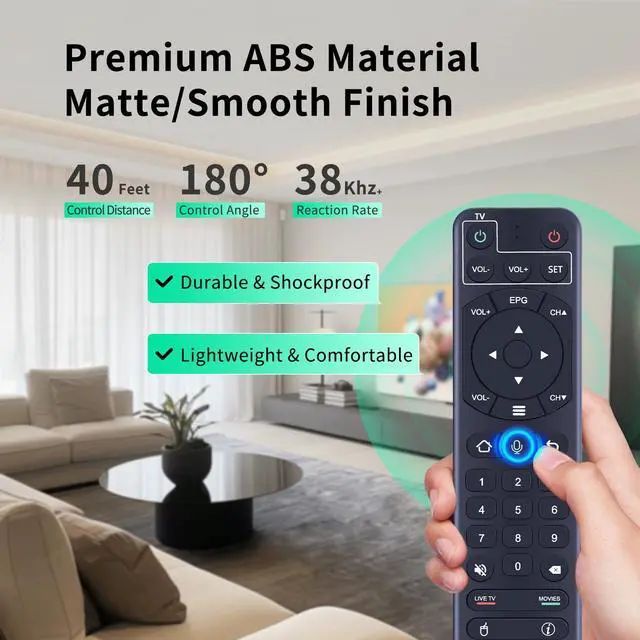
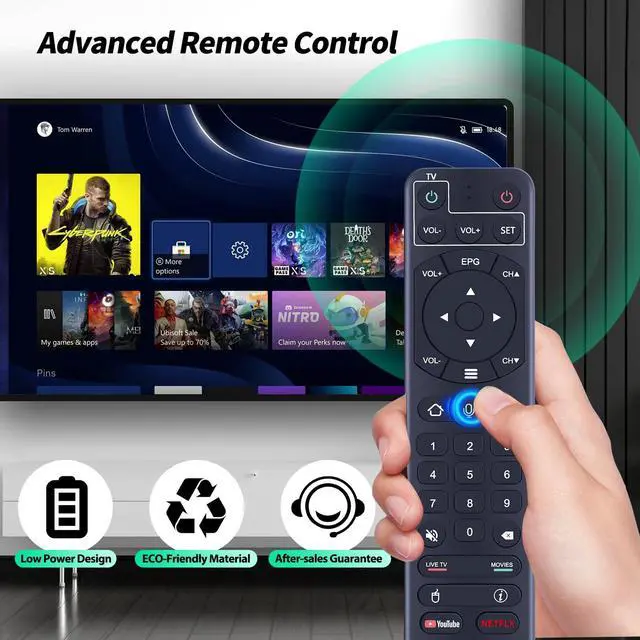
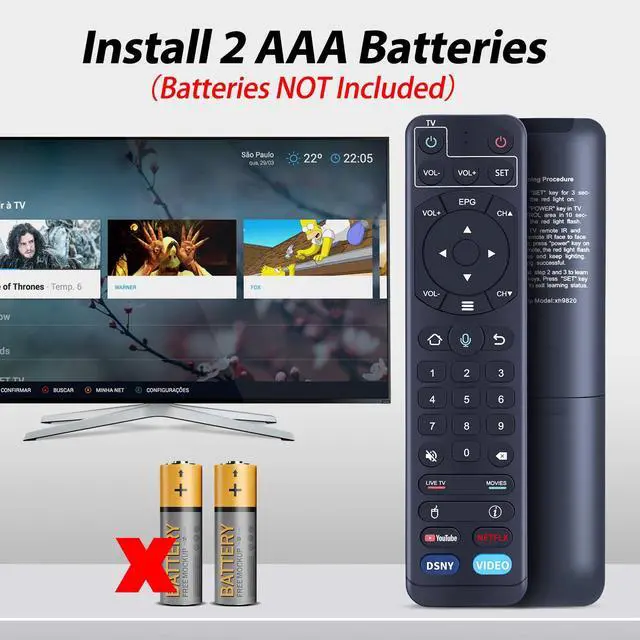
  • Multi-Device CompatibilityThis V2 Pro Replacement voice remote control is designed to function exclusively with vSeeBox V1, V2, Elite, and Max. NoteThis remote is compatible with vSee Box V1/V2 Pro/V1 Max, but it lacks voice functionality (Due to compatibility issues, please refrain from using this remote to directly operate your TV or other devices). Enhanced ConnectivityBuilt with advanced technology for rapid pairing, dependable stability, and broader range, making the connection process more convenient! How To Learning Procedure 1) Hold down the "SET" key for 3 seconds, the red light activates. 2) Press the "Power" key in the TV CONTROL area within 10 seconds, the red light blinks. 3) Position the TV remote IR and STB remote IR facing each other within 3cm, press the "power" key on the TV remote, the red light blinks 3 times and remains lit, learning is successful. 4) Repeat steps 2 and 3 to learn additional keys. Press the "SET" key again to exit learning mode

+
+
Overview
Specs
Reviews
avatar

Any questions? Our AI mode will help you find out quickly.

Multi-Device CompatibilityThis V2 Pro Replacement voice remote control is designed to function exclusively with vSeeBox V1, V2, Elite, and Max. NoteThis remote is compatible with vSee Box V1/V2 Pro/V1 Max, but it lacks voice functionality (Due to compatibility issues, please refrain from using this remote to directly operate your TV or other devices). Enhanced ConnectivityBuilt with advanced technology for rapid pairing, dependable stability, and broader range, making the connection process more convenient! How To Learning Procedure 1) Hold down the "SET" key for 3 seconds, the red light activates.

2) Press the "Power" key in the TV CONTROL area within 10 seconds, the red light blinks. 3) Position the TV remote IR and STB remote IR facing each other within 3cm, press the "power" key on the TV remote, the red light blinks 3 times and remains lit, learning is successful. 4) Repeat steps 2 and 3 to learn additional keys. Press the "SET" key again to exit learning mode

Warranty & Returns

Warranty, Returns, And Additional Information

Warranty

  • Please contact the Seller directly for warranty information. Warranty information may also be found on the Manufacturer's website.
  • CONTACT

Return Policies

Manufacturer Contact Info

LOADING...