

Your Browsing History
- Free 30-day Returns
$50.99

Meet Your Seller


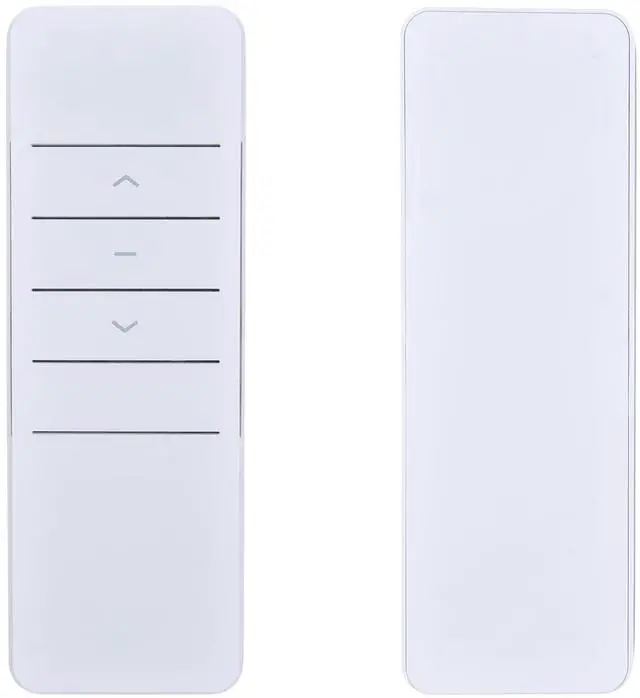
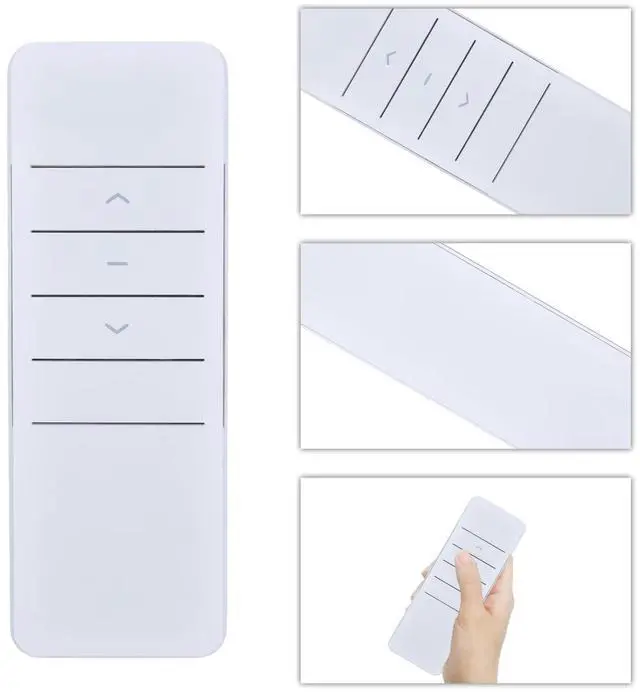
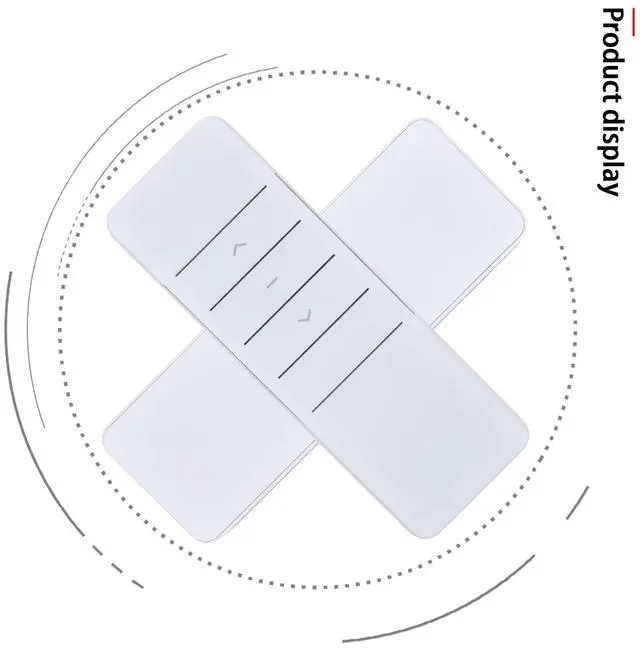
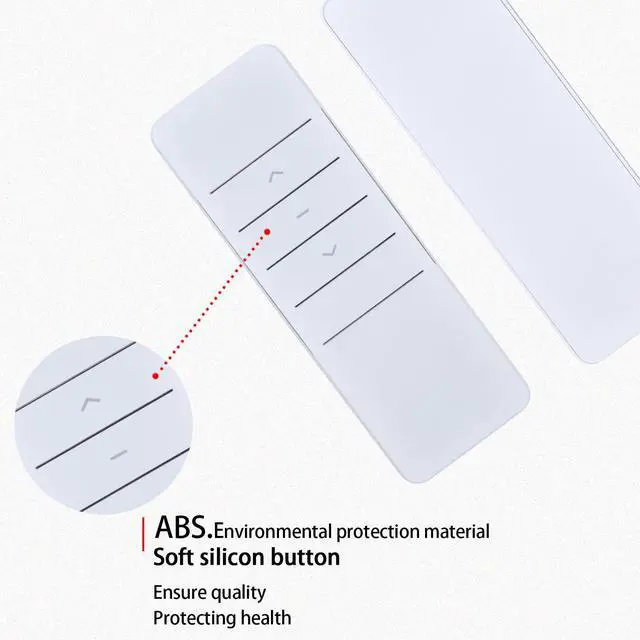
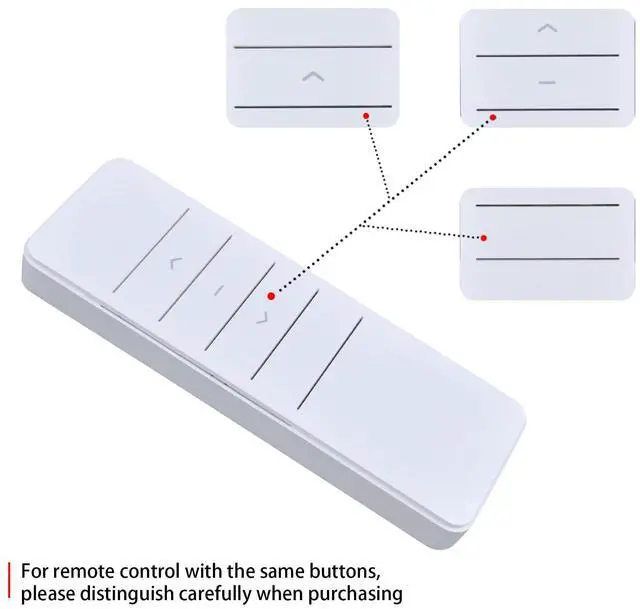
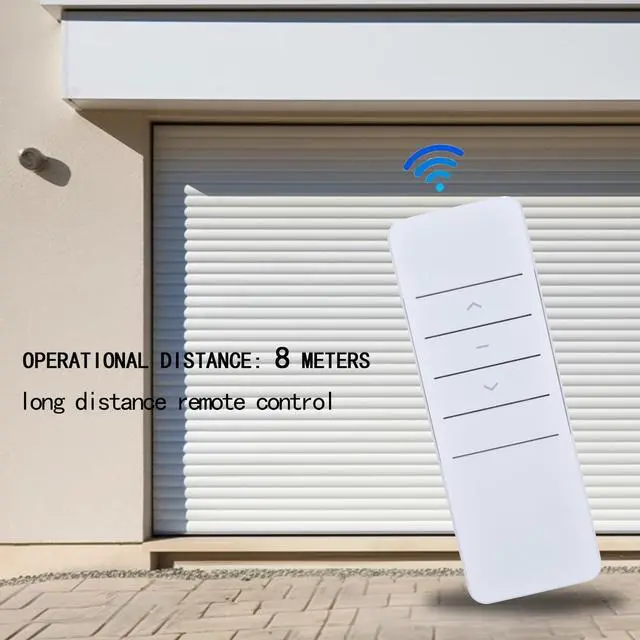
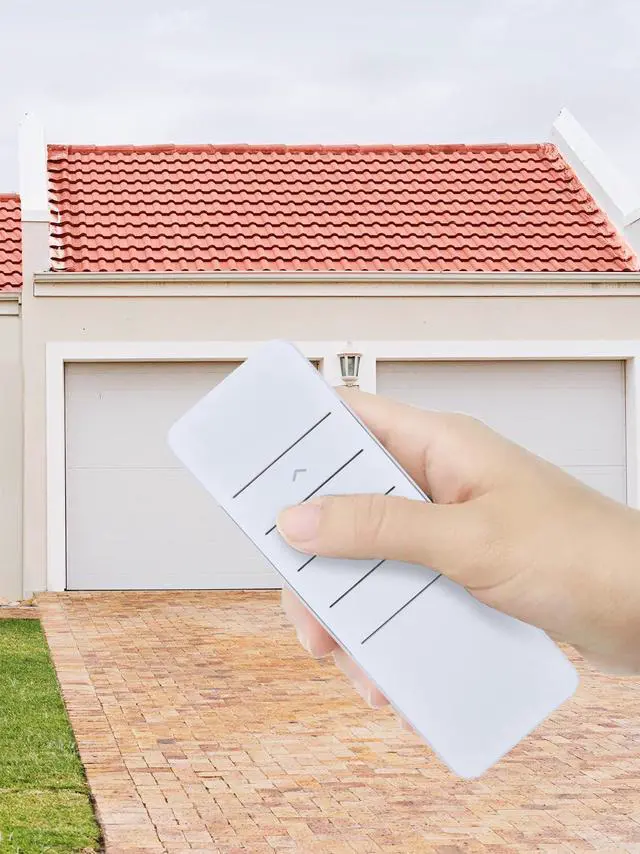


Remote Control for Dooya DC2700 DT52E/KT82TN/DT360 Curtain Motor | Easy pairing,Responsive control,for 433MHz Single Channel Transmitter
- Designed to work seamlessly with models including the DT52E, KT82TN, and DT360, this remote provides dedicated control for your motorized roller blinds, shades, and curtains. This precise match ensures dependable operation as a direct, plug-and-play replacement for your original remote. Remote control instruction manual A. Engineering motor setting method The engineering motor is universal. There is a button near the signal line. You can press the "setting button" to set the engineering motor. 1. Long press the motor setting button; the green light turns on/flashes; release. 2. Press the P2 button on the back of the remote control several times (you need to open the back cover first), and the motor indicator light will flash, indicating that the pairing is in progress. 3. Try to use the remote control to ascend and descend, it works normally. B. Roller shutter machine setting method 1. After power off and power on again, the motor makes a beeping sound. 2. Open the back cover of the remote control, press the P2 button once, the motor will make a "beep" sound twice, then press the P2 button once again, the motor will make a "beep" sound. 3. Press the "Up" button on the front of the remote control. The motor will beep 5 times, indicating successful pairing. High-Performance Single-Channel Reliability: This Single Channel Transmitter/Emitter is built for stable, high-performance daily operation. The dedicated 433MHz frequency ensures a strong, consistent signal for responsive
+
+
Overview
Specs
Reviews

Any questions? Our AI mode will help you find out quickly.
Try me now
Designed to work seamlessly with models including the DT52E, KT82TN, and DT360, this remote provides dedicated control for your motorized roller blinds, shades, and curtains. This precise match ensures dependable operation as a direct, plug-and-play replacement for your original remote. Remote control instruction manual A. Engineering motor setting method The engineering motor is universal. There is a button near the signal line. You can press the "setting button" to set the engineering motor. 1. Long press the motor setting button; the green light turns on/flashes; release.
2. Press the P2 button on the back of the remote control several times (you need to open the back cover first), and the motor indicator light will flash, indicating that the pairing is in progress. 3. Try to use the remote control to ascend and descend, it works normally. B. Roller shutter machine setting method 1. After power off and power on again, the motor makes a beeping sound. 2. Open the back cover of the remote control, press the P2 button once, the motor will make a "beep" sound twice, then press the P2 button once again, the motor will make a "beep" sound.
3. Press the "Up" button on the front of the remote control. The motor will beep 5 times, indicating successful pairing.
High-Performance Single-Channel Reliability: This Single Channel Transmitter/Emitter is built for stable, high-performance daily operation. The dedicated 433MHz frequency ensures a strong, consistent signal for responsive control over your electric curtains, minimizing the risk of interference. Its robust design delivers reliable command transmission, allowing you to operate your motor with confidence and precision every time
2. Press the P2 button on the back of the remote control several times (you need to open the back cover first), and the motor indicator light will flash, indicating that the pairing is in progress. 3. Try to use the remote control to ascend and descend, it works normally. B. Roller shutter machine setting method 1. After power off and power on again, the motor makes a beeping sound. 2. Open the back cover of the remote control, press the P2 button once, the motor will make a "beep" sound twice, then press the P2 button once again, the motor will make a "beep" sound.
3. Press the "Up" button on the front of the remote control. The motor will beep 5 times, indicating successful pairing.
High-Performance Single-Channel Reliability: This Single Channel Transmitter/Emitter is built for stable, high-performance daily operation. The dedicated 433MHz frequency ensures a strong, consistent signal for responsive control over your electric curtains, minimizing the risk of interference. Its robust design delivers reliable command transmission, allowing you to operate your motor with confidence and precision every time
Warranty & Returns
Warranty, Returns, And Additional Information
Warranty
- Please contact the Seller directly for warranty information. Warranty information may also be found on the Manufacturer's website.
- CONTACT
Return Policies
- Return for refund within: 30 days
- Return for replacement within: 30 days
- This item is covered by Yihe Global Store Return Policy
Manufacturer Contact Info
- For a directory of all our manufacturers, please click below.
- Manufacturers Directory
LOADING...