

Your Browsing History
- Free 30-day Returns
$44.99

Meet Your Seller

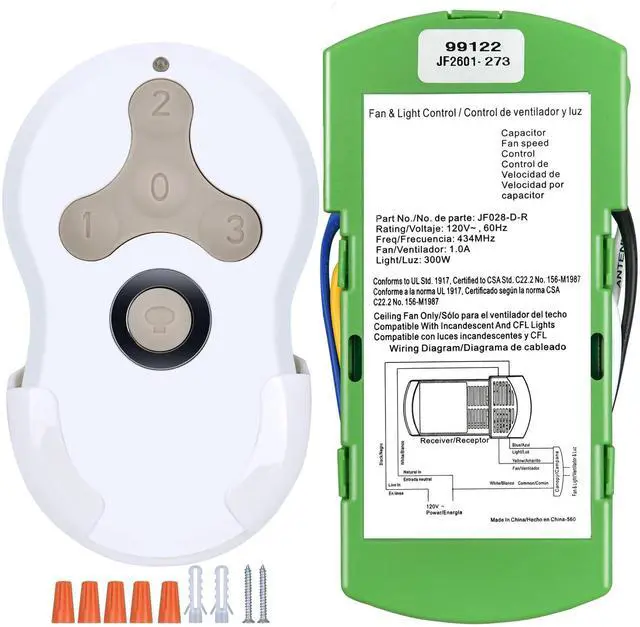


Replacement for Hunter Ceiling Fan Remote Control 99122/99123, 3 Speed, Light Dimmer with Wall Mount, 434MHz, Easy to Set - Receiver Included
Limited time offer, ends 10/01 By Yihe Global Store
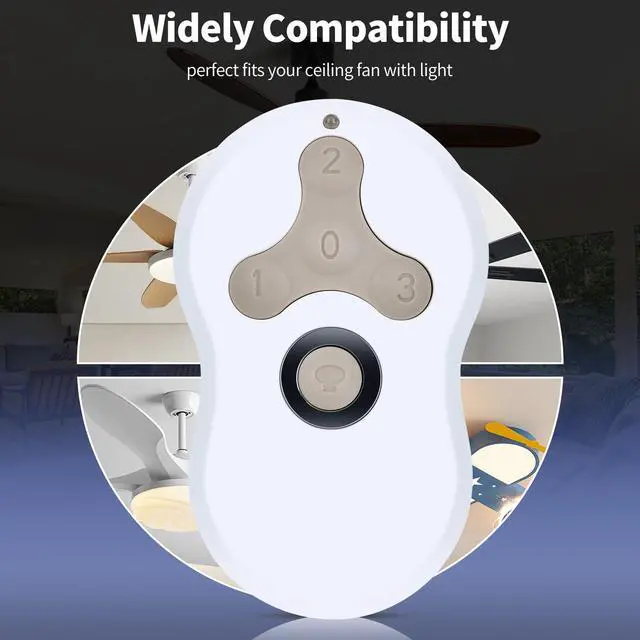
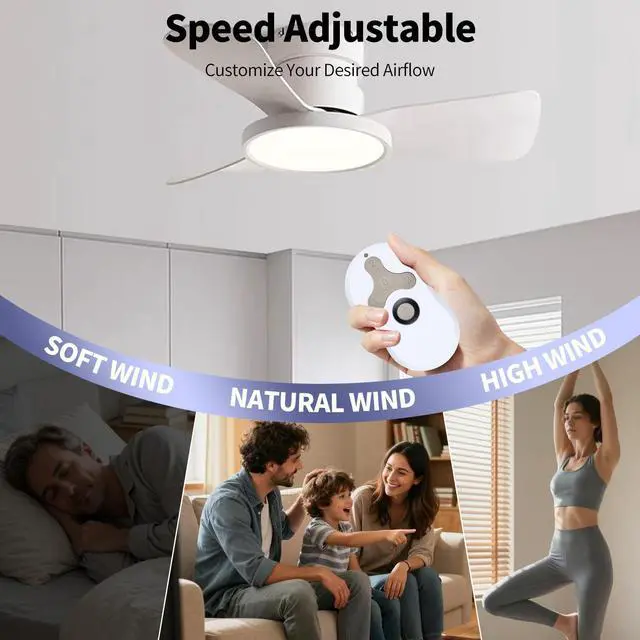
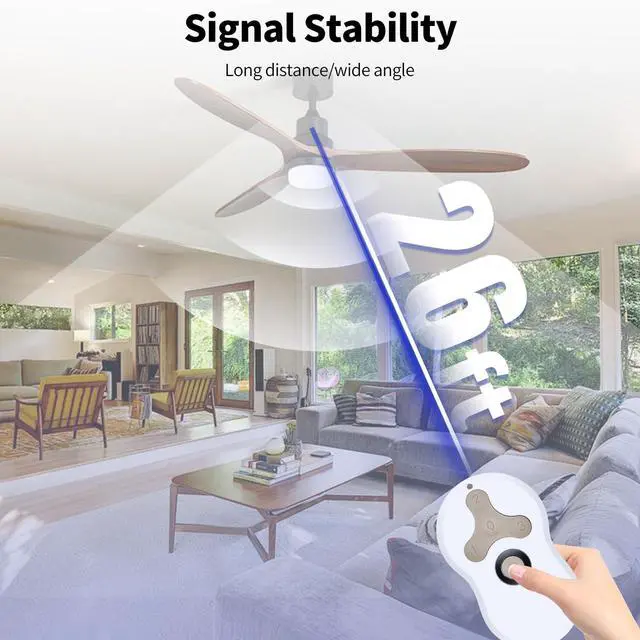
- Perfect CompatibilityThis ceiling fan remote is built to directly replace the hunter 99122 / 99123 / 99813 / 99392 / 99770 / 99119 / 99118 / 99198. It operates at 434MHz frequency. Please note that if your FCC ID number is different, it will not be compatible. Ceiling Fan Remote with DimmerWith separate buttons for 3 fan speeds (low, medium, high) and dimming, you can control the wind speed and light of the ceiling fan independently. Additionally, the remote offers flexible light control with both dimming and non-dimming options, creating the ideal ambiance for any setting. Dual Ways to PairOption A - Use the pull-chain switch on the fan to set the fan speed to the HIGH position before operation. Within 3 minutes of restoring power to the fan, press both the Fan Off (0) button and the High (3) button for at least 4 seconds. Your fan will turn on low to indicate successful syncing. Option B - Pair the remote by pressing the "learn button" on the ceiling fan receiver for at least four seconds. Easy to InstallIt is simple to program to the ceiling fan. The production settings for this fan remote control kit have been pre-configured; simply press the learn button inside the remote for 5 seconds, install a 3V battery, and it's done. Requires a 3V battery - but NOT INCLUDED in the package
+
+
Overview
Specs
Reviews

Any questions? Our AI mode will help you find out quickly.
Try me now
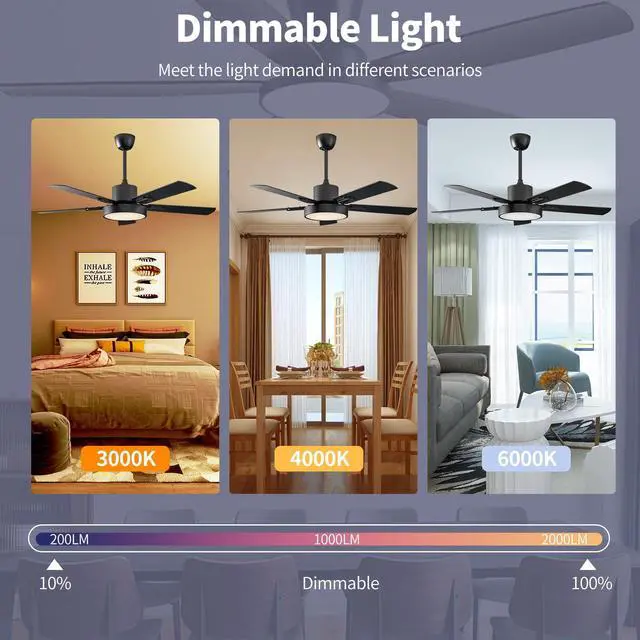
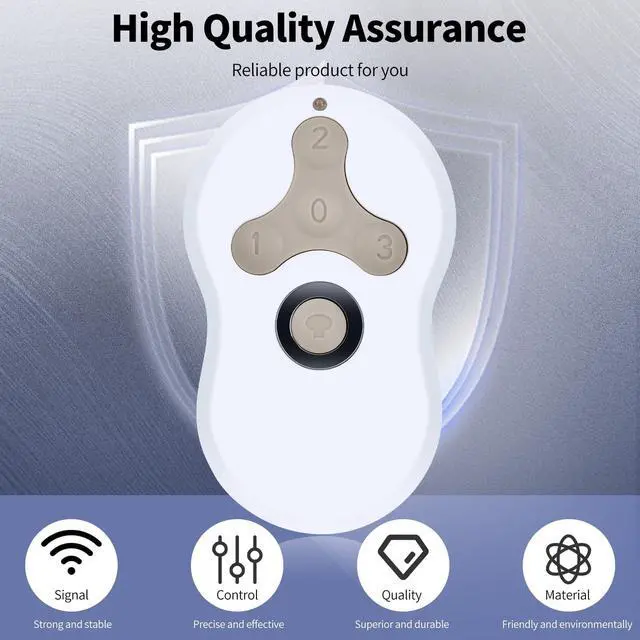
Perfect CompatibilityThis ceiling fan remote is built to directly replace the hunter 99122 / 99123 / 99813 / 99392 / 99770 / 99119 / 99118 / 99198. It operates at 434MHz frequency. Please note that if your FCC ID number is different, it will not be compatible. Ceiling Fan Remote with DimmerWith separate buttons for 3 fan speeds (low, medium, high) and dimming, you can control the wind speed and light of the ceiling fan independently. Additionally, the remote offers flexible light control with both dimming and non-dimming options, creating the ideal ambiance for any setting.
Dual Ways to PairOption A - Use the pull-chain switch on the fan to set the fan speed to the HIGH position before operation. Within 3 minutes of restoring power to the fan, press both the Fan Off (0) button and the High (3) button for at least 4 seconds. Your fan will turn on low to indicate successful syncing. Option B - Pair the remote by pressing the "learn button" on the ceiling fan receiver for at least four seconds. Easy to InstallIt is simple to program to the ceiling fan. The production settings for this fan remote control kit have been pre-configured; simply press the learn button inside the remote for 5 seconds, install a 3V battery, and it's done.
Requires a 3V battery - but NOT INCLUDED in the package
Dual Ways to PairOption A - Use the pull-chain switch on the fan to set the fan speed to the HIGH position before operation. Within 3 minutes of restoring power to the fan, press both the Fan Off (0) button and the High (3) button for at least 4 seconds. Your fan will turn on low to indicate successful syncing. Option B - Pair the remote by pressing the "learn button" on the ceiling fan receiver for at least four seconds. Easy to InstallIt is simple to program to the ceiling fan. The production settings for this fan remote control kit have been pre-configured; simply press the learn button inside the remote for 5 seconds, install a 3V battery, and it's done.
Requires a 3V battery - but NOT INCLUDED in the package
Warranty & Returns
Warranty, Returns, And Additional Information
Warranty
- Please contact the Seller directly for warranty information. Warranty information may also be found on the Manufacturer's website.
- CONTACT
Return Policies
- Return for refund within: 30 days
- Return for replacement within: 30 days
- This item is covered by Yihe Global Store Return Policy
Manufacturer Contact Info
- For a directory of all our manufacturers, please click below.
- Manufacturers Directory
LOADING...