• $32.99
  • Free 30-day Returns
  • Price alert
    Shop it at NeweggBusiness.

    for LG-TV-Remote-Control,Replacement for LG TV Remote for All LG Smart UHD, OLED, QNED, NanoCell Series TVs with Voice Control

    Limited time offer, ends 10/06 By FullChao Living Store

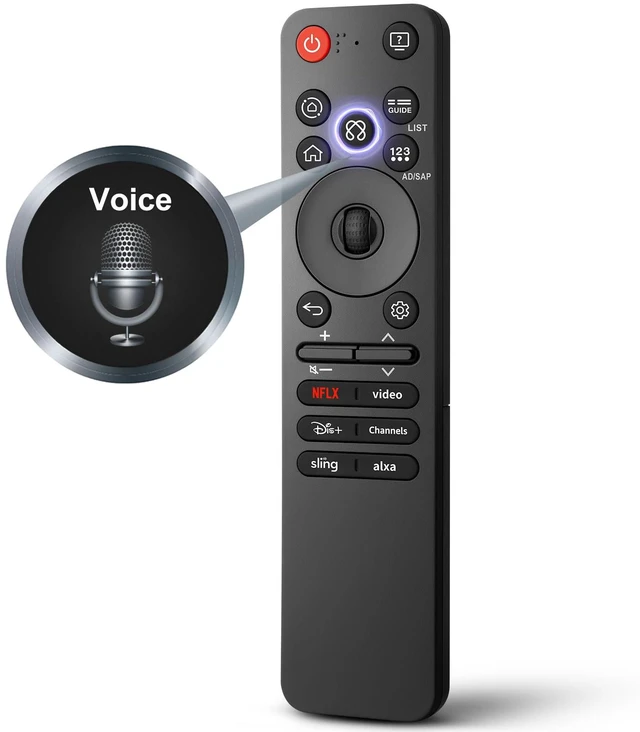
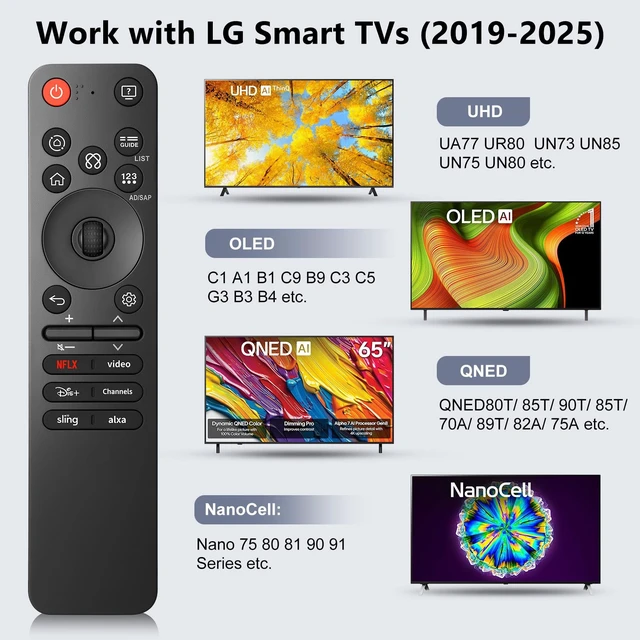
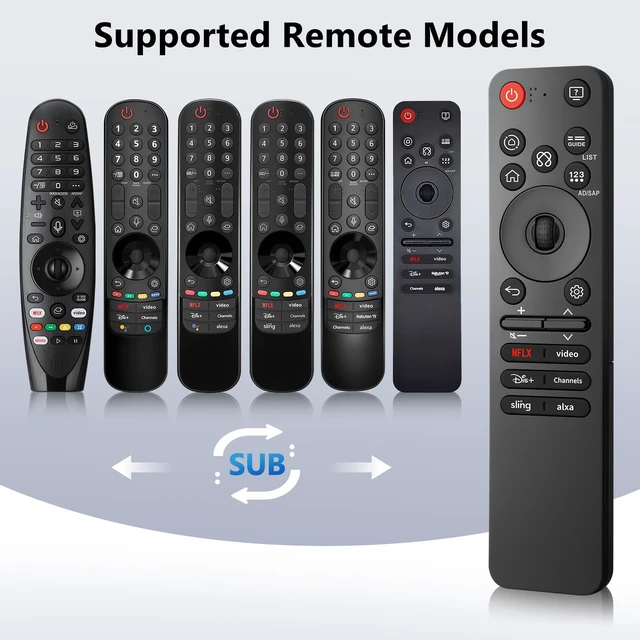
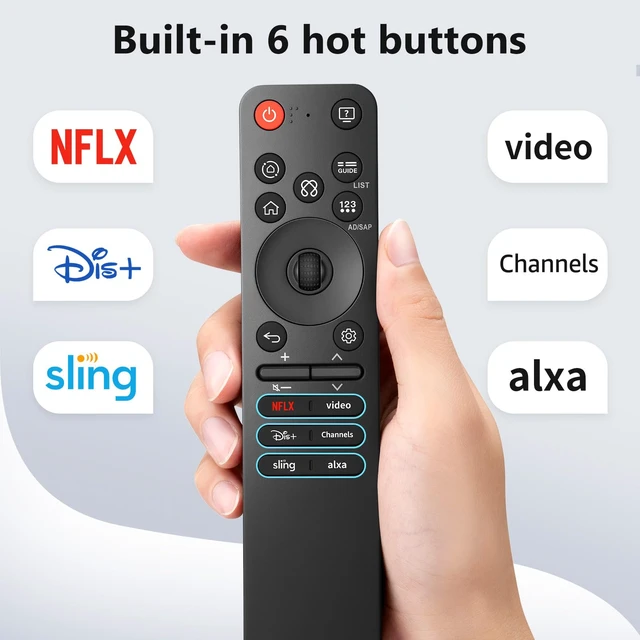
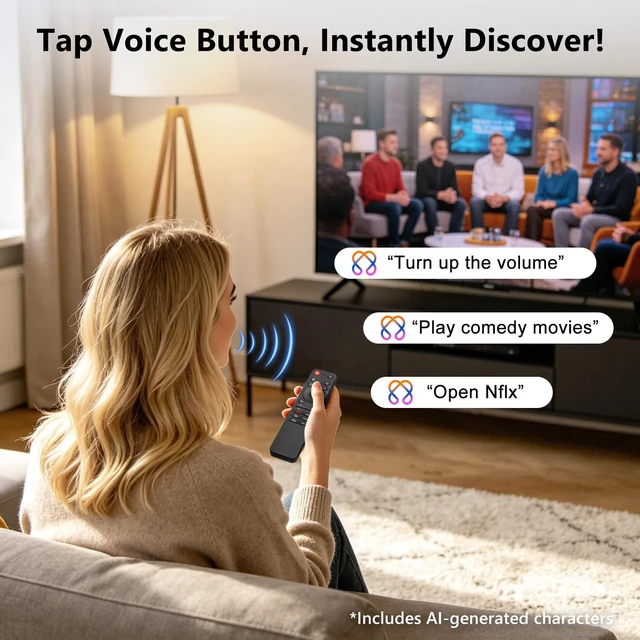
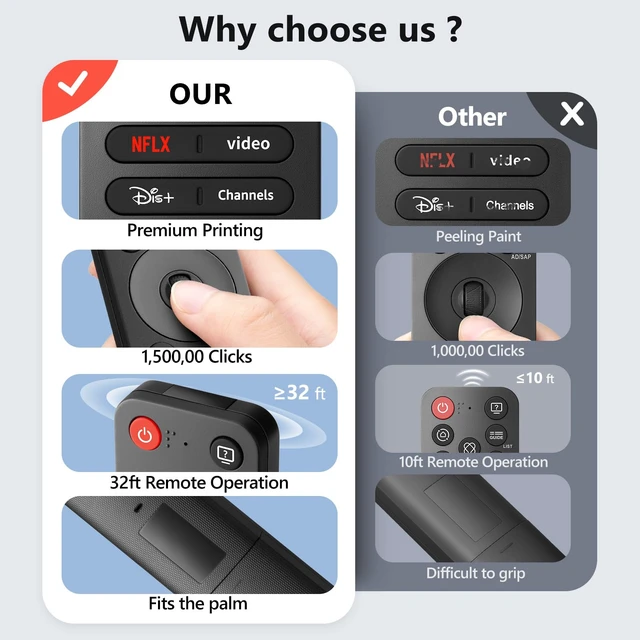
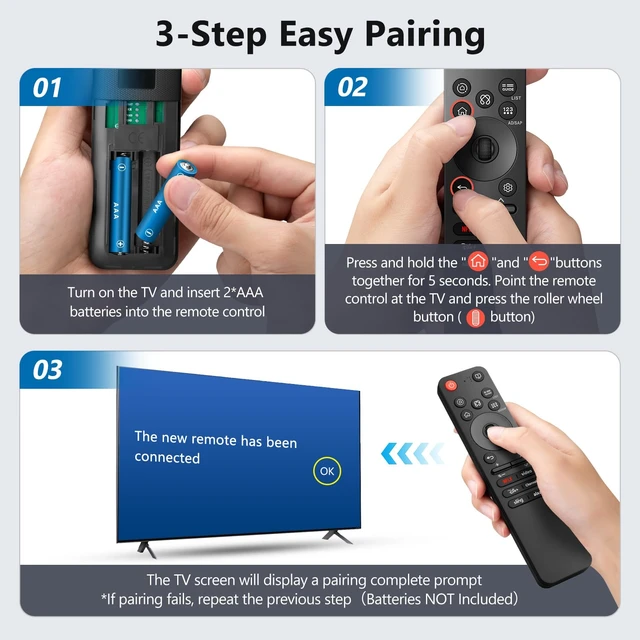
    • [Broad Compatibility] Compatible with LG Smart TVs for 2019-2025, including but not limited to UHD models (NanoCell 75 80 81 90 91, UN73 75 80 85 87 90 Series), OLED models (C1/A1/CX/BX/B1/C9/E9/G1/GX/B9/W9/WX/C3/C5/G3/B3/B4/M3/A2/M5), and QNED models (QNED80T/85T/90T/85T/70A/89T/82A). [Universal Remote Support] Compatible with AN-MR25GA, AN-MR24GA, AN-MR23GA, AN-MR22GA, AN-MR21GA, AN-MR20GA, and AN-MR19BA. [Smooth Operation] Accurate cursor control: simply point and click. Voice search helps you find content, change channels, and open apps instantly without typing. [Easy to Pair] 1. Turn on the TV and insert 2*AAA batteries into the remote control. 2. Press and hold the "Home" and "Back" buttons together for five seconds. 3. Point the remote control at the TV and press the roller wheel button (OK button). The TV screen will display a pairing-complete prompt. Batteries not included. [One-Touch Access] Built-in 6 preset buttons offer instant access to popular streaming platforms without menu navigation. [Dependably Solid] Supports responsive operation from any angle within 32ft. Buttons endure over 100,000 presses for daily use
    +
    +
    Overview
    Specs
    Reviews
    avatar

    Any questions? Our AI mode will help you find out quickly.

    [Broad Compatibility] Compatible with LG Smart TVs for 2019-2025, including but not limited to UHD models (NanoCell 75 80 81 90 91, UN73 75 80 85 87 90 Series), OLED models (C1/A1/CX/BX/B1/C9/E9/G1/GX/B9/W9/WX/C3/C5/G3/B3/B4/M3/A2/M5), and QNED models (QNED80T/85T/90T/85T/70A/89T/82A). [Universal Remote Support] Compatible with AN-MR25GA, AN-MR24GA, AN-MR23GA, AN-MR22GA, AN-MR21GA, AN-MR20GA, and AN-MR19BA. [Smooth
    Operation] Accurate cursor control: simply point and click. Voice search helps you find content, change channels, and open apps instantly without typing. [Easy to Pair] 1. Turn on the TV and insert 2*AAA batteries into the remote control. 2. Press and hold the "Home" and "Back" buttons together for five seconds. 3. Point the remote control at the TV and press the roller wheel button (OK button). The TV screen will display a pairing-complete prompt. Batteries not included. [One-Touch Access] Built-in 6 preset buttons offer instant access to popular streaming platforms without menu navigation. [Dependably Solid] Supports responsive operation from any angle within 32ft. Buttons endure over 100, 000 presses for daily use

    Warranty & Returns

    Warranty, Returns, And Additional Information

    Warranty

    • Please contact the Seller directly for warranty information. Warranty information may also be found on the Manufacturer's website.
    • CONTACT

    Return Policies

    Manufacturer Contact Info

    LOADING...