Your Browsing History
Meet Your Seller
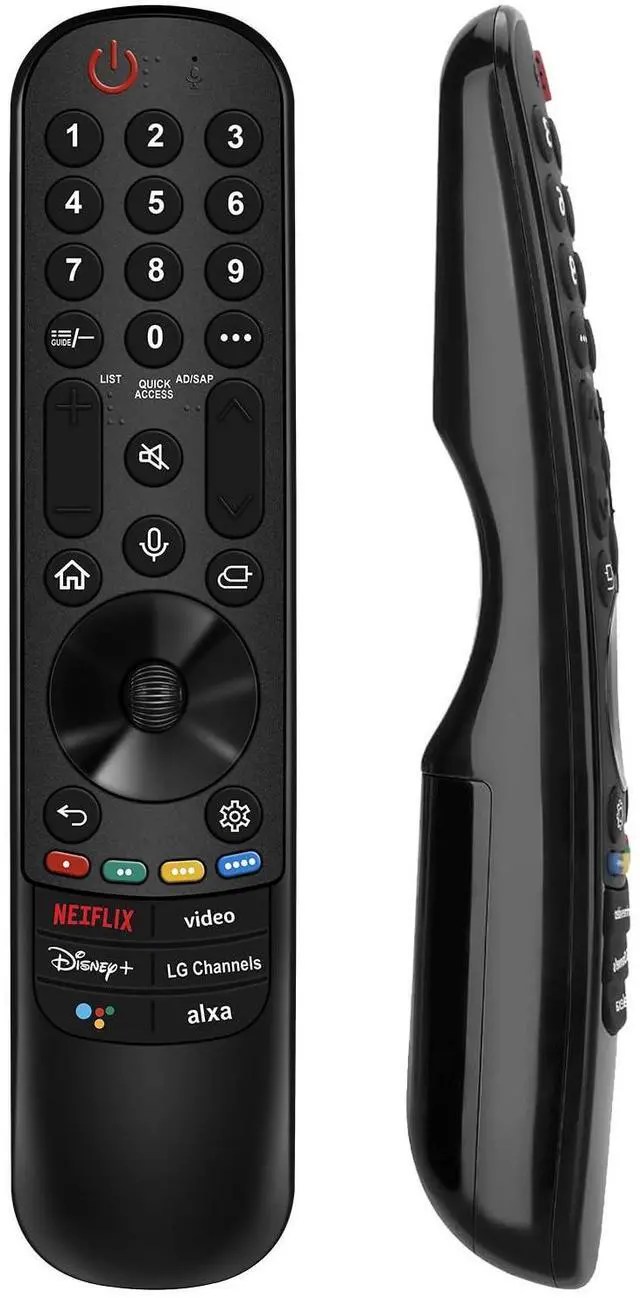
Replacement for LG TV Remote, for All 2019-2025 LG Remote Control for Smart TV with Voice and Pointer Function, for LG Magic Remote
Limited time offer, ends 10/06 By FullChao Living Store
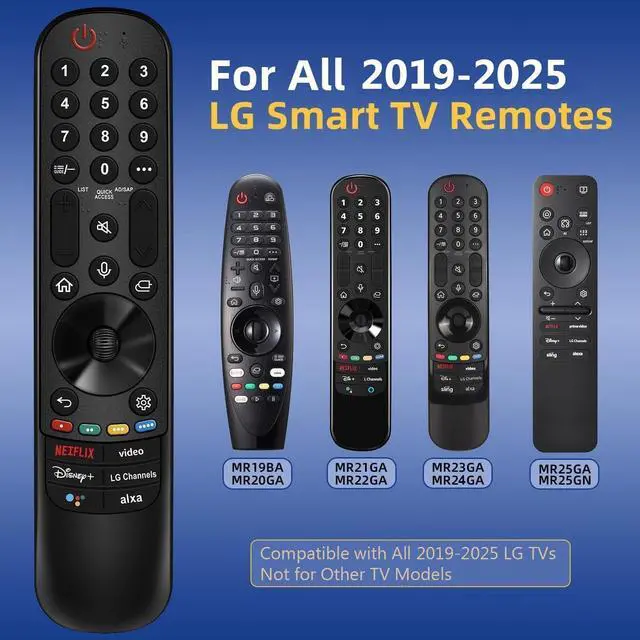
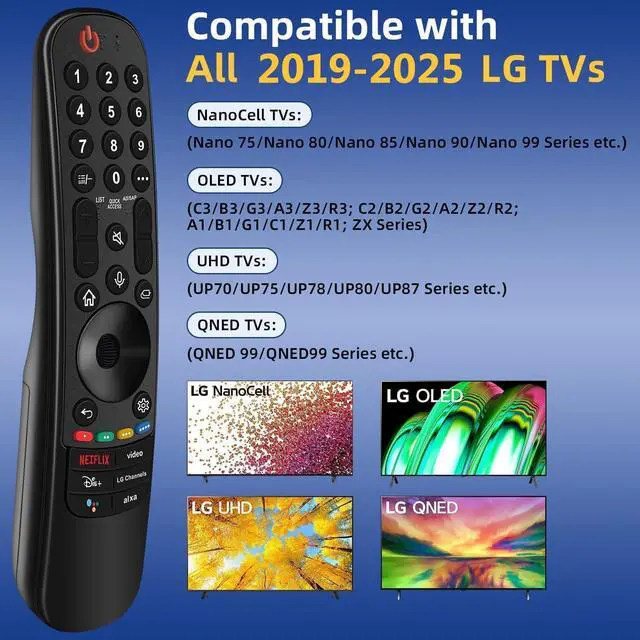
- This high-quality remote is compatible with all 20192025 LG Smart TVs that support voice control. It's a perfect replacement for LG Magic Remotes, including (but not limited to) MR24GN/GA, MR23GN/GA, MR25GA/GN, MR22GA/GN, MR21GA/GC, MR20GA, MR19BA, AKB75855501 and many others. For TV models that do not support voice control or were released before 2018, the voice search functionality may not work. This remote only works with LG TVs; not for LG soundbars or TV boxes. Please pair your remote with the LG TV first to enjoy the advanced voice and pointer function. Enhanced with voice control and six dedicated hot-keys for instant access to popular services like NETFLIX, Disney+, LG Channels. Use your voice to search and stream millions of movies, sports, and TV series! The device also offers intuitive navigation through point, click, and scroll capabilities, allowing viewers to control the contents from anywhere and any angle within the household. Crafted with sustainable, high-end ABS materials, this remote is built to last - each button can endure 120,000 clicks or last 10 years. It is safe for children, pets and the elderly. Thanks to our advanced energy-saving technology, you can enjoy prolonged battery life. Step 1, install 2 AA batteries and turn on the TV. Step 2, press and hold the "Home" button and "Back" button simultaneously for 5-7 seconds. Then aim the remote at the TV and press the middle Wheel (OK) button to complete the pairing. If the pairing fails, please repe
+
+
Overview
Specs
Reviews
Any questions? Our AI mode will help you find out quickly.
Try me now
This high-quality remote is compatible with all 20192025 LG Smart TVs that support voice control. It's a perfect replacement for LG Magic Remotes, including (but not limited to) MR24GN/GA, MR23GN/GA, MR25GA/GN, MR22GA/GN, MR21GA/GC, MR20GA, MR19BA, AKB75855501 and many others. For TV models that do not support voice control or were released before 2018, the voice search functionality may not work. This remote only works with LG TVs; not for LG soundbars or TV boxes. Please pair your remote with the LG TV first to enjoy the advanced voice and pointer function.
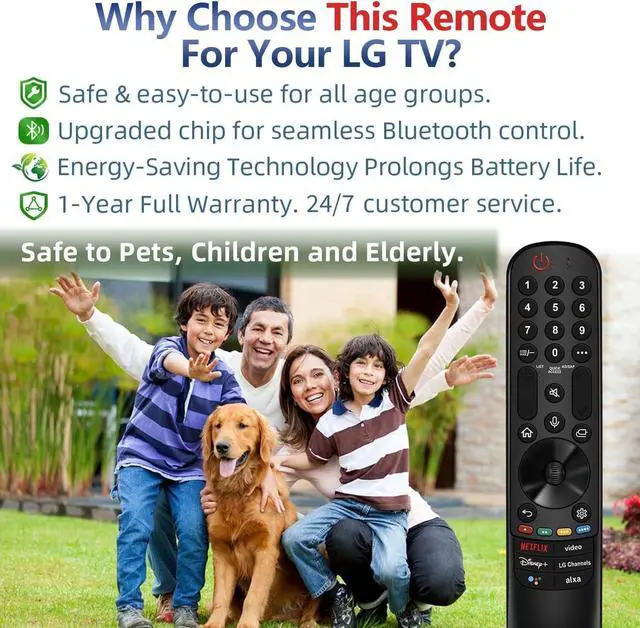
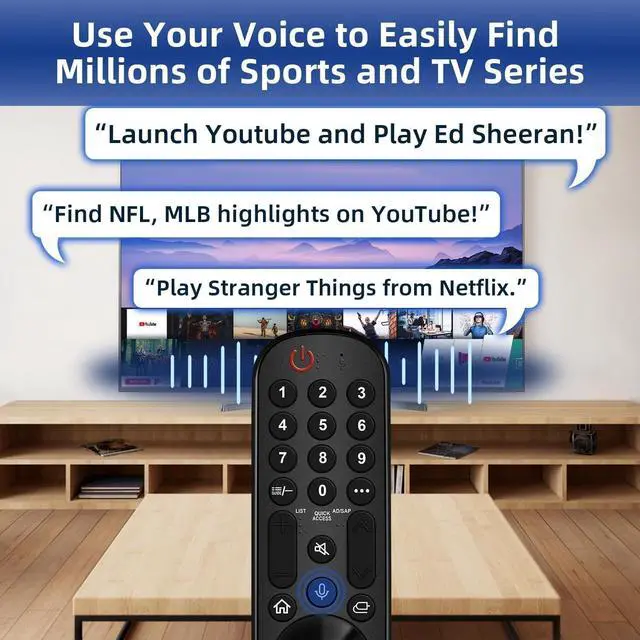
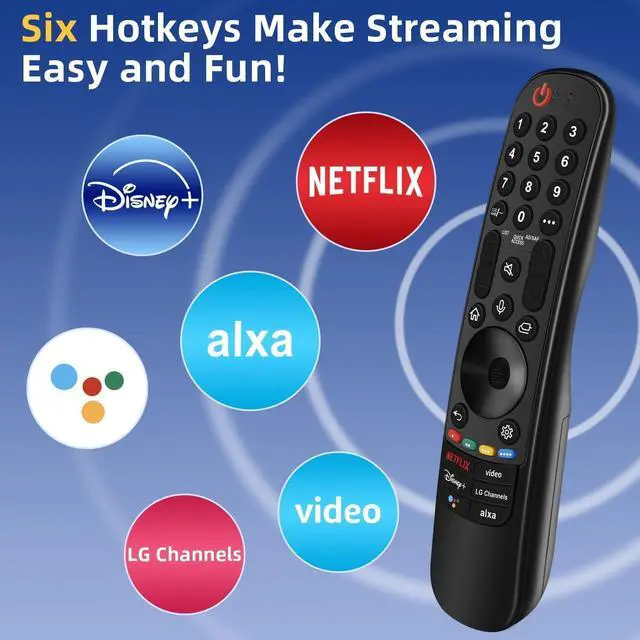
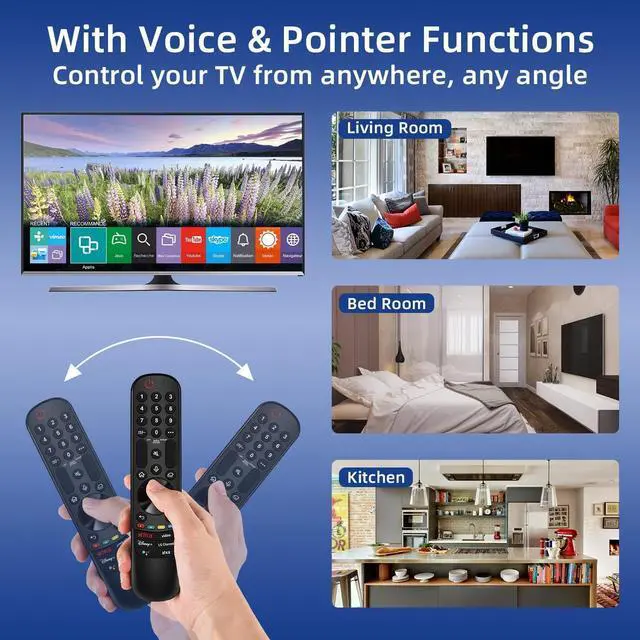
Enhanced with voice control and six dedicated hot-keys for instant access to popular services like NETFLIX, Disney+, LG Channels. Use your voice to search and stream millions of movies, sports, and TV series! The device also offers intuitive navigation through point, click, and scroll capabilities, allowing viewers to control the contents from anywhere and any angle within the household. Crafted with sustainable, high-end ABS materials, this remote is built to last - each button can endure 120, 000 clicks or last 10 years. It is safe for children, pets and the elderly.
Thanks to our advanced energy-saving technology, you can enjoy prolonged battery life. Step 1, install 2 AA batteries and turn on the TV. Step 2, press and hold the "Home" button and "Back" button simultaneously for 5-7 seconds. Then aim the remote at the TV and press the middle Wheel (OK) button to complete the pairing. If the pairing fails, please repeat Step 2

Enhanced with voice control and six dedicated hot-keys for instant access to popular services like NETFLIX, Disney+, LG Channels. Use your voice to search and stream millions of movies, sports, and TV series! The device also offers intuitive navigation through point, click, and scroll capabilities, allowing viewers to control the contents from anywhere and any angle within the household. Crafted with sustainable, high-end ABS materials, this remote is built to last - each button can endure 120, 000 clicks or last 10 years. It is safe for children, pets and the elderly.
Thanks to our advanced energy-saving technology, you can enjoy prolonged battery life. Step 1, install 2 AA batteries and turn on the TV. Step 2, press and hold the "Home" button and "Back" button simultaneously for 5-7 seconds. Then aim the remote at the TV and press the middle Wheel (OK) button to complete the pairing. If the pairing fails, please repeat Step 2
Warranty & Returns
Warranty, Returns, And Additional Information
Warranty
- Please contact the Seller directly for warranty information. Warranty information may also be found on the Manufacturer's website.
- CONTACT
Return Policies
- Return for refund within: 30 days
- Return for replacement within: 30 days
- This item is covered by FullChao Living Store Return Policy
Manufacturer Contact Info
- For a directory of all our manufacturers, please click below.
- Manufacturers Directory
LOADING...