• $28.49
  • Free 30-day Returns
  • Price alert
    Shop it at NeweggBusiness.

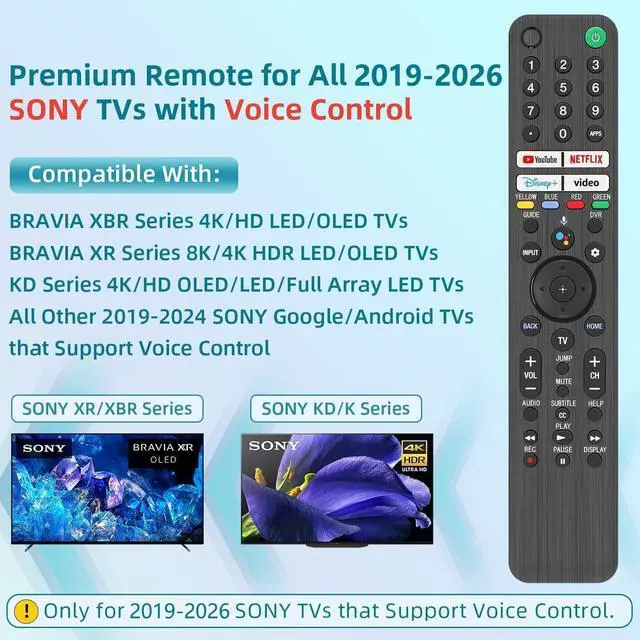
    Replacement for Sony TV Remote, for All 2019-2026 Sony Remote Control for Bravia Smart TV with Voice Control. for Bravia XR/XBR/KD/K Series Google/Android TVs

    Limited time offer, ends 10/06 By FullChao Living Store

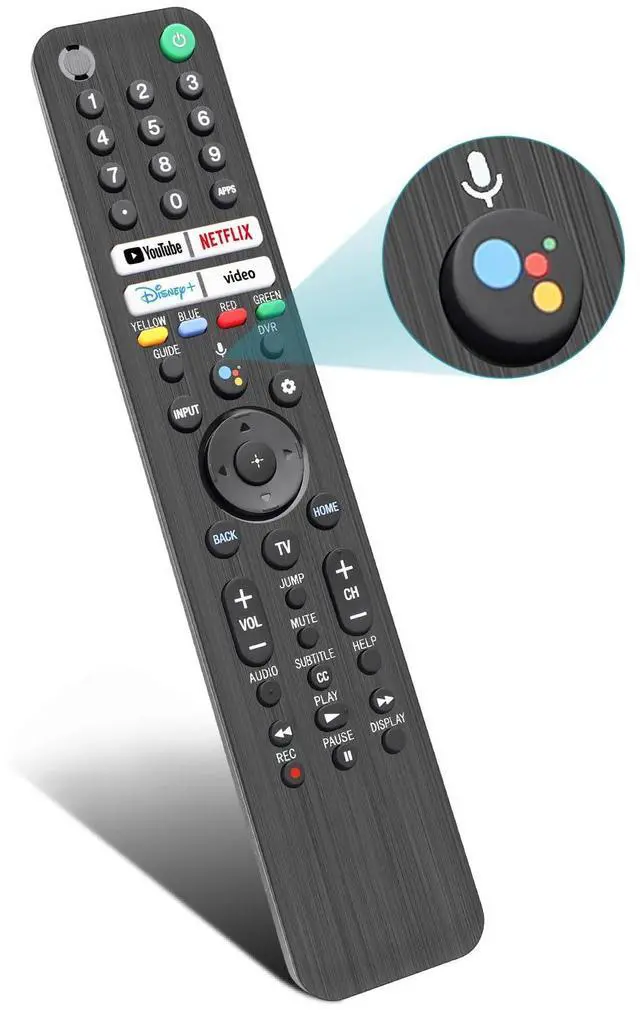
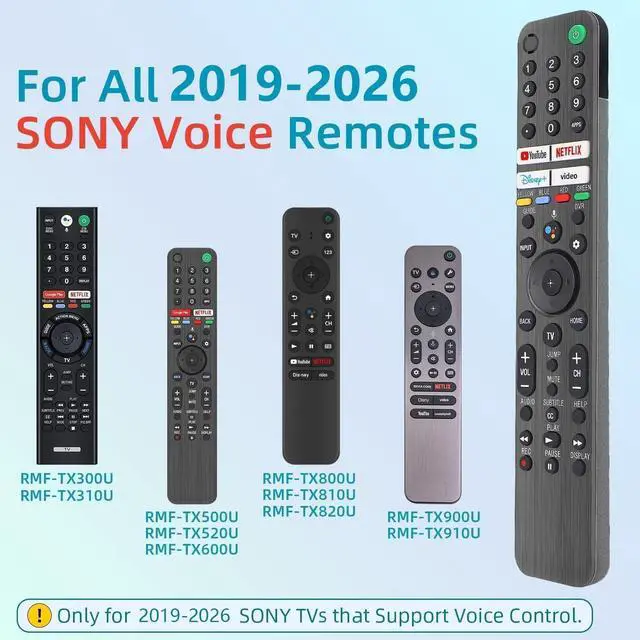
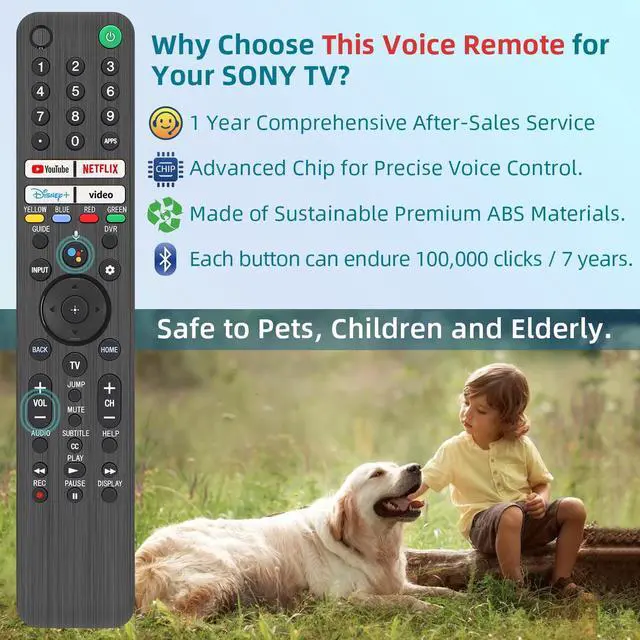
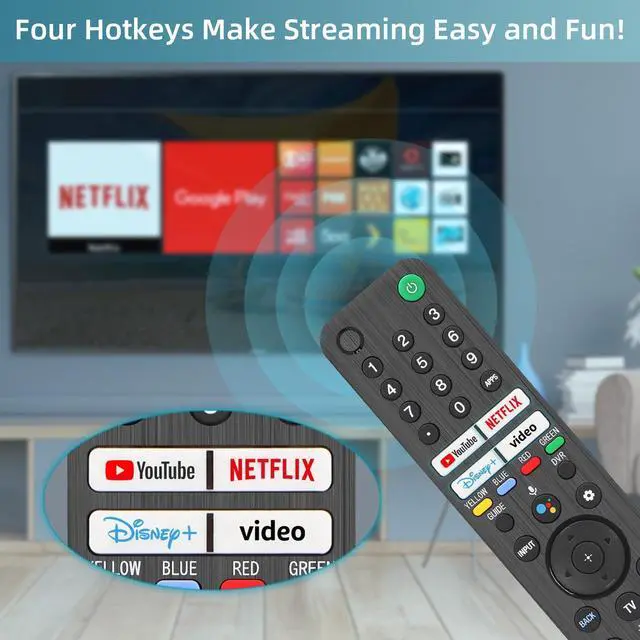
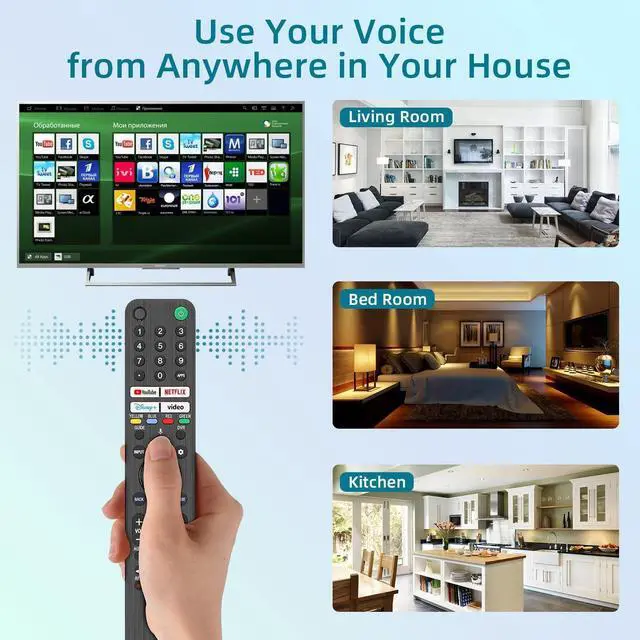
    • [Wide Compatibility] This high-end remote is designed for all 2019-2026 SONY TVs. It serves as an excellent replacement for various SONY voice remote controls, including RMF-TX520U/500U, RMF-TX800U/810U/811U/820U, RMF-TX900U/910U/920U, RMF-TX300/310U, and RMF-TX600U/611U/621U. [Important Notice] For TVs that do not support voice control or were released before 2018, the voice search function may not work. This remote requires two AAA batteries and is not backlit. [Advanced Voice Control] The advanced chip delivers precise Bluetooth voice control from a long distance. Follow the user manual to pair the remote before using the Bluetooth voice function. [Number Pad & Four Hotkeys] The number pad provides quick access to TV channels, while dedicated shortcut buttons offer one-click access to Netflix, YouTube, Prime Video, and Disney+. Complete control is available in one device. [Pairing Instructions] Navigate to Settings > Remotes & Accessories > Remote Control > Connect A New Remote. To begin pairing, press and hold the "VOL -" button while simultaneously pressing the "Mic" button for 3-5 seconds. [Troubleshooting] If pairing fails, make sure you are signed in to the Google TV account on your SONY TV, then repeat the pairing steps. Make sure new batteries are inserted

    +
    +
    Overview
    Specs
    Reviews
    avatar

    Any questions? Our AI mode will help you find out quickly.

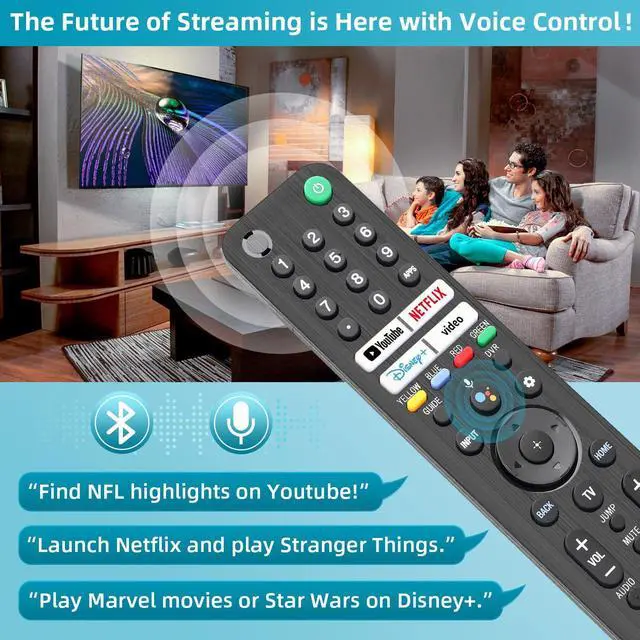
    [Wide Compatibility] This high-end remote is designed for all 2019-2026 SONY TVs. It serves as an excellent replacement for various SONY voice remote controls, including RMF-TX520U/500U, RMF-TX800U/810U/811U/820U, RMF-TX900U/910U/920U, RMF-TX300/310U, and RMF-TX600U/611U/621U. [Important Notice] For TVs that do not support voice control or were released before 2018, the voice search function may not work. This remote requires two AAA batteries and is not backlit. [Advanced Voice Control] The advanced chip delivers precise Bluetooth voice control from a long distance. Follow the user manual to pair the remote before using the Bluetooth voice function.

    [Number Pad & Four Hotkeys] The number pad provides quick access to TV channels, while dedicated shortcut buttons offer one-click access to Netflix, YouTube, Prime Video, and Disney+. Complete control is available in one device. [Pairing Instructions] Navigate to Settings > Remotes & Accessories > Remote Control > Connect A New Remote. To begin pairing, press and hold the "VOL -" button while simultaneously pressing the "Mic" button for 3-5 seconds. [Troubleshooting] If pairing fails, make sure you are signed in to the Google TV account on your SONY TV, then repeat the pairing steps.

    Make sure new batteries are inserted

    Warranty & Returns

    Warranty, Returns, And Additional Information

    Warranty

    • Please contact the Seller directly for warranty information. Warranty information may also be found on the Manufacturer's website.
    • CONTACT

    Return Policies

    Manufacturer Contact Info

    LOADING...