• $29.99
  • Free 30-day Returns
  • Price alert
    Shop it at NeweggBusiness.

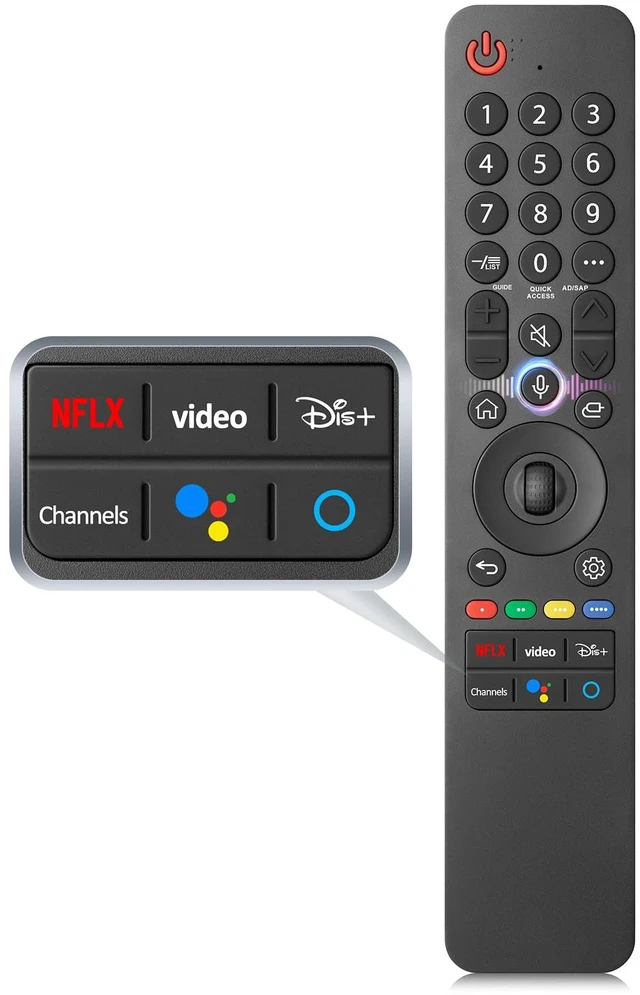
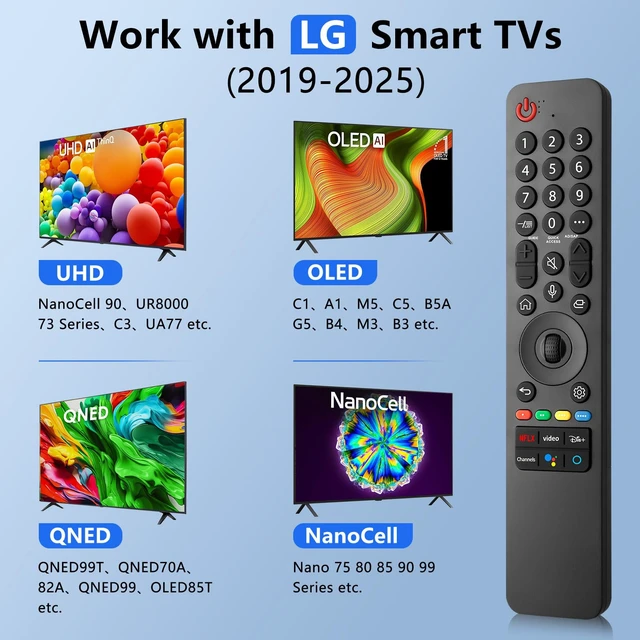
    for LG Smart TV Remote Control Replacement 2019-2025 with Voice and Pointer for LG 2019-2025 UHD/OLED/QNED TVs. 6 shortcut keys for streaming, voice-controlled cursor, easy pairing, durable ABS build

    Limited time offer, ends 10/06 By FullChao Living Store

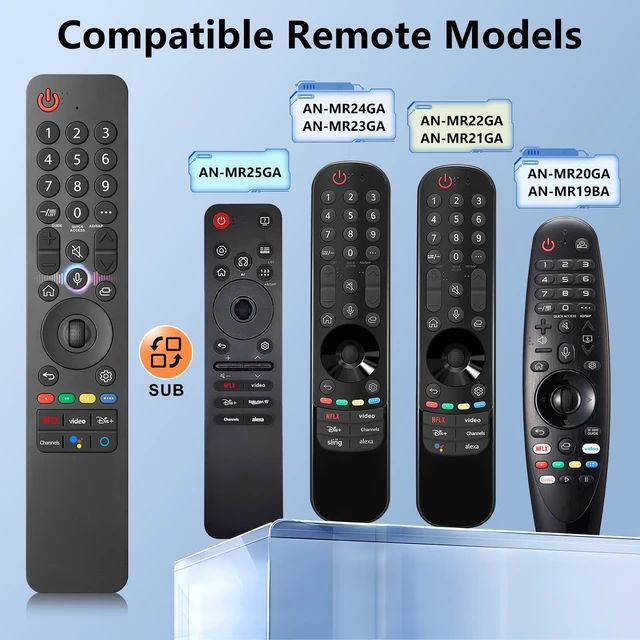
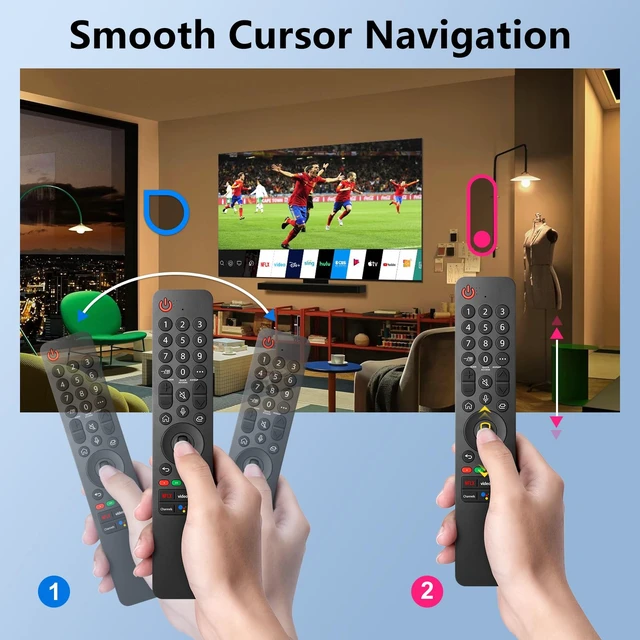
    • This upgraded remote control is compatible with LG UHD, OLED, and QNED 4K TVs featuring voice control from 2019 to 2025. It serves as the ideal replacement for the LG Magic Remote series, including the MR25, MR24, MR23, MR22, MR21, MR20, and MR19BA models. Equipped with dedicated shortcut keys for popular live-streaming platforms, these let you access your favorite content in just 3 seconds. Pair your device with voice control for smooth cursor navigationhands-free, easy, and effortless. Just speak your command to get things done quickly. 1. Insert 2 AAA batteries, then turn on the TV. 2. Press and hold the Home and Back buttons simultaneously for 5 to 7 seconds. Then point the remote at the TV and press the wheel (OK) button to complete the pairing. If pairing fails, repeat the steps above. Slim, lightweight and built with tough ABS, this ergonomic remote fits comfortably in your hand. It supports 100,000 presses with clear, fade-resistant labels for total reliability
    +
    +
    Overview
    Specs
    Reviews
    avatar

    Any questions? Our AI mode will help you find out quickly.

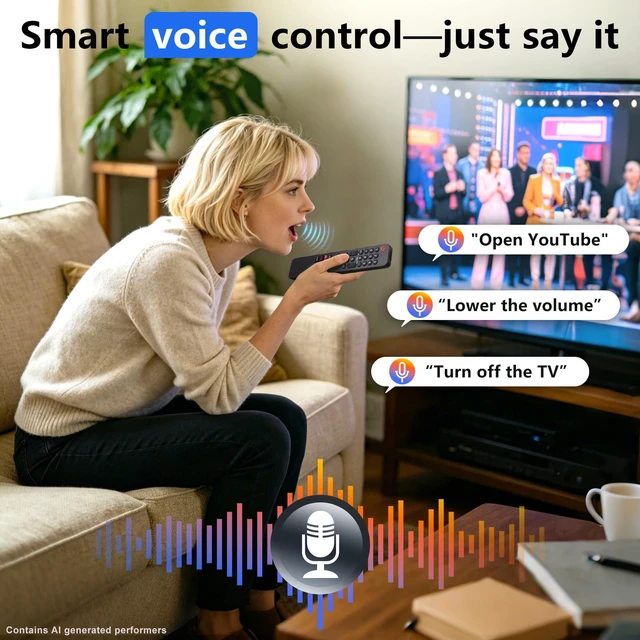
    This upgraded remote control is compatible with LG UHD, OLED, and QNED 4K TVs featuring voice control from 2019 to 2025. It serves as the ideal replacement for the LG Magic Remote series, including the MR25, MR24, MR23, MR22, MR21, MR20, and MR19BA models. Equipped with dedicated shortcut keys for popular live-streaming platforms, these let you access your favorite content in just 3 seconds. Pair your device with voice control for smooth cursor navigationhands-free, easy, and effortless. Just speak your command to get things done quickly.

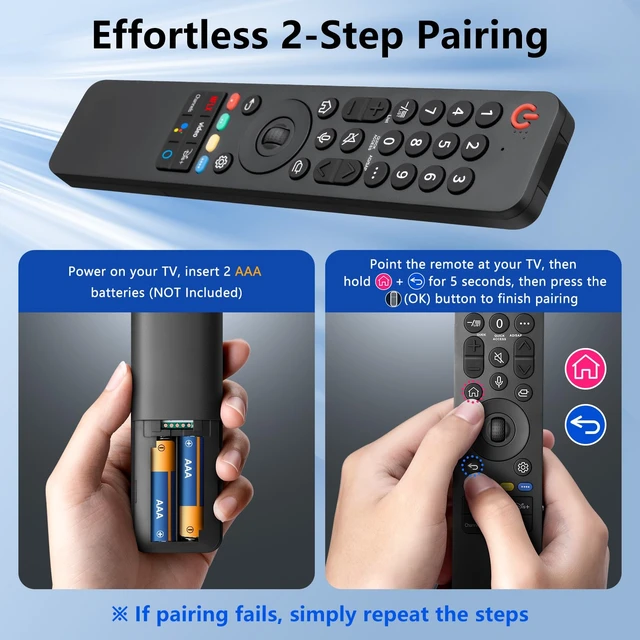
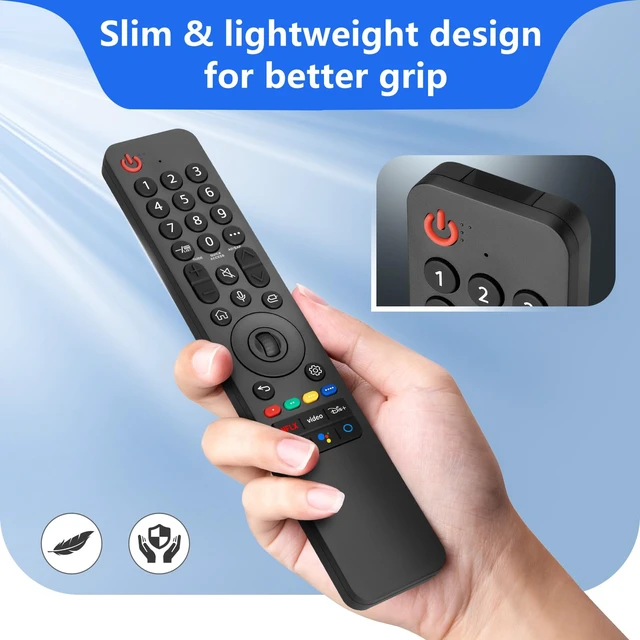
    1. Insert 2 AAA batteries, then turn on the TV. 2. Press and hold the Home and Back buttons simultaneously for 5 to 7 seconds. Then point the remote at the TV and press the wheel (OK) button to complete the pairing. If pairing fails, repeat the steps above. Slim, lightweight and built with tough ABS, this ergonomic remote fits comfortably in your hand. It supports 100, 000 presses with clear, fade-resistant labels for total reliability

    Warranty & Returns

    Warranty, Returns, And Additional Information

    Warranty

    • Please contact the Seller directly for warranty information. Warranty information may also be found on the Manufacturer's website.
    • CONTACT

    Return Policies

    Manufacturer Contact Info

    LOADING...