Your Browsing History
Meet Your Seller
AI Magic Voice Remote for 2019-2025 LG WebOS Smart TV with Pointer Function for All LG OLED, QNED, UHD, LED, LCD,4K,8K,for AN-MR25GA/MR24GA/MR23GA/MR22GA/MR21GA/MR20GA/MR19BA
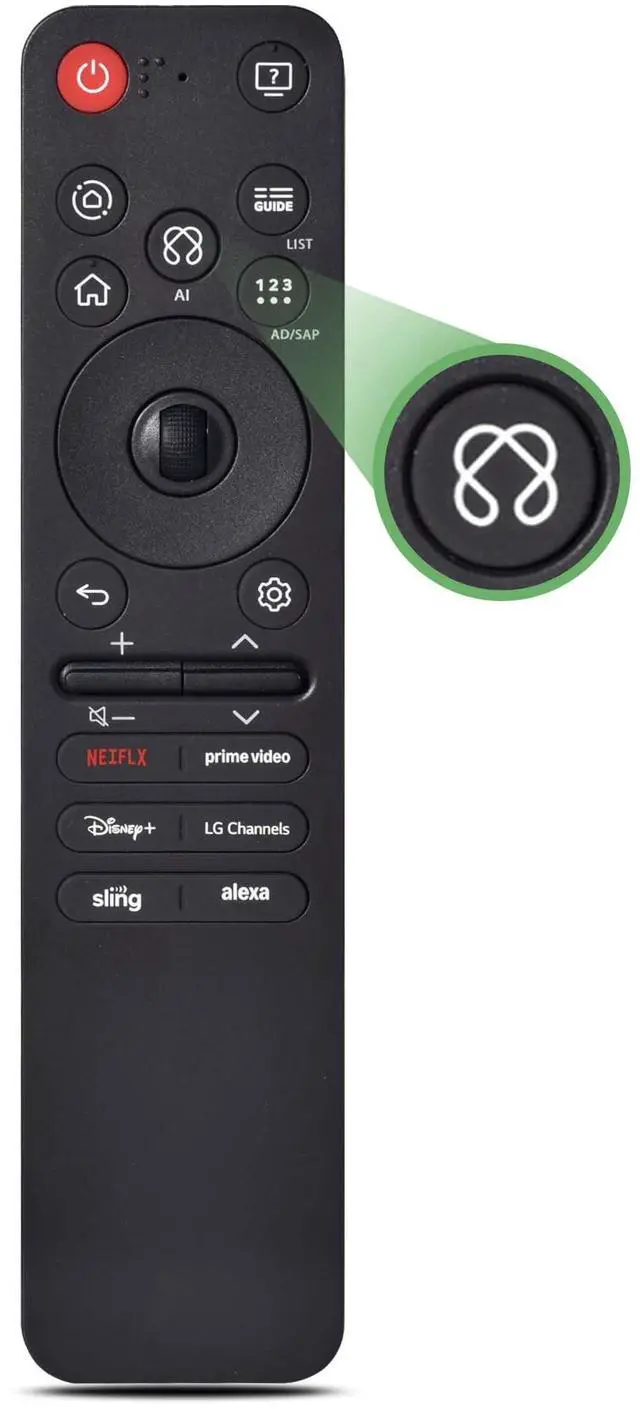
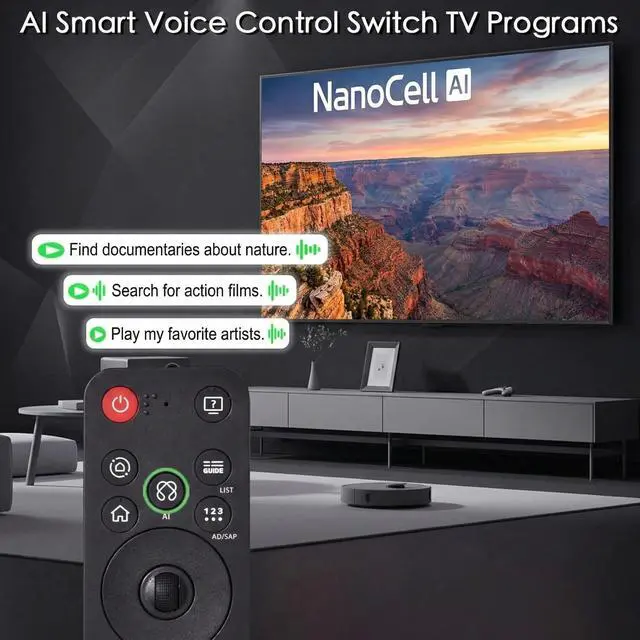
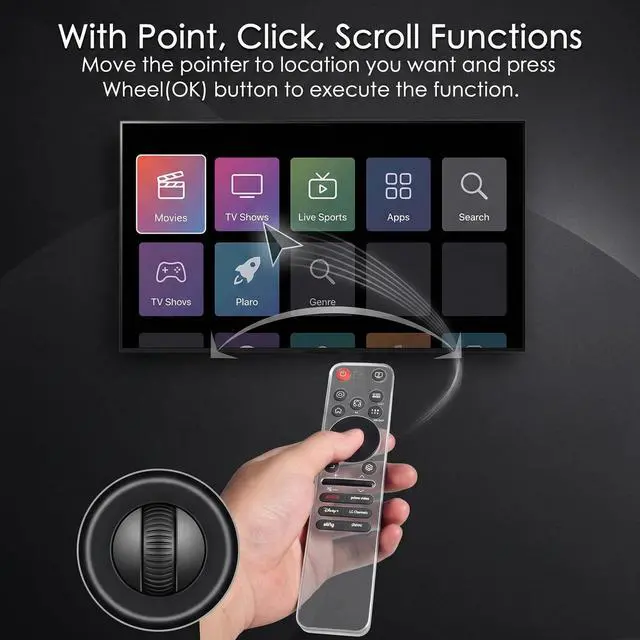
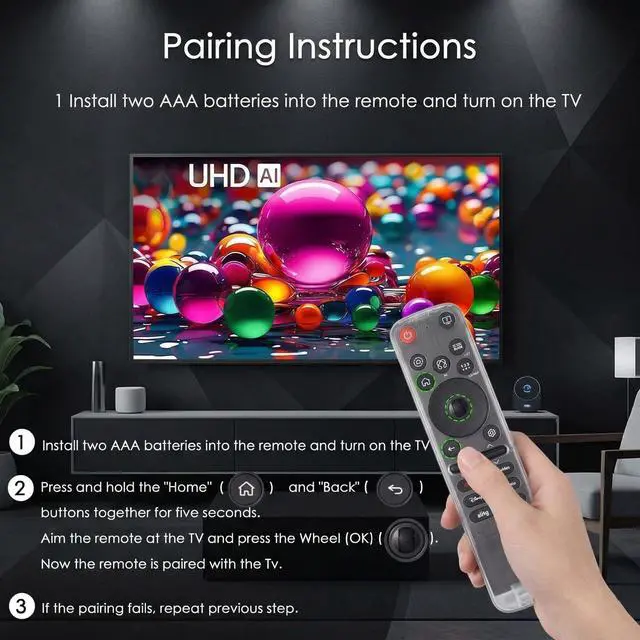
- Compatible with LG 2019-2025 TV models, including OLED A1, A2, A3, A4; OLED B1, B2, B3, B5; OLED G1, G2, G3, G5; OLED C1, C2, C3, C4, C5; OLED Z1, Z2, Z3, Z4; and OLED R1, R2, R3. Compatible with QNED (QNED***R*) 75, 80-89, and 90-99; Nano Series 75, 80, 81, 85, 86, 88, 90, 91, 96, and 99; and 4K UHD UR7***, UR8***, UR9***, UP70**, UP75**, UP76**, UP8***, and UP9***. Compatible with AN-MR24GA, AN-MR23GA, AN-MR22GA, AN-MR21GA, and AN-MR20GA. Not compatible with AN-MR600G, AN-MR650, AN-MR650G, ANMR650A, ANMR600, or AN-MR650B. Pointer function supports pointing, clicking, and scrolling. Voice control supports Alexa. Includes 6 shortcut buttons for NTFLIX, Prm Video, Dsny+, LG Channels, Alexa, and Sling. Turn on the TV and insert 2*AAA batteries. After about 20 seconds, point the remote toward the TV, then press the Wheel (OK) for 5 seconds. The remote control will register automatically, and a pairing completion message will appear on the TV screen. If the TV does not support voice control, the voice function cannot be used
+
+
Overview
Specs
Reviews
Any questions? Our AI mode will help you find out quickly.
Try me now
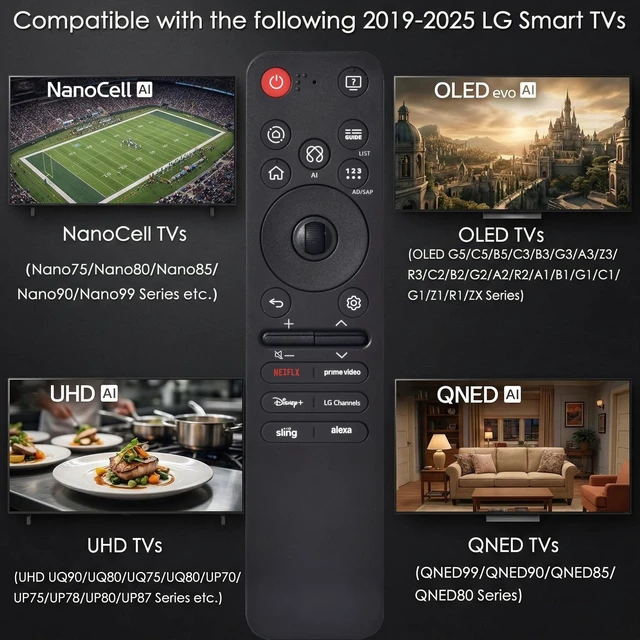
Compatible with LG 2019-2025 TV models, including OLED A1, A2, A3, A4; OLED B1, B2, B3, B5; OLED G1, G2, G3, G5; OLED C1, C2, C3, C4, C5; OLED Z1, Z2, Z3, Z4; and OLED R1, R2, R3. Compatible with QNED (QNED***R*) 75, 80-89, and 90-99; Nano Series 75, 80, 81, 85, 86, 88, 90, 91, 96, and 99; and 4K UHD UR7***, UR8***, UR9***, UP70**, UP75**, UP76**, UP8***, and UP9***.
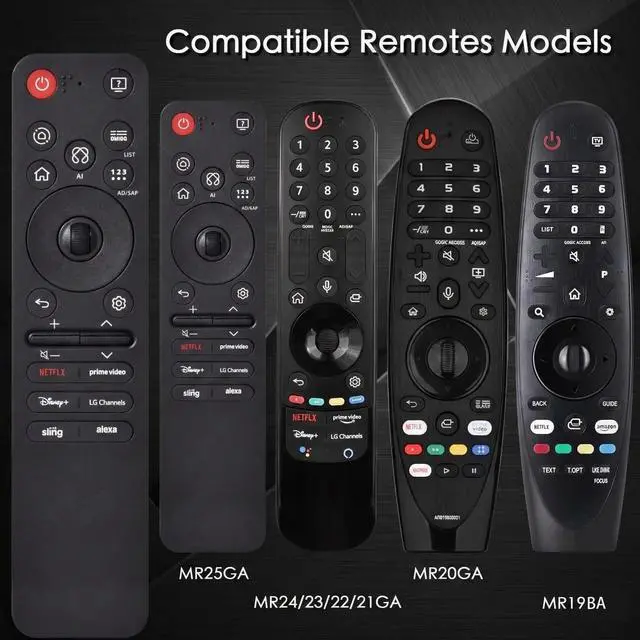
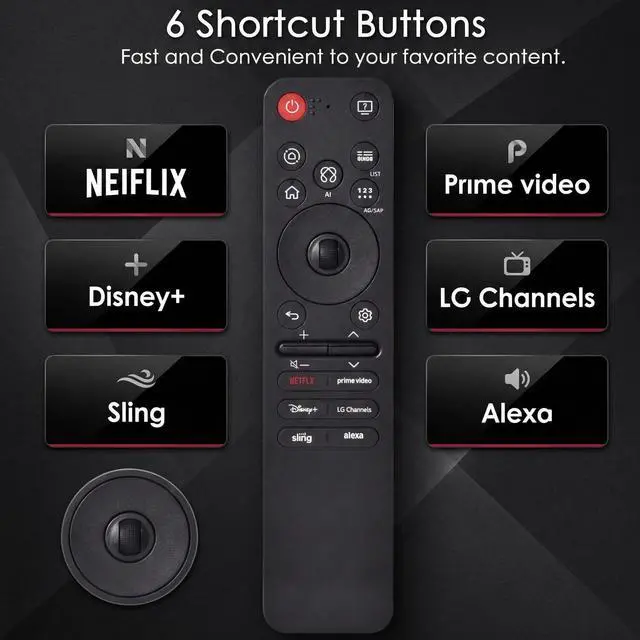
Compatible with AN-MR24GA, AN-MR23GA, AN-MR22GA, AN-MR21GA, and AN-MR20GA. Not compatible with AN-MR600G, AN-MR650, AN-MR650G, ANMR650A, ANMR600, or AN-MR650B. Pointer function supports pointing, clicking, and scrolling. Voice control supports Alexa. Includes 6 shortcut buttons for NTFLIX, Prm Video, Dsny+, LG Channels, Alexa, and Sling. Turn on the TV and insert 2*AAA batteries. After about 20 seconds, point the remote toward the TV, then press the Wheel (OK) for 5 seconds. The remote control will register automatically, and a pairing completion message will appear on the TV screen.
If the TV does not support voice control, the voice function cannot be used

Compatible with AN-MR24GA, AN-MR23GA, AN-MR22GA, AN-MR21GA, and AN-MR20GA. Not compatible with AN-MR600G, AN-MR650, AN-MR650G, ANMR650A, ANMR600, or AN-MR650B. Pointer function supports pointing, clicking, and scrolling. Voice control supports Alexa. Includes 6 shortcut buttons for NTFLIX, Prm Video, Dsny+, LG Channels, Alexa, and Sling. Turn on the TV and insert 2*AAA batteries. After about 20 seconds, point the remote toward the TV, then press the Wheel (OK) for 5 seconds. The remote control will register automatically, and a pairing completion message will appear on the TV screen.
If the TV does not support voice control, the voice function cannot be used
Warranty & Returns
Warranty, Returns, And Additional Information
Warranty
- Please contact the Seller directly for warranty information. Warranty information may also be found on the Manufacturer's website.
- CONTACT
Return Policies
- Return for refund within: 30 days
- Return for replacement within: 30 days
- This item is covered by FullChao Living Store Return Policy
Manufacturer Contact Info
- For a directory of all our manufacturers, please click below.
- Manufacturers Directory
LOADING...