Your Browsing History
Meet Your Seller
Magic Remote for 2019-2025 LG Smart TV,AI Voice & Pointer Control Voice and Pointer Control with 6 Shortcut Keys;Compatible with 2019-2025 LG OLED,QNED,NanoCell and UHD TVs.2-Year
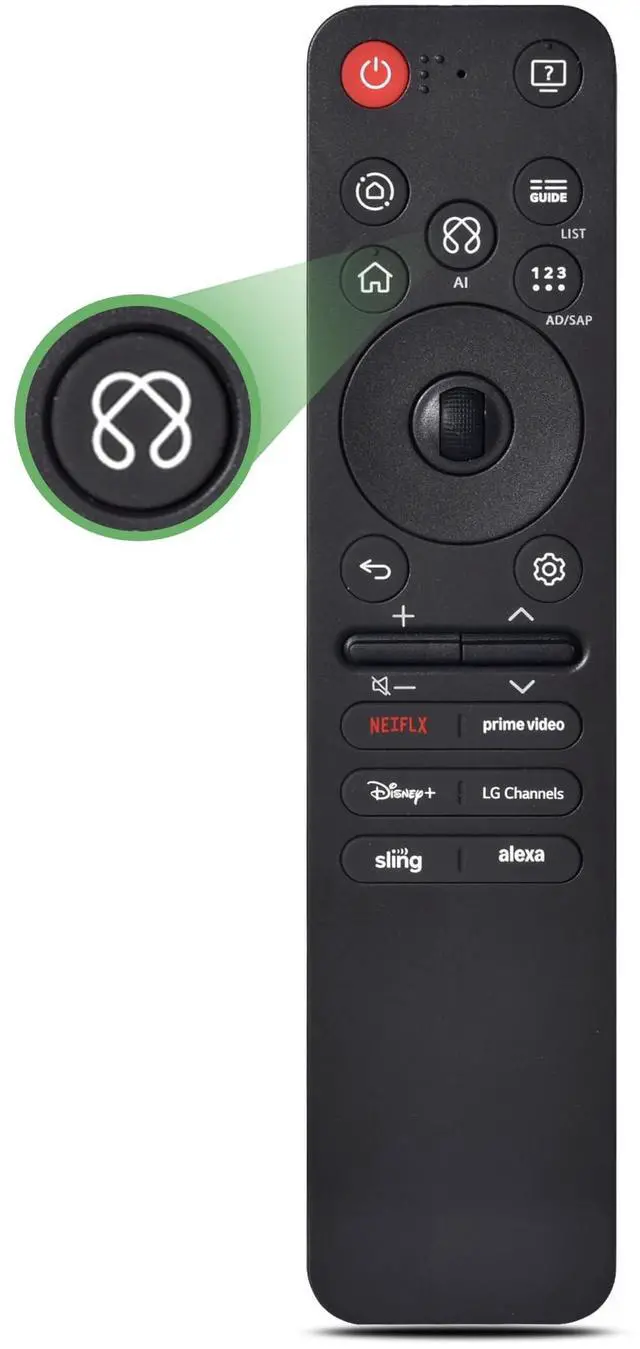
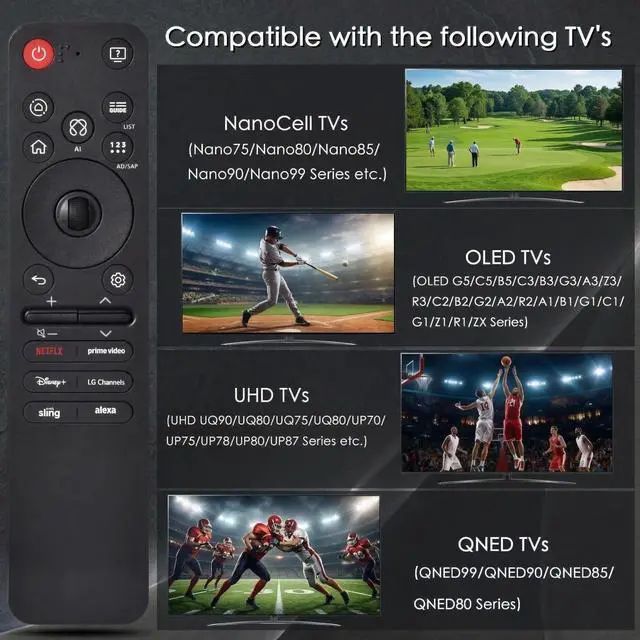
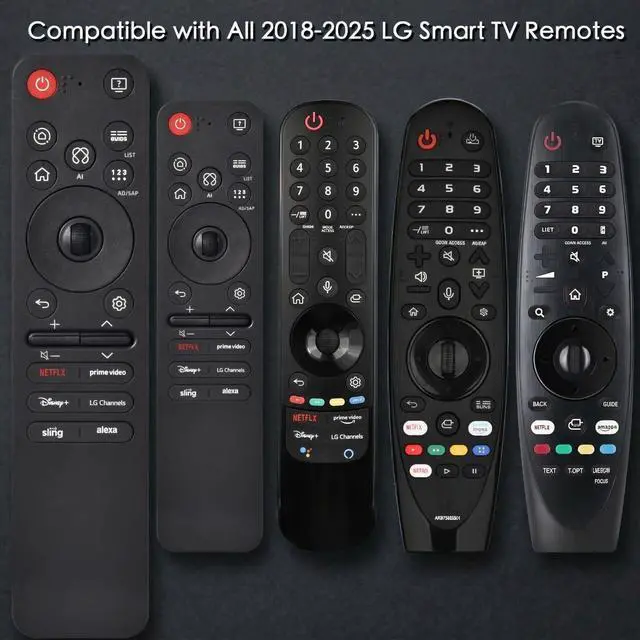
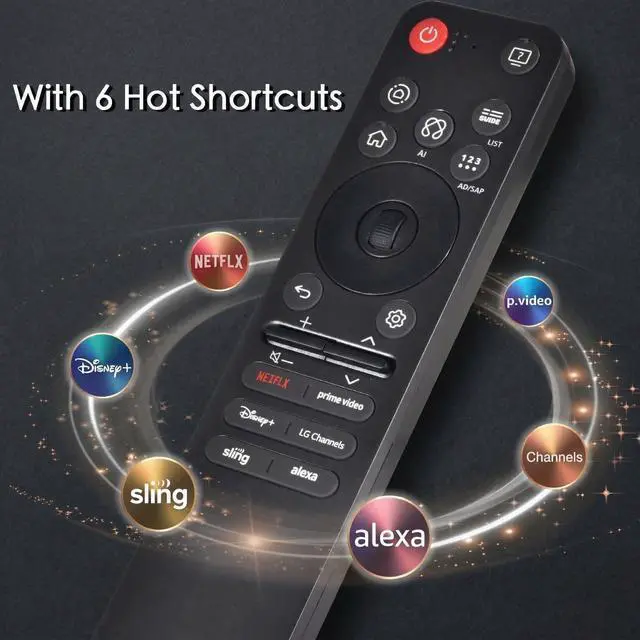
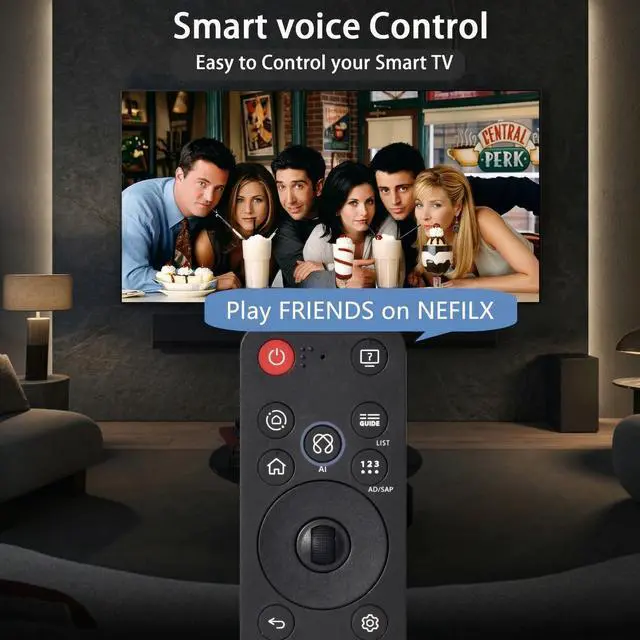
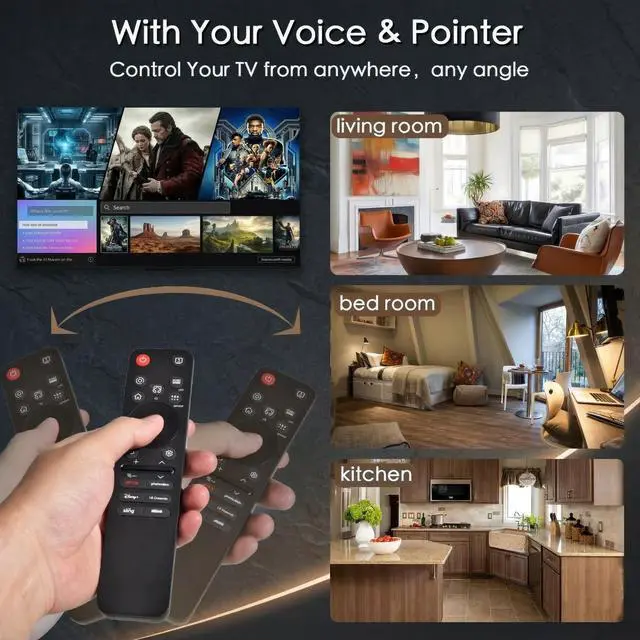
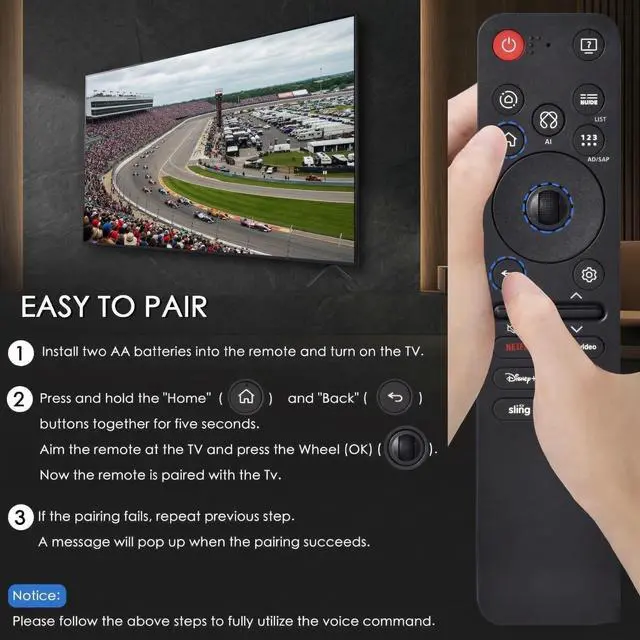
- Compatible TV Models: For LG 2019-2025 TV models, including OLED A1, OLED A2, OLED A3, OLED A4; OLED B1, OLED B2, OLED B3, OLED B5; OLED G1, OLED G2, OLED G3, OLED G5; OLED C1, OLED C2, OLED C3, OLED C4, OLED C5; OLED Z1, OLED Z2, OLED Z3, OLED Z4; and OLED R1, OLED R2, OLED R3. Compatible with QNED (QNED***R*) 75, QNED (QNED***R*) 80-89, and QNED (QNED***R*) 90-99; Nano Series 75, Nano Series 80, Nano Series 81, Nano Series 85, Nano Series 86, Nano Series 88, Nano Series 90, Nano Series 91, Nano Series 96, and Nano Series 99; and 4K UHD UR7***, 4K UHD UR8***, 4K UHD UR9***, 4K UHD UP70**, 4K UHD UP75**, 4K UHD UP76**, 4K UHD UP8***, and 4K UHD UP9***. Also compatible with AN-MR25GA, AN-MR24GA, AN-MR23GA, AN-MR22GA, AN-MR21GA, and AN-MR20GA. Supports pointer, click, and scroll functions for simple cursor control. Voice control supports Alexa and assists with typing. With 6 shortcuts: Netfix, Prm Video, Disney+, LG Channel, Sling, and Alexa Voice. To pair, turn on the TV and insert 2*AAA batteries into the remote. After about 20 seconds, point the remote toward the TV and press the Wheel (OK) for 5 seconds. The remote will register automatically, and a pairing completion message will display on the TV screen. If the TV does not support voice control, the voice function cannot be used. All buttons have been tested for over 100,000 total clicks, equivalent to 9 years of use at an average of 30 presses per day
+
+
Overview
Specs
Reviews
Any questions? Our AI mode will help you find out quickly.
Try me now
Compatible TV Models: For LG 2019-2025 TV models, including OLED A1, OLED A2, OLED A3, OLED A4; OLED B1, OLED B2, OLED B3, OLED B5; OLED G1, OLED G2, OLED G3, OLED G5; OLED C1, OLED C2, OLED C3, OLED C4, OLED C5; OLED Z1, OLED Z2, OLED Z3, OLED Z4; and OLED R1, OLED R2, OLED R3. Compatible with QNED (QNED***R*) 75, QNED (QNED***R*) 80-89, and QNED (QNED***R*) 90-99; Nano Series 75, Nano Series 80, Nano Series 81, Nano Series 85, Nano Series 86, Nano Series 88, Nano Series 90, Nano Series 91, Nano Series 96, and Nano Series 99; and 4K UHD UR7***, 4K UHD UR8***, 4K UHD UR9***, 4K UHD UP70**, 4K UHD UP75**, 4K UHD UP76**, 4K UHD UP8***, and 4K UHD UP9***. Also compatible with AN-MR25GA, AN-MR24GA, AN-MR23GA, AN-MR22GA, AN-MR21GA, and AN-MR20GA. Supports pointer, click, and scroll functions for simple cursor control. Voice control supports Alexa and assists with typing.
With 6 shortcuts: Netfix, Prm Video, Disney+, LG Channel, Sling, and Alexa Voice. To pair, turn on the TV and insert 2*AAA batteries into the remote. After about 20 seconds, point the remote toward the TV and press the Wheel (OK) for 5 seconds. The remote will register automatically, and a pairing completion message will display on the TV screen. If the TV does not support voice control, the voice function cannot be used. All buttons have been tested for over 100, 000 total clicks, equivalent to 9 years of use at an average of 30 presses per day

Warranty & Returns
Warranty, Returns, And Additional Information
Warranty
- Please contact the Seller directly for warranty information. Warranty information may also be found on the Manufacturer's website.
- CONTACT
Return Policies
- Return for refund within: 30 days
- Return for replacement within: 30 days
- This item is covered by FullChao Living Store Return Policy
Manufacturer Contact Info
- For a directory of all our manufacturers, please click below.
- Manufacturers Directory
LOADING...