• $35.99
  • Free 30-day Returns
  • Price alert
    Shop it at NeweggBusiness.

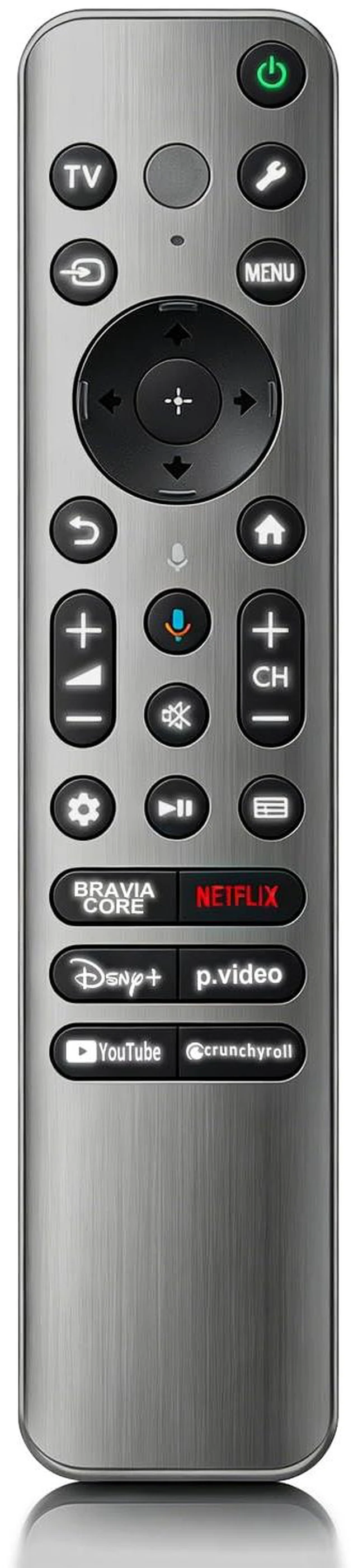
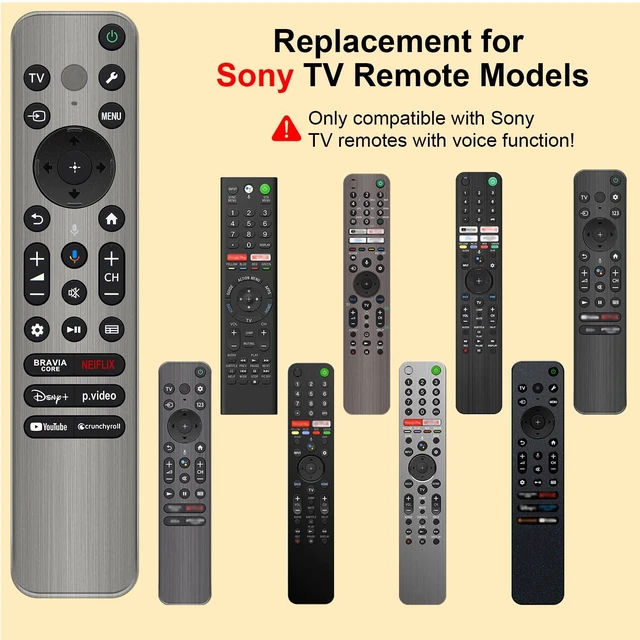
    Replacement for Sony TV Remote, for Sony Bravia Google 4K LED OLED Smart TV Control with Voice & Backlit

    Limited time offer, ends 10/06 By FullChao Living Store

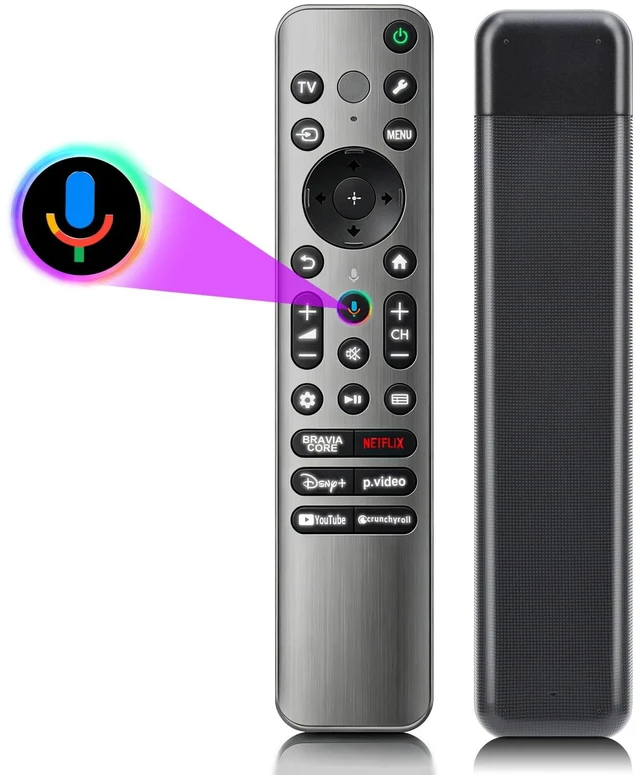
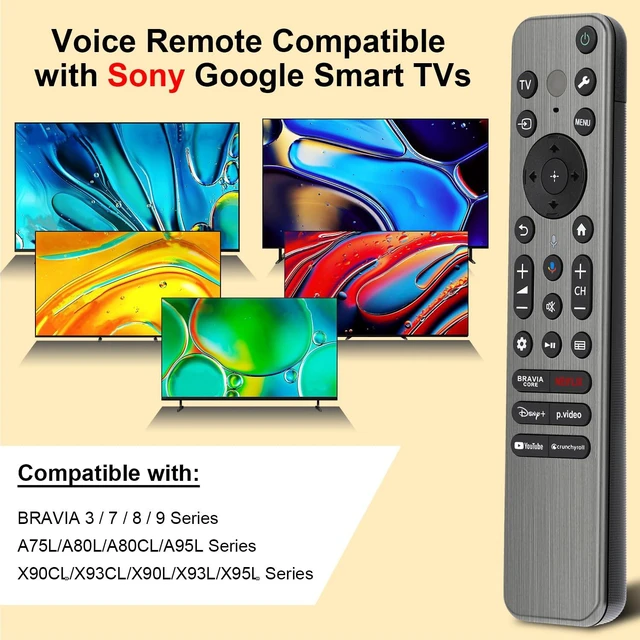
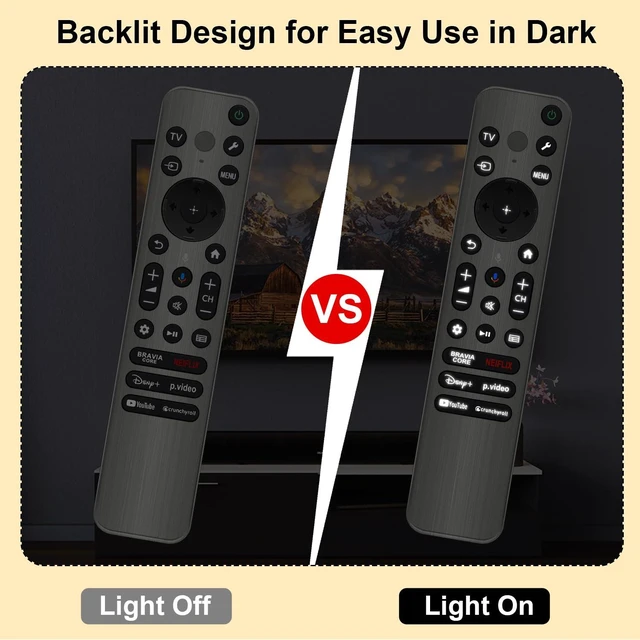
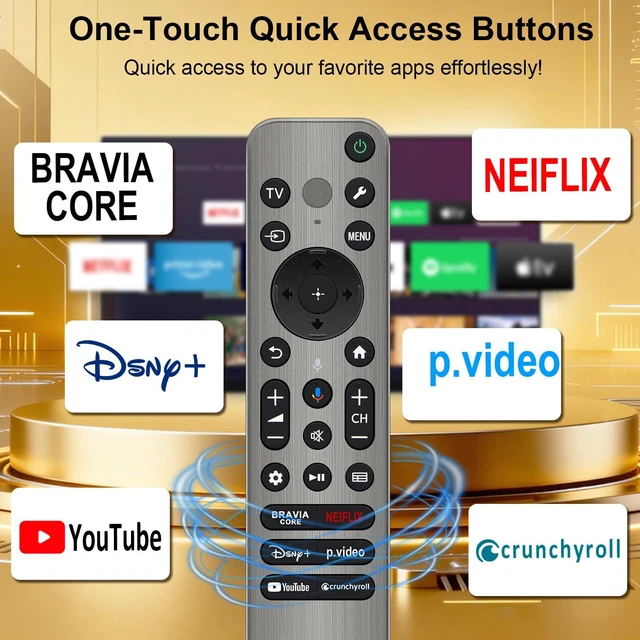
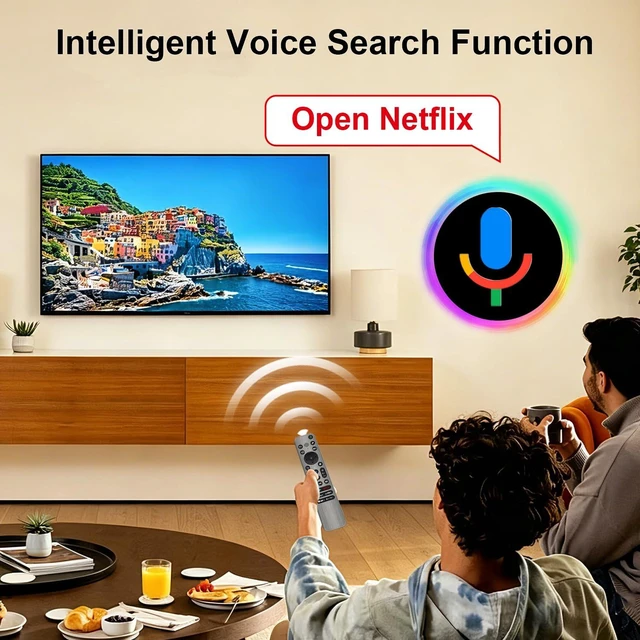
    • [Backlight Function] The newly upgraded backlight lets you see every button clearly for easy use in the dark. [Applicable TV Types] Voice remote compatible with Sony Bravia Google Smart TVs, covering models such as BRAVIA 3, BRAVIA 7, BRAVIA 8, BRAVIA 9, X90L, X90CL, X93L, X93CL, X95L, A75L, A80L, A80CL, A95L, etc. [Remote Control Compatible Models] Universal replacements for Sony TV remotes cover the following models: RMF-TX810U, RMF-TX820U, RMF-TX910U, and RMF-TX920U. [Fast Access Buttons] Our replacement remote comes with 6 shortcuts to NFLX, Video, Disney+, YouTube, Bravia Core, and Crunchyroll. Enjoy one-tap access to your favorite content 32ft range, 0.2s response, 120K+ clicks supported. [Voice Function Setup] 1. Insert 2*AAA batteries. 2. Press and hold the [VOL-] and [Mic] buttons for 5 seconds; the indicator light blinks to confirm. (If pairing fails, please repeat again)

    +
    +
    Overview
    Specs
    Reviews
    avatar

    Any questions? Our AI mode will help you find out quickly.

    [Backlight Function] The newly upgraded backlight lets you see every button clearly for easy use in the dark. [Applicable TV Types] Voice remote compatible with Sony Bravia Google Smart TVs, covering models such as BRAVIA 3, BRAVIA 7, BRAVIA 8, BRAVIA 9, X90L, X90CL, X93L, X93CL, X95L, A75L, A80L, A80CL, A95L, etc. [Remote Control Compatible Models] Universal replacements for Sony TV remotes cover the following models: RMF-TX810U, RMF-TX820U, RMF-TX910U, and RMF-TX920U. [Fast Access Buttons] Our replacement remote comes with 6 shortcuts to NFLX, Video, Disney+, YouTube, Bravia Core, and Crunchyroll. Enjoy one-tap access to your favorite content 32ft range, 0.2 s response, 120K+ clicks supported. [Voice Function Setup] 1. Insert 2*AAA batteries. 2. Press and hold the [VOL-] and [Mic] buttons for 5 seconds; the indicator light blinks to confirm. (If pairing fails, please repeat again)

    Warranty & Returns

    Warranty, Returns, And Additional Information

    Warranty

    • Please contact the Seller directly for warranty information. Warranty information may also be found on the Manufacturer's website.
    • CONTACT

    Return Policies

    Manufacturer Contact Info

    LOADING...