

Your Browsing History

Meet Your Seller
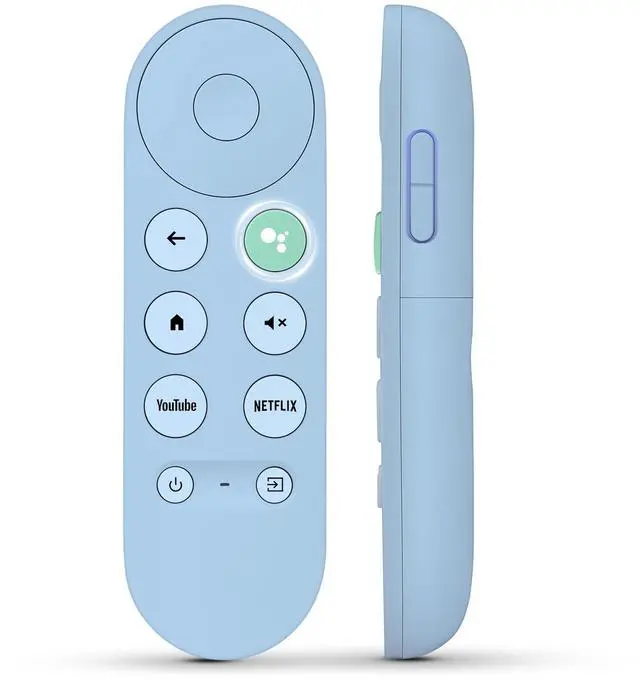
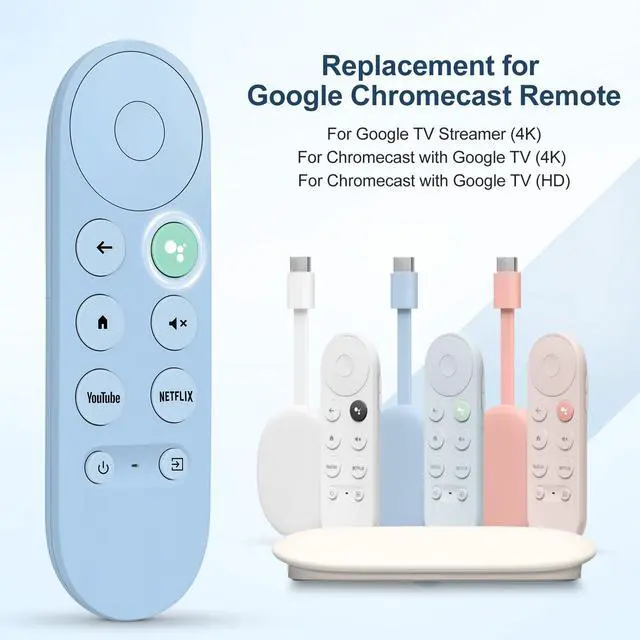


Replacement for Google-TV-Remote for Chromecast 4k/HD,G9N9N for Google TV Streamer Remote Control
Limited time offer, ends 10/06 By FullChao Living Store
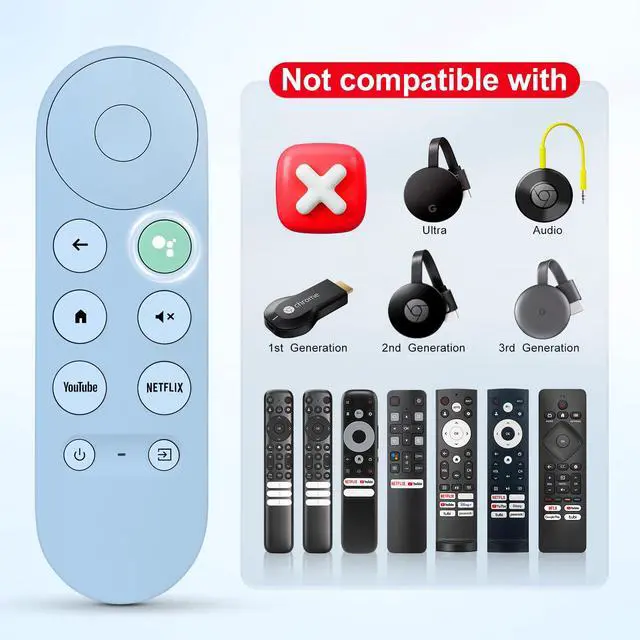
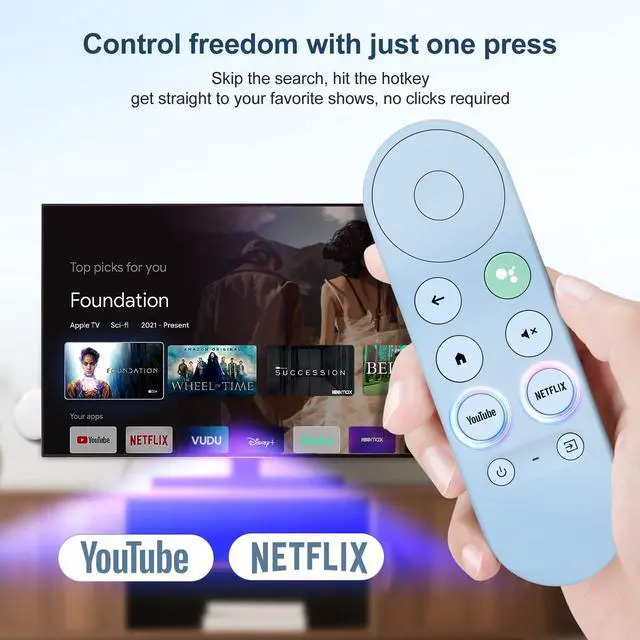
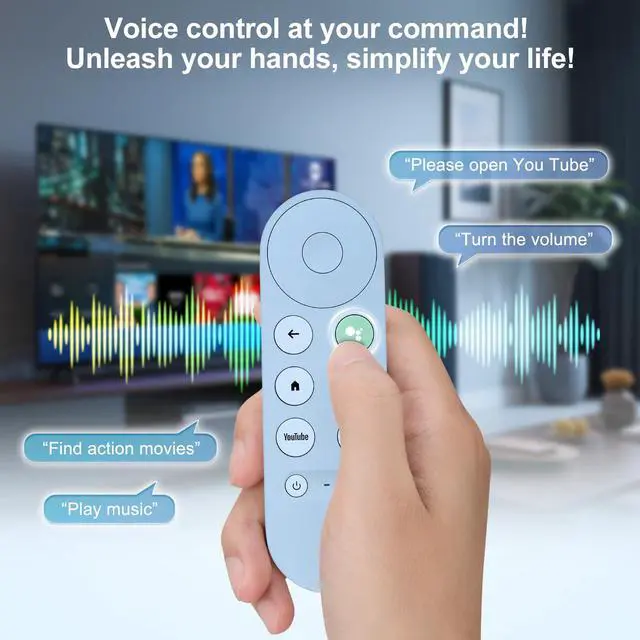
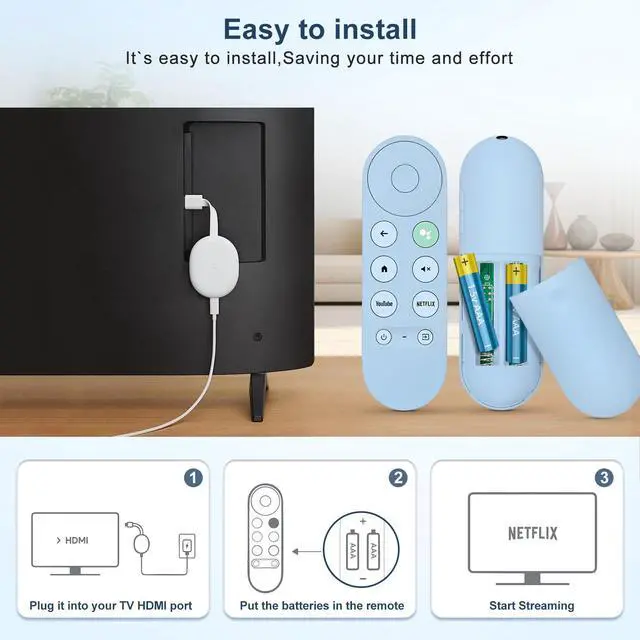
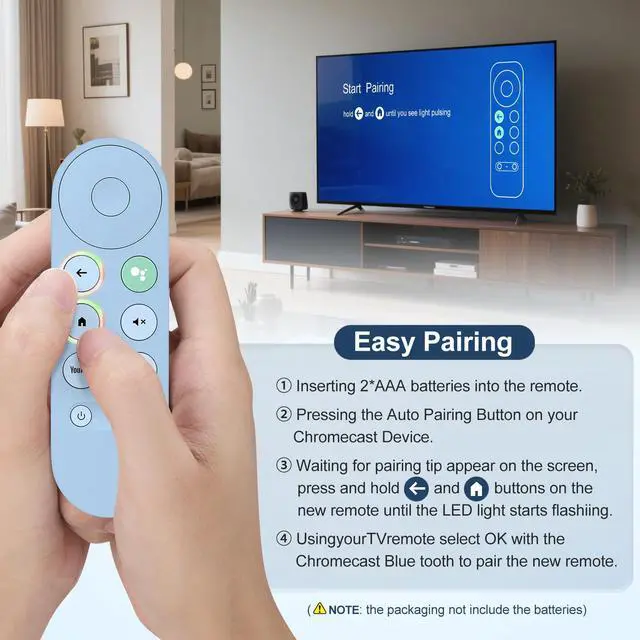
- Blue Voice Replacement remote for Google TV & Chromecast 4K/HD, for Google TV Streamer (4k), Universal G9N9N, GA01920-US, GA01923-US, GA01919-US, GA02463-US, GA01409-US, GA02464-US. NOT Compatible with Google Chromecast 1st Gen, NOT for Google Chromecast 2nd Gen, NOT for Google Chromecast 3rd Gen, NOT for Chromecast Ultra, NOT for Chromecast Audio. Pair your new blue remote: Press the pairing button on your device; Press and hold the "Back" and "Home" buttons simultaneously for 10 seconds until the LED on your new remote starts flashing. Pressing the voice button on the remote, you can use voice to search for specific shows, you can also use voice to control the volume, switch inputs, play music, and get answers on-screen. The replacement remote for Google Chromecast TV features 2 popular streaming buttons (for NFLX, YouTube) for quick access to the entertainment. Just install 2x AAA batteries to get it to work (batteries are NOT included)
+
+
Overview
Specs
Reviews

Any questions? Our AI mode will help you find out quickly.
Try me now
Blue Voice Replacement remote for Google TV & Chromecast 4K/HD, for Google TV Streamer (4k), Universal G9N9N, GA01920-US, GA01923-US, GA01919-US, GA02463-US, GA01409-US, GA02464-US. NOT Compatible with Google Chromecast 1st Gen, NOT for Google Chromecast 2nd Gen, NOT for Google Chromecast 3rd Gen, NOT for Chromecast Ultra, NOT for Chromecast Audio.
Pair your new blue remote: Press the pairing button on your device; Press and hold the "Back" and "Home" buttons simultaneously for 10 seconds until the LED on your new remote starts flashing. Pressing the voice button on the remote, you can use voice to search for specific shows, you can also use voice to control the volume, switch inputs, play music, and get answers on-screen. The replacement remote for Google Chromecast TV features 2 popular streaming buttons (for NFLX, YouTube) for quick access to the entertainment. Just install 2x AAA batteries to get it to work (batteries are NOT included)
Pair your new blue remote: Press the pairing button on your device; Press and hold the "Back" and "Home" buttons simultaneously for 10 seconds until the LED on your new remote starts flashing. Pressing the voice button on the remote, you can use voice to search for specific shows, you can also use voice to control the volume, switch inputs, play music, and get answers on-screen. The replacement remote for Google Chromecast TV features 2 popular streaming buttons (for NFLX, YouTube) for quick access to the entertainment. Just install 2x AAA batteries to get it to work (batteries are NOT included)
Warranty & Returns
Warranty, Returns, And Additional Information
Warranty
- Please contact the Seller directly for warranty information. Warranty information may also be found on the Manufacturer's website.
- CONTACT
Return Policies
- Return for refund within: 30 days
- Return for replacement within: 30 days
- This item is covered by FullChao Living Store Return Policy
Manufacturer Contact Info
- For a directory of all our manufacturers, please click below.
- Manufacturers Directory
LOADING...