Out of stock
  • $53.99
  • Free 30-day Returns
Price alert
Shop it at NeweggBusiness.

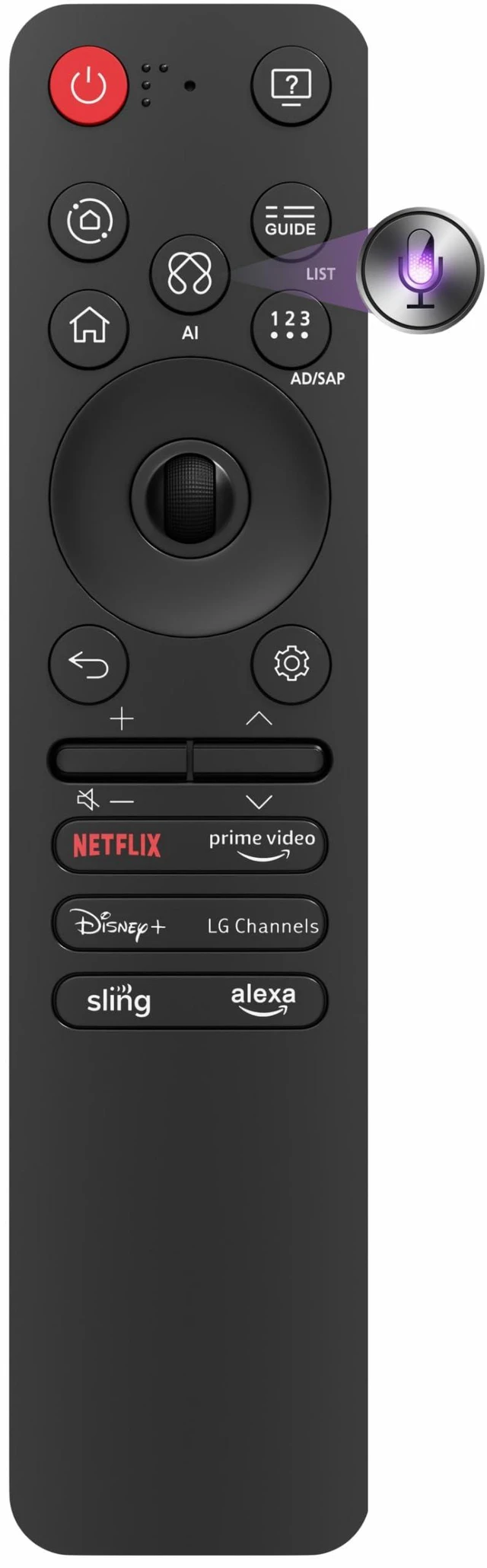
Replacement for LG Remote Control 2025 with AI Button, MR25GA LG Magic Remote Pointer&Voice Bluetooth MR25GN, AKB76046603, C5, B5, G5, M5 Series, One Year

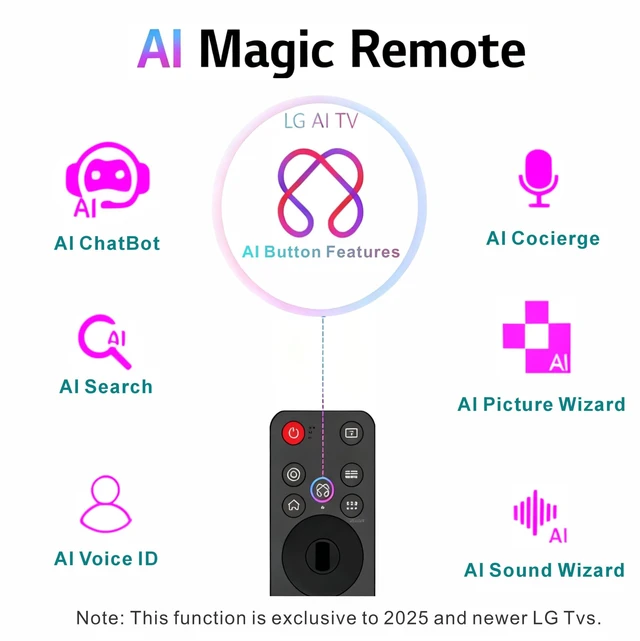
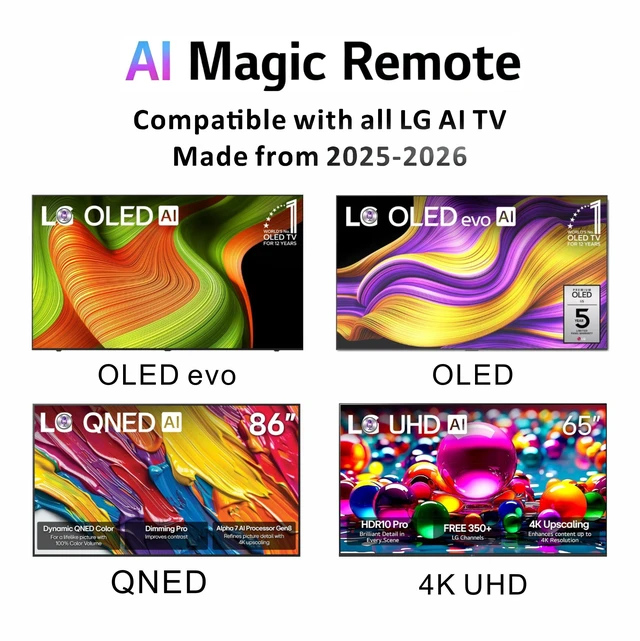
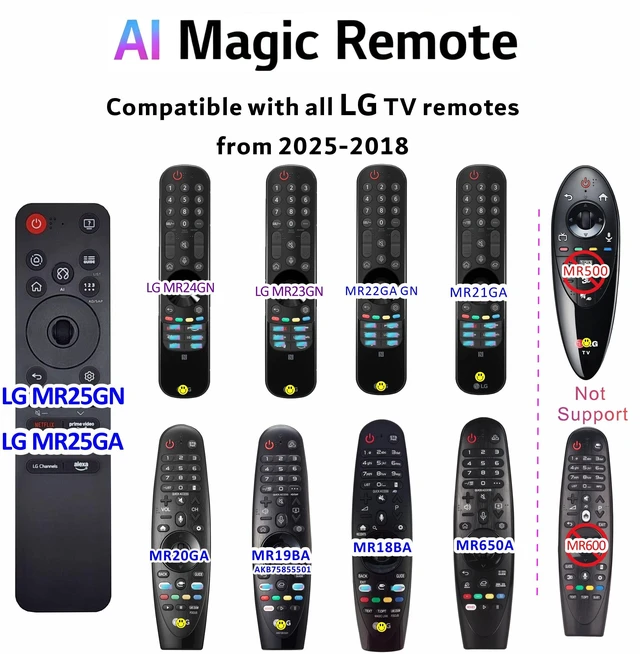
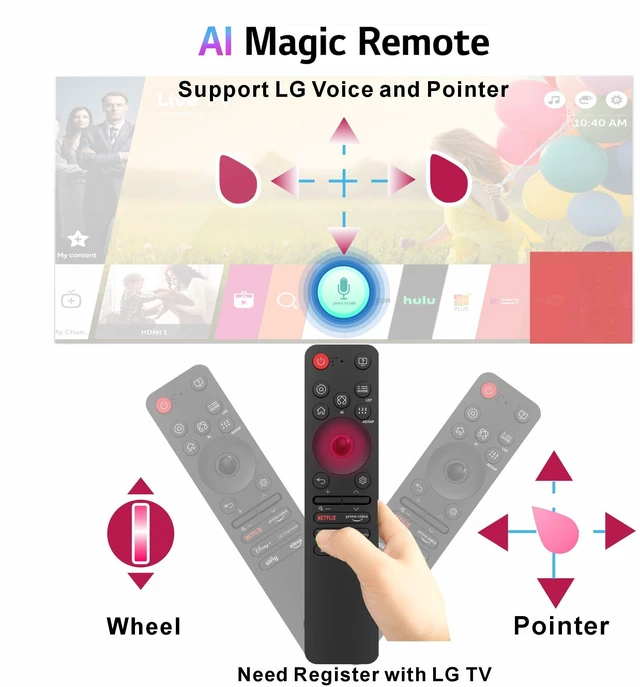
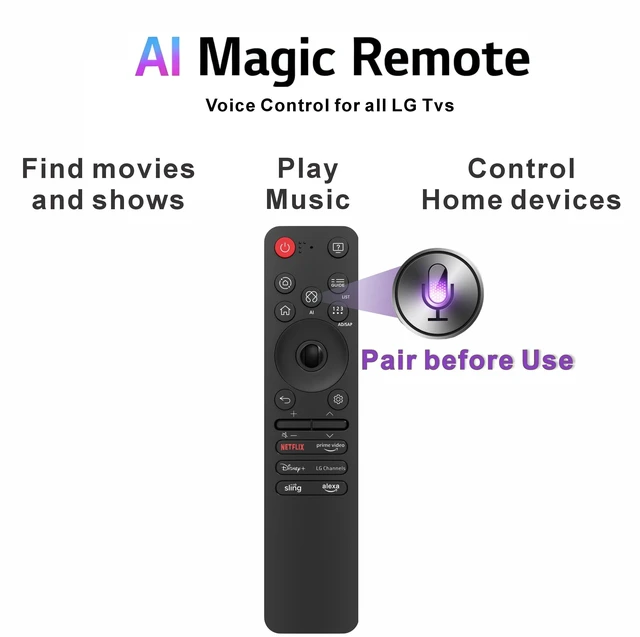
  • Specifically designed for 2025 LG Smart TVs, the AI Voice Magic Remote (MR25GA) ensures perfect compatibility and seamless integration for a superior user experience. Enjoy full TV control with an intuitive mouse-like pointer and smooth scroll wheel navigation. Advanced AI voice recognition allows you to operate your TV using Google Assistant or Alexa (network connection required), delivering truly hands-free, intelligent entertainment. Backward compatible with LG TVs from 2018 to 2025. For LG TVs equipped with Bluetooth, voice and pointer functions remain fully supported. Easy Pairing: Simply insert two AA batteries, point the remote at your LG TV, and press the Wheel (OK) button. A confirmation message will appear once pairing is successful. If pairing fails, hold the "Home" and "Back" buttons for 5 seconds, then press the Wheel button to retry. Please note: This remote is not compatible with non-voice-enabled TVs, models released before 2018, TV boxes, or soundbars

+
+
Overview
Specs
Reviews
avatar

Any questions? Our AI mode will help you find out quickly.

Specifically designed for 2025 LG Smart TVs, the AI Voice Magic Remote (MR25GA) ensures perfect compatibility and seamless integration for a superior user experience. Enjoy full TV control with an intuitive mouse-like pointer and smooth scroll wheel navigation. Advanced AI voice recognition allows you to operate your TV using Google Assistant or Alexa (network connection required), delivering truly hands-free, intelligent entertainment. Backward compatible with LG TVs from 2018 to 2025. For LG TVs equipped with Bluetooth, voice and pointer functions remain fully supported.
Easy Pairing: Simply insert two AA batteries, point the remote at your LG TV, and press the Wheel (OK) button. A confirmation message will appear once pairing is successful. If pairing fails, hold the "Home" and "Back" buttons for 5 seconds, then press the Wheel button to retry.
Please note: This remote is not compatible with non-voice-enabled TVs, models released before 2018, TV boxes, or soundbars

Warranty & Returns

Warranty, Returns, And Additional Information

Warranty

  • Please contact the Seller directly for warranty information. Warranty information may also be found on the Manufacturer's website.
  • CONTACT

Return Policies

Manufacturer Contact Info

LOADING...