• $44.99
  • Free 30-day Returns
  • Price alert
    Shop it at NeweggBusiness.

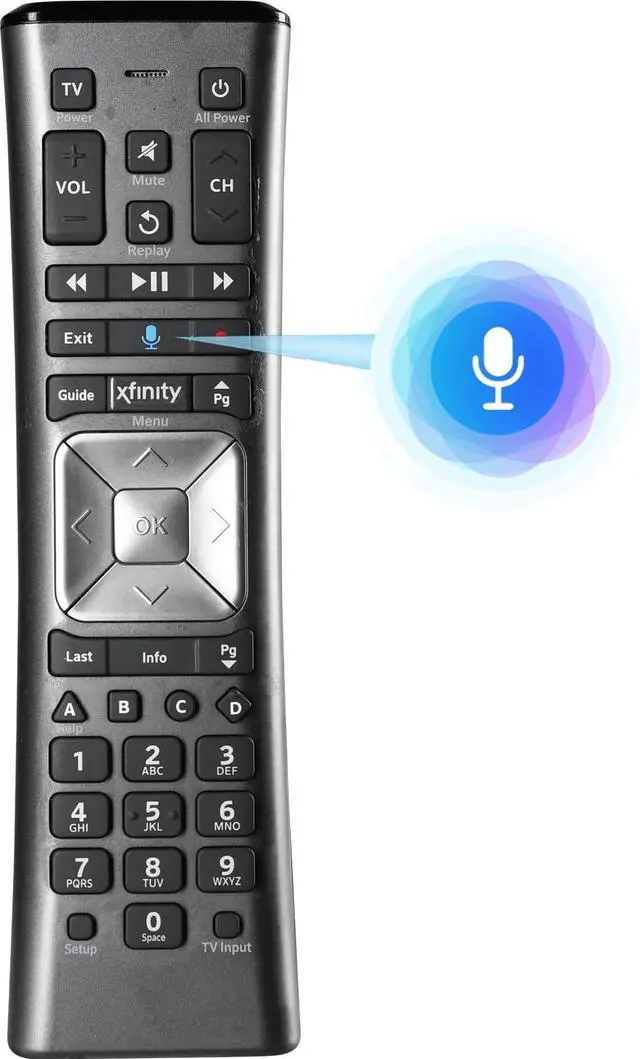
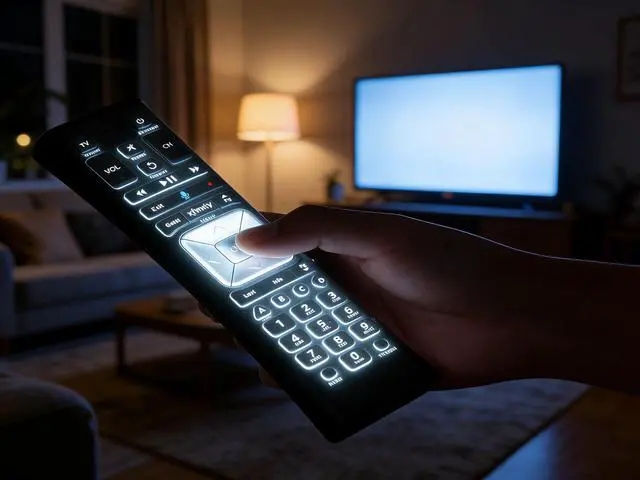
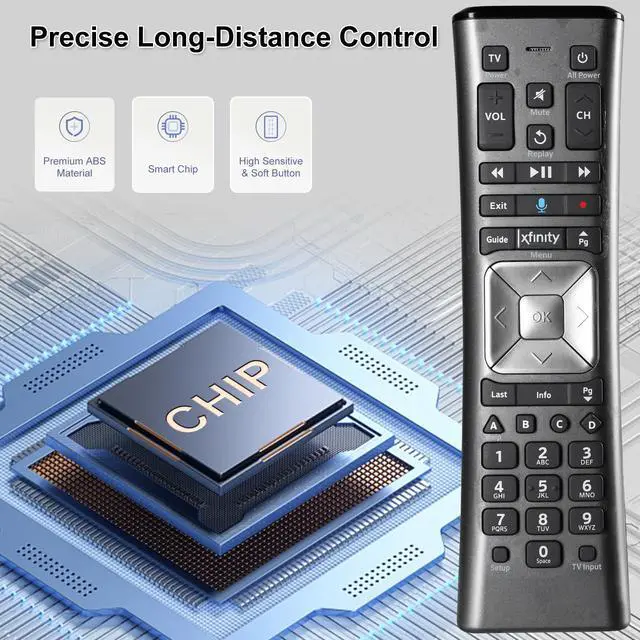
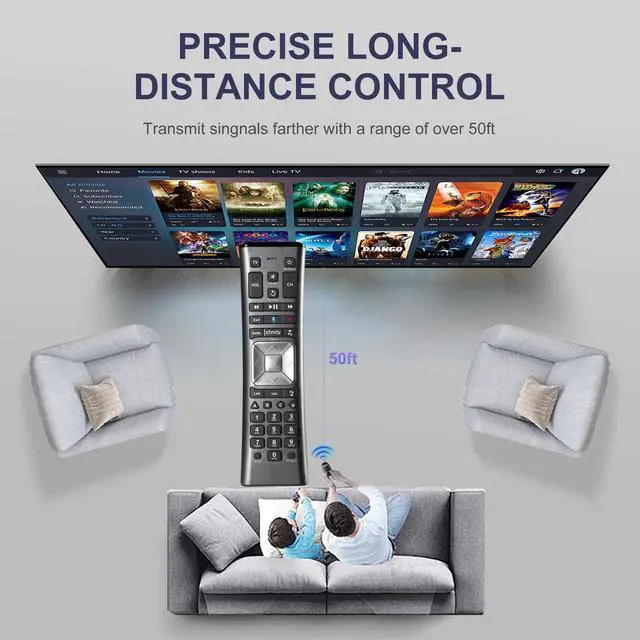
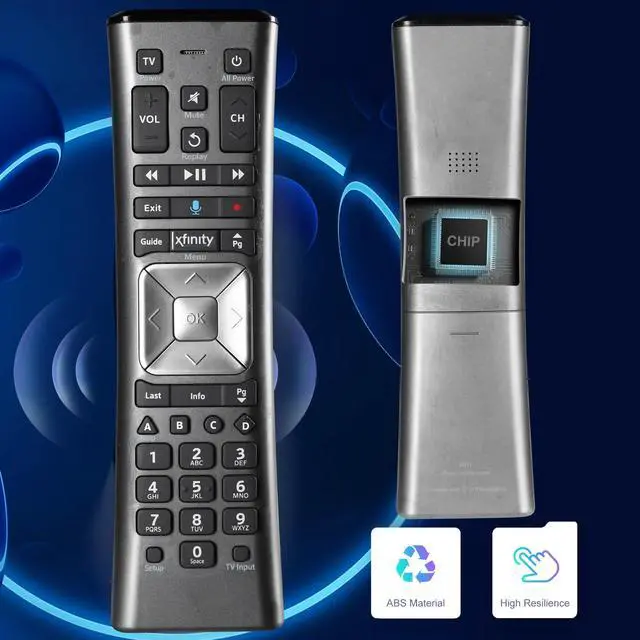
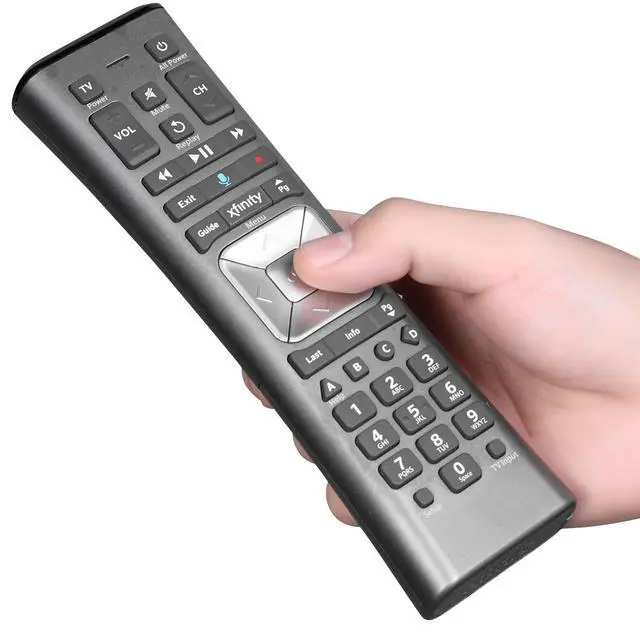
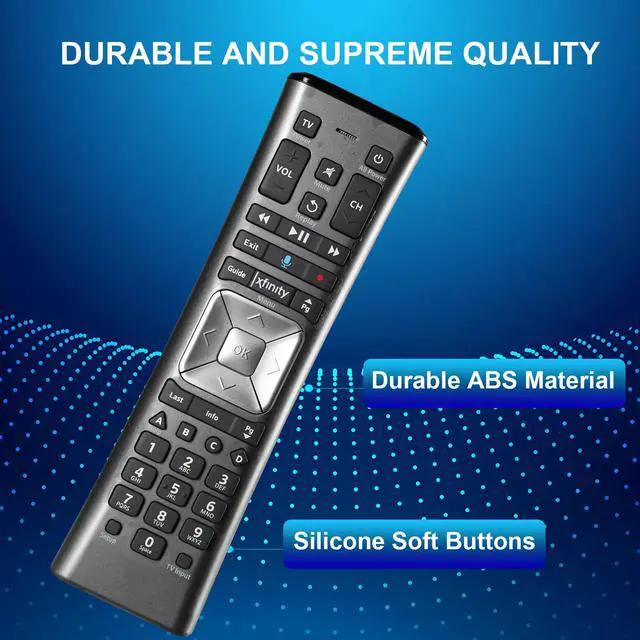
    XR11 Voice Backlit Remote Control Compatible with XFinity X1 Comcast Activated Cable TV

    Limited time offer, ends 10/16 By PureSpring Trading Shop

    • Please Note: The remote has scratches on the back and the buttons may show signs of dirt, but it functions perfectly. Consider this carefully if condition is a concern. Voice Remote Control Replacement Compatible with XFinity Comcast Activated Cable TV Remote Control XR11. Notice: Voice Features are Only Compatible with The X1 Set-Top Box. RF Pairing is Exclusively Available with The XG1 And Xi3 Set-Top Boxes. How To Pair Your Voice Remote: Step 1: Press And Hold The Setup Button Until The LED Turns From Red To Green (About 3 Sec). Step 2: Press The Xfinity Button. Step 3: Your TV Should Display A 3-Digit CodeEnter It Using The Remote. If The Code Doesn't Appear, Press Xfinity 12 More Times. Step 4: After Entering The Code Correctly, The Remote Will Pair Automatically

    +
    +
    Overview
    Specs
    Reviews
    avatar

    Any questions? Our AI mode will help you find out quickly.

    Please Note: The remote has scratches on the back and the buttons may show signs of dirt, but it functions perfectly. Consider this carefully if condition is a concern. Voice Remote Control Replacement Compatible with XFinity Comcast Activated Cable TV Remote Control XR11.
    Notice: Voice Features are Only Compatible with The X1 Set-Top Box. RF Pairing is Exclusively Available with The XG1 And Xi3 Set-Top Boxes. How To Pair Your Voice Remote: Step
    1: Press And Hold The Setup Button Until The LED Turns From Red To Green (About 3 Sec).
    Step 2: Press The Xfinity Button.
    Step 3: Your TV Should Display A 3-Digit CodeEnter It Using The Remote. If The Code Doesn't Appear, Press Xfinity 12 More Times.
    Step 4: After Entering The Code Correctly, The Remote Will Pair Automatically

    Warranty & Returns

    Warranty, Returns, And Additional Information

    Warranty

    • Please contact the Seller directly for warranty information. Warranty information may also be found on the Manufacturer's website.
    • CONTACT

    Return Policies

    Manufacturer Contact Info

    LOADING...