• $44.99
  • Free 30-day Returns
  • Price alert
    Shop it at NeweggBusiness.

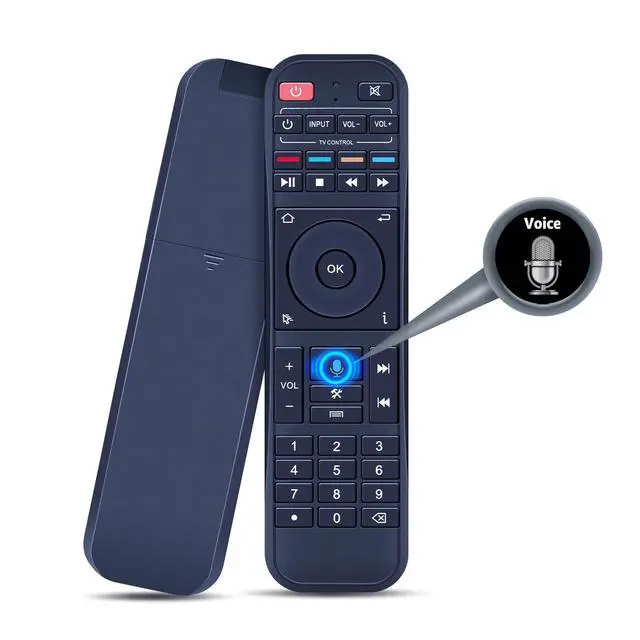
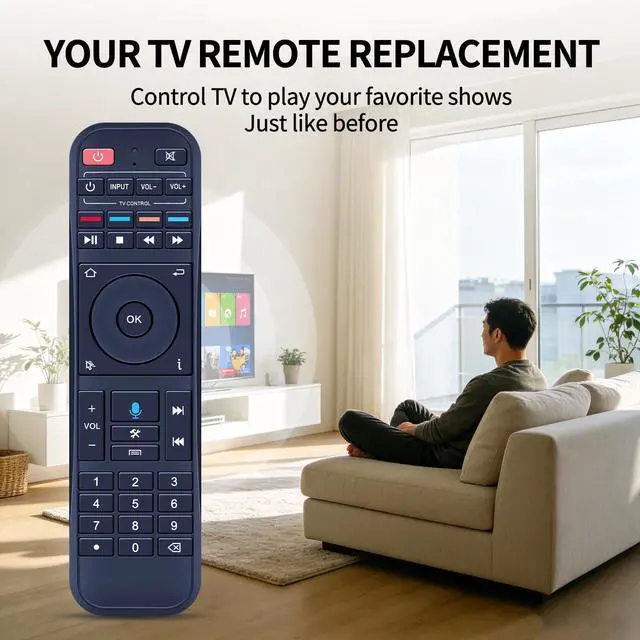
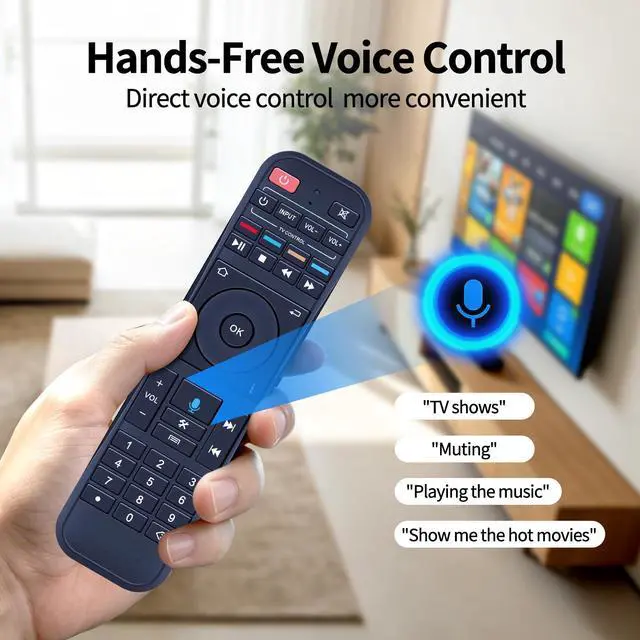
    RC-200 Voice Remote Control for Superbox S7 Max/Prime/Pro/Ultra S6 Max/Ultra/Pro, S5 Max/Pro, Voice Control, No Backlight

    Limited time offer, ends 10/16 By PureSpring Trading Shop

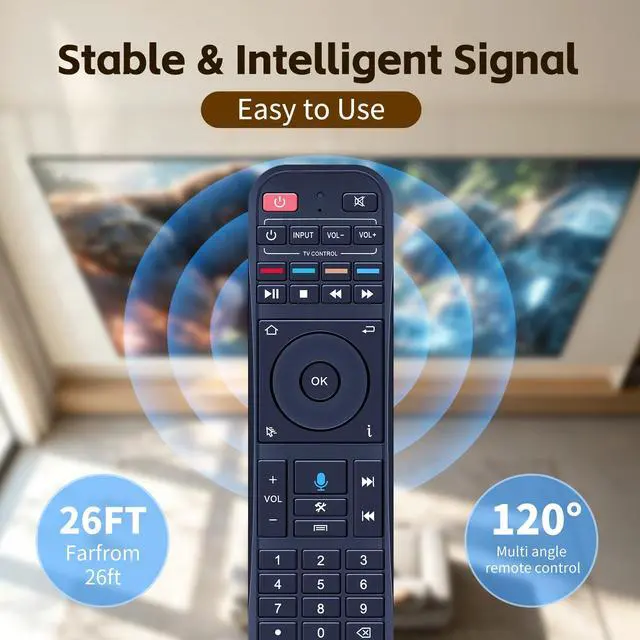
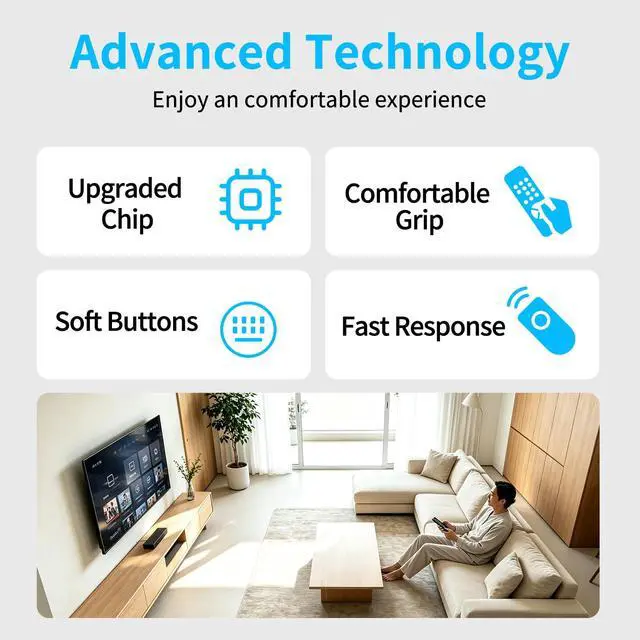
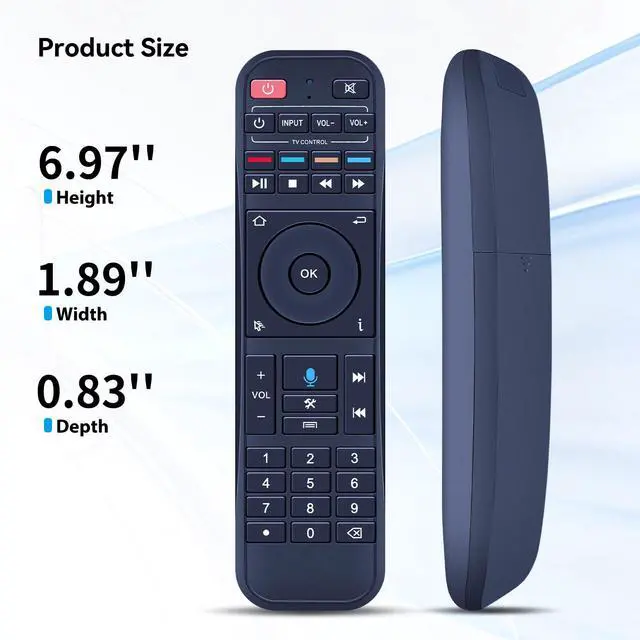
    • Supported Models: This remote control does not have a backlight feature. Compatible with S7 Pro, S7 Max, S7 Ultra, S7 Prime, S6 Max, S6 Ultra, S5 Max, and S5 Pro. Pairing Instruction: 1. Press the "OK" and "Return" buttons at the same time until the indicator light flashes for pairing. Press the "OK" button until the red light stops blinking. 2. Finally, go to [setting] - [Ble] to check if the device is connected. Look for the "RC-200" device to confirm the pairing. Programming Function: 1. Press the power button in the "TV CONTROL" area until the indicator light stays on. Then start programming. 2. Press the button in the "TV CONTROL" area for the function to be programmed. The light will begin to blink. 3. Aim the TV remote at the TV box remote, and press the button on the TV remote that needs to be programmed. 4. If the function is copied, the indicator light will flash 3 times and stay on. Use the same process to program other functions. 5. The indicator light will flash 5 times if failed. Then you need to repeat steps 2-4. 6. Press any button outside the "TV CONTROL" area to exit. Fast & Comfortable The upgraded chip provides a 26-foot range and 0.2s response. The ergonomic ABS design feels great in your hand and makes controlling smooth and easy. Before You Order: Please check that this remote matches your original remote. If not, it may not work. Not sure about compatibility? We will be happy to assist you

    +
    +
    Overview
    Specs
    Reviews
    avatar

    Any questions? Our AI mode will help you find out quickly.

    Supported Models: This remote control does not have a backlight feature. Compatible with S7 Pro, S7 Max, S7 Ultra, S7 Prime, S6 Max, S6 Ultra, S5 Max, and S5 Pro.
    Pairing Instruction: 1. Press the "OK" and "Return" buttons at the same time until the indicator light flashes for pairing. Press the "OK" button until the red light stops blinking. 2. Finally, go to [setting] - [Ble] to check if the device is connected. Look for the "RC-200" device to confirm the pairing.
    Programming Function: 1. Press the power button in the "TV CONTROL" area until the indicator light stays on. Then start programming. 2. Press the button in the "TV CONTROL" area for the function to be programmed. The light will begin to blink. 3. Aim the TV remote at the TV box remote, and press the button on the TV remote that needs to be programmed. 4. If the function is copied, the indicator light will flash 3 times and stay on. Use the same process to program other functions. 5. The indicator light will flash 5 times if failed. Then you need to repeat steps 2-4. 6. Press any button outside the "TV CONTROL" area to exit. Fast & Comfortable The upgraded chip provides a 26-foot range and 0.2 s response. The ergonomic ABS design feels great in your hand and makes controlling smooth and easy.
    Before You Order: Please check that this remote matches your original remote. If not, it may not work. Not sure about compatibility? We will be happy to assist you

    Warranty & Returns

    Warranty, Returns, And Additional Information

    Warranty

    • Please contact the Seller directly for warranty information. Warranty information may also be found on the Manufacturer's website.
    • CONTACT

    Return Policies

    Manufacturer Contact Info

    LOADING...