• $22.49
  • Free 30-day Returns
  • Price alert
    Shop it at NeweggBusiness.

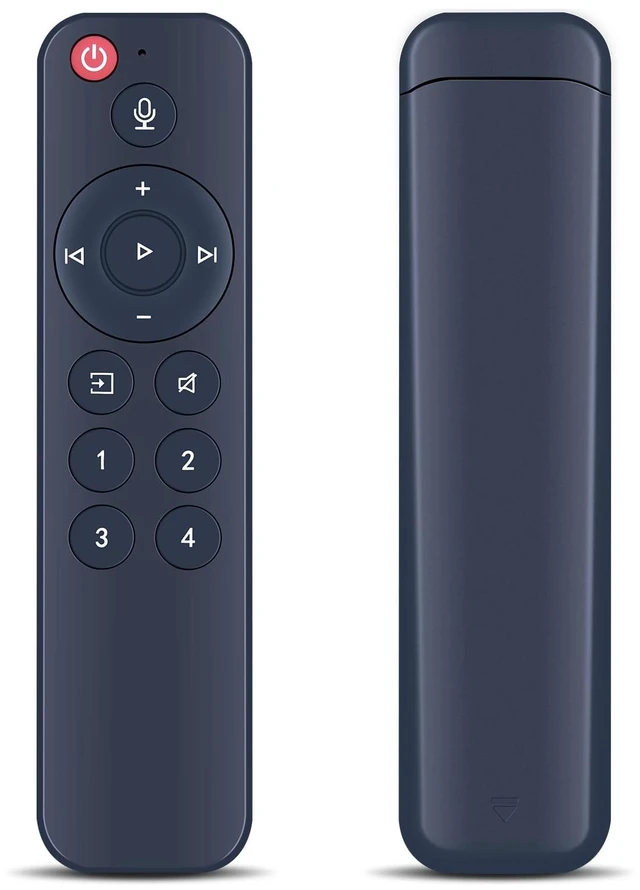
    Voice Replacement Remote for WiiM Mini AirPlay 2 Pro Plus and Pro Audio Streamer, Push-to-Talk, 4 Music Preset Buttons

    Limited time offer, ends 10/16 By PureSpring Trading Shop

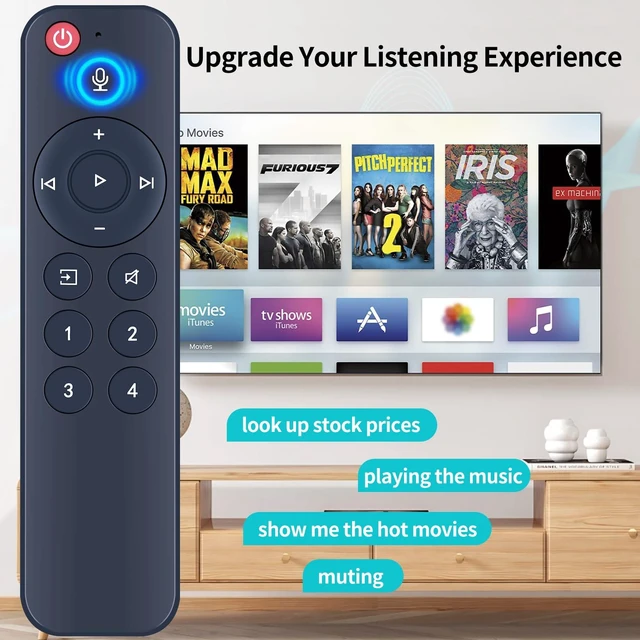
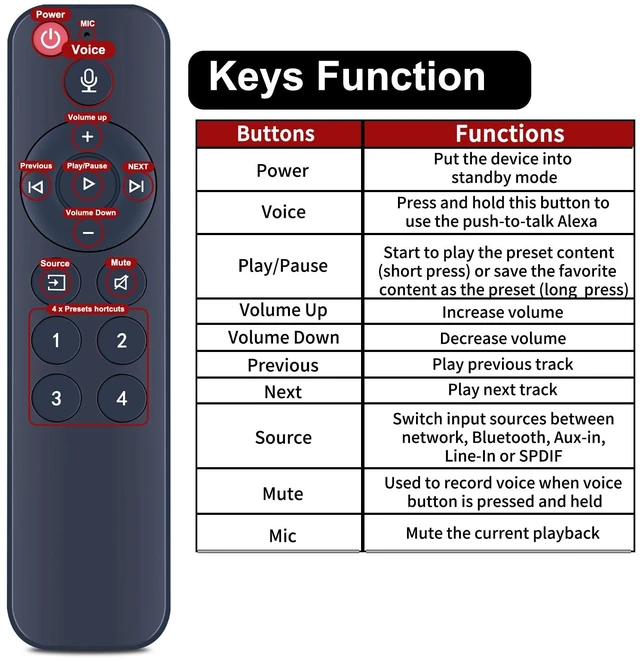
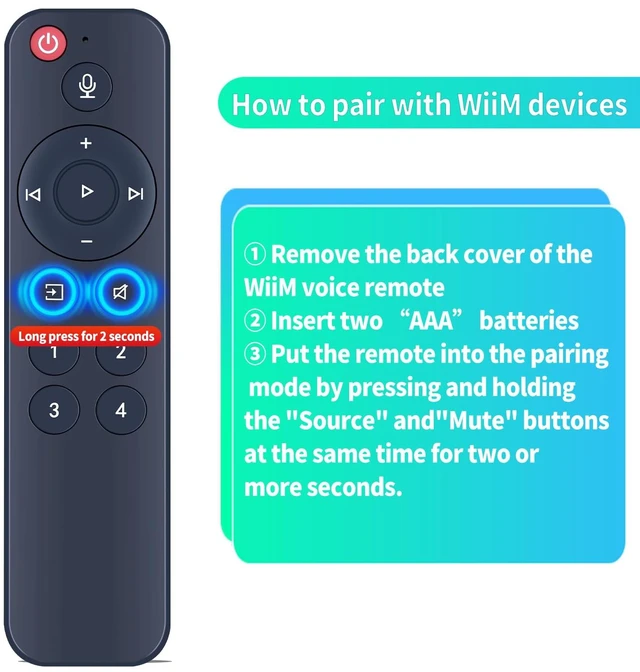
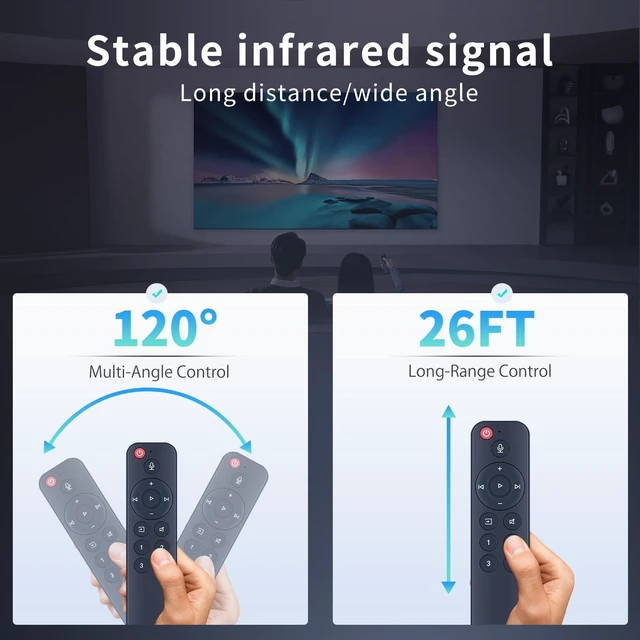
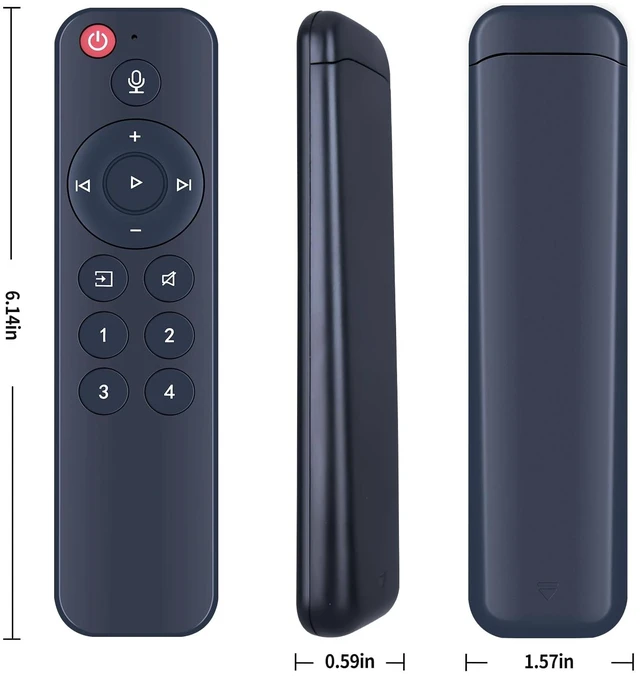
    • Upgrade your listening experience with the WiiM voice remote, which allows using the remote with your voice to search and control via Aexa (No extra Aexa built-in device needed), while also enjoying a super easy setup through the WiiM Home App to pair with any WiiM Mini or WiiM Pro. Use the remote to control music playback, volume, mute audio, and launch your presets with one button. Easy To SetupOpen the WiiM Home App and easily pair it with any of your WiiM Mini or Pro devices. Push-to-TalkUse the remote to play or pause, skip to the previous or next song, control volume, mute audio, and launch your preset favorite song, radio station, podcast, or anything else with one button. 4 Customizable Preset ButtonsUse them as your favorite music presets, or customize them for other device control actions. Note: To use the Voice Remote with your WiiM Pro, you'll first need to pair it via the WiiM Home app

    +
    +
    Overview
    Specs
    Reviews
    avatar

    Any questions? Our AI mode will help you find out quickly.

    Upgrade your listening experience with the WiiM voice remote, which allows using the remote with your voice to search and control via Aexa (No extra Aexa built-in device needed), while also enjoying a super easy setup through the WiiM Home App to pair with any WiiM Mini or WiiM Pro. Use the remote to control music playback, volume, mute audio, and launch your presets with one button. Easy To SetupOpen the WiiM Home App and easily pair it with any of your WiiM Mini or Pro devices. Push-to-TalkUse the remote to play or pause, skip to the previous or next song, control volume, mute audio, and launch your preset favorite song, radio station, podcast, or anything else with one button.

    4 Customizable Preset ButtonsUse them as your favorite music presets, or customize them for other device control actions.
    Note: To use the Voice Remote with your WiiM Pro, you'll first need to pair it via the WiiM Home app

    Warranty & Returns

    Warranty, Returns, And Additional Information

    Warranty

    • Please contact the Seller directly for warranty information. Warranty information may also be found on the Manufacturer's website.
    • CONTACT

    Return Policies

    Manufacturer Contact Info

    LOADING...