• $19.49
  • Free 30-day Returns
  • Price alert
    Shop it at NeweggBusiness.

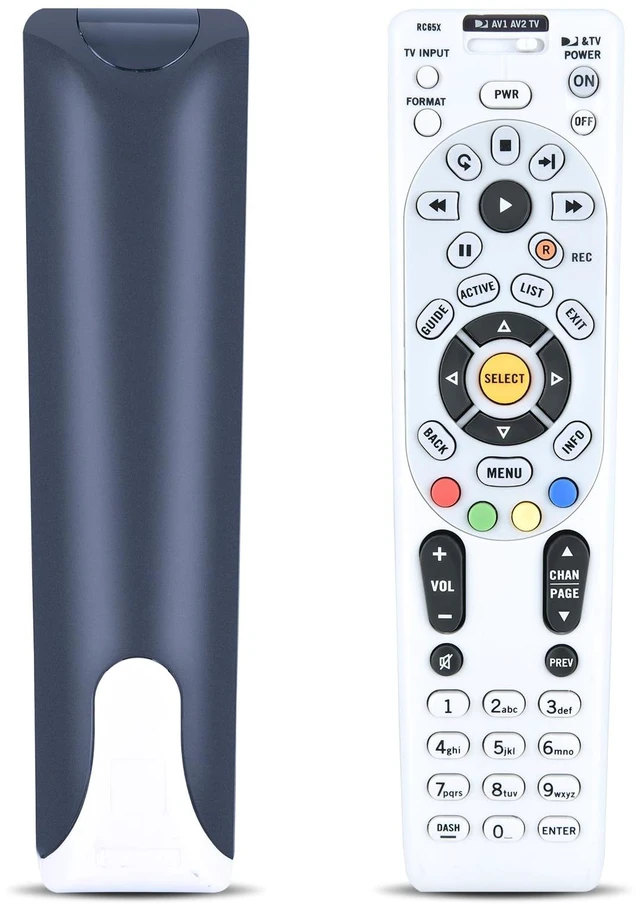
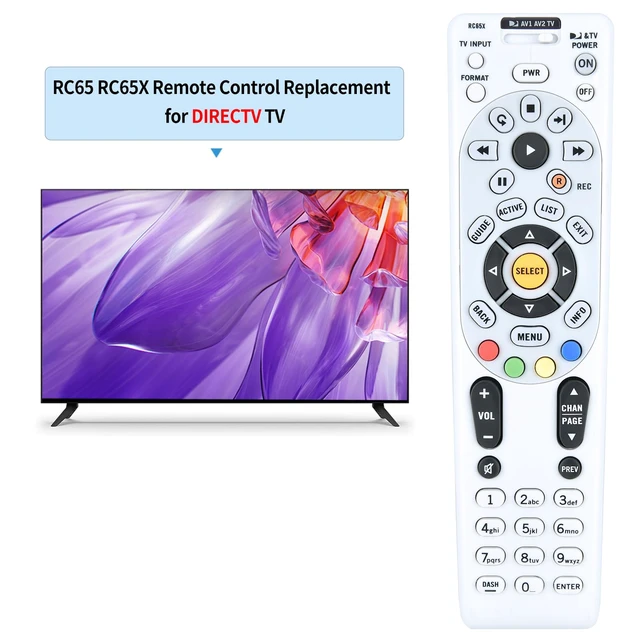
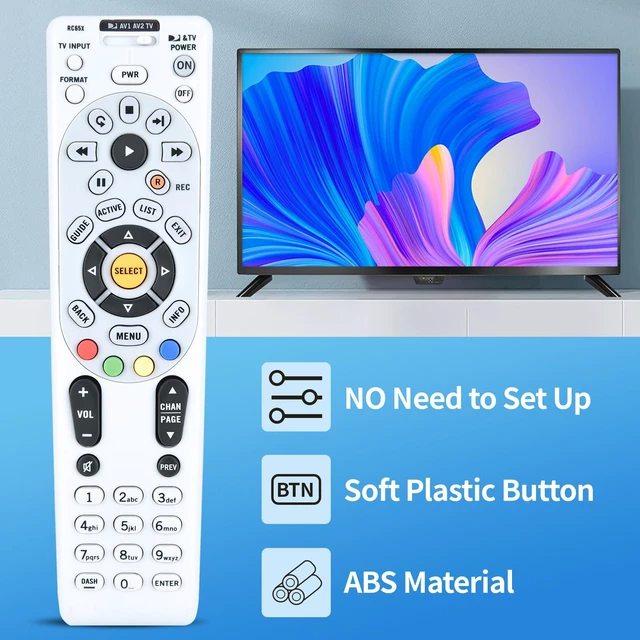
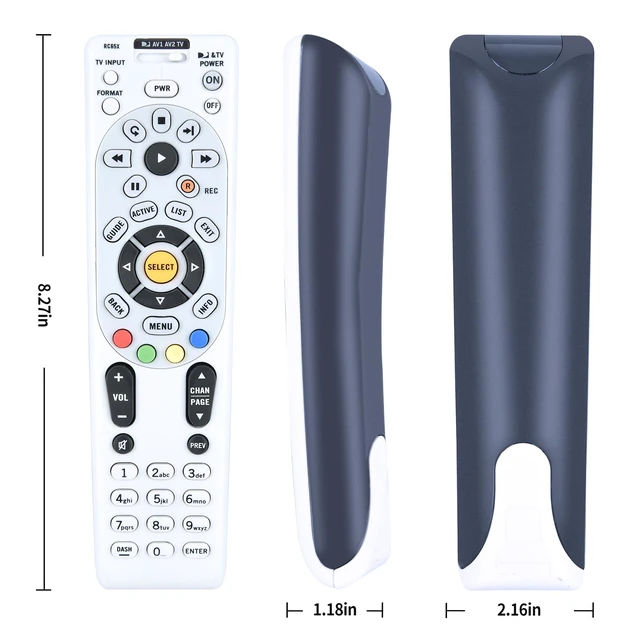
    Replacement IR Remote Control for DIRECTV RC65 / RC65X / RC65RX / RC66 / RC66X 4-Device LCD LED HDTV A/V Receiver, Compatible with H20 HR20 H21 HR21 HR22 H23 HR23 H24 HR24 H25 R15 R16 R22 D11 D12

    Limited time offer, ends 10/16 By PureSpring Trading Shop

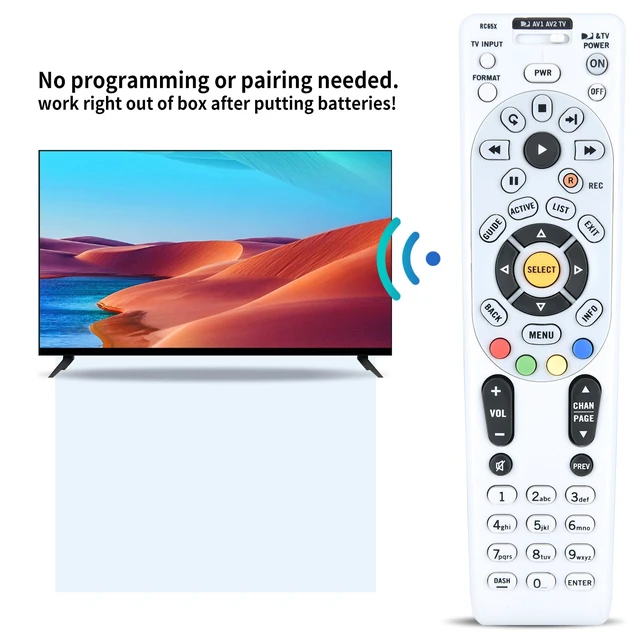
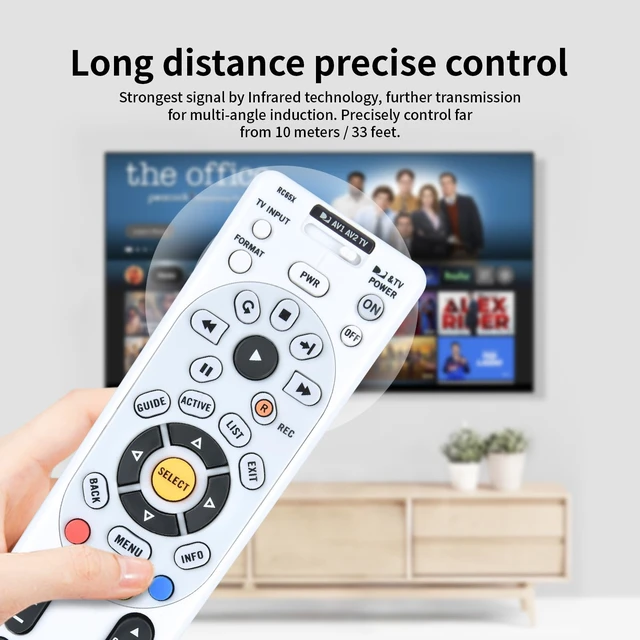
    • [COMPATIBLE MODELS] This replacement IR remote control is compatible with DIRECTV LCD LED HDTV A/V Receiver H20 HR20 H21 HR21 HR22 H23 HR23 H24 HR24 H25 R15 R16 R22 D11 D12, etc. [SUITABLE FOR ALL PREVIOUS ITERATIONS OF RCxx REMOTE MODELS] RC65 / RC65X / RC65RX / RC66 / RC66X. [Built-in RF Feature] Allows the remote to control the receiver without having to point it at the receiver (needs to be set up; not all receivers are compatible). [Easy Pairing] Turn on the TV and point the remote at the TV to set up the following: 1) Slide the mode switch on the top of the remote to the "TV" option; 2) Press and hold the "Mute" and "Select" buttons on the remote at the same time until the green light below the TV on the mode switch flashes twice; 3) Using the number keys on the remote, enter the 5-digit code from the CodeFinder on the web page; 4) Test the remote to confirm that it controls your TV as expected; if not, try again with the next code listed. (Note: The code generally refers to the brand and model of the DIRECTV receiver, located on the back or bottom panel.)
    +
    +
    Overview
    Specs
    Reviews
    avatar

    Any questions? Our AI mode will help you find out quickly.

    [COMPATIBLE MODELS] This replacement IR remote control is compatible with DIRECTV LCD LED HDTV A/V Receiver H20 HR20 H21 HR21 HR22 H23 HR23 H24 HR24 H25 R15 R16 R22 D11 D12, etc. [SUITABLE FOR ALL PREVIOUS ITERATIONS OF RCxx REMOTE MODELS] RC65 / RC65X / RC65RX / RC66 / RC66X. [Built-in RF Feature] Allows the remote to control the receiver without having to point it at the receiver (needs to be set up; not all receivers are compatible). [Easy Pairing] Turn on the TV and point the remote at the TV to set up the following: 1) Slide the mode switch on the top of the remote to the "TV" option; 2) Press and hold the "Mute" and "Select" buttons on the remote at the same time until the green light below the TV on the mode switch flashes twice; 3) Using the number keys on the remote, enter the 5-digit code from the CodeFinder on the web page; 4) Test the remote to confirm that it controls your TV as expected; if not, try again with the next code listed.
    (Note: The code generally refers to the brand and model of the DIRECTV receiver, located on the back or bottom panel. )

    Warranty & Returns

    Warranty, Returns, And Additional Information

    Warranty

    • Please contact the Seller directly for warranty information. Warranty information may also be found on the Manufacturer's website.
    • CONTACT

    Return Policies

    Manufacturer Contact Info

    LOADING...