Your Browsing History
Meet Your Seller
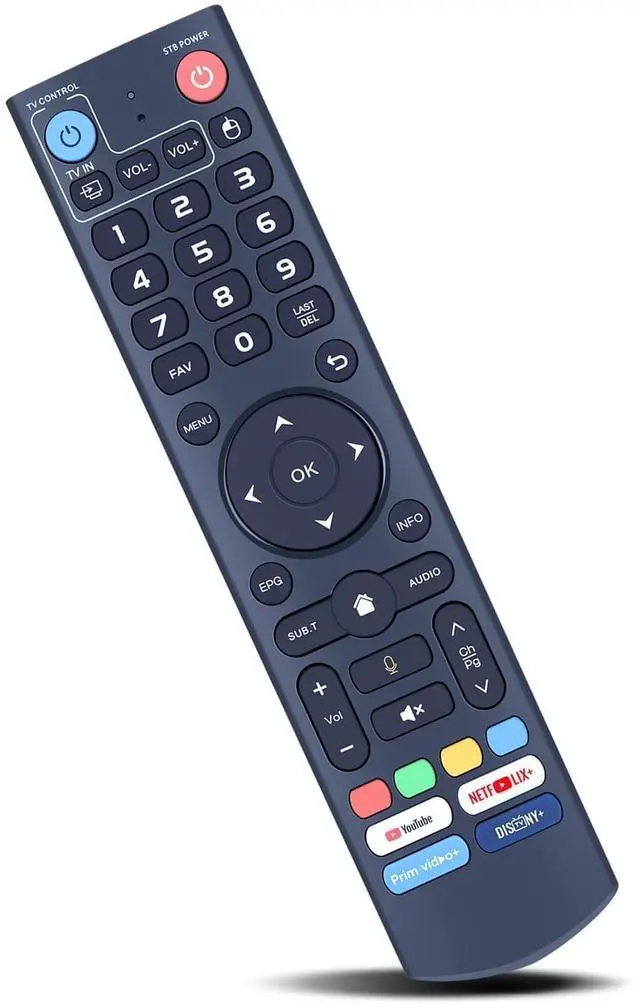
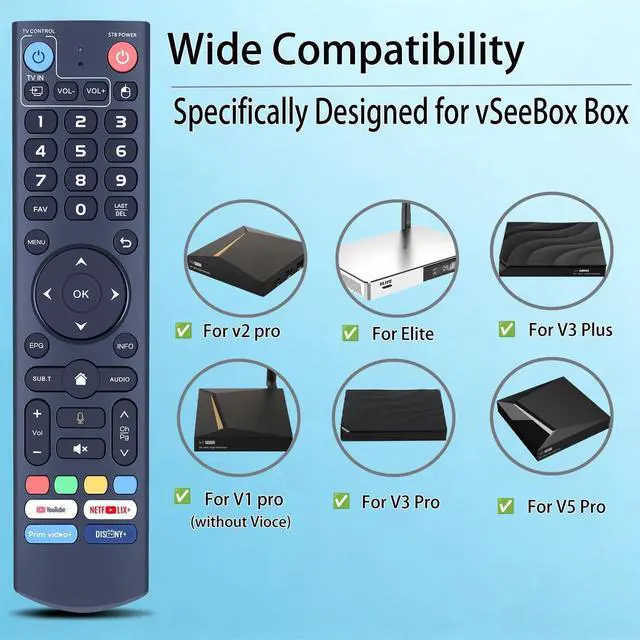
New Replacement Voice Remote Control for vSeeBox V3 Pro Set Top Box Compatible with vSeeBox V1, V2, V2 Pro, V3, V3 Plus, V5 Pro, V1 Max, Elite, Max
- Compatible with vSeeBox V5 Pro, V3 Plus, V3 Pro, V2, V2 Pro, V1, V1 Pro, V1 Max, Elite, and Max. Note: V1 Max, V1 Pro, and V2 Pro do not support voice command functionality. Two Operating Modes: The V3 Pro voice remote features V3 operating mode and V2 operating mode. Press and hold the number 5 key for over ten seconds to switch modes. V3 Pro operating mode is compatible with V3 Pro; V2 Pro operating mode is compatible with V1 Pro, V2 Pro, Max, and Elite. Compatible with vSeebox V3 remote controls default to V3 operating mode. If you have a V1 Pro, V2 Pro, Max, or Elite, press and hold the number 5 key for over 10 seconds. When the indicator light flashes, it indicates you have switched to V2 mode. How to Pair: Simultaneously press and hold the [OK] and [VOL-] buttons on the V3 Pro Voice Remote for at least 3 seconds. The LED will flash rapidly. Release the buttons to enter pairing mode. Upon successful pairing, the LED will turn off. If pairing fails, the LED will turn off and automatically exit pairing mode after 30 seconds. If some functions are not available, please follow the steps below: 1) Press and hold the [POWER] key for 5 seconds. The LED goes from blinking to solid and the STB RCU enters Learning Mode. 2) Press the key to be programmed on this RCU. The LED begins blinking slowly. The key is ready to accept programming. 3) Aim the TV RCU towards the front of this RCU (distance less than 3 cm). Press the button on the TV RCU. If the STB RCU is programmed corr
+
+
Overview
Specs
Reviews
Any questions? Our AI mode will help you find out quickly.
Try me now
Compatible with vSeeBox V5 Pro, V3 Plus, V3 Pro, V2, V2 Pro, V1, V1 Pro, V1 Max, Elite, and Max.
Note: V1 Max, V1 Pro, and V2 Pro do not support voice command functionality.
Two Operating Modes: The V3 Pro voice remote features V3 operating mode and V2 operating mode. Press and hold the number 5 key for over ten seconds to switch modes. V3 Pro operating mode is compatible with V3 Pro; V2 Pro operating mode is compatible with V1 Pro, V2 Pro, Max, and Elite. Compatible with vSeebox V3 remote controls default to V3 operating mode. If you have a V1 Pro, V2 Pro, Max, or Elite, press and hold the number 5 key for over 10 seconds. When the indicator light flashes, it indicates you have switched to V2 mode.
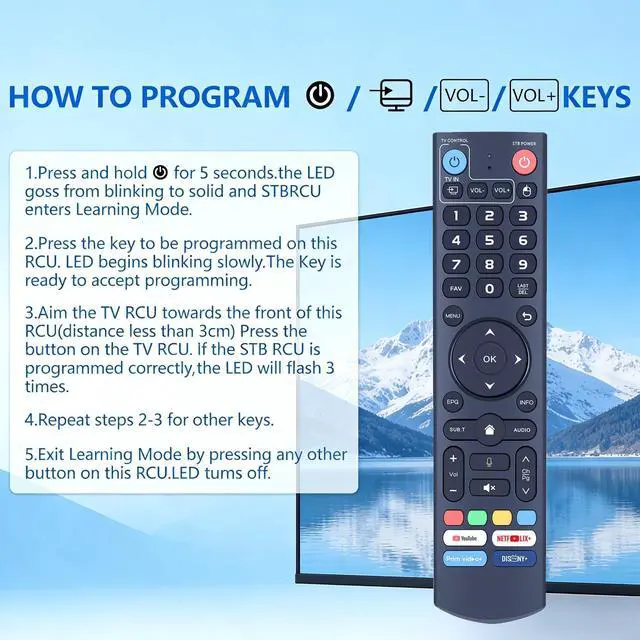
How to Pair: Simultaneously press and hold the [OK] and [VOL-] buttons on the V3 Pro Voice Remote for at least 3 seconds. The LED will flash rapidly. Release the buttons to enter pairing mode. Upon successful pairing, the LED will turn off. If pairing fails, the LED will turn off and automatically exit pairing mode after 30 seconds. If some functions are not available, please
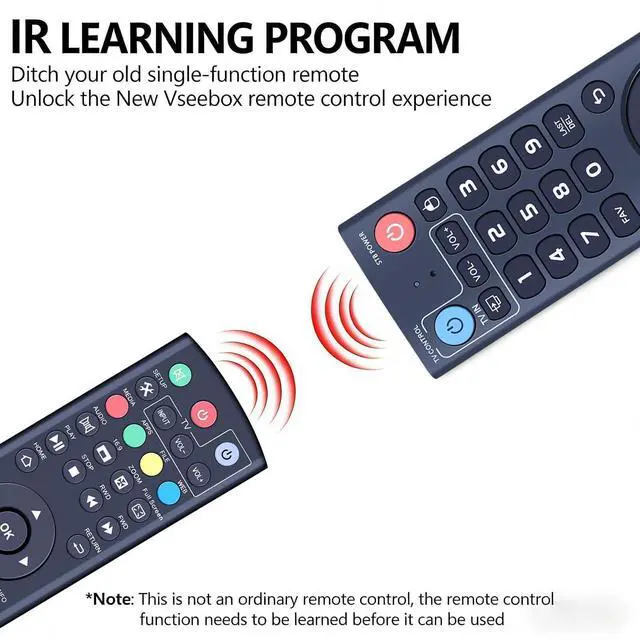
follow the steps below: 1) Press and hold the [POWER] key for 5 seconds. The LED goes from blinking to solid and the STB RCU enters Learning Mode. 2) Press the key to be programmed on this RCU. The LED begins blinking slowly. The key is ready to accept programming. 3) Aim the TV RCU towards the front of this RCU (distance less than 3 cm). Press the button on the TV RCU. If the STB RCU is programmed correctly, the LED will flash 3 times. 4) Repeat steps 2-3 for other keys and exit learning mode by pressing any other button on this RCU. The LED turns off.
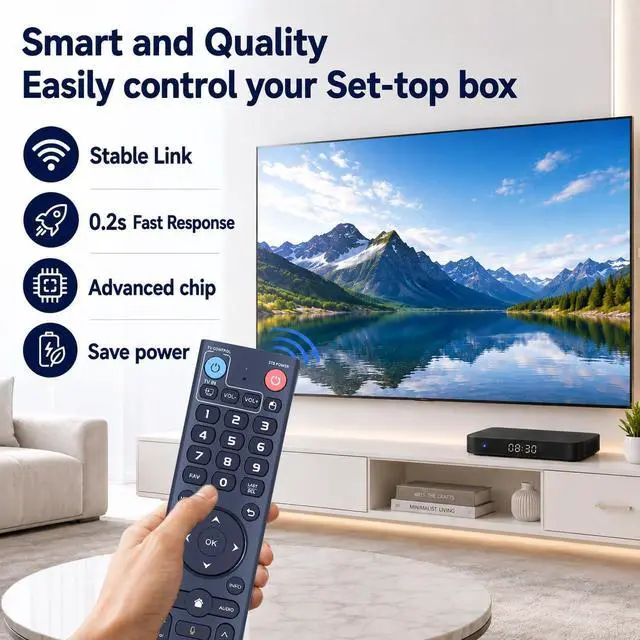
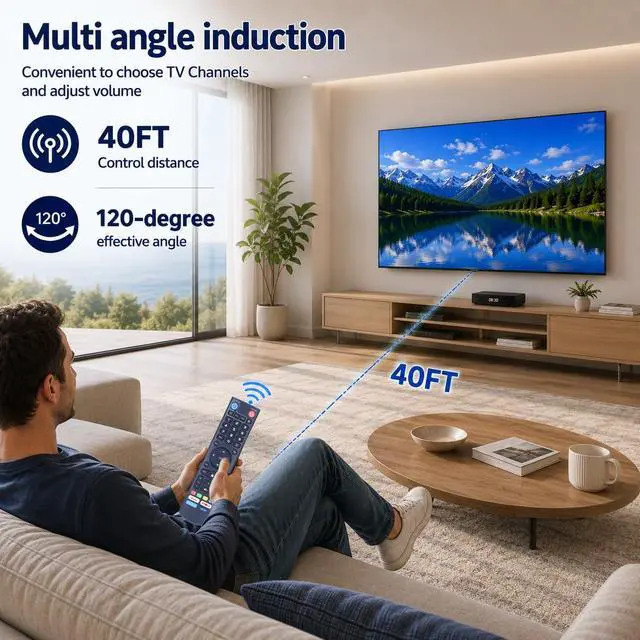
Premium Performance: The remote control delivers premium performance and can standby for about 6 months, with ultra-low power consumption for more energy saving. Precise control distance up to 40FT, and the total number of button clicks can be more than 160, 000 times

Note: V1 Max, V1 Pro, and V2 Pro do not support voice command functionality.
Two Operating Modes: The V3 Pro voice remote features V3 operating mode and V2 operating mode. Press and hold the number 5 key for over ten seconds to switch modes. V3 Pro operating mode is compatible with V3 Pro; V2 Pro operating mode is compatible with V1 Pro, V2 Pro, Max, and Elite. Compatible with vSeebox V3 remote controls default to V3 operating mode. If you have a V1 Pro, V2 Pro, Max, or Elite, press and hold the number 5 key for over 10 seconds. When the indicator light flashes, it indicates you have switched to V2 mode.
How to Pair: Simultaneously press and hold the [OK] and [VOL-] buttons on the V3 Pro Voice Remote for at least 3 seconds. The LED will flash rapidly. Release the buttons to enter pairing mode. Upon successful pairing, the LED will turn off. If pairing fails, the LED will turn off and automatically exit pairing mode after 30 seconds. If some functions are not available, please
follow the steps below: 1) Press and hold the [POWER] key for 5 seconds. The LED goes from blinking to solid and the STB RCU enters Learning Mode. 2) Press the key to be programmed on this RCU. The LED begins blinking slowly. The key is ready to accept programming. 3) Aim the TV RCU towards the front of this RCU (distance less than 3 cm). Press the button on the TV RCU. If the STB RCU is programmed correctly, the LED will flash 3 times. 4) Repeat steps 2-3 for other keys and exit learning mode by pressing any other button on this RCU. The LED turns off.
Premium Performance: The remote control delivers premium performance and can standby for about 6 months, with ultra-low power consumption for more energy saving. Precise control distance up to 40FT, and the total number of button clicks can be more than 160, 000 times
Warranty & Returns
Warranty, Returns, And Additional Information
Warranty
- Please contact the Seller directly for warranty information. Warranty information may also be found on the Manufacturer's website.
- CONTACT
Return Policies
- Return for refund within: 30 days
- Return for replacement within: 30 days
- This item is covered by PureSpring Trading Shop Return Policy
Manufacturer Contact Info
- For a directory of all our manufacturers, please click below.
- Manufacturers Directory
LOADING...