• $53.99
  • Free 30-day Returns
  • Price alert
    Shop it at NeweggBusiness.

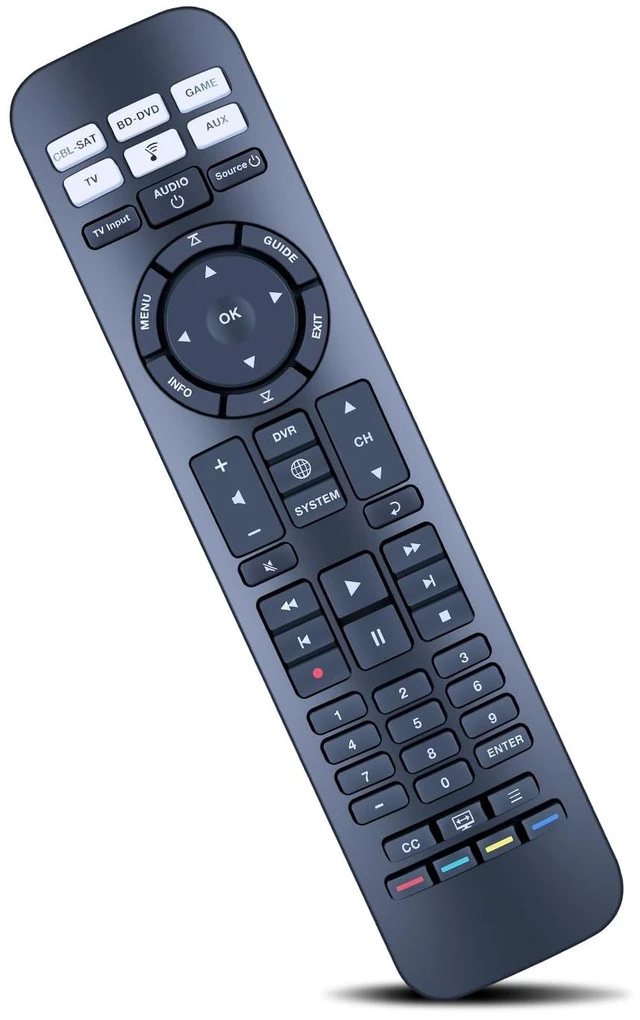
    Replacement Remote Control for Bose CineMate 520, 220, 130, 120 Fit for Bose CineMate SoundTouch Home Theater System

    Limited time offer, ends 10/16 By PureSpring Trading Shop

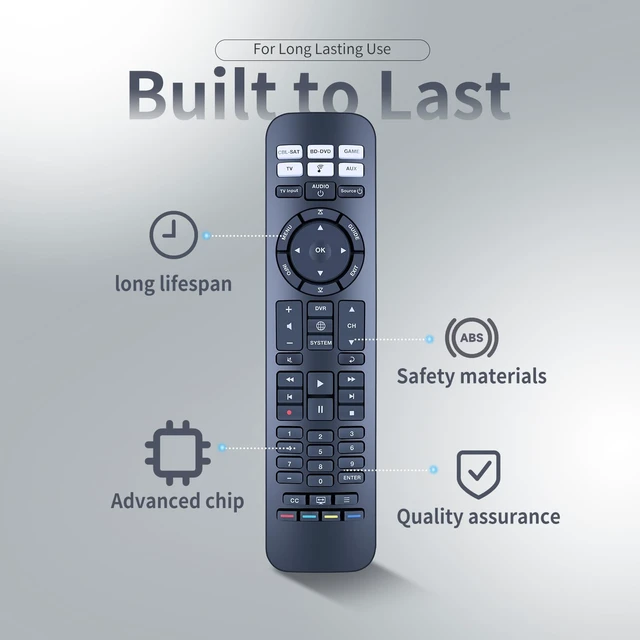
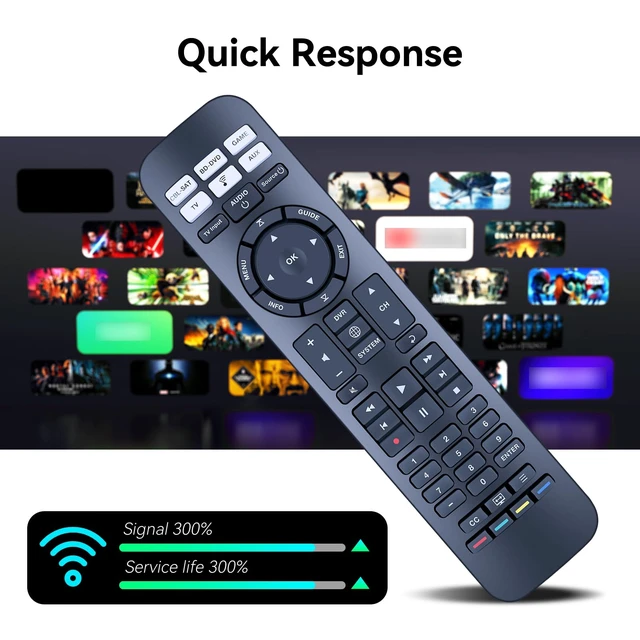
    • Compatible With Bose CineMate 520, 220, 130, 120 SoundTouch Home Theater System. Audio device default keys: POWER, device key (signal input source switch key), VOL+, VOL-, BASS, TALK (dialog key), EXIT. If the current device has a code, send a frame of the current device's code followed by the audio device's code. Brand search mode: 1. Hold down the device key for about 3S and release; the indicator is steady on. 2. Enter the 4-digit brand code and the indicator flashes once. 3. Press VOL+/- to switch to the previous or next group of codes of the current brand; press the EXIT indicator to blink three times for saving; press the non-Bose audio key, and send the current key code of the current code. (Note: If no operation is performed in steps 1 and 2 for 30 seconds, all indicators blink three times to exit the search mode.) Step 3 times out: the current standby indicator blinks three times to save and exit. One-click shutdown: 1. Press the "CPL-SAT" + "TV" button for 10S. 2. The TV/CPL-SAT indicator blinks three times at the same time. After setting 3 frames TV electrical source code, three frames CPL-SAT electrical source code + BOSE audio electrical source code. Brand new remote control made of high-quality ABS, which is wear-resisting and durable, with a comfortable hand feeling

    +
    +
    Overview
    Specs
    Reviews
    avatar

    Any questions? Our AI mode will help you find out quickly.

    Compatible With Bose CineMate 520, 220, 130, 120 SoundTouch Home Theater System.
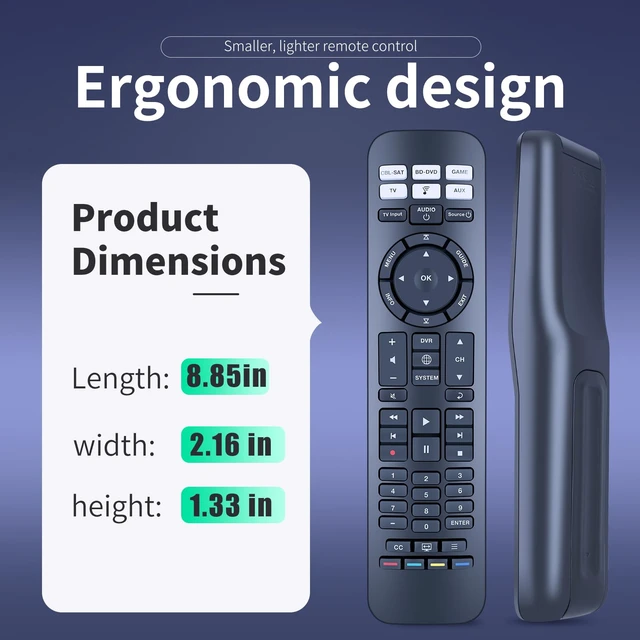
    Audio device default keys: POWER, device key (signal input source switch key), VOL+, VOL-, BASS, TALK (dialog key), EXIT. If the current device has a code, send a frame of the current device's code followed by the audio device's code.
    Brand search mode: 1. Hold down the device key for about 3S and release; the indicator is steady on. 2. Enter the 4-digit brand code and the indicator flashes once. 3. Press VOL+/- to switch to the previous or next group of codes of the current brand; press the EXIT indicator to blink three times for saving; press the non-Bose audio key, and send the current key code of the current code.
    (Note: If no operation is performed in steps 1 and 2 for 30 seconds, all indicators blink three times to exit the search mode. )
    Step 3 times out: the current standby indicator blinks three times to save and exit.
    One-click shutdown: 1. Press the "CPL-SAT" + "TV" button for 10S. 2. The TV/CPL-SAT indicator blinks three times at the same time. After setting 3 frames TV electrical source code, three frames CPL-SAT electrical source code + BOSE audio electrical source code. Brand new remote control made of high-quality ABS, which is wear-resisting and durable, with a comfortable hand feeling

    Warranty & Returns

    Warranty, Returns, And Additional Information

    Warranty

    • Please contact the Seller directly for warranty information. Warranty information may also be found on the Manufacturer's website.
    • CONTACT

    Return Policies

    Manufacturer Contact Info

    LOADING...