Your Browsing History
Meet Your Seller
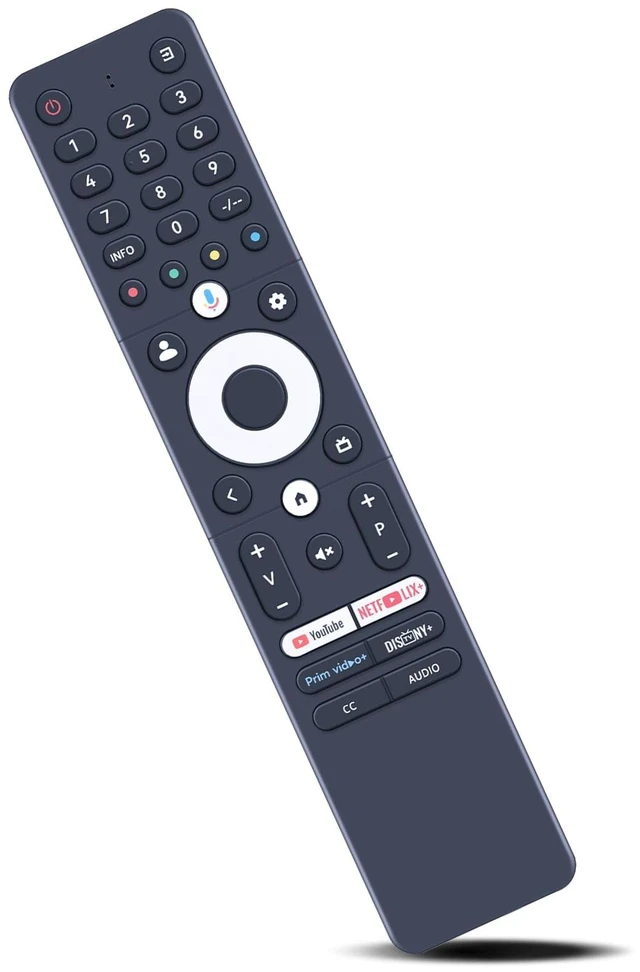
SRC-4020-01 Replacement Voice Remote Control for 2025 Sansui Caixun TV
Limited time offer, ends 10/16 By MiniJoyBelle Tech
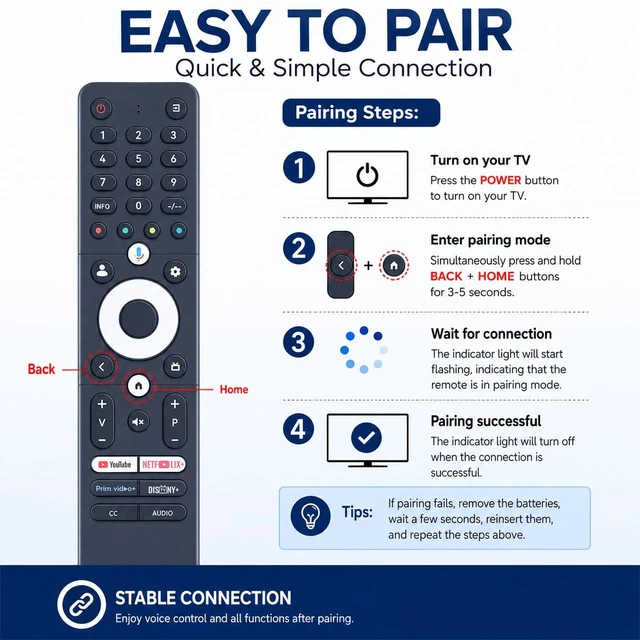
- Compatible with 2025 Sansui Caixun TV. How to pair: Press and hold the "Left" key and the "Home" key together for 3-5 seconds; the indicator light flashes and enters pairing status. After pairing is successful, the indicator light will go out. Connecting a New Remote with a Paired Remote: 1) Press the "HOME" key, then select "SETTING - Remotes & accessories"; 2) Select "Add accessory", then press the "OK" key to confirm pairing; 3) Press and hold the "Left" and "Home" keys together for 3-5 seconds; the indicator light flashes and enters pairing status. After pairing is successful, the indicator light will go out. [High Quality]: Made of high quality ABS material, which is resistant to falling and has no peculiar smell, built to last for long lasting use. [Easy to Use]: Easy to pair or set up. After inserting the battery (not included), simply follow the pairing steps until successful, and it will perfectly replace your original remote

+
+
Overview
Specs
Reviews
Any questions? Our AI mode will help you find out quickly.
Try me now
Compatible with 2025 Sansui Caixun TV.
How to pair: Press and hold the "Left" key and the "Home" key together for 3-5 seconds; the indicator light flashes and enters pairing status. After pairing is successful, the indicator light will go out. Connecting a New Remote with a
Paired Remote: 1) Press the "HOME" key, then select "SETTING - Remotes & accessories"; 2) Select "Add accessory", then press the "OK" key to confirm pairing; 3) Press and hold the "Left" and "Home" keys together for 3-5 seconds; the indicator light flashes and enters pairing status. After pairing is successful, the indicator light will go out.
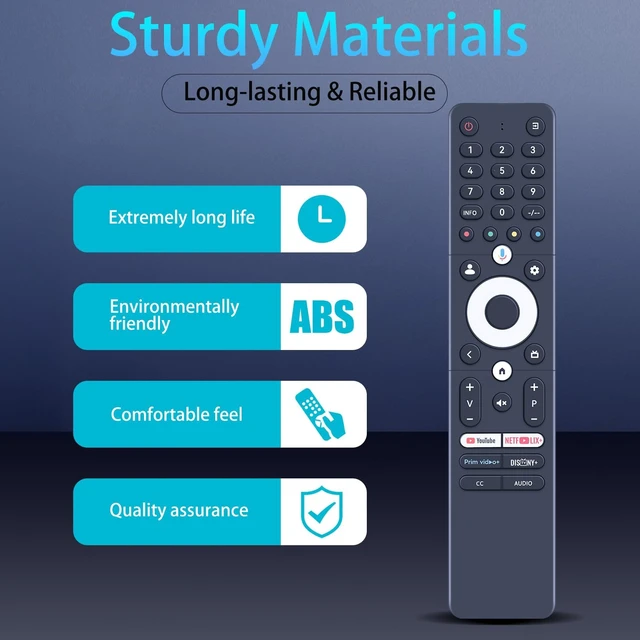
[High Quality]: Made of high quality ABS material, which is resistant to falling and has no peculiar smell, built to last for long lasting use.
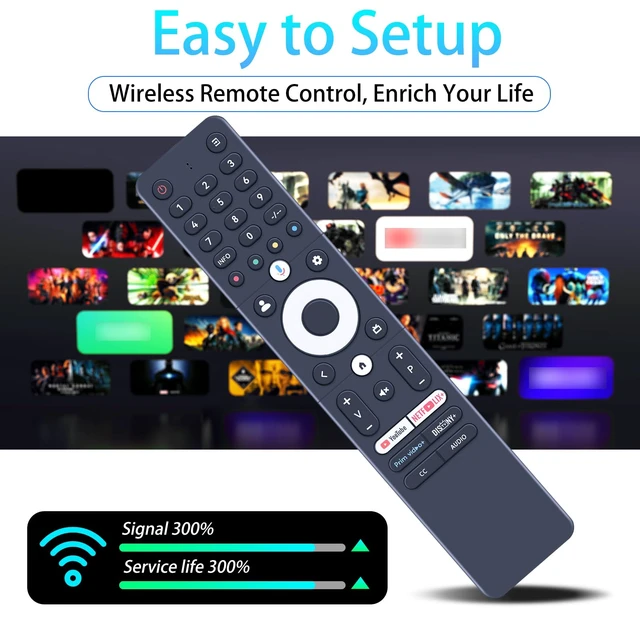
[Easy to Use]: Easy to pair or set up. After inserting the battery (not included), simply follow the pairing steps until successful, and it will perfectly replace your original remote
How to pair: Press and hold the "Left" key and the "Home" key together for 3-5 seconds; the indicator light flashes and enters pairing status. After pairing is successful, the indicator light will go out. Connecting a New Remote with a
Paired Remote: 1) Press the "HOME" key, then select "SETTING - Remotes & accessories"; 2) Select "Add accessory", then press the "OK" key to confirm pairing; 3) Press and hold the "Left" and "Home" keys together for 3-5 seconds; the indicator light flashes and enters pairing status. After pairing is successful, the indicator light will go out.
[High Quality]: Made of high quality ABS material, which is resistant to falling and has no peculiar smell, built to last for long lasting use.
[Easy to Use]: Easy to pair or set up. After inserting the battery (not included), simply follow the pairing steps until successful, and it will perfectly replace your original remote
Warranty & Returns
Warranty, Returns, And Additional Information
Warranty
- Please contact the Seller directly for warranty information. Warranty information may also be found on the Manufacturer's website.
- CONTACT
Return Policies
- Return for refund within: 30 days
- Return for replacement within: 30 days
- This item is covered by MiniJoyBelle Tech Return Policy
Manufacturer Contact Info
- For a directory of all our manufacturers, please click below.
- Manufacturers Directory
LOADING...