• $22.49
  • Free 30-day Returns
  • Price alert
    Shop it at NeweggBusiness.

    Meet Your Seller

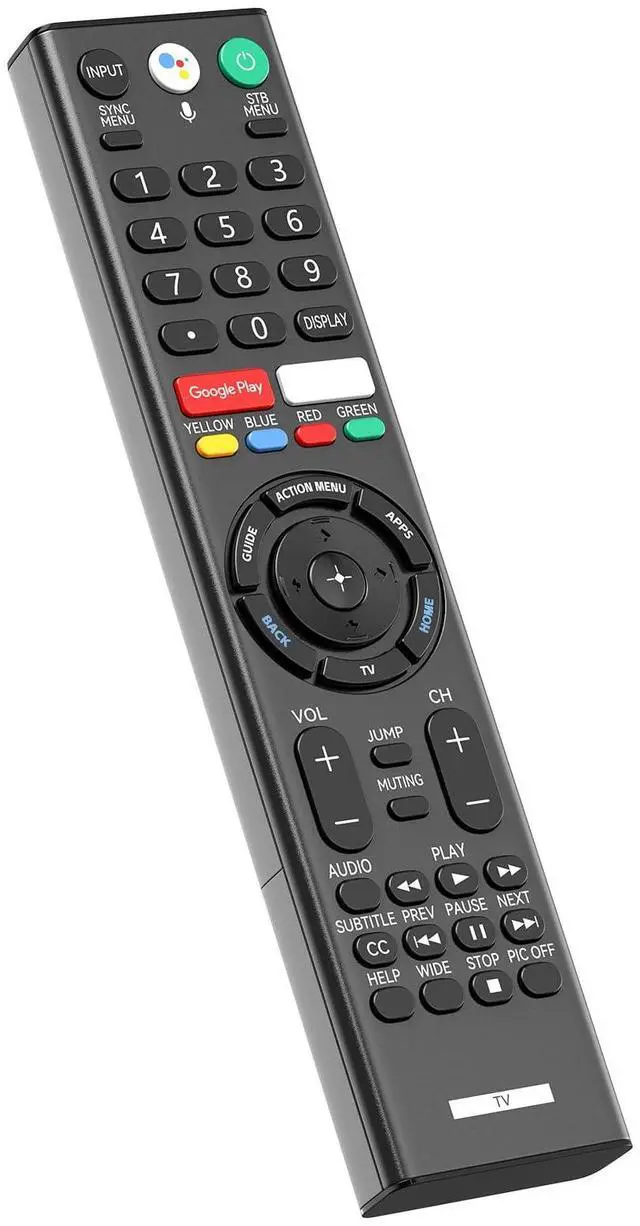
    Replacement Remote Control with Mic for Sony 4K Smart Bravia TV RMF-TX310U Voice Control, for XBR-43X800G XBR-49X800G XBR-49X900F XBR-55X800G XBR-65X900F XBR-65X800G XBR-75X900F XBR-75X800GXBR-85X900F

    Limited time offer, ends 10/16 By MiniJoyBelle Tech

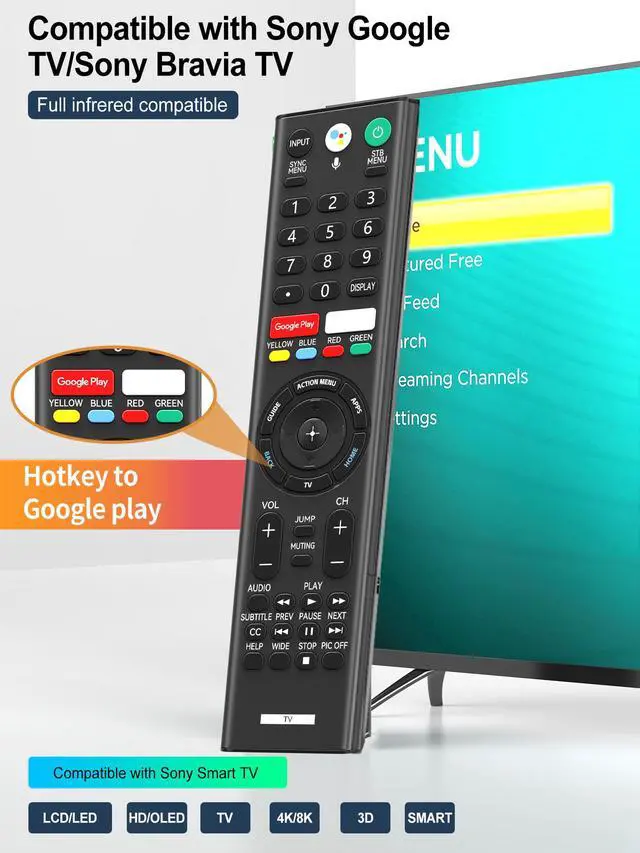
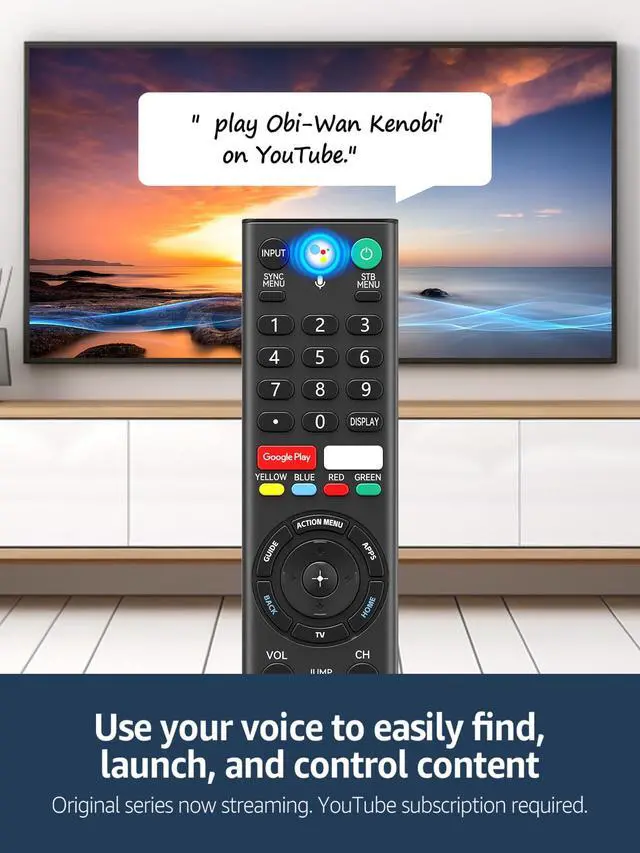
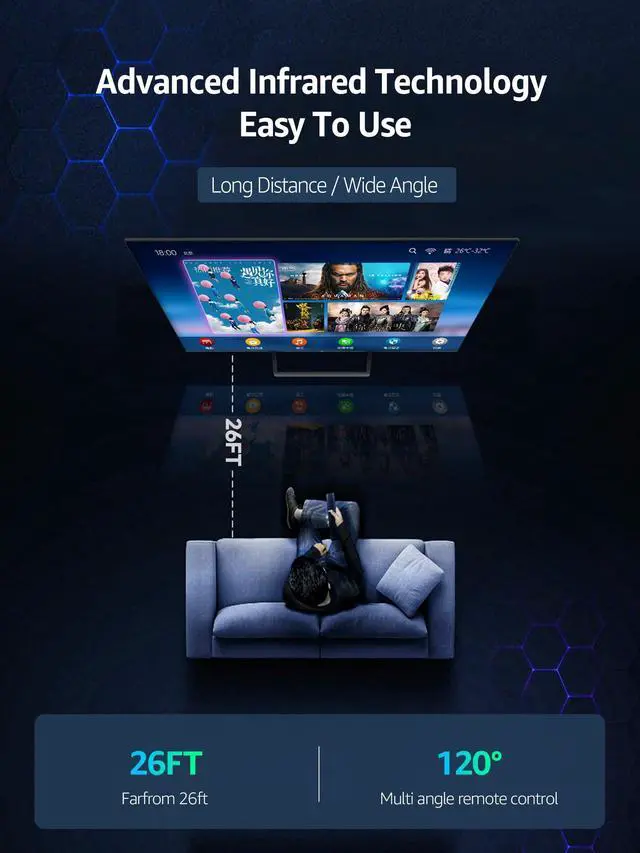
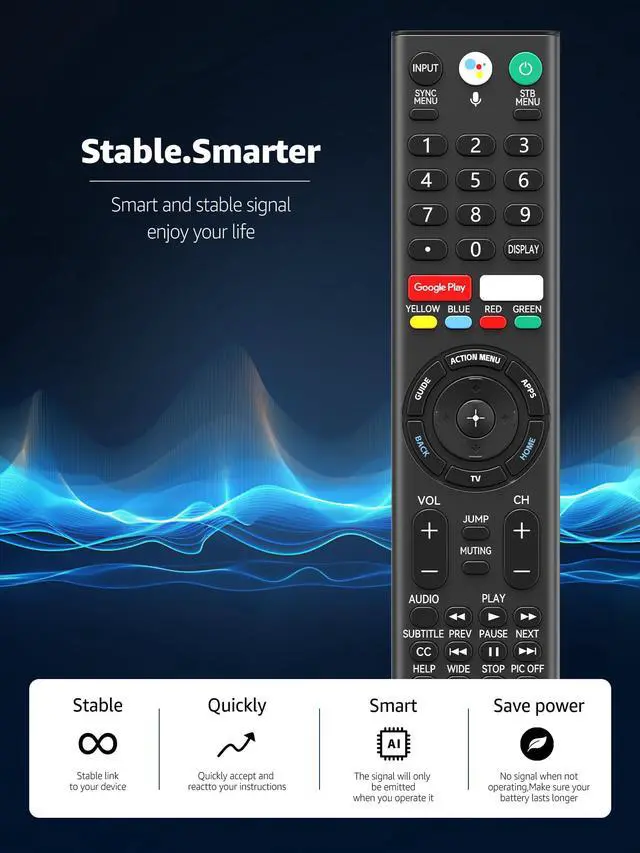
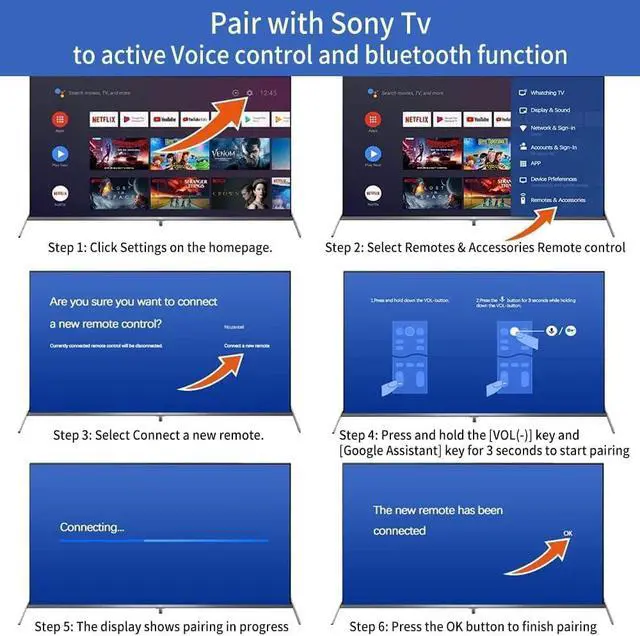
    • Compatible with Sony 4K Smart Bravia / Google TVs. RMF-TX310U replacement voice remote with mic, compatible with XBR-43X800G, XBR-49X800G, XBR-55X800G, XBR-65X800G, XBR-75X800G, XBR-85X800G, XBR-49X900F, XBR-55X900F, XBR-65X900F, XBR-75X900F, XBR-85X900F, XBR-49X850F, XBR-55X850F, XBR-65X850F, XBR-75X850F, XBR-85X850F, XBR-85X855F, XBR-60X830F, XBR-70X830F, XBR-55A8G, XBR-65A8G. How To Pair Before use, please pair the remote control with the TV. The pairing method is as follows: 1. Click on the home page to set, select the remote control and accessories, and choose to connect a new remote control. 2. Press and hold the VOL- key and the Google Assistant key for 3 seconds to start pairing. 3. Press the OK button to complete the pairing. (Note: you can use the voice microphone function only after pairing is successful.) Voice Assistant Shortcut Effortlessly command your Google/Bravia TV with dedicated shortcuts for Google Assistant, making control as easy as speaking a few simple words. 2 Shortcut Buttons With just one click on the remote dedicated shortcut buttons for Netflix and Google Play, you can directly access your favorite streaming platforms. Package Included 1 * Voice Remote Control (2 X 1.5V AAA batteries are not included)

    +
    +
    Overview
    Specs
    Reviews
    avatar

    Any questions? Our AI mode will help you find out quickly.

    Compatible with Sony 4K Smart Bravia / Google TVs. RMF-TX310U replacement voice remote with mic, compatible with XBR-43X800G, XBR-49X800G, XBR-55X800G, XBR-65X800G, XBR-75X800G, XBR-85X800G, XBR-49X900F, XBR-55X900F, XBR-65X900F, XBR-75X900F, XBR-85X900F, XBR-49X850F, XBR-55X850F, XBR-65X850F, XBR-75X850F, XBR-85X850F, XBR-85X855F, XBR-60X830F, XBR-70X830F, XBR-55A8G, XBR-65A8G. How To Pair Before use, please pair the remote control with the TV. The pairing method is as follows: 1. Click on the home page to set, select the remote control and accessories, and choose to connect a new remote control. 2. Press and hold the VOL- key and the Google Assistant key for 3 seconds to start pairing. 3. Press the OK button to complete the pairing.
    (Note: you can use the voice microphone function only after pairing is successful. ) Voice Assistant Shortcut Effortlessly command your Google/Bravia TV with dedicated shortcuts for Google Assistant, making control as easy as speaking a few simple words. 2 Shortcut Buttons With just one click on the remote dedicated shortcut buttons for Netflix and Google Play, you can directly access your favorite streaming platforms. Package Included 1 * Voice Remote Control (2 X 1.5V AAA batteries are not included)

    Warranty & Returns

    Warranty, Returns, And Additional Information

    Warranty

    • Please contact the Seller directly for warranty information. Warranty information may also be found on the Manufacturer's website.
    • CONTACT

    Return Policies

    Manufacturer Contact Info

    LOADING...