Your Browsing History
Meet Your Seller
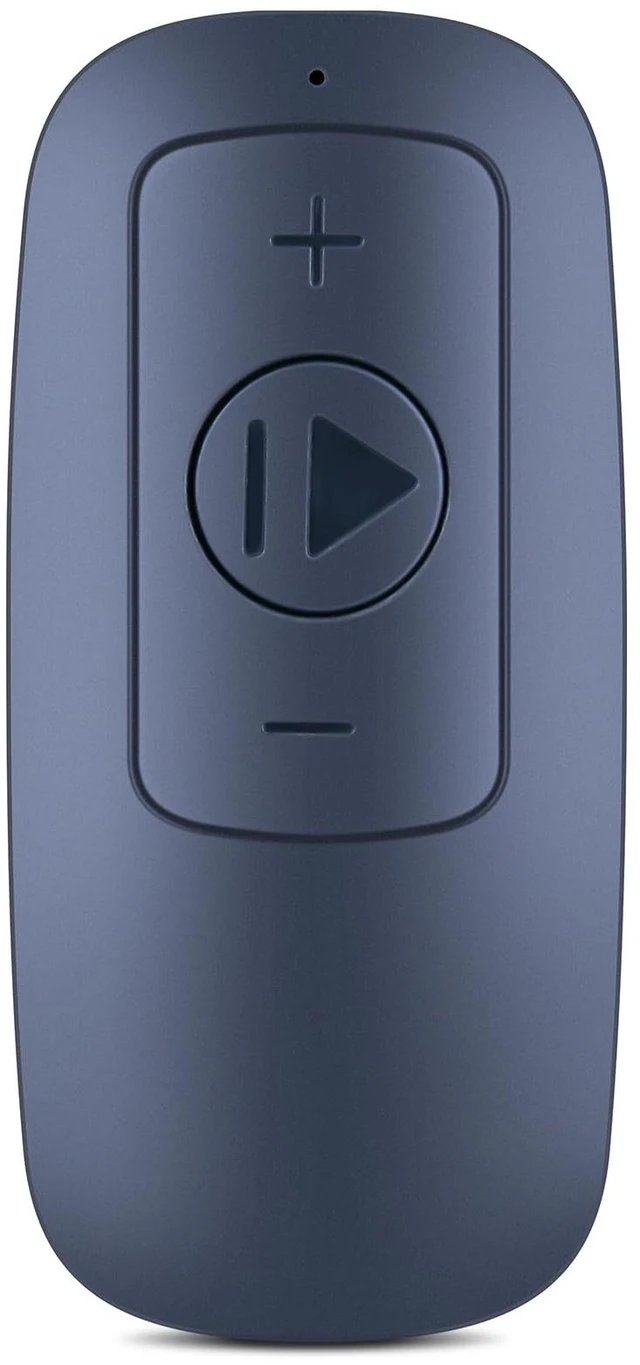
Replacement Remote for Lacuffy/WELLFIT/DeerRun/SupeRun Treadmill Responsive control,for DAEYEGIM/Asuna/Urevo/Ranbak/COZYINN/BA03/BA10A/BA06Z/BA07RB/BA09A/T10-1/TM010/CZTM004/DR2-CT05
Limited time offer, ends 10/16 By MiniJoyBelle Tech
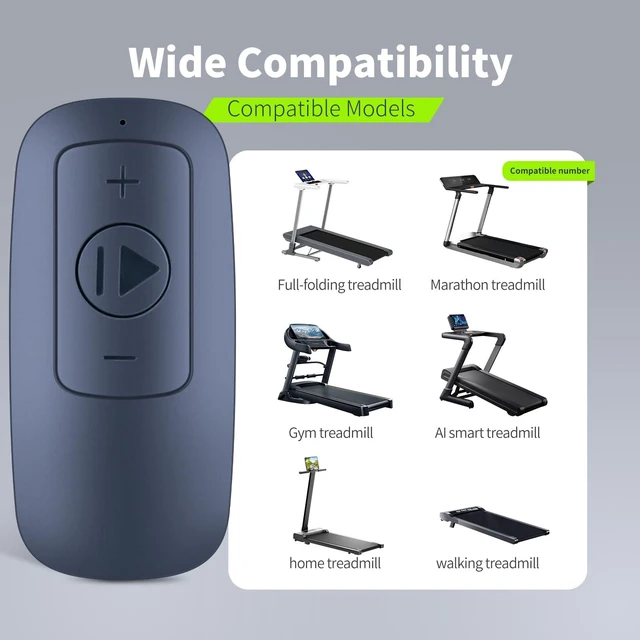
- Perfect Compatibility: This replacement remote control is exclusively designed for Lacuffy (BA03, BA10A, BA06Z, BA07RB, BA09A), ASUNA, WELLFIT (T10-1, TM010), COZYINN (CZTM004), DeerRun (DR2-CT05), YDZJY 3-in-1 Folding Treadmill, and other popular walking pad brands. Enjoy seamless operation with full command over speed, mode, and power functions without compatibility concerns. Easy to Use: User-friendly and intuitive, this remote lets you control your treadmill or walking pad effortlessly from across the room. With clearly labeled buttons and a straightforward design, adjusting speed or switching modes is simpleperfect for users of all ages and tech levels. How to set up: 1. Insert the battery (included, CR2025). Press and hold the power/+ sign (this may vary depending on the device; please try each one individually). 2. Turn on the treadmill's power switch. It will emit a long beep, indicating a successful connection. High Performance & Reliability: Experience crisp responsiveness and stable signal transmission with this durable remote. Engineered for daily use, it delivers consistent performance from a distance, ensuring precise speed adjustments and smooth operation every time you use your equipment

+
+
Overview
Specs
Reviews
Any questions? Our AI mode will help you find out quickly.
Try me now
Perfect Compatibility: This replacement remote control is exclusively designed for Lacuffy (BA03, BA10A, BA06Z, BA07RB, BA09A), ASUNA, WELLFIT (T10-1, TM010), COZYINN (CZTM004), DeerRun (DR2-CT05), YDZJY 3-in-1 Folding Treadmill, and other popular walking pad brands. Enjoy seamless operation with full command over speed, mode, and power functions without compatibility concerns.
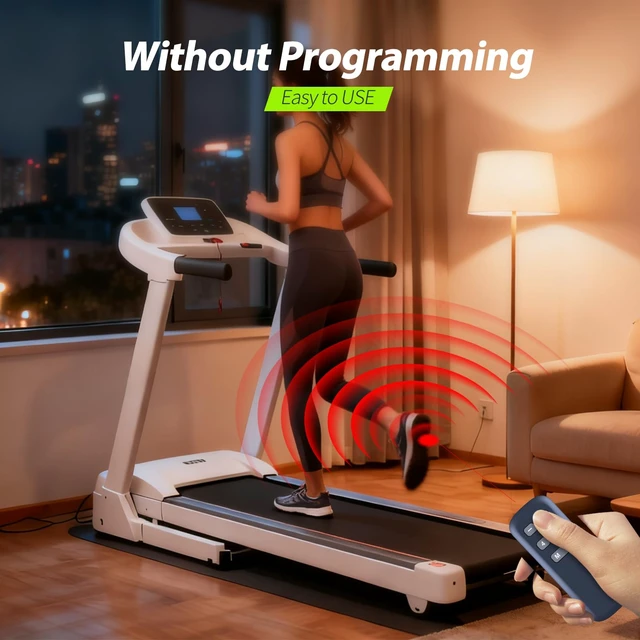
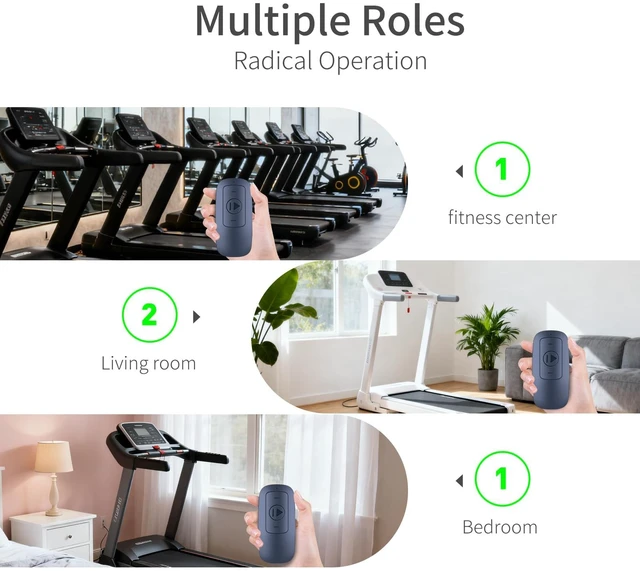
Easy to Use: User-friendly and intuitive, this remote lets you control your treadmill or walking pad effortlessly from across the room. With clearly labeled buttons and a straightforward design, adjusting speed or switching modes is simpleperfect for users of all ages and tech levels.
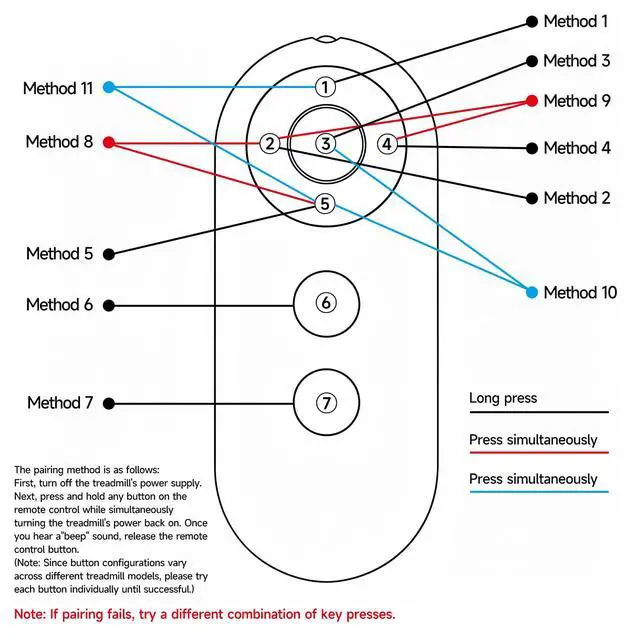
How to set up: 1. Insert the battery (included, CR2025). Press and hold the power/+ sign (this may vary depending on the device; please try each one individually). 2. Turn on the treadmill's power switch. It will emit a long beep, indicating a successful connection.
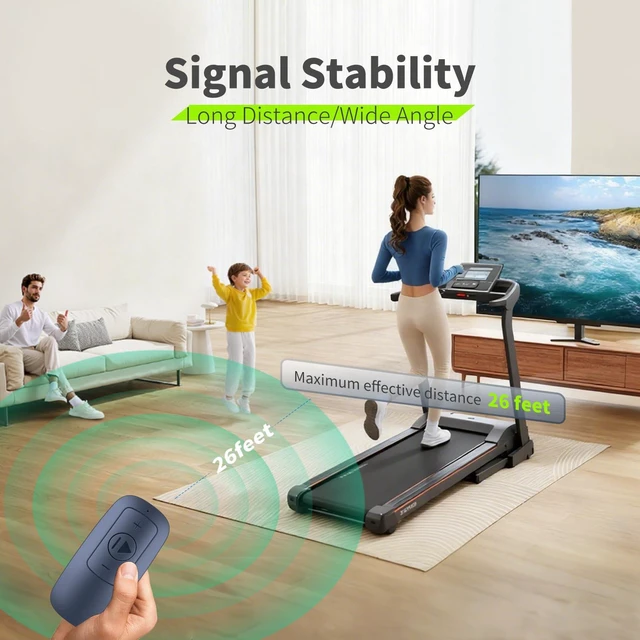
High Performance & Reliability: Experience crisp responsiveness and stable signal transmission with this durable remote. Engineered for daily use, it delivers consistent performance from a distance, ensuring precise speed adjustments and smooth operation every time you use your equipment
Easy to Use: User-friendly and intuitive, this remote lets you control your treadmill or walking pad effortlessly from across the room. With clearly labeled buttons and a straightforward design, adjusting speed or switching modes is simpleperfect for users of all ages and tech levels.
How to set up: 1. Insert the battery (included, CR2025). Press and hold the power/+ sign (this may vary depending on the device; please try each one individually). 2. Turn on the treadmill's power switch. It will emit a long beep, indicating a successful connection.
High Performance & Reliability: Experience crisp responsiveness and stable signal transmission with this durable remote. Engineered for daily use, it delivers consistent performance from a distance, ensuring precise speed adjustments and smooth operation every time you use your equipment
Warranty & Returns
Warranty, Returns, And Additional Information
Warranty
- Please contact the Seller directly for warranty information. Warranty information may also be found on the Manufacturer's website.
- CONTACT
Return Policies
- Return for refund within: 30 days
- Return for replacement within: 30 days
- This item is covered by MiniJoyBelle Tech Return Policy
Manufacturer Contact Info
- For a directory of all our manufacturers, please click below.
- Manufacturers Directory
LOADING...