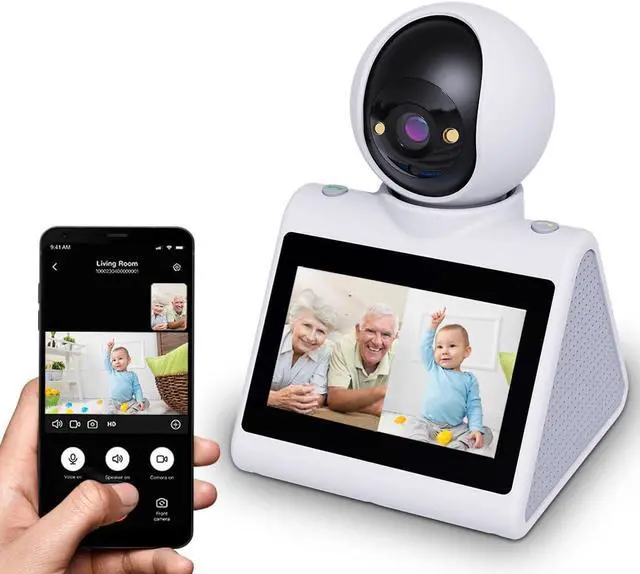
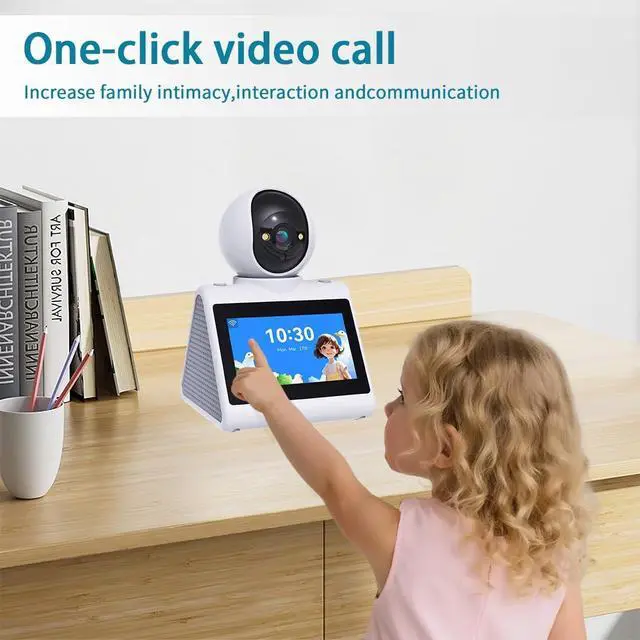
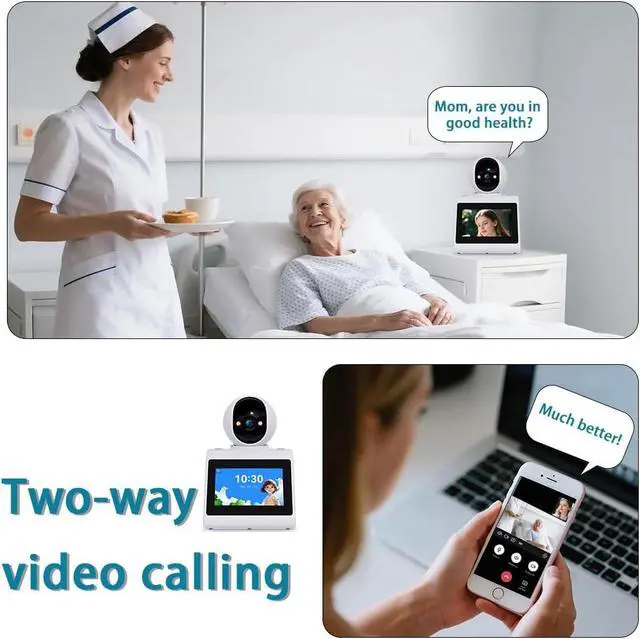
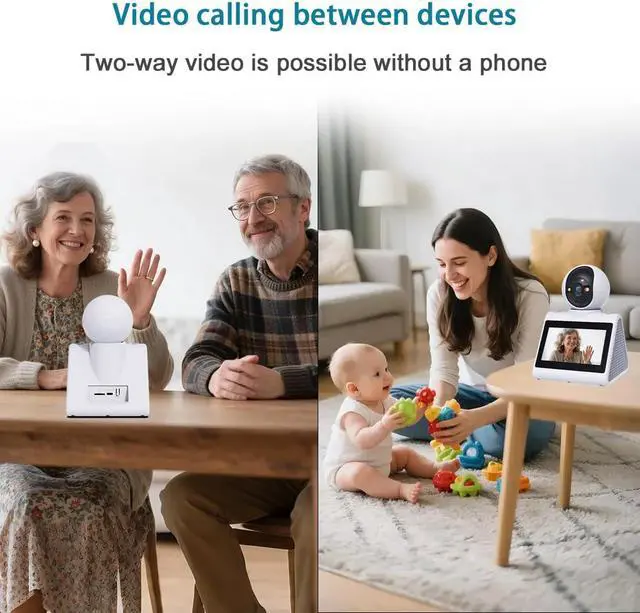
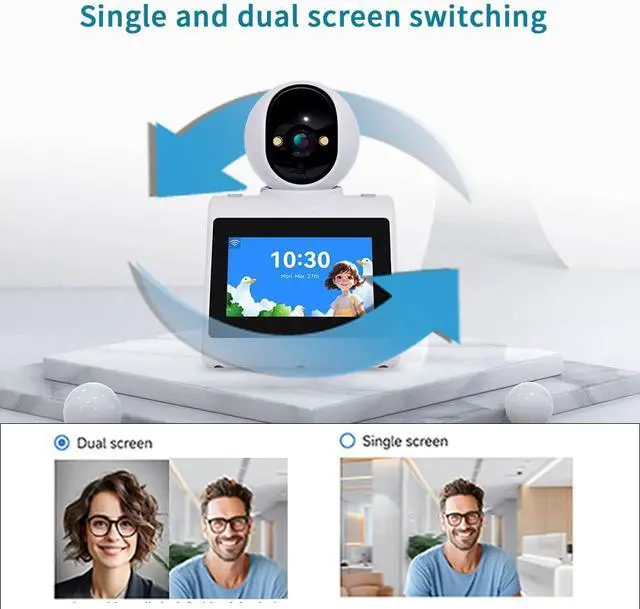
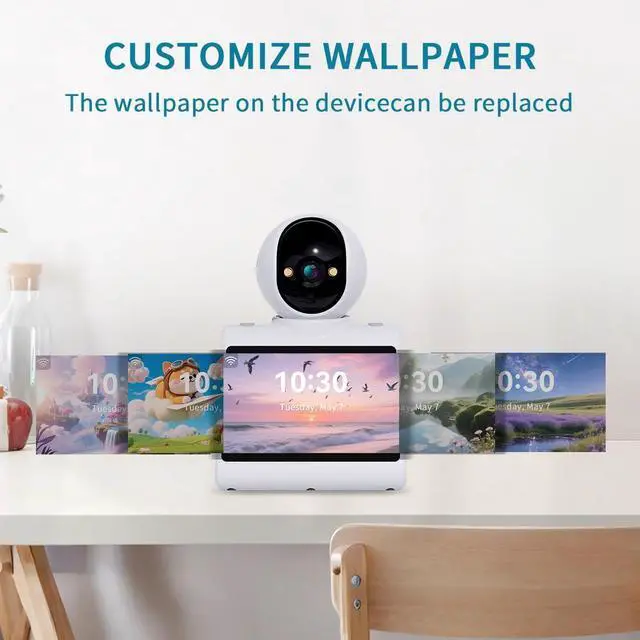
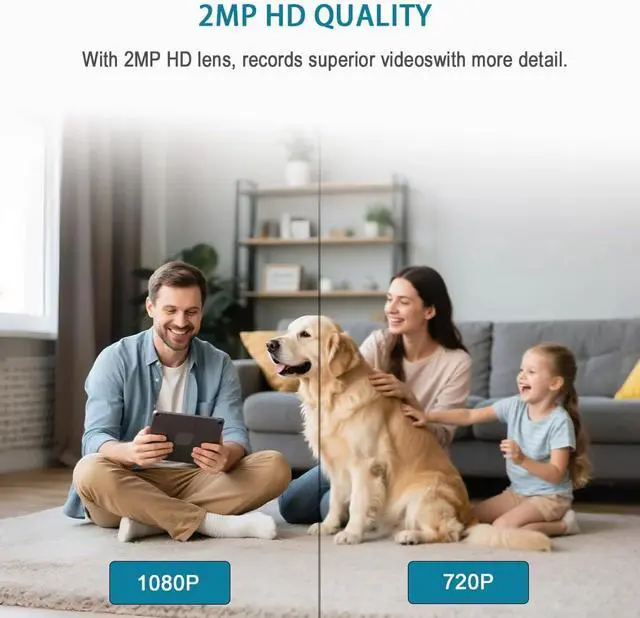
Full HD WiFi indoor camera: The video call smart camera displays clear and smooth real-time video, allowing you to monitor your home, children, nanny, dog, pets, or elderly family members anytime, anywhere. This video call camera are compatible with 2.4G WiFi And 5G.
Motion Detection: Wide-angle and Night Vision Features - This indoor home security camera is equipped with a motion-activated sensor, a 360° wide-angle view, and clear night vision capabilities, allowing you to monitor all blind spots and ensure that no movement goes unnoticed, even in the dark - keeping you informed of what's happening around the clock.
Perfect choice for families: video call camera is ideal for families, busy parents who travel frequently, and anyone needing to care for the elderly or children. Through video calls, you can stay updated on your family's activities and respond quickly to any changes or safety concerns. You can share access with up to 10 family members to monitor the home situation at any time.
Ifyou experience that your device is unableto connect to Wi-Fi, follow
these steps: 1.
Reset the device: -Press the camera'sRESET" (View manual image) button to reset and reconnect. 2. Check Wi-Fisettings-Please select 2.4GH z Wi-Fi/5GWi-Fi, Make sure the Wi-Fi password is correct 3. Adiust the device position-Place the device close to the router 4. Reboot the Wi-Firouter Upgraded stable firmware
The device operates on both 5GHz and 2.4GH z dual-band modes





 here!
here!