Your Browsing History
Meet Your Seller
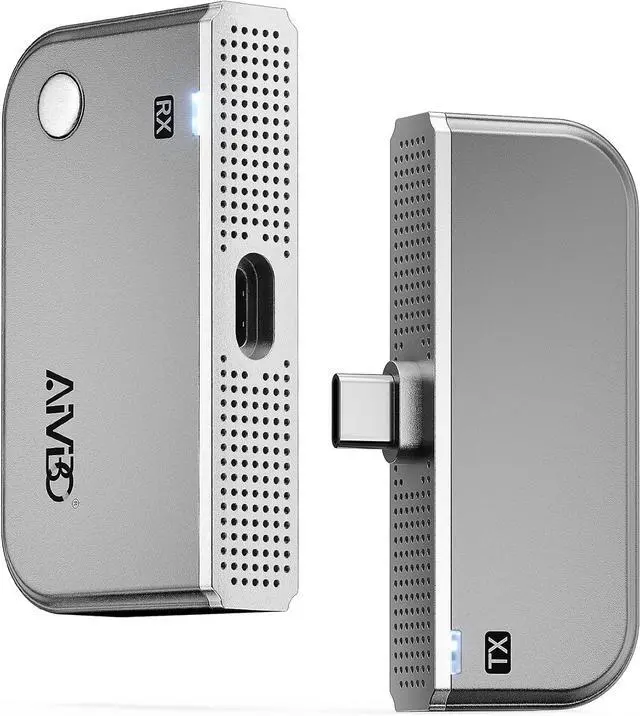
2026 Type-C Wireless HDMI Transmitter and Receiver, Plug&Play Wireless Screen Casting, 2-in-1 USB C HDMI Transmitter Kit, Mirror Video and Audio for Phone Laptop PC to TV Projector Monitor
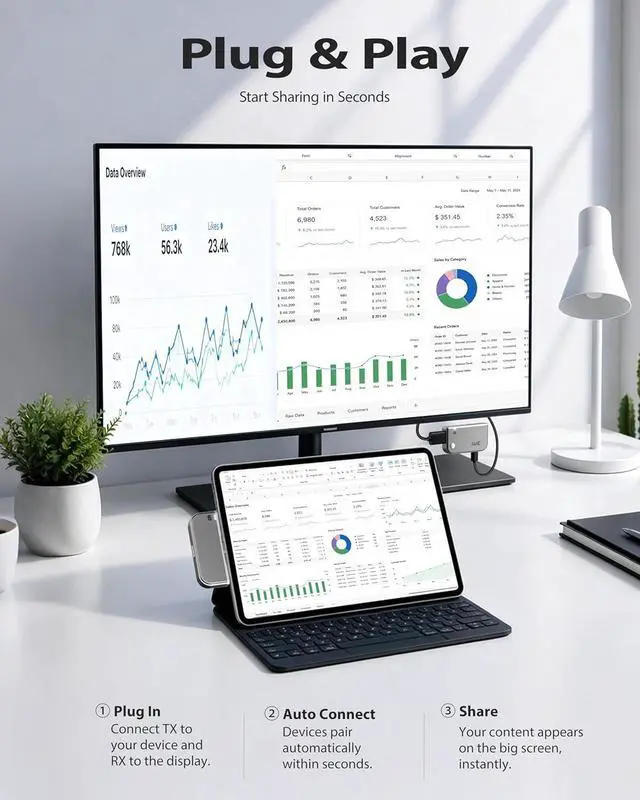
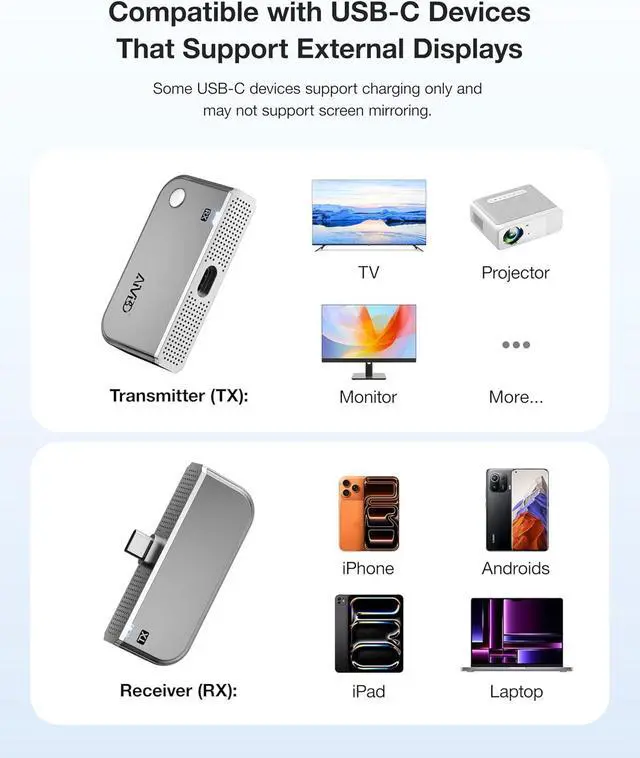
- Plug & Play No App, No Driver Required. Simply connect the transmitter and receiver to start wireless screen casting instantly. No complicated setup, Bluetooth pairing, or network connection needed. This plug-and-play wireless HDMI solution works seamlessly with IOS-Mac, Windows laptops, smartphones, tablets, HDTVs, monitors, and projectors.
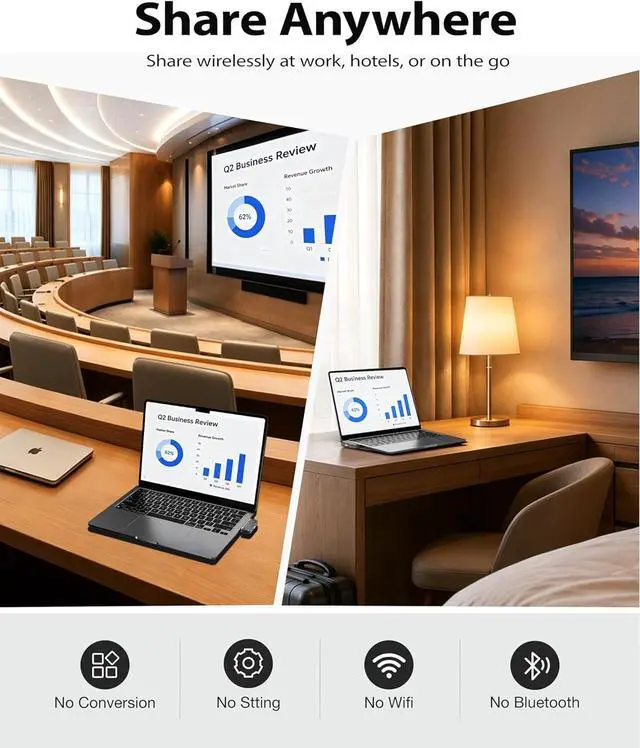
- Wireless HDMI Solution for Business & Home. Perfect for conference rooms, office presentations, classrooms, exhibitions, hotel meetings, and business travel. Easily mirror presentations, videos, and documents from your Mac or laptop to a large screen wirelessly. The stable long-range wireless HDMI connection helps improve meeting efficiency while keeping your workspace clean and cable-free.
+
+
Overview
Reviews
Any questions? Our AI beta will help you find out quickly.
Try me now
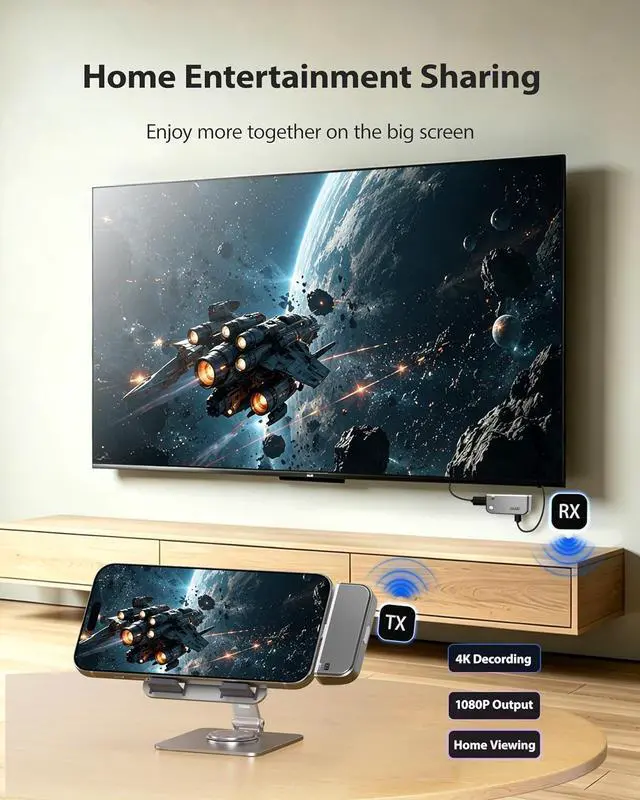
4K UHD Decoding & 1080P Output. Enjoy stunning 4K wireless streaming with vivid colors, sharp details, and smoother viewing performance. Whether you're presenting business reports, watching movies, sharing photos, this wireless display adapter brings a more immersive visual experience to meetings and entertainment.
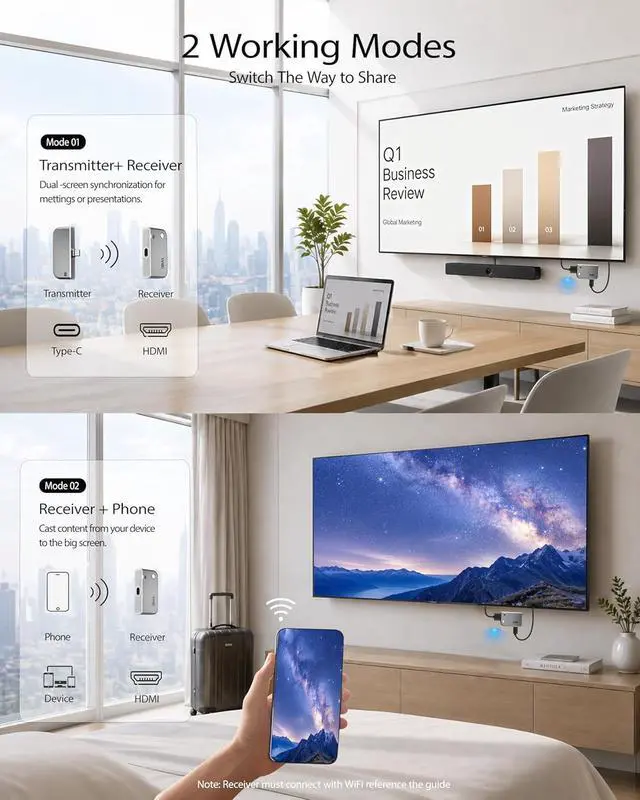
Flexible Wireless Display Modes for Work, Travel & Entertainment. Use TX + RX mode for stable long-range wireless HDMI transmission, or use RX-only mode as a portable wireless display dongle for mobile screen mirroring. Compact and travel-friendly design makes it ideal for conference rooms, office desks, classrooms, hotels, business travel, outdoor projection, and everyday home entertainment.
1 Compatible Device
2 Compatiable
3 3 Working Mode
1 RX+TX Setup
2 Receiver Only-Phone
3 Receiver Only-Laptop
1 Travel Ready 2 Teaching Casting 3 Bussiness Meeting 4 Home Cooking
How do I connect a laptop to a TV wirelessly?
2 Available connection: 1.
TX+RX Transmitter-Receiver Mode: Plug the TX unit into your laptop and the RX unit into your TV. 2.
ReceiverOnly Mode: Plug only the RX into your TV. refer to the receiveronly specification for detailed setup steps
Does this work without WiFi?
Yes, when using the TX+RX paired mode, no WiFi is required at all. WiFi connection is mandatory only for the standalone receiveronly mode.

Flexible Wireless Display Modes for Work, Travel & Entertainment. Use TX + RX mode for stable long-range wireless HDMI transmission, or use RX-only mode as a portable wireless display dongle for mobile screen mirroring. Compact and travel-friendly design makes it ideal for conference rooms, office desks, classrooms, hotels, business travel, outdoor projection, and everyday home entertainment.
1 Compatible Device
2 Compatiable
3 3 Working Mode
1 RX+TX Setup
2 Receiver Only-Phone
3 Receiver Only-Laptop
1 Travel Ready 2 Teaching Casting 3 Bussiness Meeting 4 Home Cooking
How do I connect a laptop to a TV wirelessly?
2 Available connection: 1.
TX+RX Transmitter-Receiver Mode: Plug the TX unit into your laptop and the RX unit into your TV. 2.
ReceiverOnly Mode: Plug only the RX into your TV. refer to the receiveronly specification for detailed setup steps
Does this work without WiFi?
Yes, when using the TX+RX paired mode, no WiFi is required at all. WiFi connection is mandatory only for the standalone receiveronly mode.
Warranty & Returns
Warranty, Returns, And Additional Information
Warranty
- Please contact the Seller directly for warranty information. Warranty information may also be found on the Manufacturer's website.
- CONTACT
Return Policies
- Return for refund within: 30 days
- Return for replacement within: 30 days
- This item is covered by Grandwood Tech Limited Return Policy
Manufacturer Contact Info
- For a directory of all our manufacturers, please click below.
- Manufacturers Directory
LOADING...