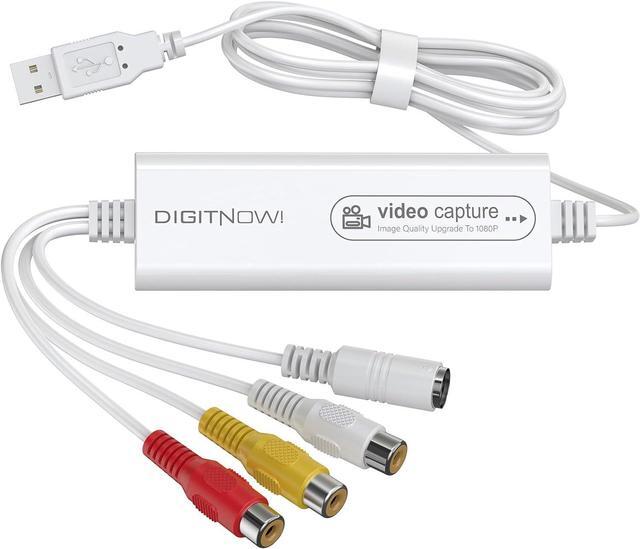
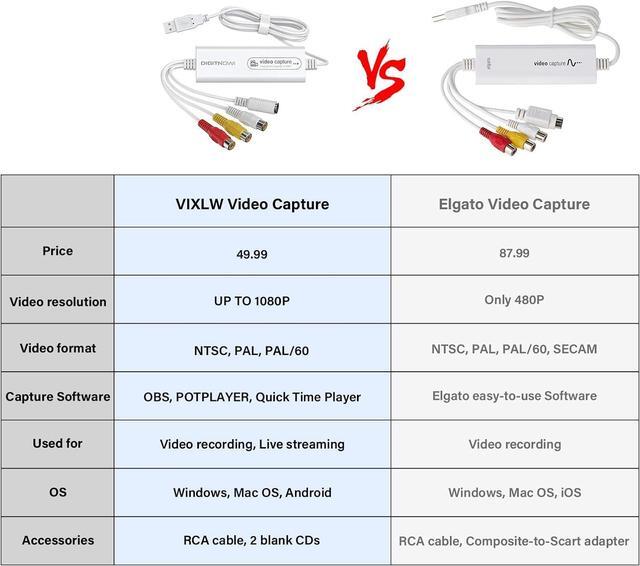
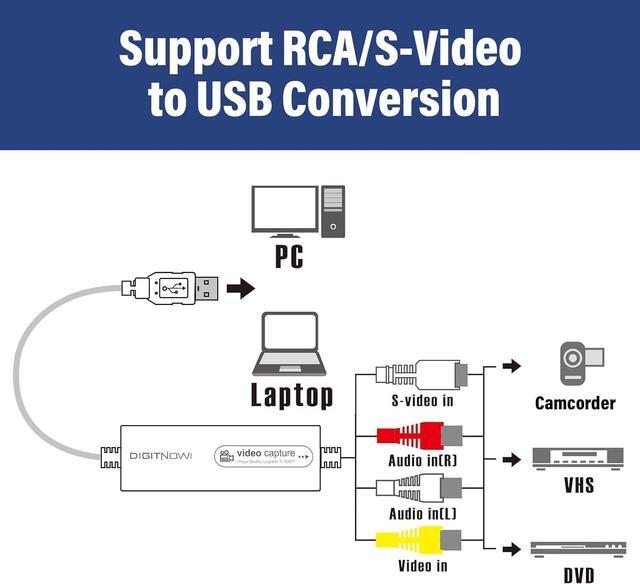
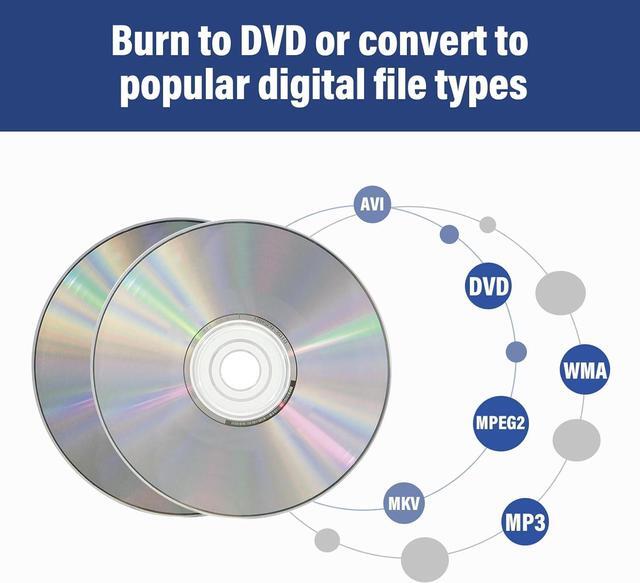
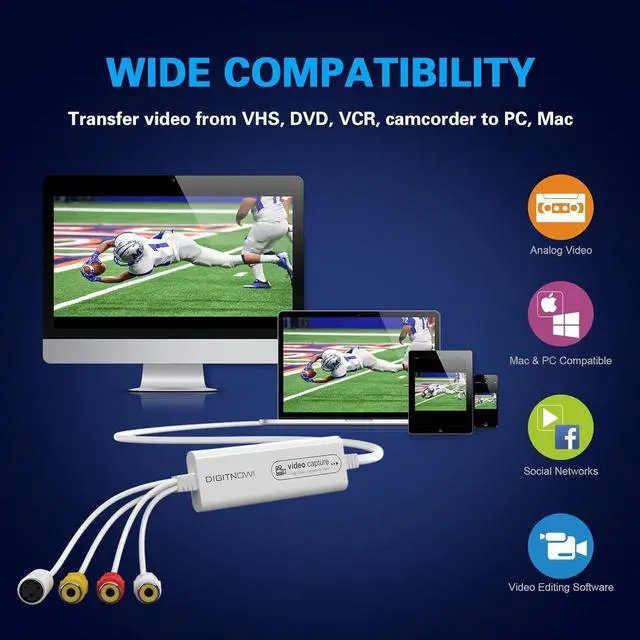
Video resolution: 1920*1080 (MJPEG) or 720*576 (YUV); easy to convert your old home videos and also modern videos. (capture resolution depends on your video source. )
Comes with USB Video Capture Device*1, RCA cable*1, blank CD*2, User Manual*1.
Full HD Capture Up to 1080P
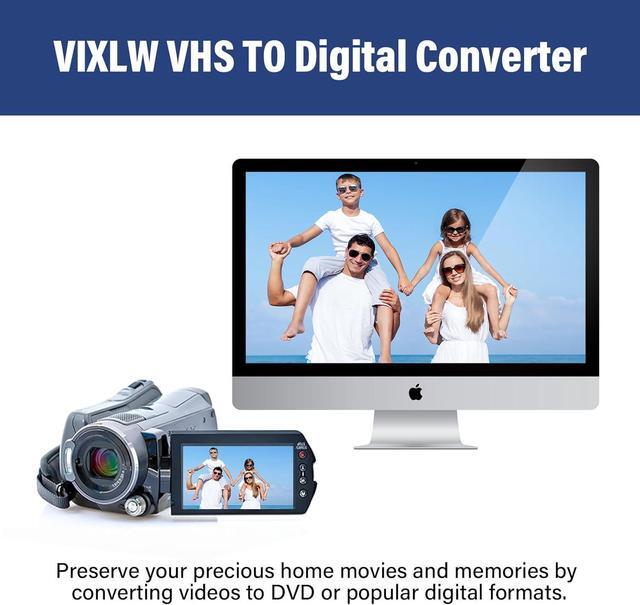
Bring your precious home videos back to life. Whether it's VHS tapes, Hi8, mini DV, or camcorder footage, our easy-to-use video capture device helps you convert analog memories into digital treasuresbefore they fade away. No technical skills neededjust plug, play, and preserve.
Convert Analog Video to Digital with Ease
Dont Let Time Fade Your Memories
Old Birthday Parties Childhood Holidays Wedding Moments Family Vacations
How do I get audio to work with the video capture?
First, test audio/video by connecting your source to a TV via RCA. Then follow the manual to set up on your computer.
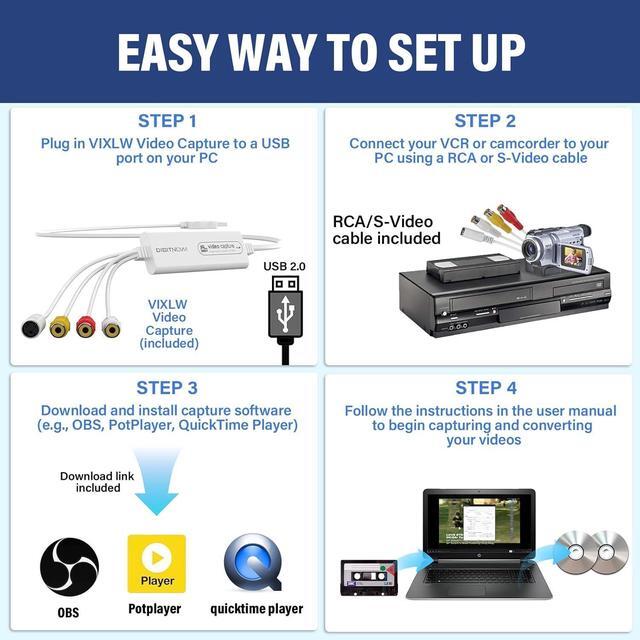
Does the video capture need a driver?
No need to install manually. Your PC auto-detects it. In OBS, choose USB Digital Audio and USB Video as sources.
The product is not compatible with my computer, what should I do?
If it shows that the product is not compatible with the computer, it may be the cause of the computer system, you can try to reinstall the computer system or replace the computer
Can I edit videos with this capture card?
No. Its only for recording or streaming. To edit, use separate video editing software like iMovie or Adobe Premiere.
Does it support 1080P video?
Yes, up to 1080P. But video quality depends on your source. The capture card wont improve low-quality input.





 here!
here!