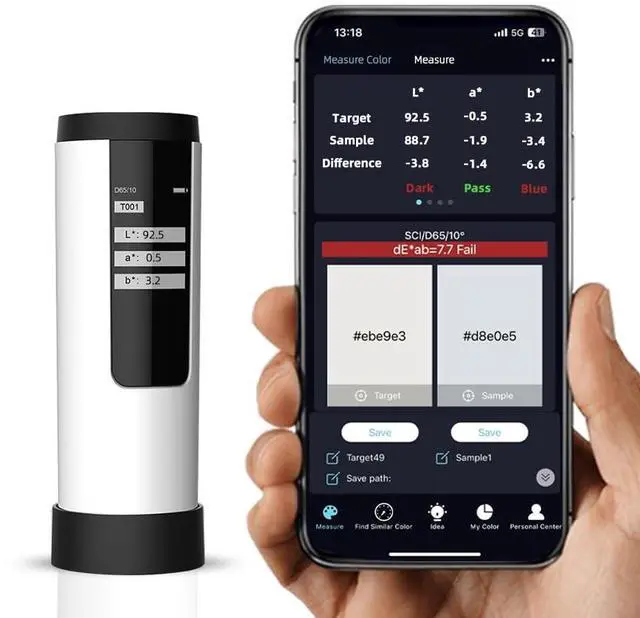
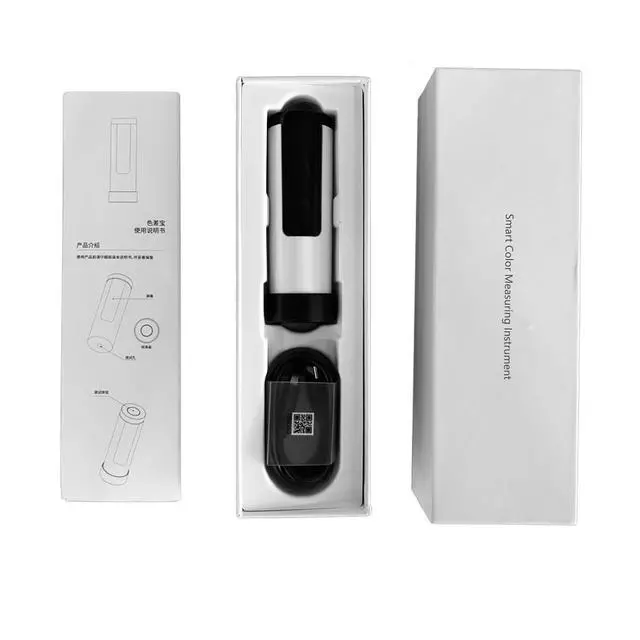
About Downloading APPThe name in the APP Store is "ColorMeter". Google Play Store is still under review. You can scan the QR code in the manual to download the APK file. It is safe and secure. When you register, you need to enter an email (we recommend using Gmail or Outlook) and click "Get verification code". At this time, you need to find a 4-digit verification code in the email, fill it in the APP registration page, and then enter a password.
Support Computer Software The computer software needs to be downloaded from the opened page by clicking "Product" in the "Personal Center" of the APP. After downloading, users can perform calibration, measurement, data storage, data export, user management and other operations.





 here!
here!