• $56.99
  • Free 30-day Returns
  • Sold by Anunirny

    Shipped by Anunirny

    Price alert
    Shop it at NeweggBusiness.

    Meet Your Seller

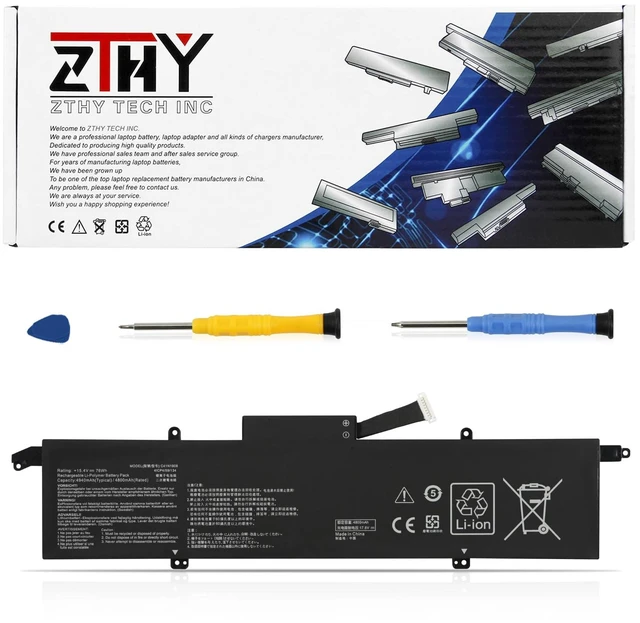
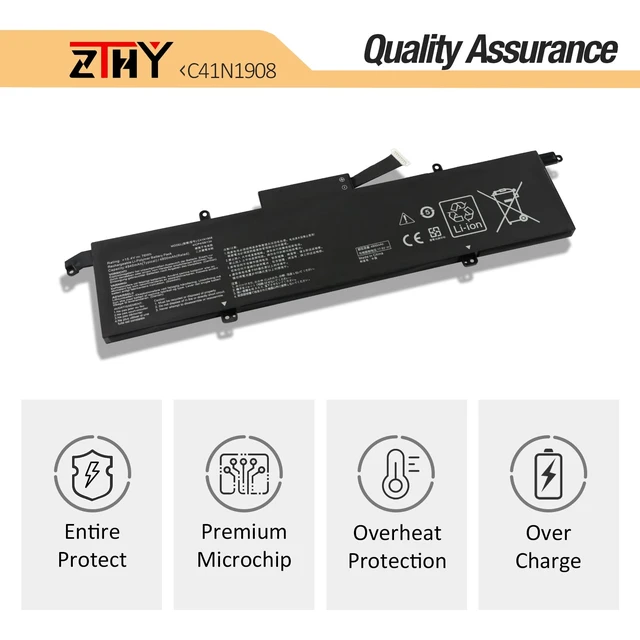
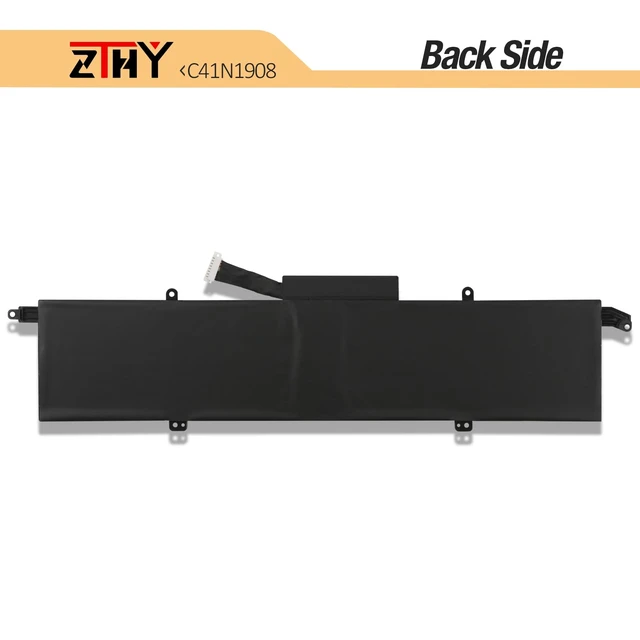
    C41N1908 Laptop Battery Replacement for Asus ROG Zephyrus G14 GA401 GA401Q GA401II GA401IU GA401IV GA401IVC GA401IH GA401QC GA401QH GA401QM GA401QE GA401QEC ROG Studio Pro 14 PX401QM PX401IV C41PQ05

    Limited time offer, ends 10/13 By Anunirny

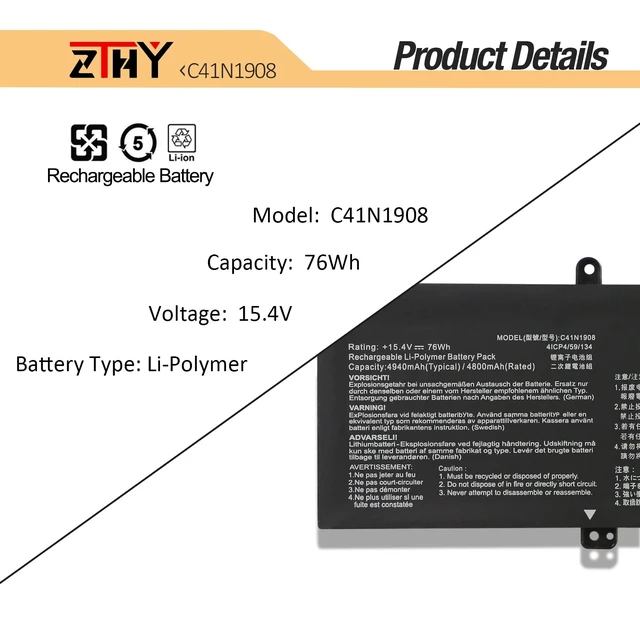
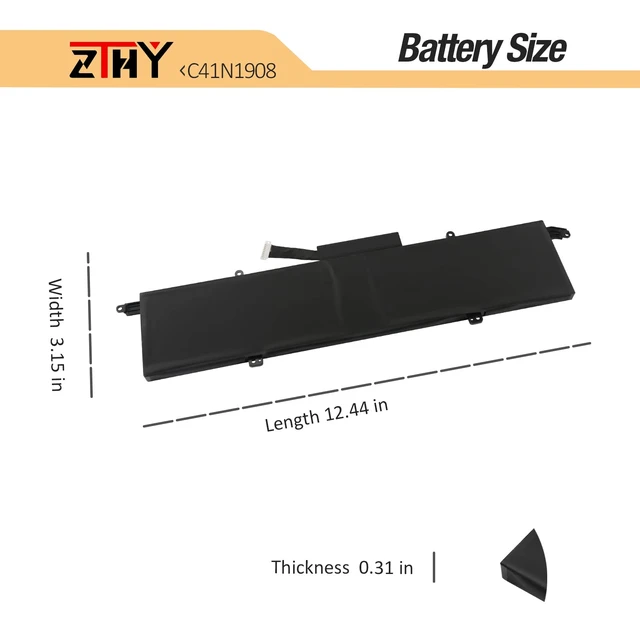
    • Specification: Battery type: Li-Polymer. Color: Black. Voltage: 15.4V. Capacity: 76Wh/4940mAh. New from Manufacturer Replace Part Number: C41N1908 C41PQ05 0B200-03610000 0B200-03610100 0B200-03610200 4ICP4/59/134 Compatible Models: Replacement for Asus ROG Zephyrus G14 GA401II GA401I GA401Q Series; Replacement for Asus Zephyrus G14 GA401IV GA401IVC Series; Replacement for Asus ROG Zephyrus G14 GA401IU GA401IHR Series; Replacement for ASUS ROG Zephyrus G14 GA401QC GA401QH GA401QM GA401QE GA401QEC Series Security: All products are Certified by CE, FCC for safety. Strict guidelines for compatibility, and standards compliance for environment safety Note: If the new battery is not recognized during the initial installation, please reinstall and check if the interface is fully connected. Discharge the new battery to 10-20% (not 0%), then charge and cycle 3-4 times to wake up the new battery

    +
    +
    Overview
    Specs
    Reviews
    avatar

    Any questions? Our AI mode will help you find out quickly.

    Specification: Battery
    type: Li-Polymer.
    Color: Black.
    Voltage: 15.4V.
    Capacity: 76Wh/4940mAh. New from Manufacturer Replace
    Part Number: C41N1908 C41PQ05 0B200-03610000 0B200-03610100 0B200-03610200 4ICP4/59/134
    Compatible Models: Replacement for Asus ROG Zephyrus G14 GA401II GA401I GA401Q Series; Replacement for Asus Zephyrus G14 GA401IV GA401IVC Series; Replacement for Asus ROG Zephyrus G14 GA401IU GA401IHR Series; Replacement for ASUS ROG Zephyrus G14 GA401QC GA401QH GA401QM GA401QE GA401QEC
    Series Security: All products are Certified by CE, FCC for safety. Strict guidelines for compatibility, and standards compliance for environment safety
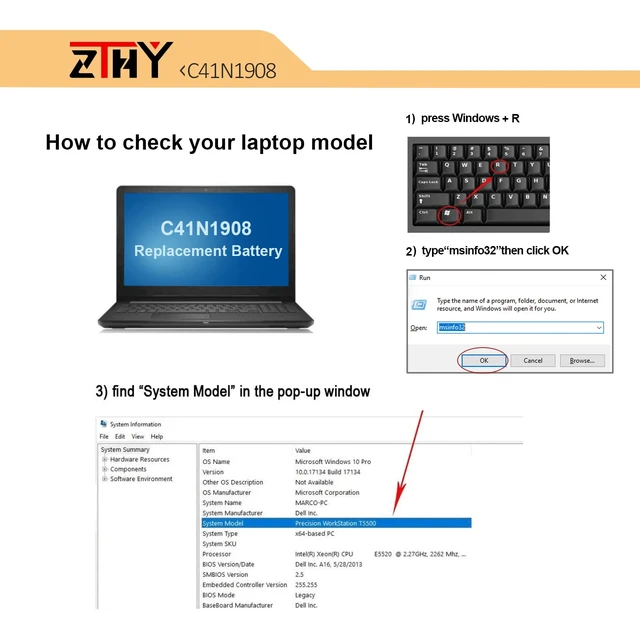
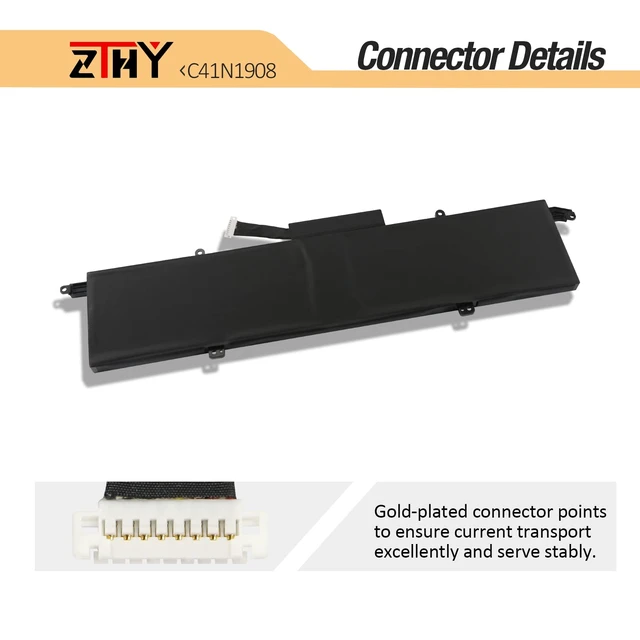
    Note: If the new battery is not recognized during the initial installation, please reinstall and check if the interface is fully connected. Discharge the new battery to 10-20% (not 0%), then charge and cycle 3-4 times to wake up the new battery

    Warranty & Returns

    Warranty, Returns, And Additional Information

    Warranty

    • Please contact the Seller directly for warranty information. Warranty information may also be found on the Manufacturer's website.
    • CONTACT

    Return Policies

    • Return for refund within: 30 days
    • Return for replacement within: 30 days
    • This item is covered by Anunirny Return Policy

    Manufacturer Contact Info

    LOADING...