• $68.99
  • Free 30-day Returns
  • Shipped by EpicTransTrade

    Price alert
    Shop it at NeweggBusiness.

    Meet Your Seller

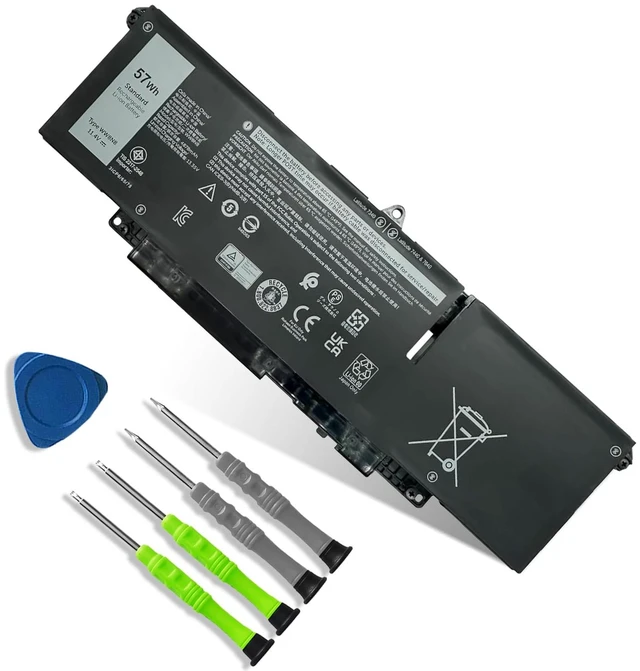
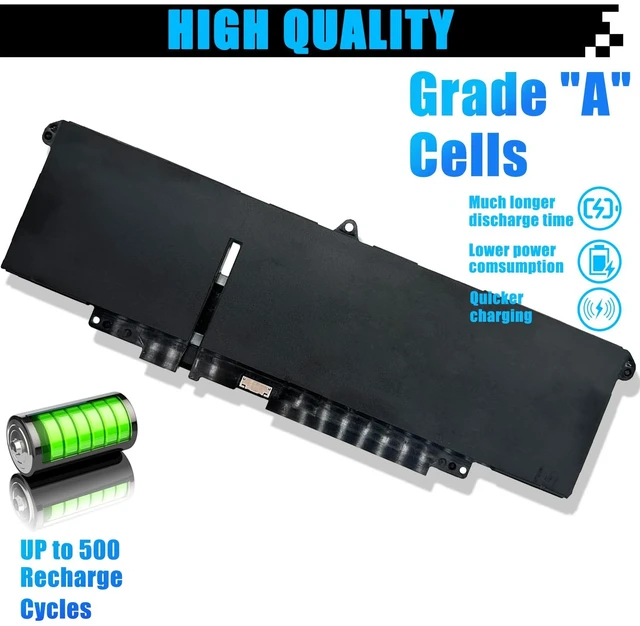
    WW8N8 Laptop Battery Replacement for Dell Latitude 7340 7350 7440 7450 7640 7650 Series 66DWX 086D0Y 86D0Y 00HYH8 0HYH8 0CTJJ6 57Wh 4878mAh 11.4V

    Limited time offer, ends 10/19 By EpicTransTrade

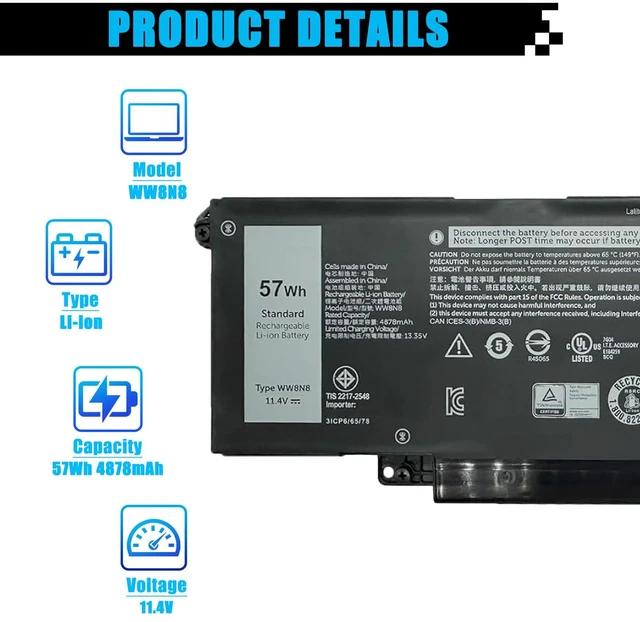
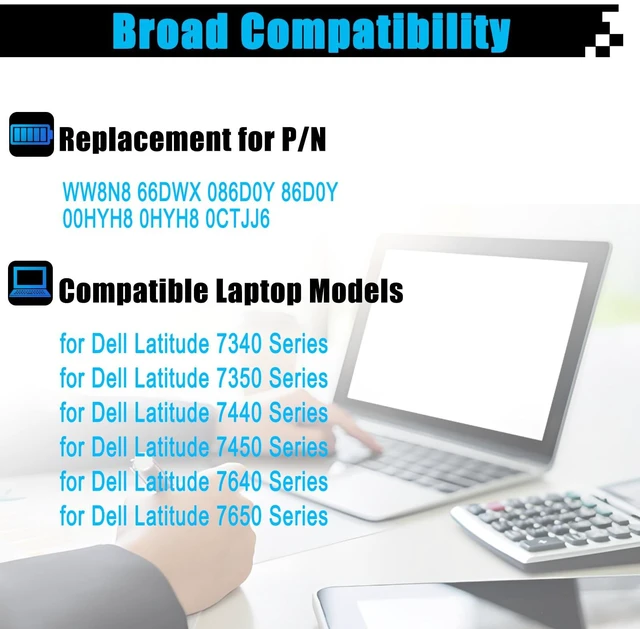
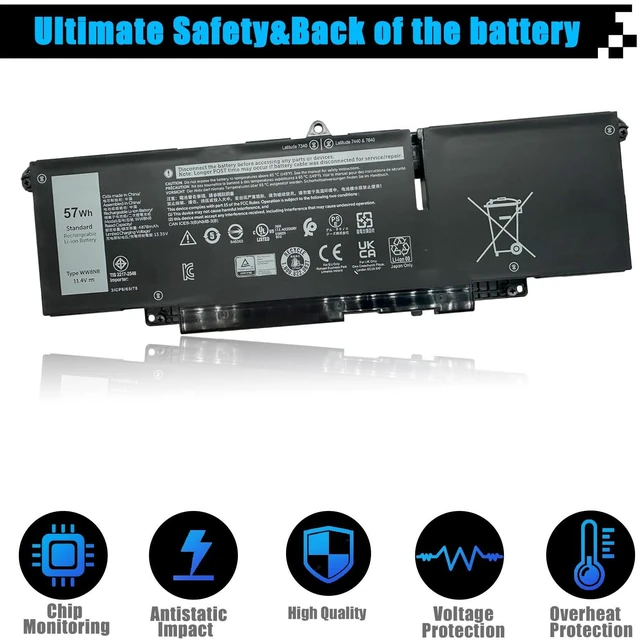
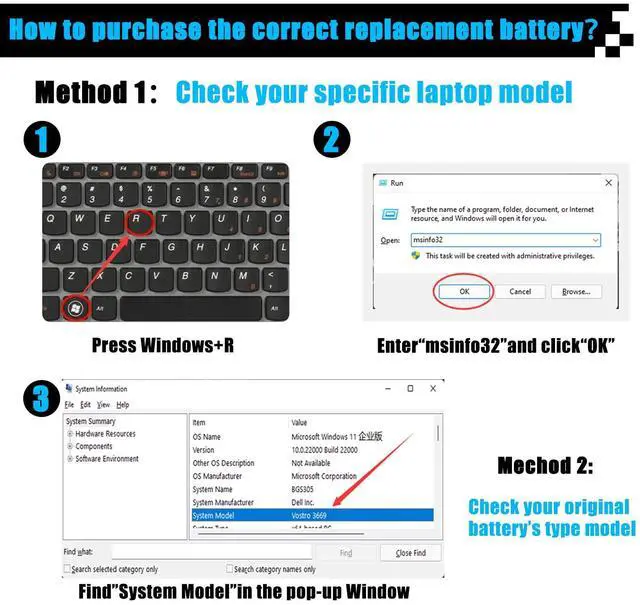
    • [Specifications] Item Model: WW8N8; Battery Type: Li-ion; Voltage: 11.4V; Capacity: 57Wh 4878mAh; Battery Condition: Brand New. [Replacement for P/N] WW8N8 66DWX 086D0Y 86D0Y 00HYH8 0HYH8 0CTJJ6 [Compatible Laptop Models] For Dell Latitude 7340 Series; for Dell Latitude 7350 Series; for Dell Latitude 7440 Series (NOT fit for Dell Latitude E7440 Series); for Dell Latitude 7450 Series (NOT fit for Dell Latitude E7450 Series); for Dell Latitude 7640 Series; for Dell Latitude 7650 Series. [Note] Please open the back cover of the laptop before ordering and make sure that the original battery model is consistent with the listing. After getting the battery, please install the battery correctly, make sure that the battery connector is firmly connected to the laptop motherboard, and use the original charger to charge the laptop. Discharge the new battery to 5% (not 0%), then charge and cycle 3-4 times to wake up the new battery

    +
    +
    Overview
    Specs
    Reviews
    avatar

    Any questions? Our AI mode will help you find out quickly.

    [Specifications]
    Item Model: WW8N8;
    Battery Type: Li-ion;
    Voltage: 11.4V;
    Capacity: 57Wh 4878mAh;
    Battery Condition: Brand New. [Replacement for P/N] WW8N8 66DWX 086D0Y 86D0Y 00HYH8 0HYH8 0CTJJ6 [Compatible Laptop Models] For Dell Latitude 7340 Series; for Dell Latitude 7350 Series; for Dell Latitude 7440 Series (NOT fit for Dell Latitude E7440 Series); for Dell Latitude 7450 Series (NOT fit for Dell Latitude E7450 Series); for Dell Latitude 7640 Series; for Dell Latitude 7650 Series. [Note] Please open the back cover of the laptop before ordering and make sure that the original battery model is consistent with the listing. After getting the battery, please install the battery correctly, make sure that the battery connector is firmly connected to the laptop motherboard, and use the original charger to charge the laptop. Discharge the new battery to 5% (not 0%), then charge and cycle 3-4 times to wake up the new battery

    Warranty & Returns

    Warranty, Returns, And Additional Information

    Warranty

    • Please contact the Seller directly for warranty information. Warranty information may also be found on the Manufacturer's website.
    • CONTACT

    Return Policies

    Manufacturer Contact Info

    LOADING...