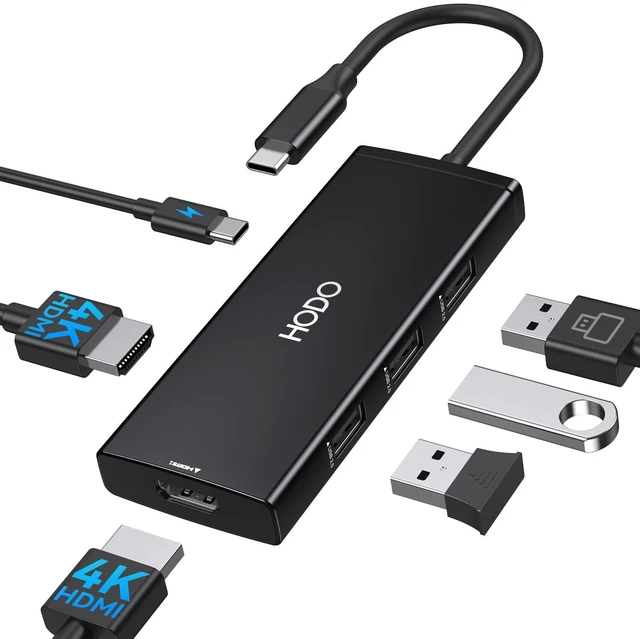
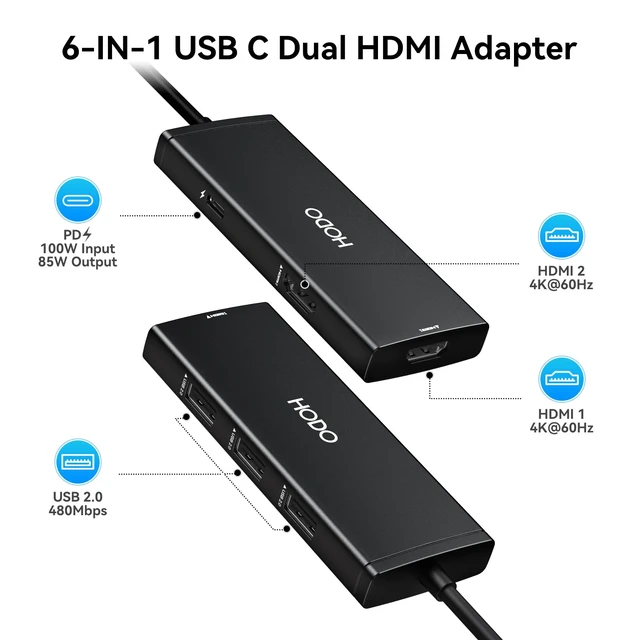
Laptop Docking Station Dual Monitor: USB C Adapter USB C Dual HDMI Adapter USB C Docking Station for Windows Laptops. Convert your USB C port into 6 ports: 2 HDMI 4K 60Hz, 3 USB 2.0, 100W PD.
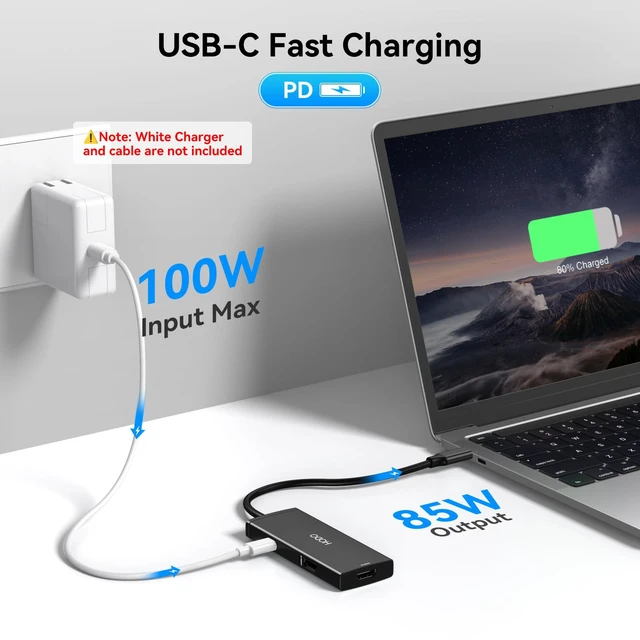
Note: PD charging does not work for a laptop that has its own AC adapter. Charger and power cord not included. USB C Dual
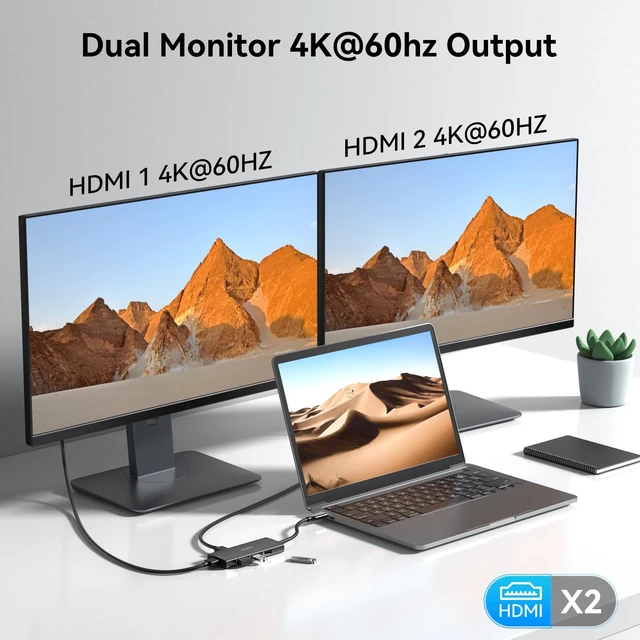
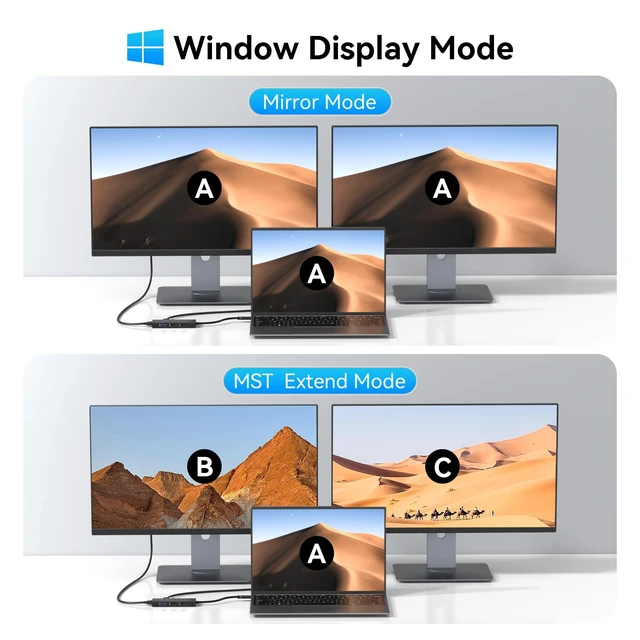
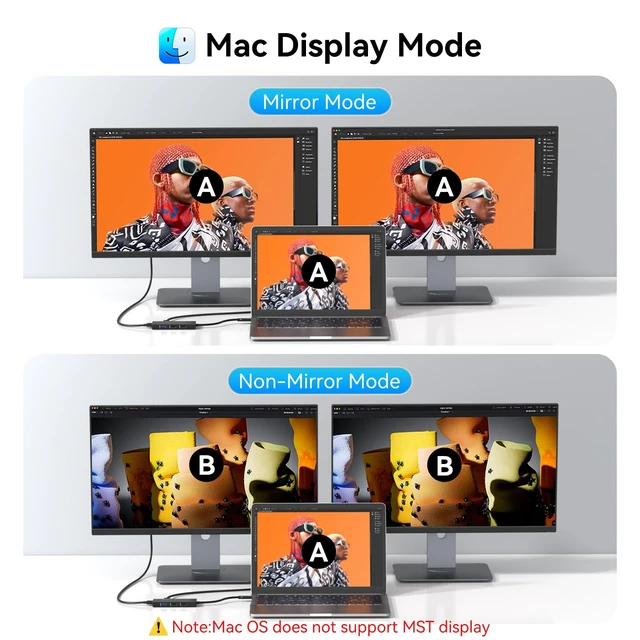
Monitor Adapter: USB C Hub Dual HDMI with an advanced chip expands your work opportunities and provides you with more stable performance. No need for any drivers or software, just plug and play. Supports both SST and MST mode. Supports triple display for your Windows laptops. Please note that if you use it to connect MacBooks, it only supports mirror mode without dual display. Dual 4K HDMI
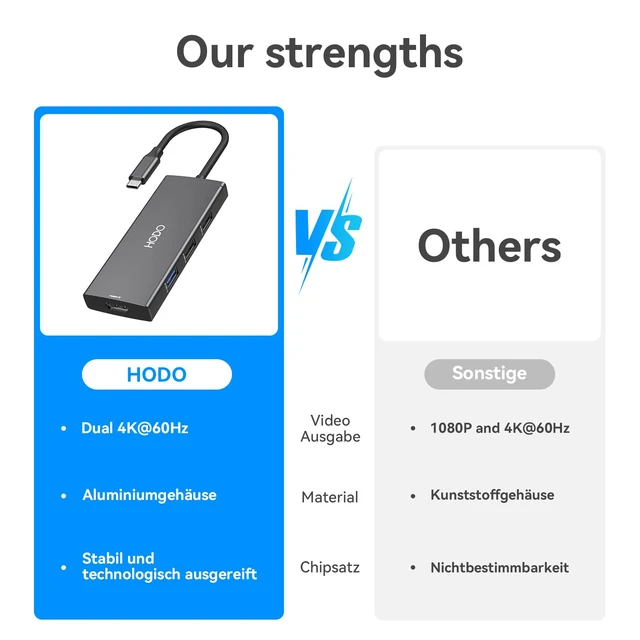
Monitor Docking Station: Crystal 4K Video and 2 HDMI. Use the HDMI port to enter mirror mode for USB C laptops or extended mode and transfer vivid 4K Ultra HD 60Hz video with 3D effect from the laptop screen to a monitor, projector, HDTV, etc. Stream movies, presentations or video games on your monitors in one click: 2 HDMI ports can be used simultaneously, resolution up to 4K 60Hz (DP 1.4 ). Data Transfer USB C Hub with 2
HDMI Adapter: Fast Data Transfer. 3 USB 2.0 ports ensure instant sync and file transfer at 480Mbps transfer speed accordingly, and easily connect smartphones, tablets, and hard drives for effortless data transfer with the USB-C port. USB 2.0 allows you to connect a keyboard or mouse without any lag.
Strong Compatibility: The laptop dock multiple monitor docking station is compatible with all laptops with thunderbolt 3, 4, USB C 3.1 Gen 1, Gen 2 and USB-C 3.2 Gen 1, Gen 2 with Power Delivery
DisplayPort functions: Dell XPS 13 Laptop 9315 9340 9315 9350 9360 9370 9380; Dell Latitude 3540 Laptop; Dell Inspiron 14 2 in 1; HP EliteBook 830 G8, G9 Pro; HP Envy x360 13 bd0080ng, etc. It also works with MacBooks, and with all laptops with thunderbolt 3, USB C 3.1 Gen 1, Gen 2, USB-C 3.2 Gen 1, Gen 2 with Power Delivery
DisplayPort functions: Dell XPS 13 Laptop 9315 9340 9315 9350 9360 9370 9380, HP EliteBook 830 G8, G9 Pro, HP Envy x360 13 bd0080ng, etc.
Please note before purchase: if you are unsure, please let us know, we will be happy to help you





 here!
here!