

Your Browsing History
- Free 30-day Returns
$649.00
Best Sellers
 Top Rated
- $649.00

Meet Your Seller


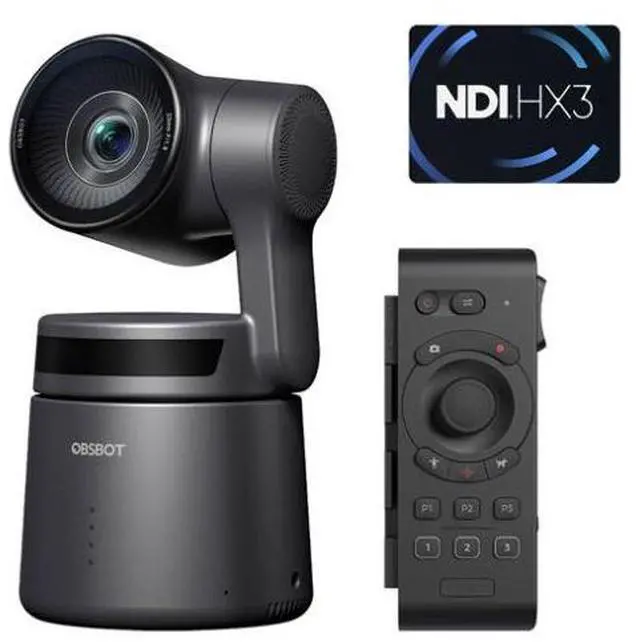
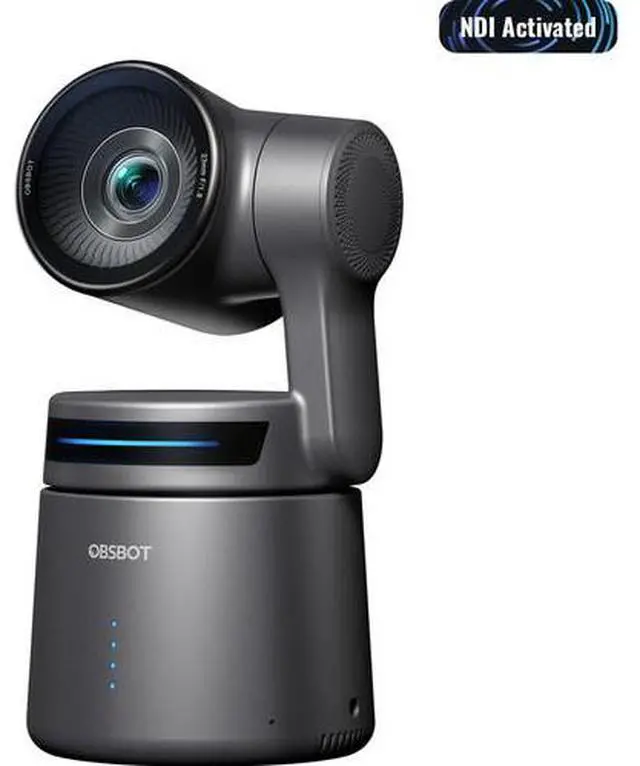
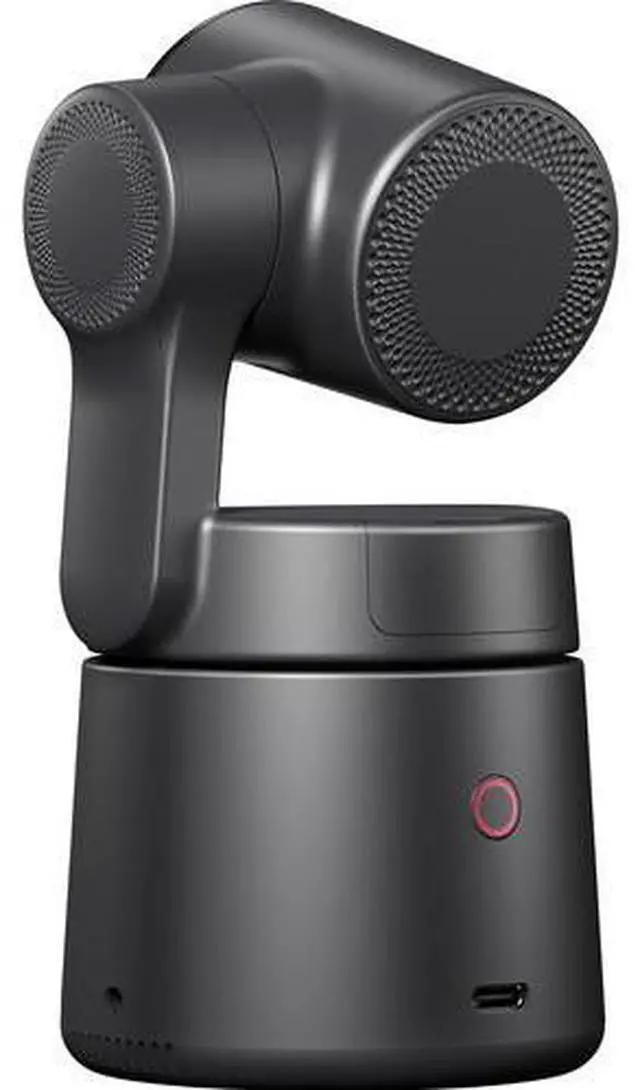
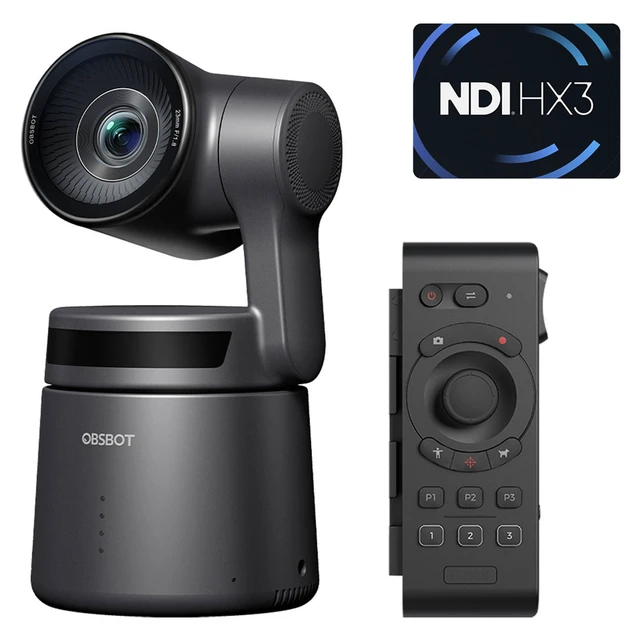


OBSBOT Tail Air Remote Combo - NDI Activated
- OBSBOT Tail Air Remote Combo - NDI Activated
- OBSBOT Tail Air-NDI Activated
- OBSBOT-OSB-2108-CWA
- The Tail Air comes with several built-in interfaces that allow it to have abundant compatibility. You can output its video signal directly to a screen or integrate it seamlessly into your current live stream workflow.
- Use the micro HDMI port for outputting up to 4K30 and 1080p60 for supervising the image, and get it involved into your workflow
- The USB-C port on Tail Air is efficient, offering data transmission and power supply capabilities along with the option to turn Tail Air into a high-quality webcam.
- With a USB-C to Ethernet adapter, you can connect Tail Air to an Ethernet cable for enhanced connectivity, and PoE (Power over Ethernet) support takes Tail Air's capabilities to the next level.
- OBSBOT Tail Air Remote Controller
- OBSBOT-ORB-2205-CT
- Precise PTZ Control via Gimbal Button or Wrist Movements
- You can you its joystick-style Gimbal Control button for PTZ control, but the built-in gyroscope also allows you to control the camera's gimbal by moving your wrists.
- Wirelessly Connect up to Three Tail Air Cameras
- One remote control can connect and switch between up to three OBSBOT Tail Air devices via Bluetooth connection.
- Laser Close-Up
- Simply press the Laser Close-Up button twice, and Tail Air will instantly follow and make a close-up of the area where your laser signal points.
- Whats In The Box
- 1x OBSBOT Tail Air
- 1x OBSBOT Tail Air Remote
+
+
Overview
Specs
Reviews

Any questions? Our AI mode will help you find out quickly.
Try me now
OBSBOT Tail Air Remote Combo - NDI Activated
OBSBOT Tail Air-NDI Activated
OBSBOT-OSB-2108-CWA
This camera has built-in support for Network Device Interface (NDI) technology - no license key required.
Add a powerful broadcasting camera to your remote, home, or conference room environment that can follow you around the room with the OBSBOT Tail Air AI-Powered PTZ Streaming Camera. The Tail Air is an updated 4K smart streaming PTZ camera that features remote software control of its pan, tilt, and zoom functions as well as allowing hand gestures for control and auto-tracking.
The Tail Air updates its features from the Tiny 2 with a more powerful 1/1.8" CMOS 8MP sensor; updated AI human/animal/object tracking, updated gesture control 2.0, micro-HDMI output, a 3.5mm audio input jack, optional NDI|HX3 support, Ethernet/PoE connectivity with an optional adapter, and high-quality, low-light performance with infrared tracking.
Activate Human Tracking and Tail Air will smoothly follow the subject, freeing you from gimbal adjustments. The intelligent tracking algorithm seamlessly keeps the subject in frame, enabling hands-free operation to concentrate on capturing outstanding video.
The improved Animal Tracking feature is now more accurate and intelligent than ever before, making it easier to show off your beloved cat, dog, or horse companions in your shot videos.
There is nothing you can't track with the Object Tracking feature. It's time to explore new tracking objects and bring your innovative ideas to life.
The Tail Air's tracking performance works well either in long-distance condition, get yourself free from the limited tracking space. It maintains reliable, smooth, and consistent tracking even in low-light conditions, and it performs great in high-speed tracking, effortlessly tracking you, even in fast-paced scenarios. It persists in tracking the target even if it's briefly blocked by obstacles.
Utilizing TOF (Time of Flight) technology, the Tail Air can precisely calculate the Time of Flight and accurately measure the distance between the camera and the target. This advanced feature enhances focus efficiency in both bright and low-light shooting by emitting a beam of infrared light.
When you activate the AI Director Grids feature, the OBSBOT AI algorithm will automatically divide the captured video into different grids in real time, such as AI Auto Framing grid and Preset Positions preview, and more. Click the grid where you want it on Air to swiftly manage your live stream image.
Effortlessly manage your Tail Air with intuitive Gesture Control 2.0 to simplify video shooting process. The newly added dynamic gestures enable seamless and precise zoom adjustments, while the "ok" gesture allows you to remotely start/stop recording.
- Start/Stop recording
- Lock target/unlock target
- Zoom in/zoom out
- Dynamic zoom in/zoom out
NDI is one of the most advanced video technologies that merges high-quality, low-latency video, audio, controls, and metadata into one stream. The Tail Air is compatible with NDI with an optional license via wireless and an optional Ethernet adapter, offering endless potential for creating efficient, easy-to-use live streams on a network for single or multi-camera setups.
The Tail Air comes with several built-in interfaces that allow it to have abundant compatibility. You can output its video signal directly to a screen or integrate it seamlessly into your current live stream workflow.
- Use the micro HDMI port for outputting up to 4K30 and 1080p60 for supervising the image, and get it involved into your workflow
- The USB-C port on Tail Air is efficient, offering data transmission and power supply capabilities along with the option to turn Tail Air into a high-quality webcam.
- With a USB-C to Ethernet adapter, you can connect Tail Air to an Ethernet cable for enhanced connectivity, and PoE (Power over Ethernet) support takes Tail Air's capabilities to the next level.
Besides the exclusive designed OBSBOT Start App for mobiles and tablets, OBSBOT WebCam is now compatible with Tail Air as well for controlling, managing, and making more practical settings. Furthermore, you can instantly start a livestream at any time, from anywhere.
Learn more about the Detailed Specifications
First Listed on Newegg April 26, 2026
Warranty & Returns
Warranty, Returns, And Additional Information
Warranty
- Please contact the Seller directly for warranty information. Warranty information may also be found on the Manufacturer's website.
- CONTACT
Return Policies
- Return for refund within: 30 days
- Return for replacement within: 30 days
- This item is covered by Buy Photo, Inc. Return Policy
Manufacturer Contact Info
- For a directory of all our manufacturers, please click below.
- Manufacturers Directory
LOADING...
LOADING...