



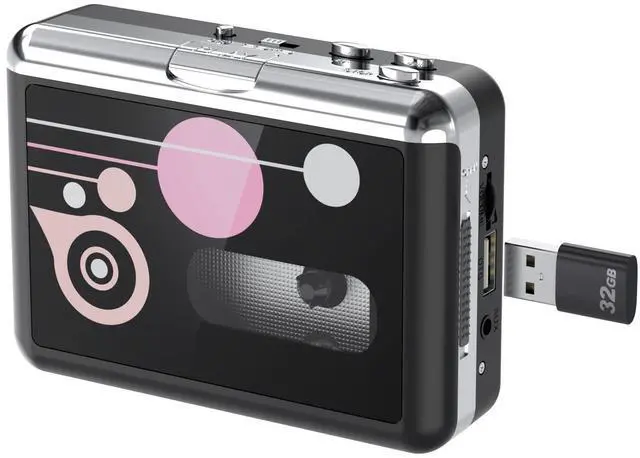





Mersoco cassette players have different styles and functions for you to choose from. Let you enjoy your treasured tapes, and convert your tapes to digital for permanent storage, to prevent the tapes from being accidentally discarded, aged, damaged, and losing audio content.
We are committed to providing richer, higher quality, and more affordable products and services, hoping to bring a more professional and caring experience to every customer.
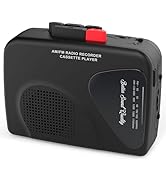
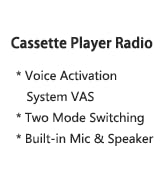
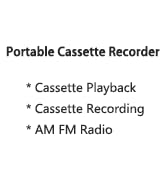
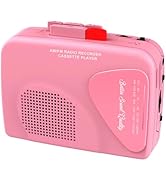
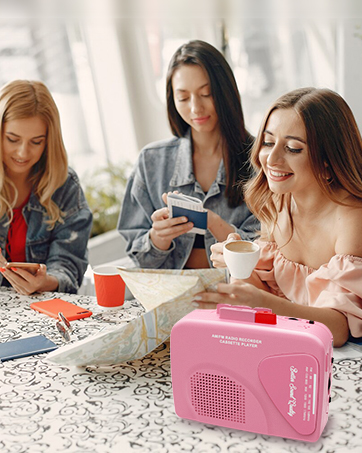
Cassette Recorder Player
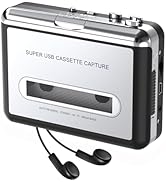
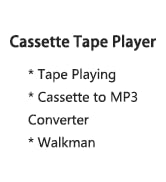
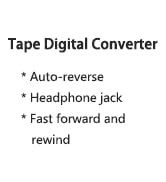
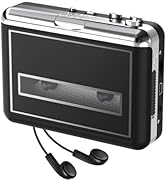
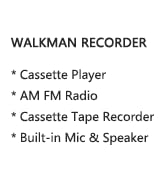
Walkman Cassette Player
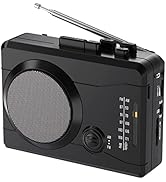
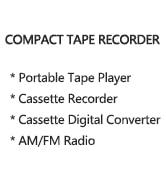
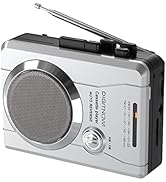
Compact Cassette Tape Recorder

Notes:
No computer or installation program required.
Compatible with FAT32-formatted USB drives up to 128GB.
Batteries, tape, and power adapter not included.

One-touch Convert Tapes to MP3
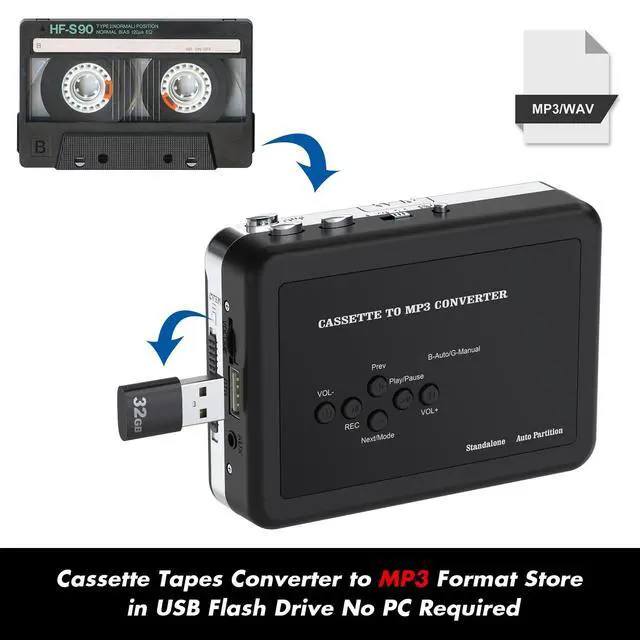
With cassette tape converter, you can easily convert your old cassette tapes to MP3 format and directly save into USB flash drive!
Just put your tape in and play, then press record button and wait. After all songs are played, it will automatically save the mp3 files to your USB flash drive. Then turn the cassette to the other side and record it.


USB Cassette MP3 Converter
No need to use a computer, just use a USB flash drive that meets the requirements: the maximum capacity is less than 32G, the format is FAT32, plug and play, and easy to convert to digital format.

Film Protection
A transparent screen is attached to the surface of the cassette machine to protect it from wounds and dust.

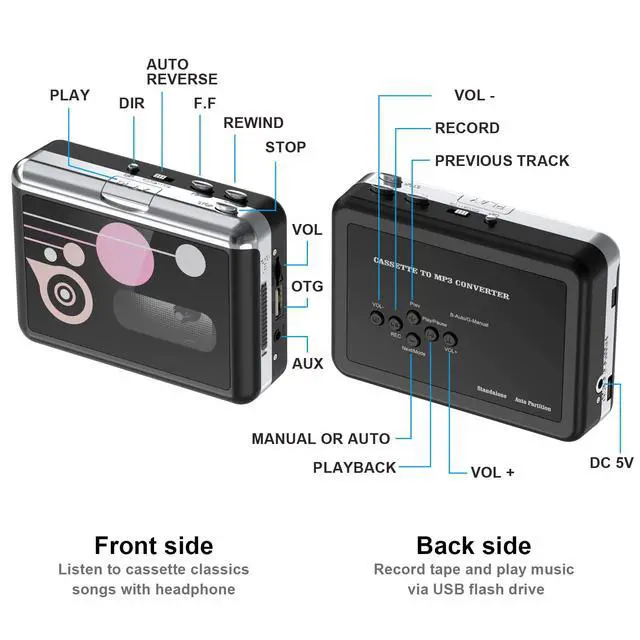
Auto-reverse Function
Set it as a "loop" button to automatically reverse the playback and record side A/B without having to reverse it manually.

- Auto / Manual Switch
1. In automatic mode, the device will convert your tapes into mp3 files and partition each song automatically.
2. In manual mode, you need to partition each song by press next button during recording.
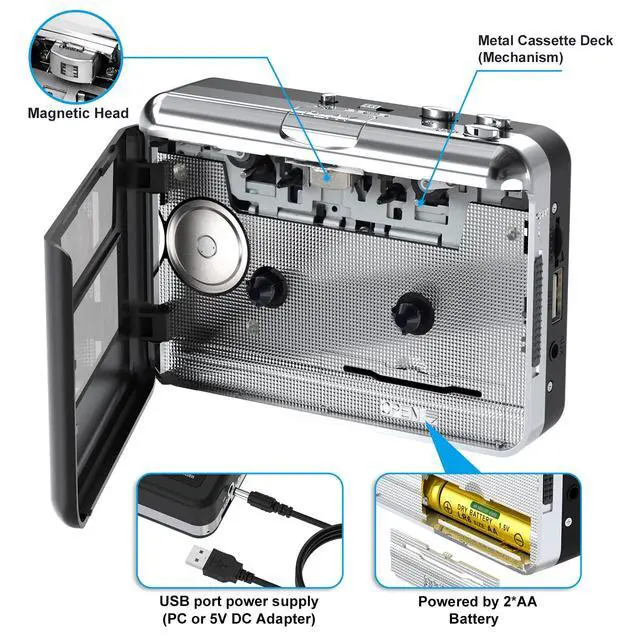
You have two ways to power your Walkmaner Cassette Player:
- USB Port Power Supply (USB Charging Cable included)
- 2*AA Battery (not included)
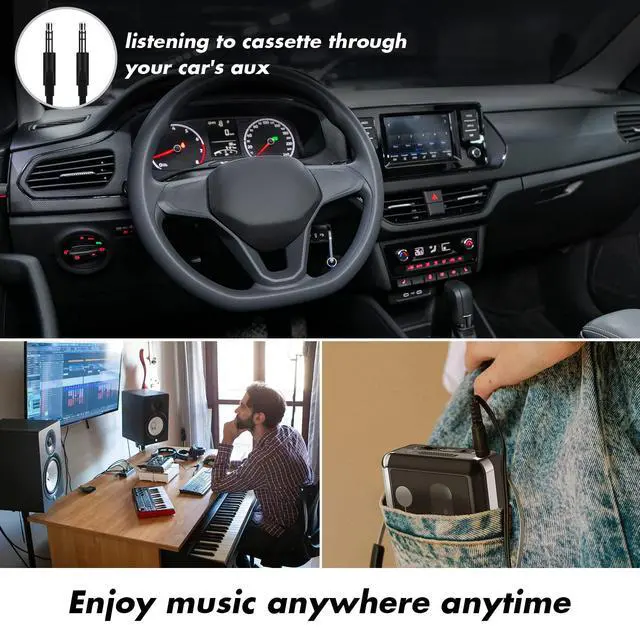
- 3.5mm AUX jack
Use AUX port, you can also record music from other sources with a 3.6mm audio cable (such as: radio, MP3 players, anything with audio line out)

Notes:
No computer or installation program required.
Compatible with FAT32-formatted USB drives up to 128GB.
Batteries, tape, and power adapter not included.
One-touch Convert Tapes to MP3
With cassette tape converter, you can easily convert your old cassette tapes to MP3 format and directly save into USB flash drive!
Just put your tape in and play, then press record button and wait. After all songs are played, it will automatically save the mp3 files to your USB flash drive. Then turn the cassette to the other side and record it.
USB Cassette MP3 Converter
No need to use a computer, just use a USB flash drive that meets the requirements: the maximum capacity is less than 32G, the format is FAT32, plug and play, and easy to convert to digital format.
Film Protection
A transparent screen is attached to the surface of the cassette machine to protect it from wounds and dust.
Auto-reverse Function
Set it as a "loop" button to automatically reverse the playback and record side A/B without having to reverse it manually.
- Auto / Manual Switch
1. In automatic mode, the device will convert your tapes into mp3 files and partition each song automatically.
2. In manual mode, you need to partition each song by press next button during recording.
You have two ways to power your Walkmaner Cassette Player:
- USB Port Power Supply (USB Charging Cable included)
- 2*AA Battery (not included)
- 3.5mm AUX jack
Use AUX port, you can also record music from other sources with a 3.6mm audio cable (such as: radio, MP3 players, anything with audio line out)
Mersoco cassette players have different styles and functions for you to choose from. Let you enjoy your treasured tapes, and convert your tapes to digital for permanent storage, to prevent the tapes from being accidentally discarded, aged, damaged, and losing audio content.
We are committed to providing richer, higher quality, and more affordable products and services, hoping to bring a more professional and caring experience to every customer.
Cassette Recorder Player
Walkman Cassette Player
Compact Cassette Tape Recorder