Your Browsing History
Best Sellers
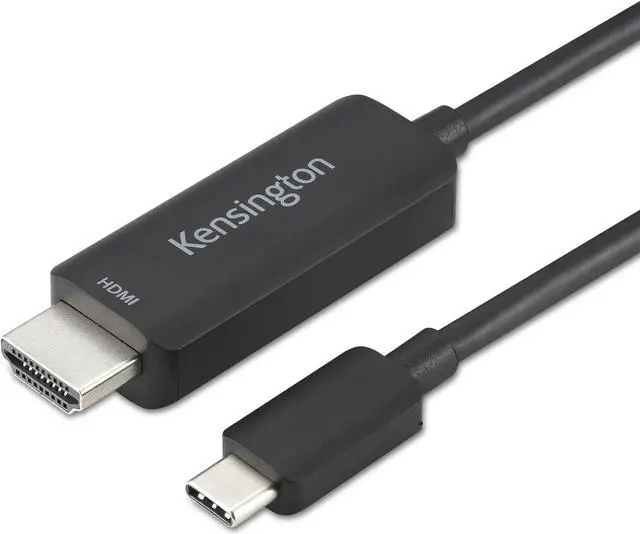
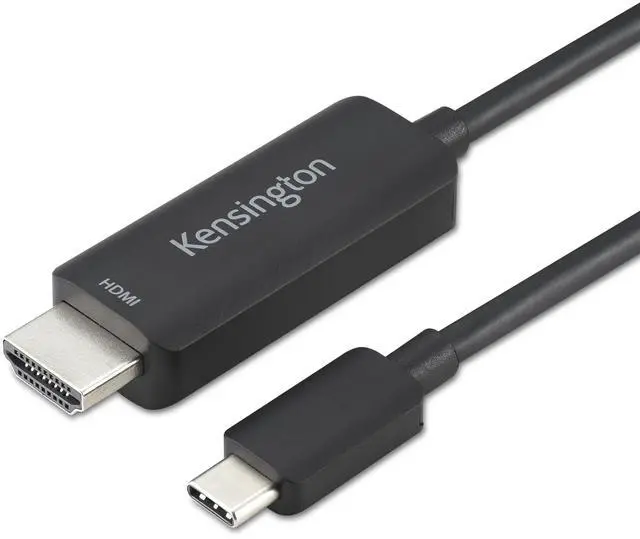
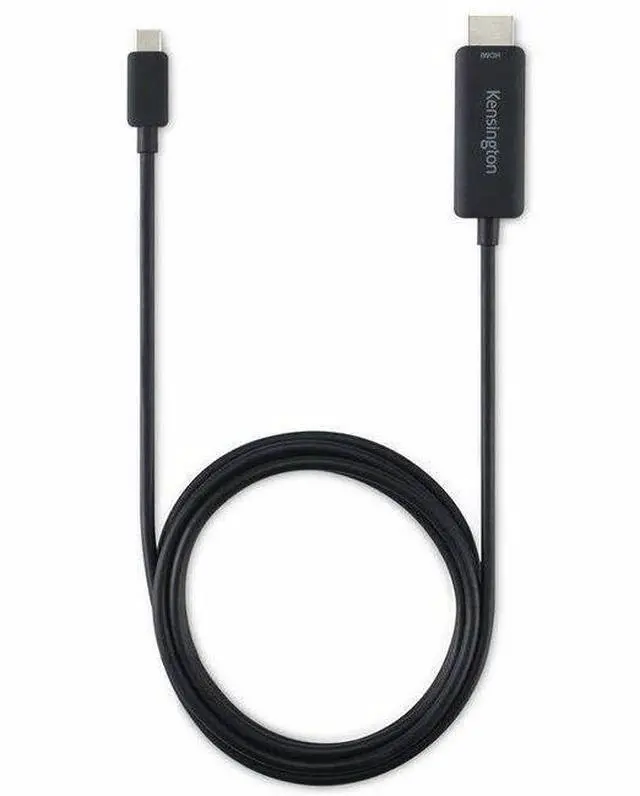
Kensington USB-C to HDMI M/M Unidirectional 8K Cable K38343WW
- Support for up to 8K @ 60Hz or 4K @ 120Hz on Windows and up to 4K @ 60Hz on macOS.
- Simple plug-and-play solution with no drivers or downloads required.
- Ideal for the latest USB-C® laptops and Thunderbolt™ 4 docks.
- Compatible with Windows, macOS, and ChromeOS.
- Connects USB-C® devices to HDMI® displays without the need for adapters.
- Validated to perform with projectors, monitors, and Kensington docks.
- 2-year limited warranty.
- SD5780T
- SD5760T
- SD5700T
- SD2600T
- SD5560T
+
+
Overview
Specs
Reviews
See all Q & A
Any questions? Ask CelesteSM will help you find out quickly.
Try me now
USB-C TO HDMI (M/M) UNIDIRECTIONAL 8K CA
Warranty & Returns
Warranty, Returns, And Additional Information
Warranty
- Limited Warranty period (parts): Lifetime
- Limited Warranty period (labor): Lifetime
- Read full details
Return Policies
- Return for refund until: January 31, 2026
- Return for replacement until: January 31, 2026
- This item is covered by Newegg.com's Extended Holiday Return Policy.
- Read full return policy for details.
We want to ensure your holiday shopping this year is hassle-free. That’s why we’re automatically extending our return policies on almost every product! For purchases placed between November 1st, 2025 and December 31, 2025 you will have until January 31, 2026 to return your product.
Manufacturer Contact Info
- Manufacturer Website
- Support Phone: 1-800-535-4242
- Support Website
- View other products from Kensington
LOADING...
LOADING...
The Kensington K38343WW is a unidirectional USB-C-to-HDMI cable for connecting a compatible laptop or Thunderbolt 4 dock directly to a monitor, projector, or other HDMI display; it supports up to 8K at 60Hz or 4K at 120Hz on Windows, and up to 4K at 60Hz on macOS.
Recommended For
- Windows laptop users connecting to an HDMI monitor or TV who need a direct cable and a setup capable of up to 4K at 120Hz or 8K at 60Hz, provided the laptop and display support the chosen mode.
- Presenters and hybrid workers who connect a USB-C laptop to an HDMI projector, monitor, or TV and want a plug-and-play cable without a separate adapter.
- Mac users who need to connect a USB-C video-output device to an HDMI display for resolutions up to 4K at 60Hz.
- Owners of a compatible Kensington Thunderbolt dock who need a direct cable connection from the dock to an HDMI display.
Real-World Use Scenarios
- At a desk, connect a USB-C laptop with video output to an HDMI monitor for a larger workspace; the direct cable connection avoids a separate adapter.
- For a presentation, connect a compatible USB-C laptop to an HDMI projector; the cable provides a straightforward wired display connection without installing drivers.
- At a workstation, connect a Kensington Thunderbolt dock’s USB-C video output to an HDMI monitor, keeping the display hookup simple when setting up a dock-based workspace.
- For a meeting-room or classroom display, connect a compatible laptop to an HDMI screen using one cable; check that the laptop’s USB-C port supports video output before relying on it.
- For high-resolution viewing on a compatible Windows setup, connect the laptop to an HDMI display and use the resolution and refresh rate supported by both devices; macOS is listed with a lower maximum than Windows.
Spec Summary
| Attribute | Value |
|---|---|
| Best For | Connecting a USB-C laptop or tablet to an HDMI display in a home or office setup |
| Connection And Cable Design | Male-to-male USB Type-C to HDMI cable with a round shape and 43 pins |
| Length And Finish | 6 ft (1.8 m) cable with a black plastic outer material and copper material |
| Signal And Performance | Listed with a 60 Hz frequency, 1 Gbps data transfer rate, and High Speed feature |
| Included Items | One USB-C-to-HDMI cable and a warranty card |
| Model And Brand | Kensington USB-C to HDMI 8K, model K38343WW |
| Product Classification | Adapters and splitters |
| Usage And Power | Intended for indoor use; batteries are not required or included |