You’re seeing this ad based on the product’s relevance to your search query. If you are a seller and want to participate in this program click here to learn more.
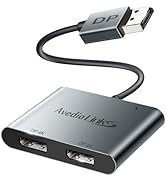
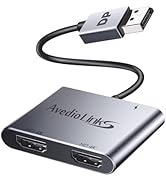
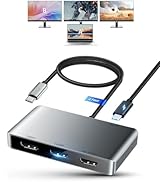
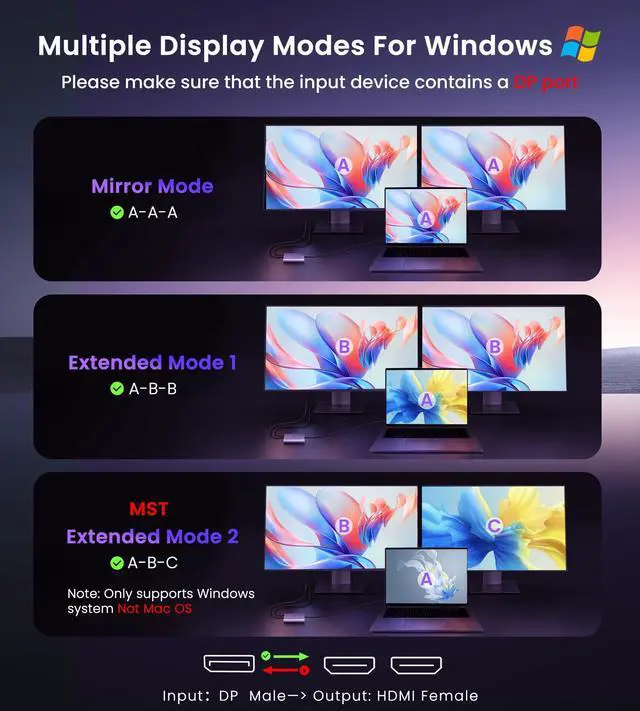
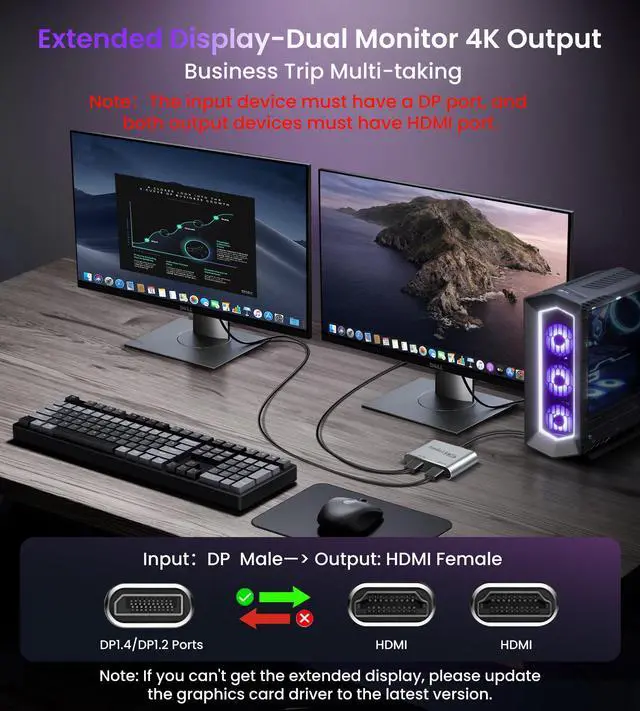
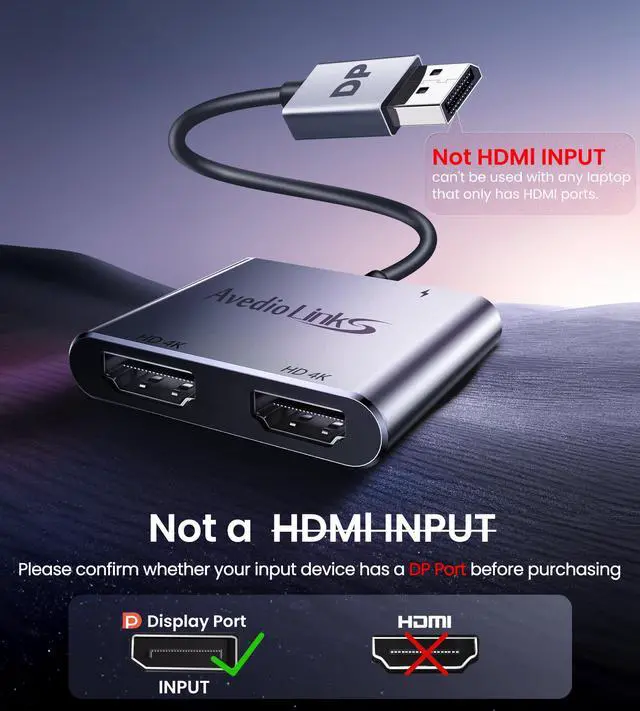
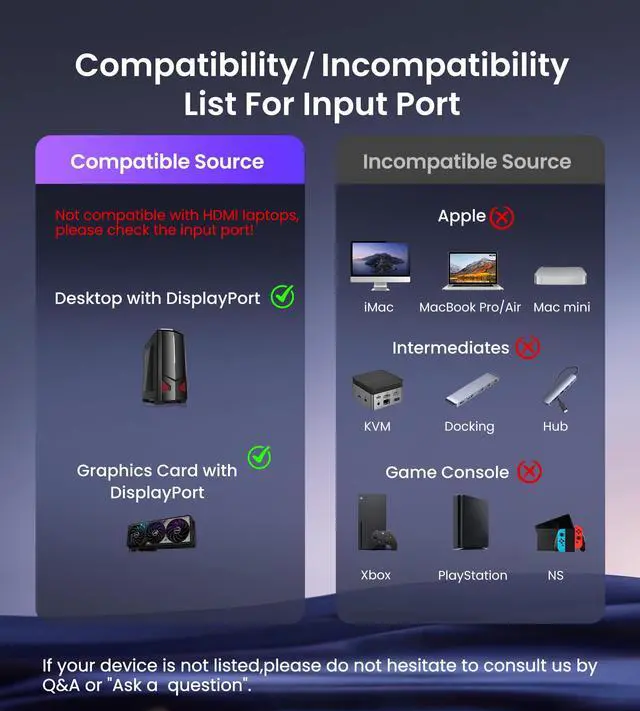
Extended Mode & Mirror Mode- The DisplayPort to Dual HDMI splitter converts a DP signal to two HDMI signals, supporting mirror mode (AAA) and extended mode (ABB & ABC) on Windows.Note: It is recommended to use with a dedicated graphics card. It cannot be used with any Hub/Docking/KVM - Please check the device port before purchase
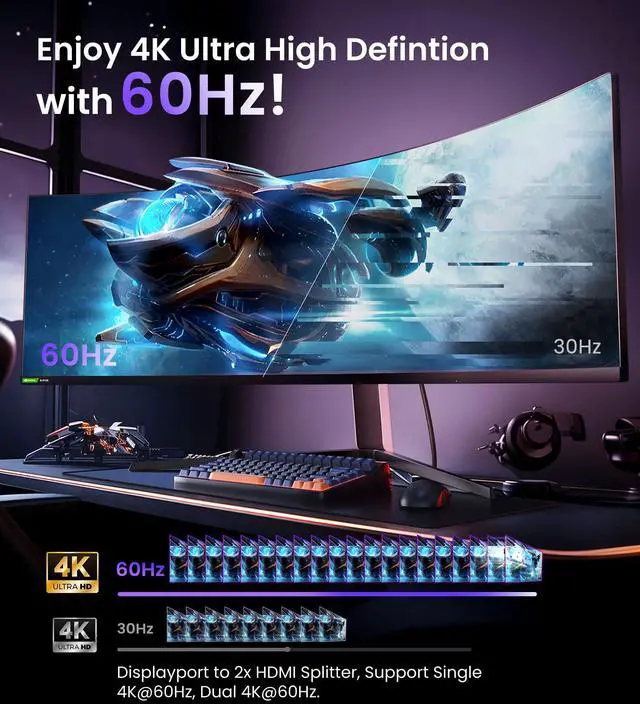
4K UHD Visual Feast- Transfer 4K(3840x2160)@60Hz content directly to monitor/TV/projector. With resolutions up to 4K@60Hz for single HDMI monitors and up to 4K@30Hz for dual HDMI monitors. Supports HDCP 2.2 and complies with DP 1.2 and HDMI 2.0 standards.
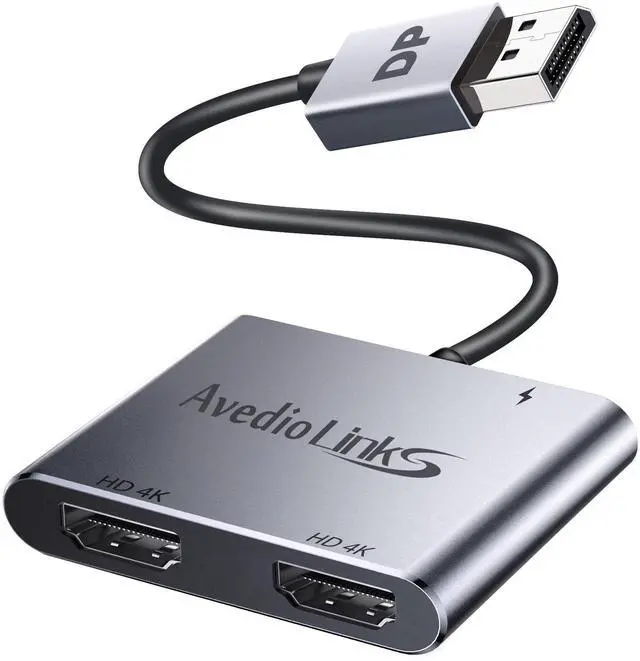
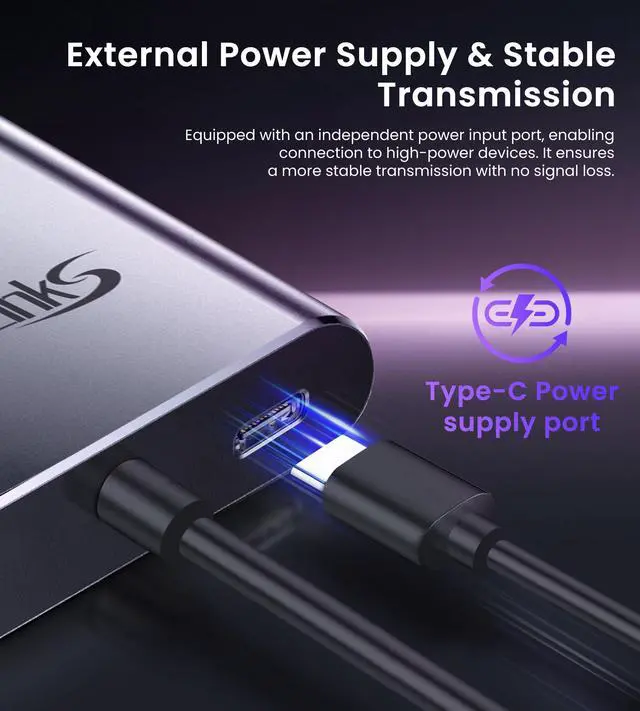
Plug and Play Solution - No need to install drivers. Usage: Plug the DP male connector into the signal source (PC, laptop, graphics card); connect the included power cable to provide 5V/1A current; 2 HDMI female connectors are connected to the displays via a HDMI extension cable that supports 4K@60Hz. - If you can't get Extended Mode, update your graphics card driver to the latest version
Widely Compatible- Compatible with devices that have a DP video output port, and can connect to two display devices simultaneously (monitor, TV, projector, etc.). The graphics card of the DP device must support a bandwidth of over 18Gbps; otherwise, it cannot extend to multiple displays. -----If the monitor cannot display in extended mode, please update the graphics card driver to the latest version.
+
+
Overview
Specs
Reviews
Any questions? Our AI beta will help you find out quickly.
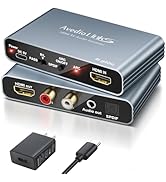
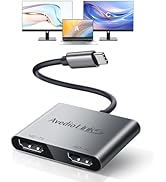
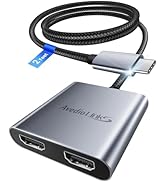
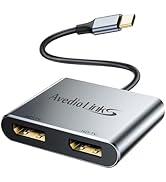
DisplayPort to Dual HDMI Adapter, 4K 60Hz DP Source to HDMI Splitter Multi-Monitor, Extended Mode Display Adapter for Windows MST Dual Monitors Compatible with Computer Laptop Graphic Card, PC (Grey)




![avedio links HDMI Splitter 1 in 2 Out [with 4 Feet HDMI Cable] Mirror Only, Not for Extend Mode, ...](//c1.neweggimages.com/sellingpilot/modules/product/a-plus/70e95b27208c73ab5170125d64758a5e9e7314c5008a5947e77ccb796b3ae11a.jpg)
![avedio links 8K@60Hz HDMI Splitter 1 in 2 Out [with 4ft 8K Cable], Only Mirror(Not Extend), 4K@12...](//c1.neweggimages.com/sellingpilot/modules/product/a-plus/41733d20f995721e04049f044d41a9e1d704f87a2779b16c5a5ca59d1e1478fd.jpg)



![avedio links HDMI Splitter 1 in 2 Out [with 4 Feet HDMI Cable] Mirror Only, Not for Extend Mode, ...](http://c1.neweggimages.com/sellingpilot/modules/product/a-plus/70e95b27208c73ab5170125d64758a5e9e7314c5008a5947e77ccb796b3ae11a.jpg)
![avedio links 8K@60Hz HDMI Splitter 1 in 2 Out [with 4ft 8K Cable], Only Mirror(Not Extend), 4K@12...](http://c1.neweggimages.com/sellingpilot/modules/product/a-plus/41733d20f995721e04049f044d41a9e1d704f87a2779b16c5a5ca59d1e1478fd.jpg)
